Quick answer
Use this recurring expense audit checklist to run fast monthly and quarterly subscription reviews, cut overlaps, and make savings stick with a decision log.
Subscriptions rarely feel expensive in the moment. They feel like $9.99 here, $14.99 there, and a few set-it-and-forget-it renewals you will deal with later.
Stay Updated with Subtrakr
Sign up to our newsletter to get updates about Subtrakr and valuable insights about subscriptions and recurring expense management.
The problem is that later gets busy. Renewals stack. Prices creep. Trials convert. And some providers make cancellation harder than signup, which is exactly why recurring charges deserve a simple, repeatable audit routine.
A subscription audit checklist is a repeatable monthly and quarterly review that helps you spot unused or overlapping recurring charges, decide what to keep or cut, and lock in savings with reminders and a decision log. Run a quick monthly sweep to catch new charges and upcoming renewals, then do a deeper quarterly subscription review to cancel, downgrade, bundle, or negotiate high-impact expenses before they renew.
When the list is long, a renewal risk heatmap tells you which renewals to review first—spend, criticality, and deadline combined—before you work through the checklist item by item.
Why do you need a subscription audit checklist?
You need a subscription audit checklist because recurring spending changes without asking for permission. New subscriptions appear, old ones linger, and the value you get from a service can drop even if the price stays the same. A checklist turns I should cancel that someday into a predictable habit that actually cuts costs.
A subscription audit becomes even more important because unwanted subscriptions are not always an accident. Regulators have warned that negative option programs and dark patterns can mislead consumers into recurring charges and make it difficult to cancel. The broader subscription dark patterns guide breaks down the cancellation friction, hidden pricing, and default-consent tactics that make routine reviews a protective habit, not just a budgeting one.
What a strong audit should accomplish:
- Create one clear snapshot of every recurring expense you currently pay.
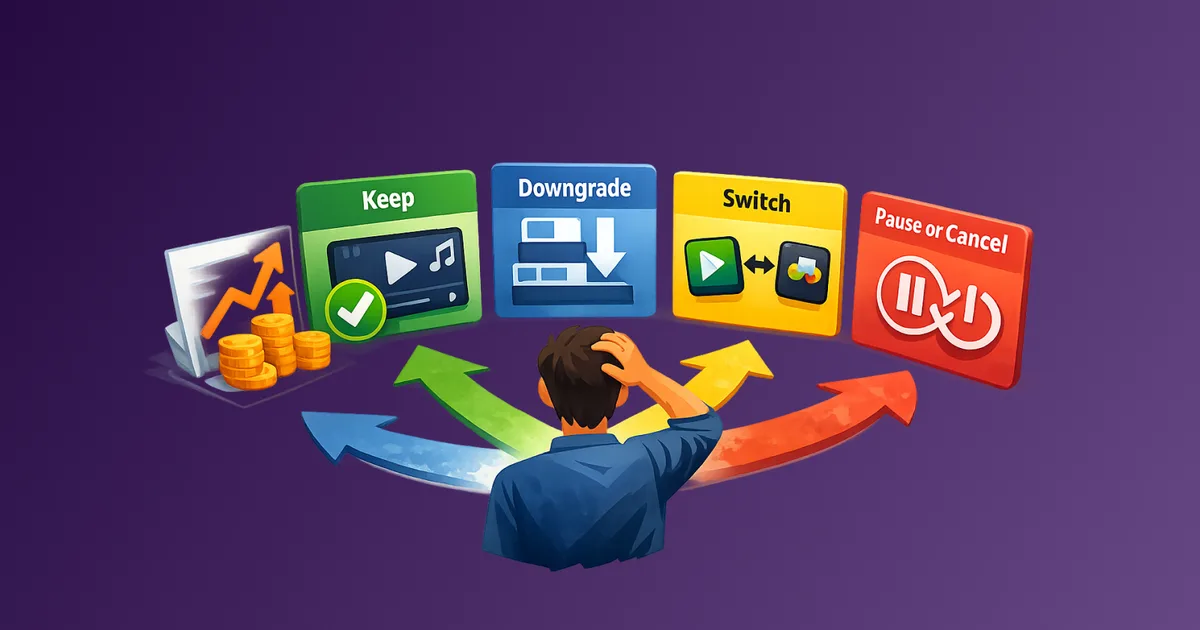
- Force a decision on each item: keep, downgrade, bundle, negotiate, rotate, or cancel.
- Prevent surprise renewals by putting decisions ahead of billing dates.
- Capture outcomes in a log so savings compound over time.
An audit inventories what you pay for; a cancellation backlog is the action layer that follows it—a ranked queue of specific cuts you score and work through on your schedule instead of reactively when a statement lands.
If you want the broader recurring expense control workflow (inventory, centralize, reminders, audits), this cornerstone guide is the best starting point: How to Stay on Top of Your Subscriptions (Step-by-Step Guide).
A common audit finding is tools that were approved but never logged—verbal sign-offs, email threads, and workaround purchases during slow approvals that never made it into the master list. Fixing that upstream with a lean procurement flow keeps future audits shorter.
How often should you run a recurring expense audit (monthly vs quarterly)?
Run a quick monthly recurring expense audit to keep your list accurate and prevent surprise renewals. Run a deeper quarterly subscription review to cut costs, remove overlap, and renegotiate or restructure bigger items. If you only do one, quarterly is the best minimum effective dose, but monthly makes quarterly easier.
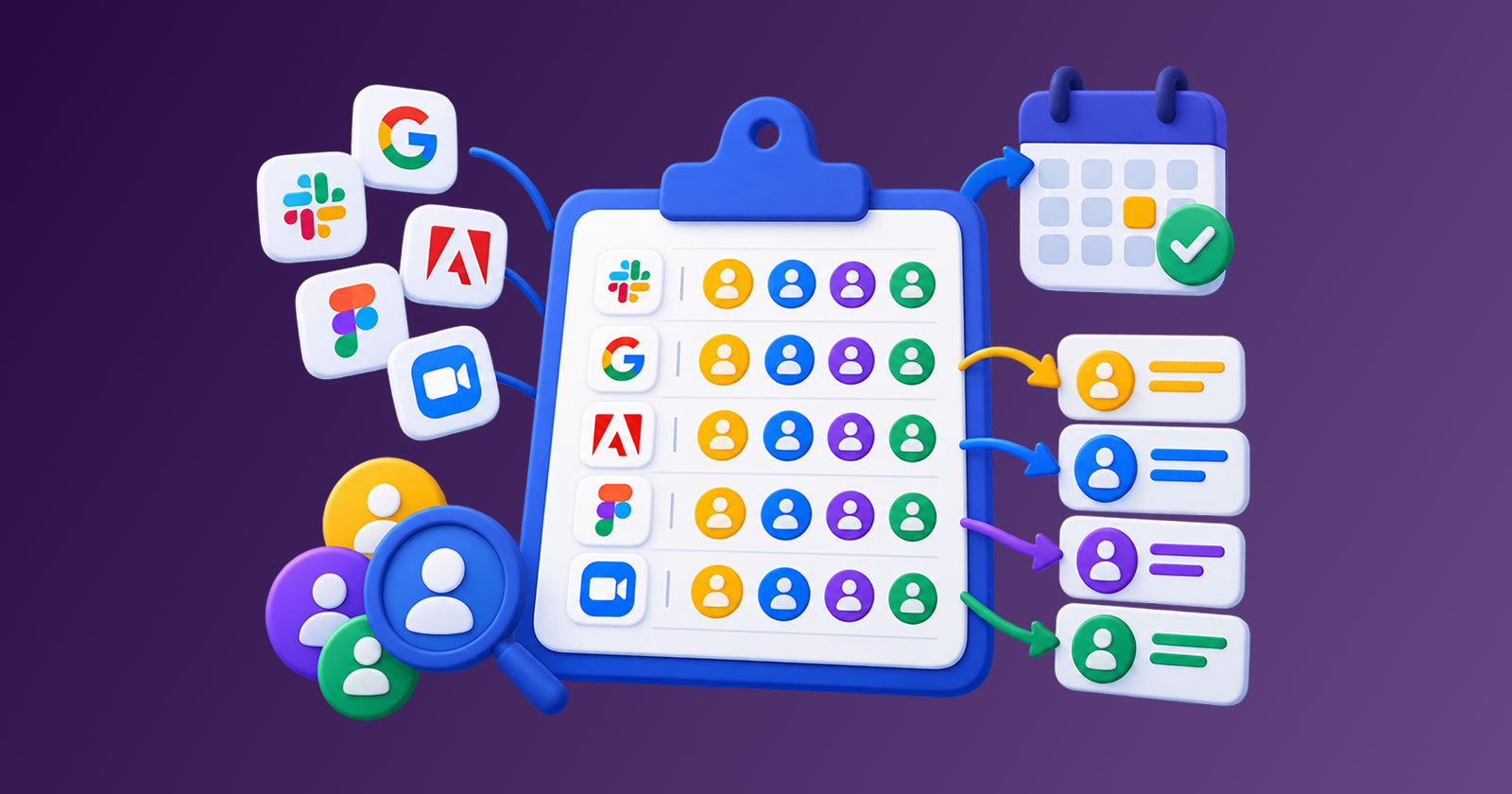
For teams, audit output feeds directly into a no-blame spend review meeting—a 30 to 45 minute session where you walk the tool list by cost and leave with keep, cancel, downgrade, or renegotiate decisions and named owners. If those names are missing before the meeting, fill them with a spend ownership matrix.
Here is a practical cadence that maps to real life:
| Review cadence | Time | What it is for | Outcomes you want |
|---|---|---|---|
| Monthly maintenance review | 30 to 40 minutes | Keep the inventory current and catch renewals before they hit | New charges captured, renewals flagged, obvious cancellations done |
| Quarterly optimization review | 45 to 60 minutes | Cut subscriptions, downgrade plans, bundle, and negotiate bigger recurring costs | Clear cost reductions, fewer overlaps, updated tiers, saved money logged |
Subtrakr's own subscription overload story describes building a quarterly subscription audit ritual: download statements, highlight recurring charges, ask if each is still worth it, and cancel what is not serving you.
For business and team scenarios, Subtrakr's SaaS savings case study frames quarterly reviews as a usage-based cleanup loop: compile subscriptions, review utilization, rightsize, consolidate overlap, and negotiate pricing. If you want audits to compound instead of resetting every quarter, put them inside a 90-day SaaS savings pipeline.
Step-by-Step Setup (Time required: 30 to 60 minutes)
A subscription audit checklist works best when it is fast, consistent, and decision-driven. Use the same steps every time, and resist the urge to research everything before you cancel obvious waste.
Before you run the audit, set up a renewal tracking system with this subscription calendar guide. It is the preparation layer that makes monthly and quarterly audits faster and more accurate.
Choose your master list location (2 minutes)
Pick one place where every recurring expense will live (spreadsheet, notes app, or Subtrakr). The goal is one list, not five partial lists.
Gather your source data (8 to 12 minutes)
For a monthly review, pull the last 1 to 2 months of transactions. For a quarterly review, pull the last 3 months plus a quick look back for annual renewals.
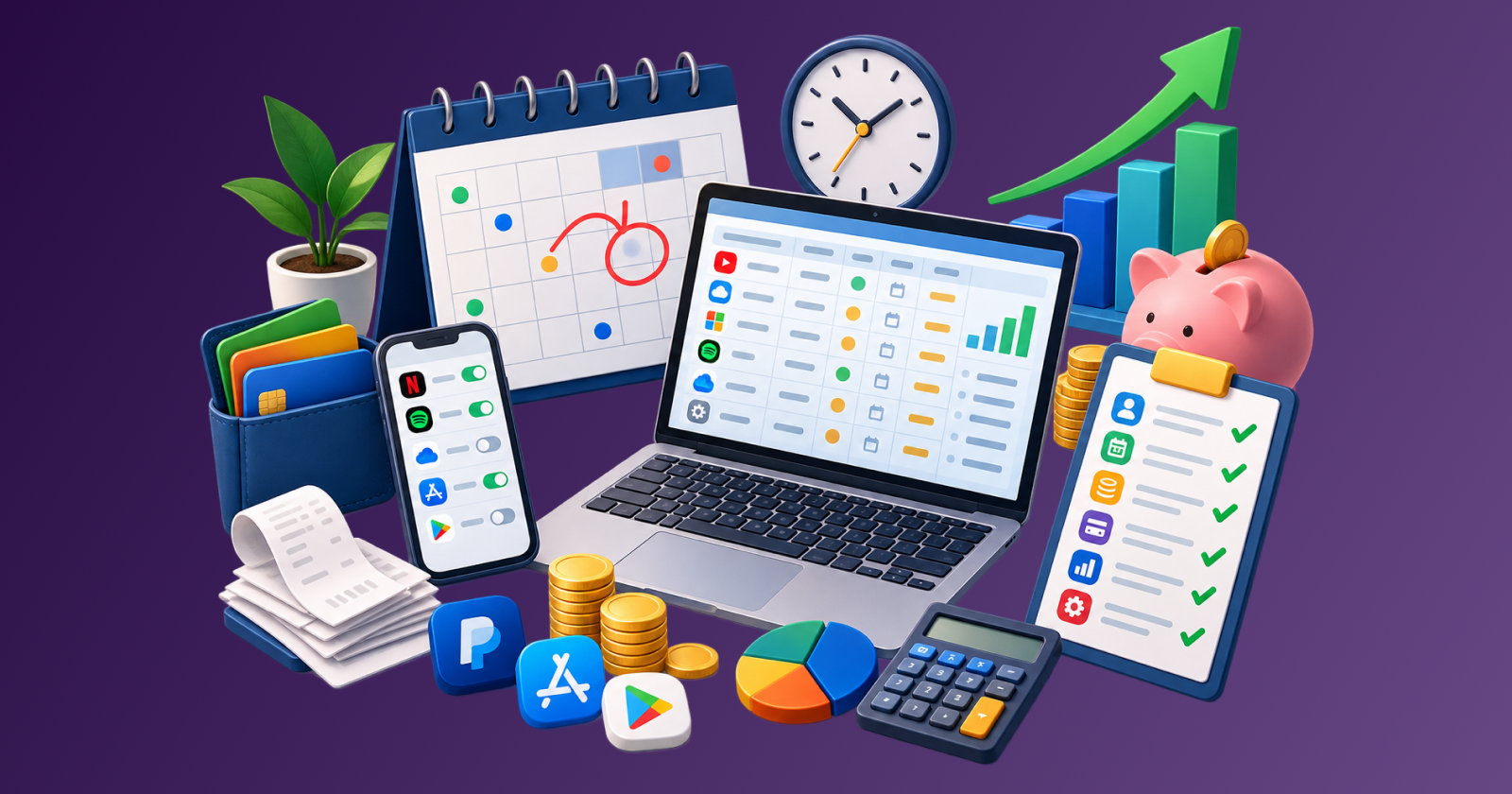
For complete coverage, include the places subscriptions commonly hide: bank and card statements, PayPal, receipts, and app stores. Subtrakr's freelancer and small business guide explicitly recommends checking statements, PayPal and Stripe activity, email receipts, and app stores (Google Play and Apple App Store) when building a complete inventory.
Update your inventory first (10 to 15 minutes)
Add anything new since last time. Consolidate duplicates so the same subscription is not listed twice under different names.
Quick inventory prompts:
- PayPal: PayPal calls merchant agreements automatic payments and notes you can view and cancel them from your PayPal settings.
- Apple subscriptions: Apple provides a dedicated Subscriptions screen (
Settings -> your name -> Subscriptions) to view and cancel App Store billed subscriptions. - Google Play: Google Play notes that uninstalling an app does not cancel the subscription, so your audit should include a check of your Play subscriptions list.
Categorize each item in a way that makes decisions easier (5 to 8 minutes)
Use a simple value category first, then detailed categories later if you want. A proven quick system is:
- Essential
- Useful
- Unused or redundant
This mirrors the categorization approach in Subtrakr's freelancer and small business optimization flow.
Do a usage and value check (10 to 15 minutes)
For each subscription, answer three questions:
- Did we use it in the last 30 days?
- Would we notice if it disappeared tomorrow?
- Is there a cheaper plan that covers how we actually use it?
This is consistent with Subtrakr's guidance to audit subscriptions regularly and ask whether you still use the service, whether a cheaper plan fits, and whether multiple tools overlap.
Make a single decision per item, then take action immediately (10 to 15 minutes)
For renewals due in the next 30 days, use the Renewal Triage Framework: What to Renew, Cut, or Renegotiate in 30 Minutes to score each item on value, usage, alternatives, and risk before you act.
Do not leave decide later items in limbo. If you cannot decide, add the subscription to your cancellation backlog, score it by cost pressure and value delivered, and process it in your next monthly review. If you need a faster test instead:
- Pause/cancel now, resubscribe if we miss it.
- Downgrade today, re-upgrade only if needed.
Log outcomes and set the next review date (3 to 5 minutes)
A recurring expense audit only compounds if you record what you did, what you saved, and when you will review again.
Copy-Ready Template
Copy and paste the blocks below into a notes app, task manager, or spreadsheet.
Subscription Audit Checklist (Monthly + Quarterly)

Monthly (30-40 min)
[ ] Pull last 1-2 months of transactions
[ ] Add new subscriptions to master list
[ ] Flag renewals in next 14 days
[ ] Cancel obvious unused items
[ ] Downgrade obvious overkill plans
[ ] Update decision log and set next month reminder

Quarterly (45-60 min)
[ ] Pull last 3 months of transactions (+ spot-check annual renewals)
[ ] Recheck family plan active seats and per-person break-even
[ ] Check PayPal automatic payments
[ ] Check Apple Subscriptions (Settings -> name -> Subscriptions)
[ ] Check Google Play subscriptions (uninstalling does not cancel)
[ ] Categorize: Essential / Useful / Unused or redundant
[ ] Usage check for top 10 highest-cost items
[ ] Decide: Keep / Downgrade / Bundle / Negotiate / Rotate / Cancel
[ ] Execute changes now
[ ] Log savings + set renewal reminders
Date	Item	Monthly cost	Annual cost	Category	Owner	Value tier (Essential/Useful/Unused)	Decision (Keep/Downgrade/Bundle/Negotiate/Rotate/Cancel)	Action taken	Savings per month	Next review date	Notes
2026-__-__
How do you decide whether to keep, downgrade, bundle, negotiate, rotate, or cut subscriptions?
To cut subscriptions without cutting value, use simple decision rules tied to behavior. Many successful audits follow the same actions: cancel what is dormant, downgrade what is oversized, consolidate overlap, and negotiate where pricing is flexible. This is consistent with Subtrakr's small business optimization flow and its SaaS savings case study (quarterly usage reviews, rightsizing, consolidation, and pricing changes).
Use this decision table during your quarterly subscription review. For a comparable usage signal across your full stack, layer in Usage-to-Cost Ratio: The KPI Most Teams Miss as a scorecard step before you decide keep, downgrade, or cancel.
| If you notice this... | Do this | Why it works |
|---|---|---|
| No use in 30-60 days | Cancel | Paying for maybe later is the definition of subscription creep |
| You use only basic features | Downgrade | Most tiers are priced for power users; many people are not |
| Two tools do the same job | Bundle or consolidate | Fewer subscriptions means fewer renewals and less mental overhead |
| You only need it seasonally | Rotate (cancel now, re-subscribe later) | Great for streaming, learning apps, hobby tools |
| It is a large recurring bill (internet, insurance, phone) | Negotiate | Providers often retain customers with discounts; negotiation can reduce recurring bills |
| The service value has dropped | Reprice your loyalty (downgrade, rotate, or cancel) | Subscription value can erode even when the price is unchanged |
| You are considering annual billing to save | Only prepay if you are confident you will use it long term | Annual billing can save money, but it reduces flexibility and can waste money if you stop using it early |
Two practical rules that make audits easier:
- Default to cancel now when you are unsure. If you miss it, you can re-subscribe. If you do not miss it, you just found permanent savings.
- Make downgrade your first optimization move. Downgrading keeps continuity while testing whether premium features are actually needed.
For a dedicated negotiation playbook (scripts, prep, retention department), use How to Negotiate Your Bills (and Save Hundreds).
How do you log outcomes so your quarterly subscription review keeps saving you money?
Log outcomes because savings only compound when decisions persist. The act of canceling is a moment. The benefit comes from not accidentally re-adding the same cost later, and from noticing when a temporary subscription quietly becomes permanent.
Minimum fields that make the log useful:
- Decision date
- Item name
- Decision (keep, downgrade, bundle, negotiate, rotate, cancel)
- Expected monthly savings
- Next review date
- Renewal date or promo expiration date (if applicable)
Two important verification steps:
- Verify cancellations actually stick. For app store subscriptions, make sure you canceled in the correct place. Apple explicitly directs users to cancel subscriptions via the Subscriptions screen on their device.
- Remember that access might continue after canceling. Google Play notes that after you cancel, you can still use the subscription for the time you have already paid, and you will not be charged for the next cycle.
Making this easier with Subtrakr
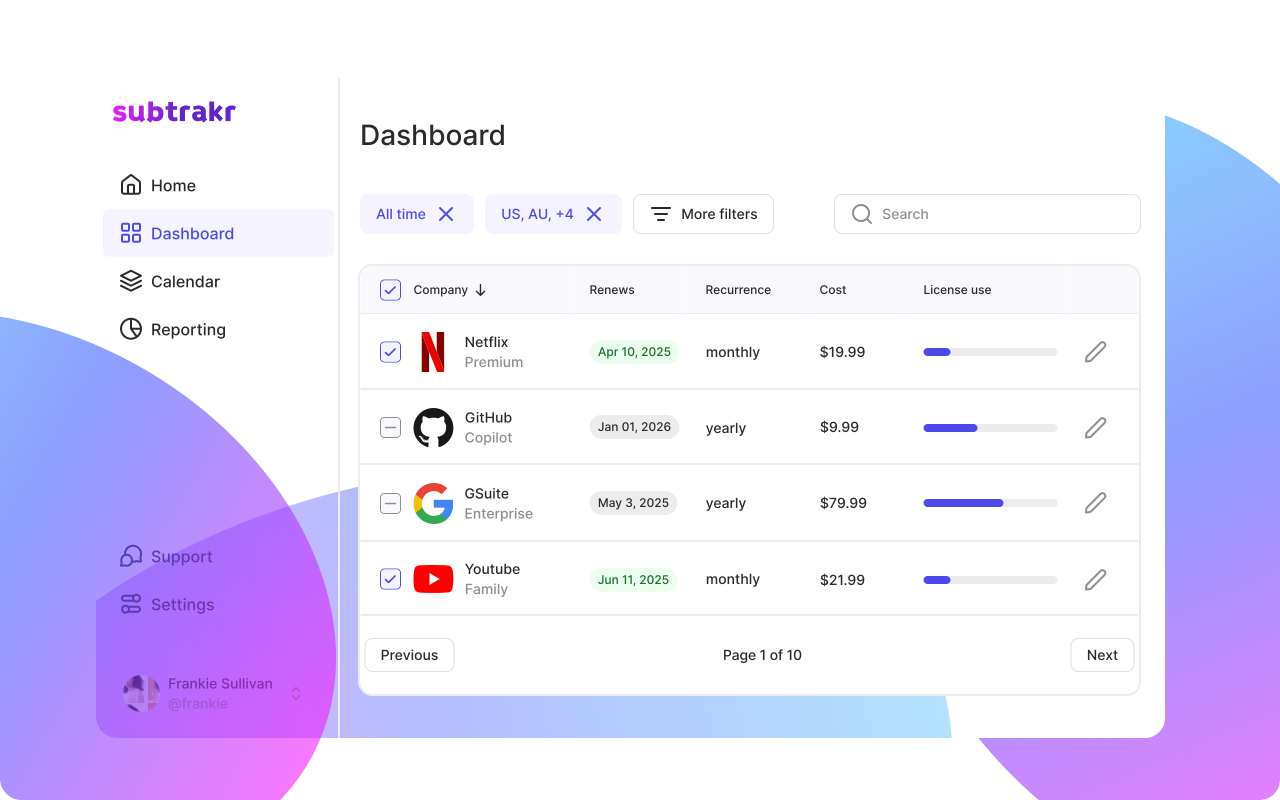
If your recurring expense audit keeps turning into a spreadsheet and a weekend, that is a signal to reduce friction. Subtrakr positions itself as a way to keep recurring payments in one dashboard, organize with folders or tags, and receive reminders before upcoming payments, renewals, or price changes, including a Calendar View of recurring expenses.
Customizable table columns help here too. For a monthly audit, turn on tags, billing cycle, and price so the subscription table matches the fields this checklist asks you to review, without rebuilding a spreadsheet each time.
A simple hybrid approach works well:
- Use this checklist to establish the habit and decision rules.
- Use a tool like Subtrakr to reduce maintenance work (renewal reminders, organization, customizable columns, and visibility across many recurring expenses).
What common mistakes prevent a recurring expense audit from cutting costs?
Most audits fail because they stay informational instead of becoming operational. In other words, you learn what you spend, but you do not make and log decisions before renewals.
Avoid these common mistakes:
- Doing the audit without taking action the same day. If you do not cancel or downgrade immediately, inertia wins.
- Only reviewing monthly charges. Annual renewals and quarterly plans are where surprise costs often hide, so quarterly reviews should include a quick annual scan.
- Skipping app store checks. Google Play explicitly warns that uninstalling an app does not cancel the subscription, so an audit that ignores app stores misses real spend.
- Ignoring payment hubs like PayPal. PayPal treats merchant agreements as automatic payments and provides a dedicated place to manage them.
- Never re-evaluating value drift. Subscriptions can quietly offer less value over time, which is why periodic reviews matter.
- Not recording your decision rules. Without rules, every audit becomes a fresh debate, and decision fatigue makes you keep more than you should.
- Skipping unlogged approved tools. Teams often discover subscriptions that were verbally approved or purchased as workarounds during a slow procurement cycle—charges that survived because they never entered the inventory. Address the upstream cause with a lean approval flow and central tool registry so approved tools are logged before activation.
FAQ
How long should a subscription audit checklist take?
A monthly review can usually be done in 30-40 minutes, and a quarterly subscription review in 45-60 minutes if your inventory is already maintained.
How often should I do a recurring expense audit if I want to cut subscriptions?
Monthly keeps the list accurate and prevents surprises, while quarterly is where most cost cutting happens because you have enough data and motivation to make bigger changes.
What is the easiest way to cut subscriptions without regret?
Cancel anything you have not used in 30-60 days and set a reminder to re-subscribe only if you truly miss it.
Should I check Apple and Google subscriptions during an audit?
Yes. Apple provides a Subscriptions screen for App Store billed subscriptions, and Google Play notes uninstalling does not cancel, so both should be part of your quarterly checklist.
How do small teams run a subscription audit checklist for SaaS tools?
Start with a complete inventory, then use quarterly usage reviews to cancel dormant tools, downgrade oversized tiers, and consolidate overlap, similar to the approach in Subtrakr's SaaS savings case study. After departures, deprovision per-seat licenses within 24 hours so orphaned seats do not wait until the next quarterly pass. For ongoing team spend control, run those reviews as stages in a continuous 90-day savings pipeline rather than as a one-off cleanup day.
Next Action
Run the quarterly version of this subscription audit checklist once this week. Pick your top 10 recurring expenses by cost, then cancel or downgrade at least one item immediately before your next renewal. For annual plans you keep, run a fast break-even decision check before the next renewal. Once the inventory is current, roll the totals into a board-ready recurring spend report so the next leadership review shows cash, run-rate, and asks, not a 40-row export.
If Q4 planning is underway, feed the same inventory into 2027 budget prep so the audit becomes next year's data pack instead of a January reconstruction.
Stay Updated with Subtrakr
If you want more practical checklists and recurring expense workflows, subscribe to Subtrakr updates for new guides on tracking, reviewing, and optimizing recurring spend.