Quick answer
label every recurring expense with one of five tags: Essential, Useful, Optional, Seasonal, or Business. Apply the tag based on what would happen if you canceled tomorrow, not on what the service is. Once tagged, your audit becomes a filter operation rather than a judgment call made from scratch each time.
Most people who try to organize their subscriptions end up with a list that looks tidy but changes nothing. Categories like "Entertainment" or "Productivity" describe what a service does. They do not help you decide whether to keep it.
Stay Updated with Subtrakr
Sign up to our newsletter to get updates about Subtrakr and valuable insights about subscriptions and recurring expense management.
A useful tagging system does one thing: it makes the next decision obvious.
Why Does Most Subscription Categorization Fail?
The standard approach groups subscriptions by product type: streaming, software, insurance, utilities. This feels logical, but it answers the wrong question. "What is this?" is not the same as "Should I keep this?"
Category-by-type creates another problem: it tends to expand. People add subcategories, split platforms by device, separate personal from shared. The system becomes a project in itself. Nobody maintains a project when they are already overwhelmed by their subscription stack.
Decision-oriented categorization is different. It forces a single question at the tagging stage so you do not have to ask it again during the audit. The tag carries the judgment. The audit just acts on it. Pair tags with usage-to-cost ratio during quarterly reviews so Optional and Seasonal subscriptions with low usage scores move to the front of the cut list.
What Are the Five Tags in This System?
Essential covers anything whose cancellation would cause immediate, concrete disruption. Think health insurance, rent or mortgage-related payments, utility services, and internet access. You are not deciding whether these are worth the money. You are simply acknowledging that they are structural costs.
Useful is for subscriptions that actively serve a recurring need, even if technically cancellable. A cloud storage plan you use daily, a password manager, a project management tool you rely on for work. If you canceled it, you would need to replace it quickly or absorb a real cost in time or risk.
Optional means the subscription provides value, but cancellation would not break anything. A streaming service you use occasionally, a news site you could access elsewhere, a fitness app you open twice a month. This tag does not mean "cancel immediately." It means "this is where you look first."
Seasonal applies to subscriptions you only need during part of the year. A tax software subscription you activate in spring, a holiday service, a summer sports streaming add-on. These are worth tracking separately because they should be canceled and reactivated rather than running year-round.
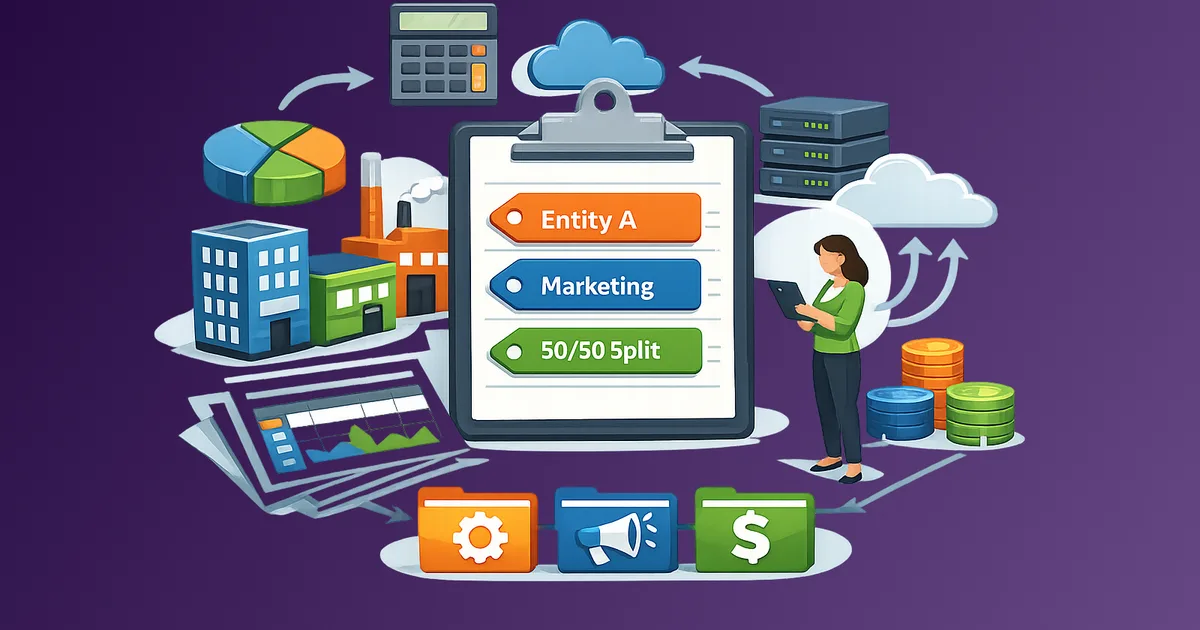
Business is for expenses tied to income generation, whether you are a freelancer, a solo operator, or running a small team. This tag matters because these costs have different evaluation logic and, in many cases, different tax treatment. If you later split costs across multiple legal entities or brands, layer entity and allocation tags on top of these value tags using Finance-Friendly Tag Taxonomy for Multi-Entity Businesses.
For subscriptions you are not ready to cut today, add a backlog status alongside the value tag: Ready to cut, Hold, Review, or Negotiate. These statuses turn Optional and borderline Useful items into an actionable queue; the cancellation backlog guide shows how to score and process them in order.
How Do You Tag Subscriptions Correctly?
The rule is simple: tag based on consequence, not category.
Ask one question for each subscription: what happens tomorrow if I cancel this? If the answer is "real disruption," it is Essential or Business. If the answer is "mild inconvenience," it is Useful. If the answer is "probably nothing for a week," it is Optional. If the answer is "nothing, because I do not need it right now," it is Seasonal.
Apply the tag once. Revisit it only when your situation changes, not every time you look at the list.
Tagging Examples by Service Type
Streaming
| Service | Common Tag | Notes |
|---|---|---|
| Primary streaming platform (used weekly) | Useful | Cancellable but actively used |
| Secondary streaming platform (used once a month) | Optional | First candidate during a budget cut |
| Sports streaming, only in season | Seasonal | Should not run year-round |
| Kids' streaming, used daily by household | Useful or Essential | Depends on household dependency |
SaaS and Productivity Tools
| Service | Common Tag | Notes |
|---|---|---|
| Cloud storage (active, synced daily) | Useful | Replacing it has real friction |
| Password manager | Useful | Security dependency makes it sticky |
| Design or editing tool for client work | Business | Evaluate against billable output |
| Newsletter or media subscription | Optional | Unless it drives direct professional value |
| Duplicate project management tools | Optional | A common source of quiet waste |
Per-seat vs flat-rate billing (for teams)
For SaaS tools in a team stack, add a billing type note alongside your value tag: per seat or flat rate. Per-seat subscriptions are where orphaned licenses accumulate fastest after someone leaves—the seat may stay active even after access is revoked. Tag each tool's billing type when you set up your tracker so you can filter by per-seat tools during offboarding.
Insurance and Financial
| Service | Common Tag | Notes |
|---|---|---|
| Health insurance | Essential | Non-negotiable structural cost |
| Renter's or home insurance | Essential | Legal or lender requirement in many cases |
| Supplemental insurance (rarely used) | Optional | Worth reviewing annually |
| Credit monitoring service | Optional | Often duplicated by free bank features |
Utilities and Infrastructure
| Service | Common Tag | Notes |
|---|---|---|
| Internet access | Essential | Core infrastructure |
| Mobile plan | Essential | Core infrastructure |
| Electricity, gas, water | Essential | Core infrastructure |
| Smart home platform fee | Optional or Useful | Depends on actual daily use |
How Do You Use Tags During an Audit?
This is where the system pays off. Instead of reviewing every subscription with equal effort, you filter by tag and work top-down.
Start with Optional. These are pre-approved candidates for review. No judgment required. For each one, ask only: am I getting value proportional to the monthly cost? If not, cancel or pause.
Move to Seasonal. Check whether any Seasonal subscriptions are running outside their useful window. If yes, cancel now and set a calendar reminder to reactivate when relevant.
Review Useful under budget pressure. If you need to cut further, this is where you look next. The question here is not "is this useful?" but "is it useful enough given current income and priorities?" A Useful tag is a checkpoint, not a permanent exemption.
Leave Essential and Business for structural reviews. Essential costs rarely change month to month. Business costs deserve their own review tied to actual revenue, not a quick audit pass. How to Optimize Recurring Expenses for Freelancers and Small Businesses has a dedicated section on this.
For a full audit workflow, the recurring expense audit checklist shows how to integrate tags into monthly and quarterly reviews.
Copy-Paste Tag Reference
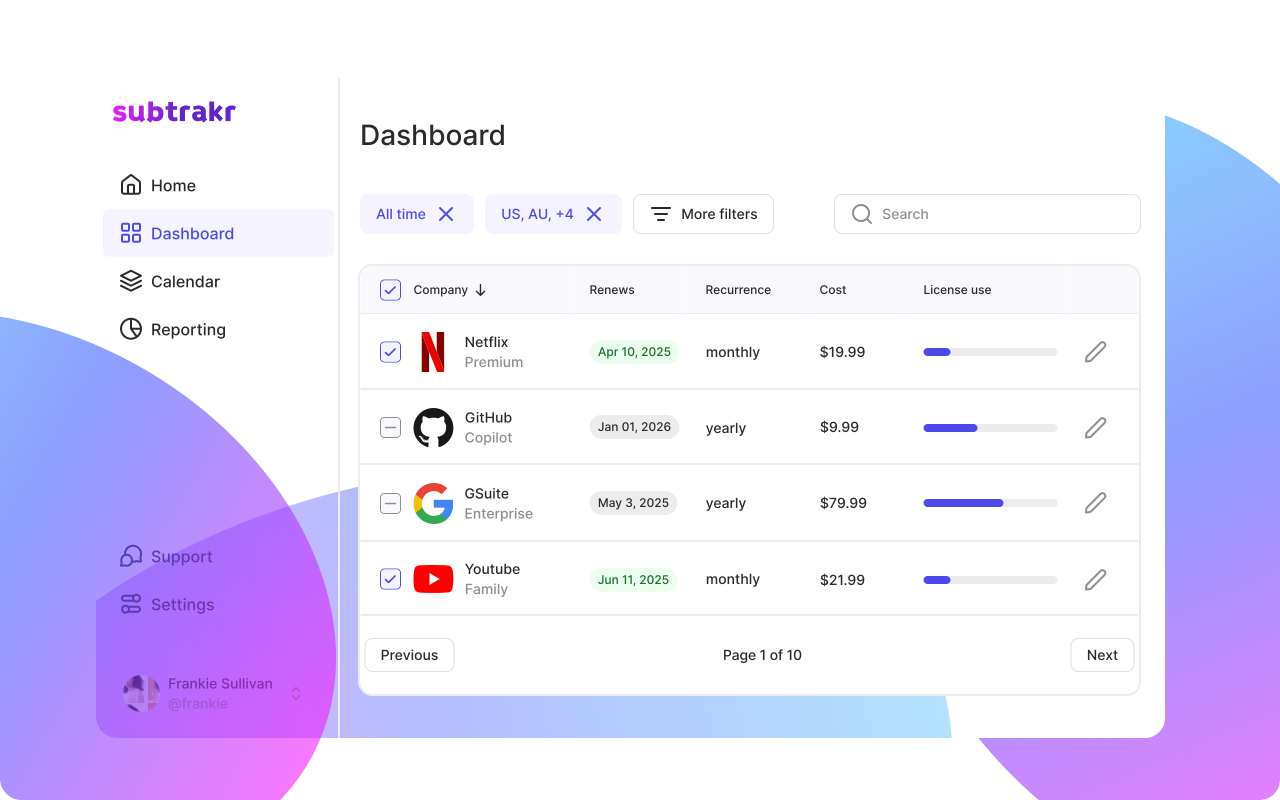
Use this during your next audit or when setting up your tracker in Subtrakr:
ESSENTIAL   - cancellation causes immediate, concrete disruption
USEFUL      - actively used, would need to replace quickly
OPTIONAL    - provides value, cancellation would not break anything
SEASONAL    - only needed part of the year, should be paused off-season
BUSINESS    - tied to income generation, evaluated against revenue
What Are the Most Common Tagging Mistakes?
Tagging by product type instead of consequence
Calling something "Entertainment" tells you nothing about whether to keep it. Tag by what happens if you cancel.
Marking everything Useful to avoid decisions
Useful is not a neutral tag. If you cannot clearly articulate what you would lose by canceling it this week, it probably belongs in Optional.
Skipping the Seasonal tag
Year-round billing for services you use seasonally is one of the quietest forms of subscription waste. It rarely appears large enough to trigger concern, but it compounds.
Forgetting shared subscriptions in the Essential column
A family plan used by five people belongs in a different position than a solo subscription. Use tags that reflect actual household dependency, not just your personal use.
Never revisiting tags after life changes
Tags are not permanent. A Business subscription that no longer serves active projects is Optional. A streaming service that became part of a daily household routine may have moved from Optional to Useful. Review tags at least once per quarter.
FAQ
How many categories do I actually need for recurring expenses?
Five is enough for most people. Essential, Useful, Optional, Seasonal, and Business cover the full range of subscription types without creating maintenance overhead.
Should I use sub-tags like streaming or SaaS in addition to the five tags?
Only if you have a large subscription stack and want to filter by type during audits. For most individuals, product type is useful context but should not replace the decision-oriented tag.
How do I tag a subscription that serves both personal and business purposes?
Split the cost mentally. If more than half of your use is business-related, tag it Business. If the split is closer to even, use the tag that reflects what you would do if income dropped and you had to cut one category first.
Can a subscription move between tags over time?
Yes, and it should. Re-tagging is part of a healthy quarterly review, not a sign that the system is broken.
What if I cannot decide between Optional and Useful?
Default to Optional. It is the more honest tag for subscriptions where the value is real but not critical. Optional does not mean cancel. It means review first.
Does this system work for business subscription stacks?
Yes. The Business tag isolates professional costs from personal ones, which simplifies both the audit and expense reporting. If you run more than one entity or brand, a finance-friendly taxonomy adds entity and allocation layers without rebuilding your system.
Next Step
Pick ten subscriptions from your current list and apply a tag to each one today. You do not need to act on anything yet. Just tag. The decisions become obvious once the labels are in place.
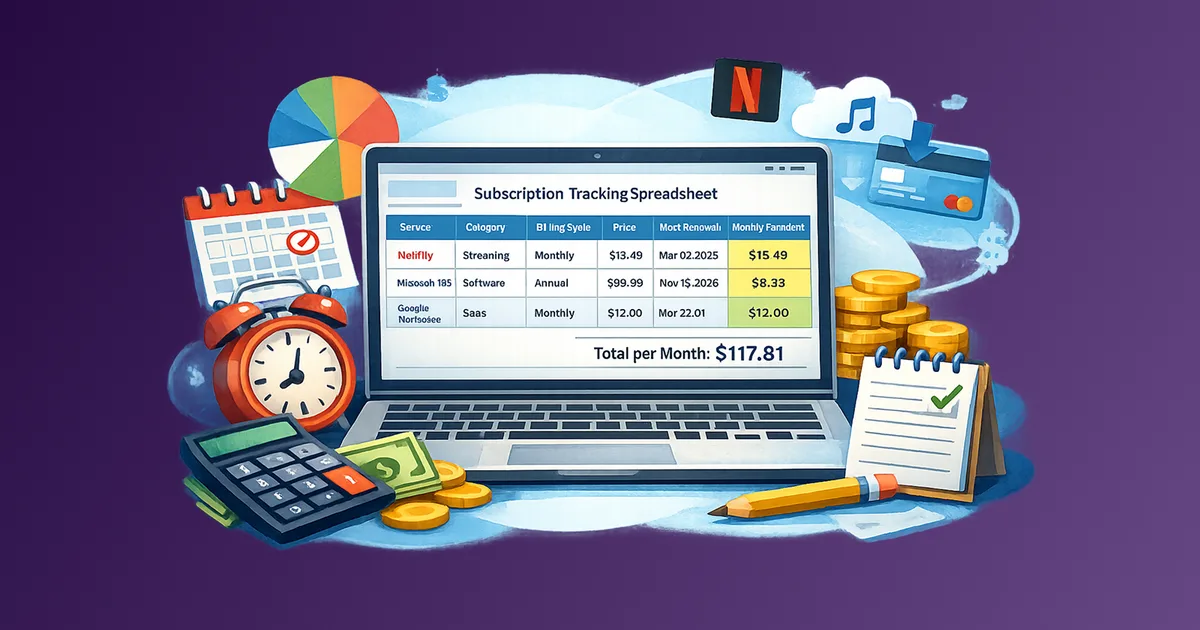
If you want to track tags alongside billing cycles and monthly totals, Subtrakr lets you add notes and categories manually to every expense.