Quick answer
Use a fast decision playbook for subscription price increases: keep, downgrade, switch, or pause based on usage, value changes, and cancellation friction.
A price increase notification does not require immediate action, but it does require a decision. Most people make neither. They absorb the new cost passively, update their mental model of what the service costs, and move on. That is how subscription spending drifts upward year after year without any single charge feeling large enough to act on.
Stay Updated with Subtrakr
Sign up to our newsletter to get updates about Subtrakr and valuable insights about subscriptions and recurring expense management.
A price increase is a structured moment. It is one of the few times a company hands you a natural exit point. The question is whether you use it.
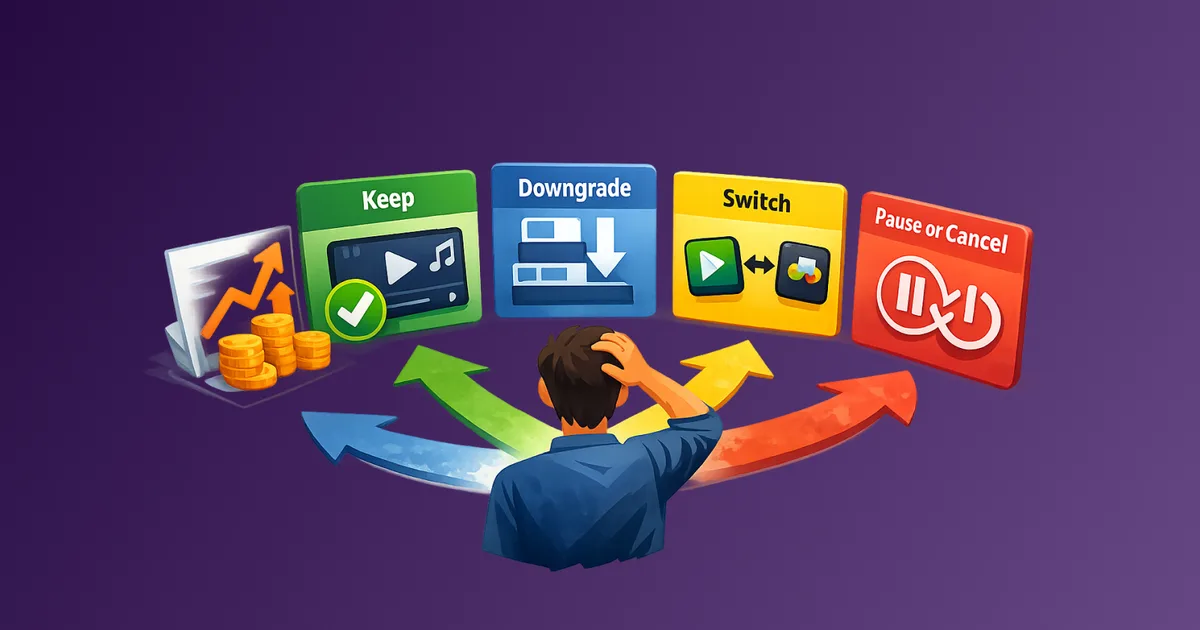
When a subscription raises its price, run through four options in order: Keep at the new rate if the value still justifies it. Downgrade to a lower tier if one exists. Switch to a competitor offering comparable value at the current price. Pause or cancel if neither the value nor a viable alternative exists. If you are not ready to act immediately, add the service to your cancellation backlog and score it before the new rate takes effect—a price increase is one of the best triggers for moving an item to the top of the cut list. The decision only takes a few minutes if you apply it as a sequence rather than a judgment call made from scratch.
What Does a Subscription Price Increase Actually Signal?
Price increases are rarely random. They follow patterns worth recognizing, because the pattern affects your response.
The most common type is straightforward cost adjustment: the company is passing on higher infrastructure, licensing, or content costs. These increases tend to be proportional and announced clearly. They are the easiest to evaluate because the product itself has not changed.
A second type is tier restructuring. The company is moving features between plans, splitting a single tier into two, or adding a new premium layer. In this case, the price you are paying may now buy less than it used to, even if the headline number has not changed dramatically. This pattern is covered in The "Invisible Inflation" Hiding in Your Subscriptions, including how services quietly reduce value without reducing price.
A third type is consolidation pricing, common in streaming. A platform raises prices on standalone plans while making its bundle option look more attractive by comparison. The increase is partly a nudge toward a higher-commitment product.
Knowing which type you are dealing with shapes which response makes sense.
The Price Increase Decision Tree: Keep, Downgrade, Switch, or Pause
Work through these four options in sequence. Stop at the first one that holds up.
Option 1: Keep
Keep the subscription at the new rate if both of the following are true: you use the service regularly, and the new price still represents reasonable value relative to what you would pay for the same outcome elsewhere. For shared accounts, include member-seat utilization in that value check, since family-plan price increases can flip per-person economics quickly.
Useful reference point: divide the monthly cost by the number of times you use the service in a month. If per-use cost remains lower than a reasonable alternative (a cinema ticket, a coffee, a one-time purchase equivalent), the increase may not be worth acting on.
Do not keep by default. Keep as a deliberate decision.
Option 2: Downgrade
If the service offers a lower tier, check whether you actually use the features that justify the higher plan. A significant portion of subscribers on premium tiers use only features available on standard plans. Downgrading recovers the cost difference without losing the service.
Common downgrade opportunities:
- Streaming services with ad-supported tiers at lower prices
- SaaS tools with free or starter plans covering personal use
- Cloud storage plans where you use less than half the allocation
- News or media subscriptions with limited-access tiers
Before downgrading, confirm exact feature differences. Some tiers restrict downloads, offline access, or simultaneous streams in ways that matter.
Option 3: Switch
If a direct competitor offers comparable functionality at or near the old price, switching is often worth the friction. Switching cost for many services is low: cancel one, start another, import or recreate minimal data.
Switching is most viable for:
- Streaming platforms with overlapping content libraries
- Productivity and SaaS tools with standard feature parity
- Cloud storage providers
- News aggregators and media subscriptions
For services with genuine lock-in (stored data, integrated workflows, shared family libraries), factor real switching cost before deciding. Use the switching cost calculator to quantify migration, learning curve, and downtime before you commit.
Option 4: Pause or Cancel
If none of the above options produce a satisfactory result, cancel. How to Cancel Subscriptions Without the Stress walks through proof of cancellation and rebilling protection.
Pause is a useful variant for seasonal services or subscriptions you expect to return to within a few months. Some platforms offer formal pause features. Others require cancellation plus reactivation. Either way, set a calendar reminder for reactivation so the decision does not quietly expire.
How Do You Spot Hidden Value Changes Alongside a Price Increase?
Price is only half the equation. The other half is what you are getting for it, and that can change without a direct announcement.
Check for these alongside any price increase notification:
Feature movement between tiers. Something that was included in your plan may now require an upgrade. This is increasingly common in SaaS and streaming platforms restructuring their tier logic.
Content or catalog reduction. Streaming services periodically remove licensed content. A price increase coinciding with a smaller library is effectively a double reduction in value.
Quality or limit changes. Video resolution, download limits, simultaneous streams, API call limits, and storage caps are all levers companies adjust quietly. Review the current plan specifications, not just the price.
Ad introduction. Some platforms have introduced advertising to previously ad-free tiers without reducing the price. If your current plan now includes ads that were not there before, the value has changed regardless of whether the price has.
These tactics span the full range of value erosion, often with specific examples by category.
What Negotiation Tactics Actually Work on Subscription Price Increases?
Not every service negotiates, but more do than most people expect. Your leverage point is clear cancellation intent, expressed calmly.
A process that works:
- Initiate cancellation or contact support directly.
- State that you are a long-term subscriber and the new price no longer fits your budget.
- Ask for a retention offer, loyalty discount, or promotional rate.
- If offered a discount, confirm duration and whether it auto-resets to full price.
Retention offers are common in streaming, news, telecom/internet, annual software plans, and fitness memberships.
For scripts and category tactics, use How to Negotiate Your Bills (and Save Hundreds).
One constraint: negotiation tends to work best on monthly billing where cancellation can be immediate. Annual subscribers usually have less leverage mid-term.
Step-by-Step: Running the Decision in Under 10 Minutes
Time required: 5-10 minutes per subscription
- Open the price increase notice. Note old price, new price, and effective date.
- Check actual usage over the last 30 and 90 days.
- Re-score the vendor on price, support, security, and adoption if you evaluated it at purchase. Those dimensions often surface gaps once the price changes.
- Check whether value changed (features, limits, content, ads).
- Run the sequence: Keep, Downgrade, Switch, Pause.
- If negotiating, do it before the effective date.
- If canceling, document confirmation and date.
- Set a 90-day review reminder for downgraded, paused, or switched services.
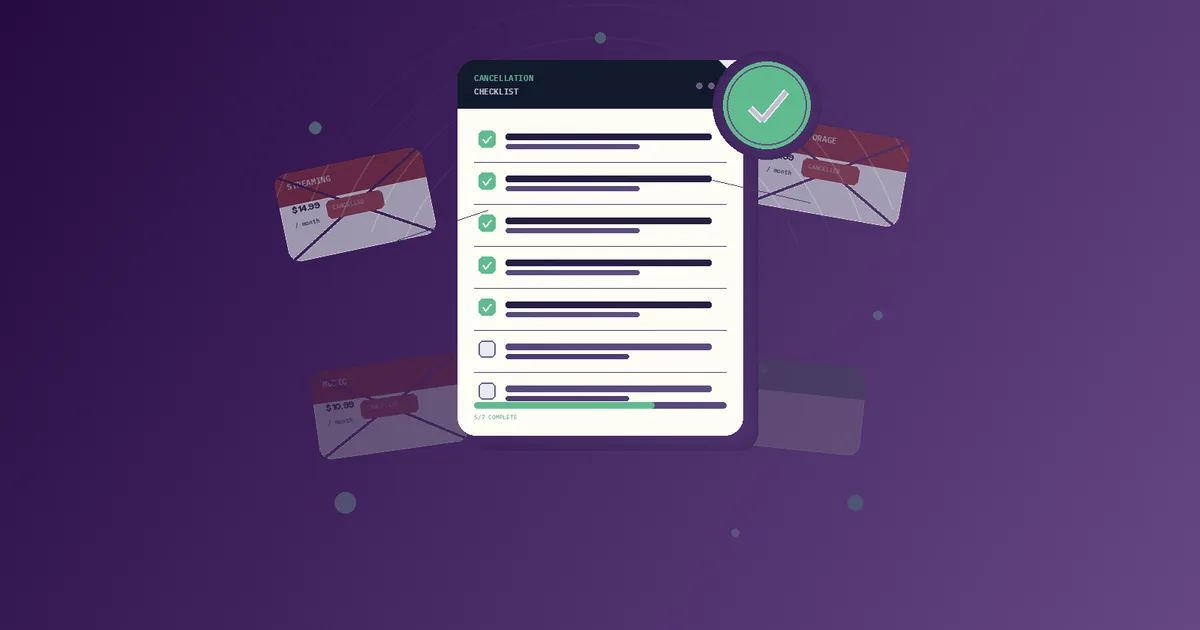
Copy-Paste: Price Increase Response Checklist
PRICE INCREASE RESPONSE CHECKLIST

Service name: _______________
Old price: ___   New price: ___   Effective date: ___

Step 1 - Assess usage
[ ] Used regularly (weekly or more)
[ ] Used occasionally (a few times a month)
[ ] Rarely or not recently

Step 2 - Check value changes
[ ] Features moved between tiers?
[ ] Content or catalog reduced?
[ ] Limits or quality changed?
[ ] Ads introduced?

Step 3 - Run the decision sequence
[ ] Keep - value still justifies the new rate
[ ] Downgrade - lower tier covers my actual usage
[ ] Switch - comparable alternative at lower cost
[ ] Pause/Cancel - no viable option at this price

Step 4 - If negotiating
[ ] Contacted support or initiated cancellation flow
[ ] Asked for retention offer or loyalty discount
[ ] Noted discount duration and auto-renewal terms

Step 5 - After decision
[ ] Updated tracker with new price or cancellation date
[ ] Set 90-day review reminder
[ ] Saved cancellation confirmation (if applicable)
What Are the Most Common Mistakes When Responding to a Price Increase?
Absorbing the increase without reviewing it
The most common response is no response. Price changes are one of the few moments where the decision is surfaced automatically. Use that moment.
Canceling without checking downgrade options
Many services offer lower tiers that are a better fit after increases. Cancel can be right, but only after downgrade check.
Negotiating without clear exit intent
Retention offers are triggered by credible cancellation intent. If you negotiate, be ready to walk.
Accepting short-term discounts without tracking expiry
A three-month discount that resets to full price is a delayed decision, not a solution. Log the expiry date.
Treating annual subscribers as fully locked in
Some services still allow prorated cancellation or plan changes mid-term. Ask before assuming you are stuck.
If you want to run a full-stack review after a price increase, do it after you decide keep, downgrade, switch, or pause, not instead of that decision.
FAQ
Should I always negotiate when a subscription raises its price?
It is worth one attempt for any subscription over $10 per month where you have been a customer for at least six months. The downside is minimal and retention offers are common enough to justify the five minutes it takes.
What is the best time to negotiate?
Before the new price takes effect. Once the higher charge has processed, your leverage drops. Act within the notice window, typically 7 to 30 days before the effective date. If the new amount already posted, run subscription incident response first, then come back to keep, downgrade, switch, or pause.
Is switching streaming services worth it after increases?
Often yes, especially if a competitor has content you want. Most streaming platforms offer free trials, which makes it easy to evaluate before committing. Rotate services seasonally if you have a backlog on multiple platforms rather than running them simultaneously.
How do I know a downgrade is worth it?
Compare the feature list of the lower tier against what you actually use, not what the full plan offers. Most people use a small fraction of what their current tier includes.
What if no downgrade or retention offer exists?
Cancel and set a reminder to check the service again in three to six months. Pricing and tier structures change. A service that was overpriced today may offer a better option at the next renewal cycle.
How do I track an increase if I keep the subscription?
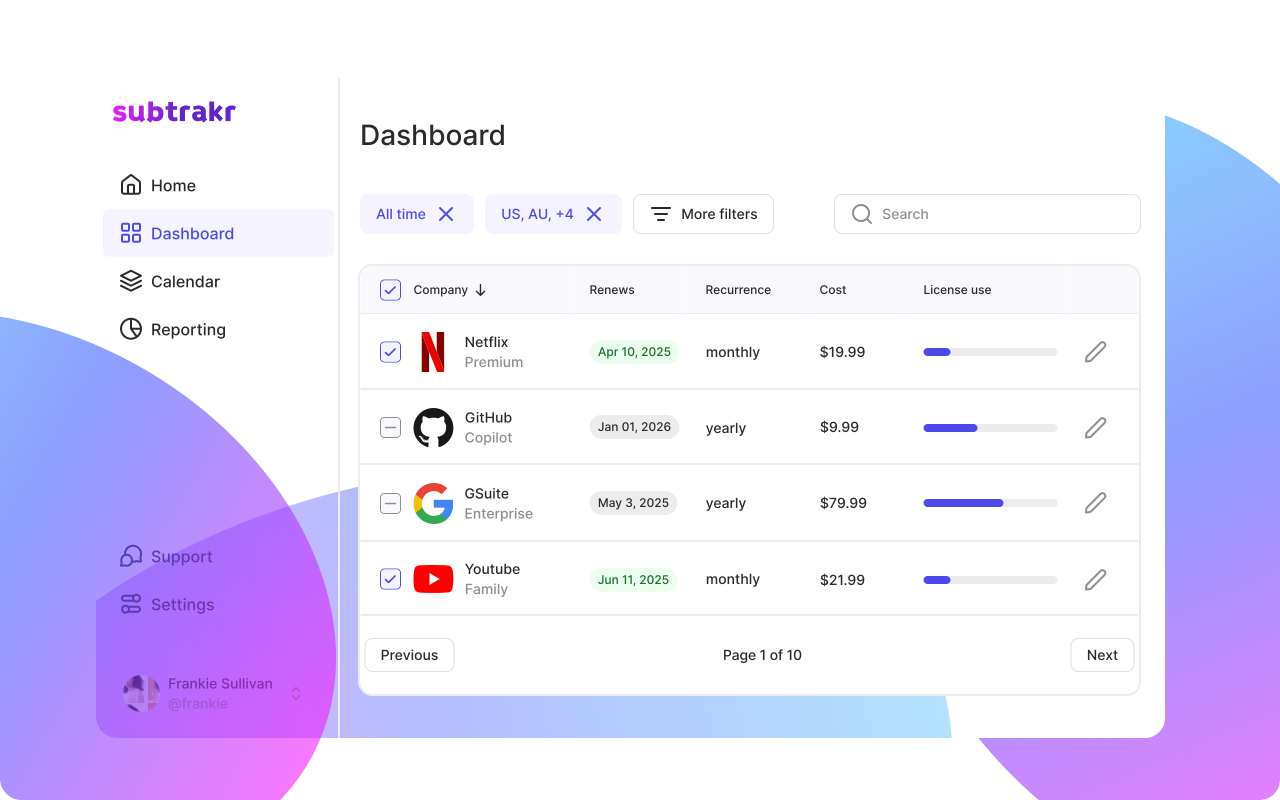
Update the price in your tracker immediately. If you use Subtrakr, edit the monthly amount so your total recurring cost calculation stays accurate. An unchanged tracker entry with an old price is a source of quiet budget drift.
Next Step
The next time a price increase notice arrives, run this checklist before the effective date. Responding deliberately to price changes is one of the fastest ways to stop recurring costs from drifting upward year after year.
If you track subscriptions in Subtrakr, update the price field as soon as the increase is announced. Accurate tracking is the base layer for every decision in this playbook.