Most freelancers know they should separate business and personal expenses. Most do not actually do it, at least not with subscriptions. The result: messy bank statements, missed deductions, and a recurring expense pile that is impossible to audit properly.
Stay Updated with Subtrakr
Sign up to our newsletter to get updates about Subtrakr and valuable insights about subscriptions and recurring expense management.
This guide gives you a practical separation system and a quarterly cleanup routine that takes less than an hour to run.
The short answer: Use a tagging or labeling system to mark every subscription as either business, personal, or mixed. Route business payments through a dedicated card. Review the full list every quarter with three questions: is it earning its cost, is it being used, and is it in the right category? That alone will eliminate most of the friction freelancers face with recurring expenses.
Why Does Mixing Subscriptions Create Real Problems?
The friction is not just organizational. There are three concrete costs:
Tax deductions get lost. A business subscription paid from a personal account is technically still deductible, but it requires extra documentation at tax time. Most freelancers underestimate how many subscriptions qualify, skip the paperwork, and leave money on the table.
Budgeting becomes unreliable. When your Netflix and your Figma both come out of the same account, your business operating cost is invisible. You cannot answer a simple question like "how much am I spending to run my freelance business this month" without manually filtering transactions.
Audits take forever. When you sit down once a year to review what you are paying for, mixed lists are harder to cut. You second-guess which tools are "actually business" and which ones are habits. That ambiguity is why subscriptions survive longer than they should.
The cost of not separating is not a one-time annoyance. It compounds every month, especially as your subscription count grows.
What Is a Clean Separation System for Freelancers?
You do not need separate bank accounts to separate subscriptions, though that helps. You need a consistent labeling structure and one clear rule per service.
The four-layer system
1. Tags or categories
Label every subscription as one of three types:
- business — directly generates income or supports client work
- personal — no business justification
- mixed — partially both (e.g., a design tool you use for work and side projects)
If you use Subtrakr, you can apply custom tags directly to each subscription. If you are working from a spreadsheet, add a "type" column and populate it before your next quarterly review. The Subscription Categories That Actually Work: A Tagging System for Clarity and Cuts post covers this in more detail.
2. Payment account routing
Route all business subscriptions to a dedicated card or business account. Even a separate personal card works if you do not have a business account. The goal is a payment source where every charge is business-related, so your statement becomes a near-complete expense log.
3. The "purpose owner" rule
For every subscription, ask: who is the primary beneficiary, your work or your personal life? This forces a decision instead of defaulting to "mixed." Tools that you would cancel immediately if you stopped freelancing are business tools. Tools you would keep regardless are personal.
4. Written rules for edge cases
If you share a subscription with a partner or use something for both work and personal purposes, define a fixed split percentage and apply it consistently. 50% is usually sufficient for tax purposes if the personal/business split is roughly equal. Document this somewhere, even a single note in your tracker.
How Do I Set This Up Without Starting Over?
This is a one-time setup that takes about 30 to 60 minutes. After that, maintenance is minimal.
Step-by-Step Setup (Time required: 30 to 60 minutes)
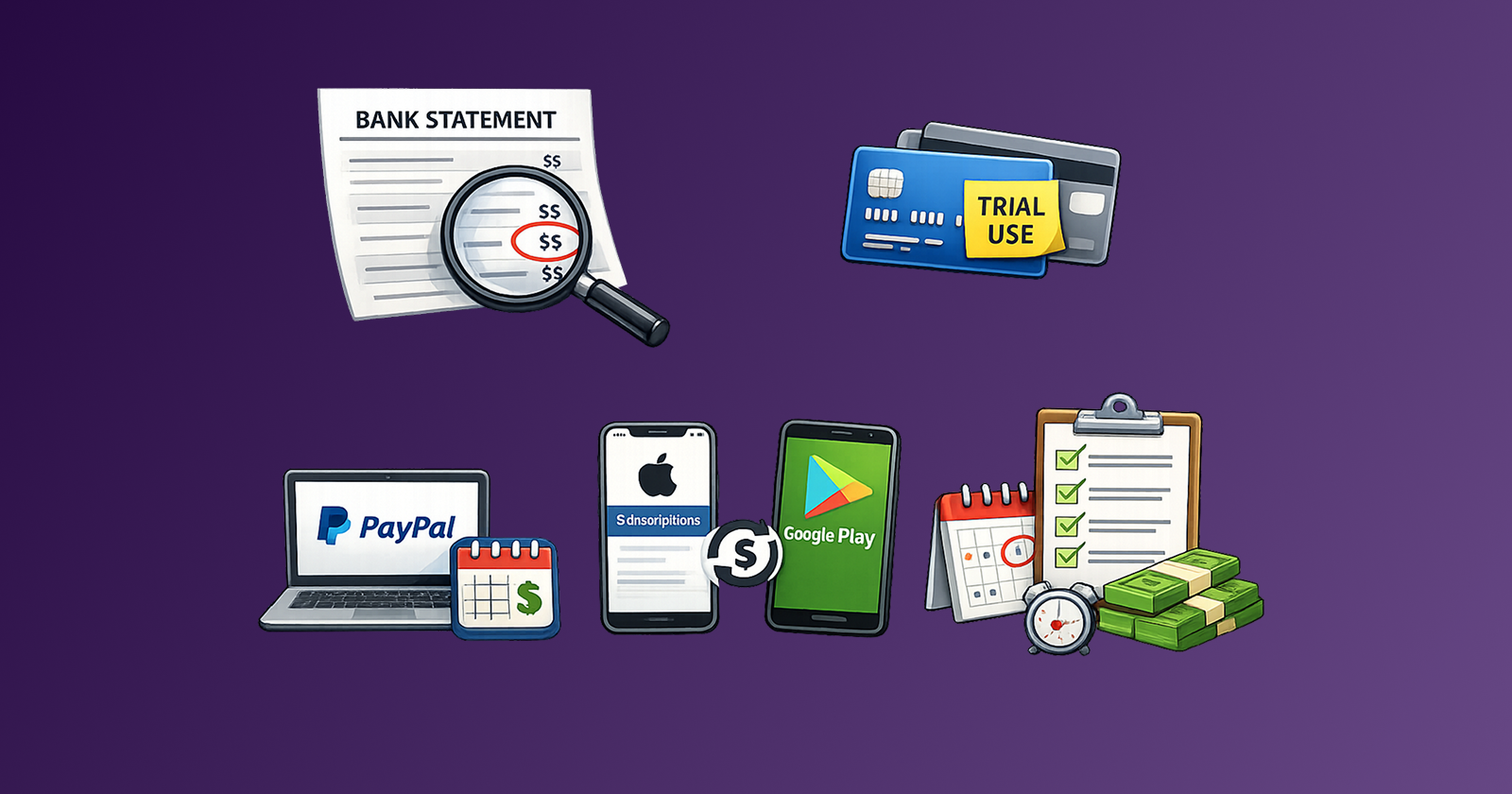
- List every subscription you are currently paying for. Pull from bank statements, credit cards, Apple subscriptions, Google Play, and PayPal. The How to Find All Your Subscriptions: Bank, Card, PayPal, Apple App Store, and Google Play guide covers every source.
- Apply a type tag to each one. Business, personal, or mixed. Do not overthink it. If you are unsure, mark it mixed and revisit it in the quarterly audit.
- Move business subscriptions to a dedicated payment source. Update billing details for each business-tagged subscription to your business card or separate account.
- Set a split rule for mixed items. Write it down. One sentence per subscription is enough.
- Set a quarterly calendar reminder. Pick a date in the first week of each quarter and protect it. This is your audit window.
Quarterly Freelancer Audit Checklist: Keep, Downgrade, or Kill
The quarterly audit is where the real savings happen. Here is the full checklist. You can copy and adapt it.
Before you start
- Pull your current list sorted by type (business / personal / mixed)
- Check your total monthly recurring cost for each category
- Note any price increases since last quarter
For every business subscription, ask:
- Did I actively use this in the last 30 days?
- Would I pay for it again knowing what I know now?
- Is there a cheaper plan that covers my actual usage?
- Is there a free alternative that is good enough?
- Has a price increase happened without a feature improvement?
Decision: Keep / downgrade / kill / rotate out
For every personal subscription, ask:
- Did I use this in the last month?
- Is this still worth the cost at my current income level?
- Is this overlapping with something else I pay for?
Decision: Keep / pause / cancel
For every mixed subscription, ask:
- Has the balance shifted toward personal or business since I last reviewed it?
- Should I re-tag this?
- Is the split rule still accurate?
Decision: Re-tag / adjust split / cancel
This checklist mirrors the structure in the Recurring Expense Audit Checklist: Monthly and Quarterly Reviews That Actually Cut Costs but filtered for the freelancer context. The full audit workflow there is worth reading before your first quarterly review.
How Do You Avoid Subscription Creep Creeping Back In?
Separation and audits deal with the current state. Subscription creep is the pattern that keeps refilling the list.
The rebundling trap. After you cancel four tools and streamline your stack, a new "all-in-one" platform comes along that bundles half of them. You sign up, reasoning it is cheaper. Six months later, you are paying for the bundle plus three tools you added back because the all-in-one did not fully cover the use case. This is rebundling, and it is one of the most common ways freelancer tool costs inflate invisibly. Before signing up for any new service, check whether you already pay for overlapping functionality.
The trial-to-paid drift. A free trial converts, you forget about it, and it runs for three months before you notice. Set a rule: every free trial gets a cancellation date entered in your calendar before you sign up. If you decide to keep it before the trial ends, delete the reminder. If not, the cancellation is already scheduled.
The "I might need this again" logic. You are about to cancel a tool but worry you will need it in two months for a project. This logic keeps subscriptions alive indefinitely. The better approach: cancel it, note the tool name, and resubscribe if the project actually arrives. For most tools, there is no meaningful friction in restarting a subscription.
Irregular income masking real cost. Freelance income fluctuates, which means a $40/month subscription feels affordable in a good month and painful in a slow one. Evaluating your subscription stack against your average monthly income rather than your peak income changes the calculus significantly. The A Simple Budgeting Hack for Families and Freelancers guide covers this framing in detail.
Common Mistakes Freelancers Make With Subscription Tracking
Treating "business" as a category, not a decision. Labeling something as business does not make it worth keeping. A business subscription that you do not use is still waste. The category tag is for tax and accounting clarity, not a reason to keep a tool.
Reviewing once a year instead of quarterly. Annual reviews feel thorough but miss the creep that happens in months two through eleven. Quarterly is the minimum cadence that catches price increases, unused tools, and category drift before they compound.
Ignoring the mixed category. Most freelancers either skip it or expand it too liberally. Mixed subscriptions need a defined split rule and a regular check on whether that split is still accurate. If most of your subscriptions end up in mixed, the category is not doing its job.
Tracking payments but not value. A subscription is not worth keeping just because it is cheap. It is worth keeping if it actively contributes to your work output or income. Cheap + unused is still waste.
FAQ
Can I deduct mixed-use subscriptions on my taxes?
Yes, but only the business-use portion. Document your split percentage and apply it consistently. If 60% of your Dropbox usage is for client work, you can deduct 60% of the cost. Check with your accountant for jurisdiction-specific rules.
What counts as a business subscription for a freelancer?
Any tool you use to deliver client work, manage your business, or support business development. Design tools, project management apps, communication platforms, cloud storage for client files, and accounting software all qualify. Streaming services, personal fitness apps, and entertainment subscriptions do not.
How many subscriptions is too many for a freelancer?
There is no universal number, but a lean freelance stack typically runs 8 to 15 active subscriptions. If your business subscription count exceeds your active client count by a large margin, that is a signal to audit.
Should I use a separate bank account for freelance expenses?
It makes tracking significantly easier and is worth doing even if it is just a second personal account. A separate payment source for business subscriptions eliminates the need to filter transactions manually every quarter.
What should I do with subscriptions I am not sure are worth keeping?
Apply a 30-day rule. Mark it for review, stop using it intentionally for 30 days, and see if you miss it. If not, cancel at the end of the period.
How do I handle subscriptions that auto-renew annually?
Flag them in your tracker with the renewal date and set a reminder 30 days before it hits. That gives you time to cancel before the charge rather than fighting for a refund after.
Next Action
Block 45 minutes this week. Pull your full subscription list, apply the business / personal / mixed tags, and move business subscriptions to a dedicated payment source. That single session eliminates most of the ongoing friction.
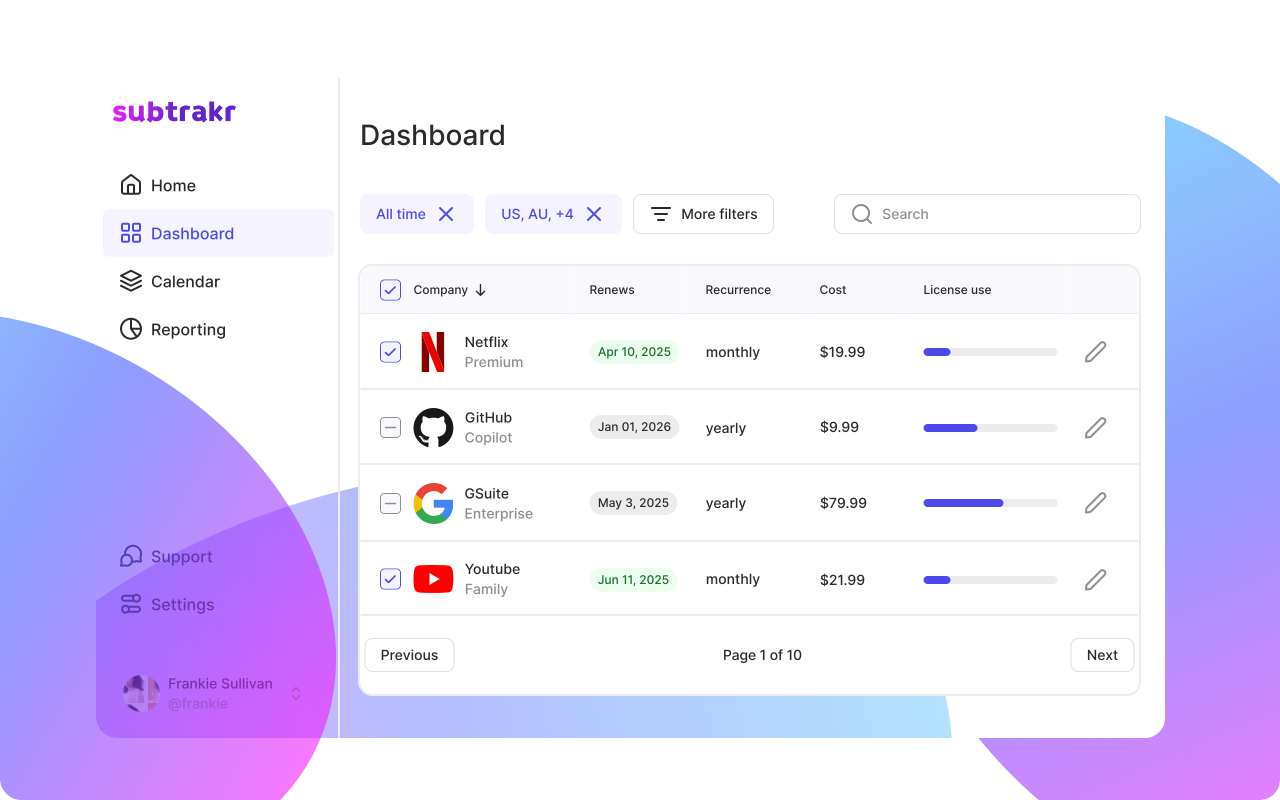
If you want a running system rather than a one-time cleanup, Subtrakr lets you tag, filter, and review subscriptions by category without building and maintaining a spreadsheet yourself.