Quick answer
Learn how to find all your subscriptions across bank statements, cards, PayPal, Apple App Store, and Google Play with a practical recurring charges checklist.
Subscriptions do not "live" in one place. They show up wherever you pay: a bank account you rarely check, a credit card you use for free trials, PayPal automatic payments, or app store billing that never hits your inbox the same way.
Stay Updated with Subtrakr
Sign up to our newsletter to get updates about Subtrakr and valuable insights about subscriptions and recurring expense management.
If you have ever looked at your monthly spending and thought, "I'm sure I don't have that many subscriptions," this guide is for the moment you decide to be certain.
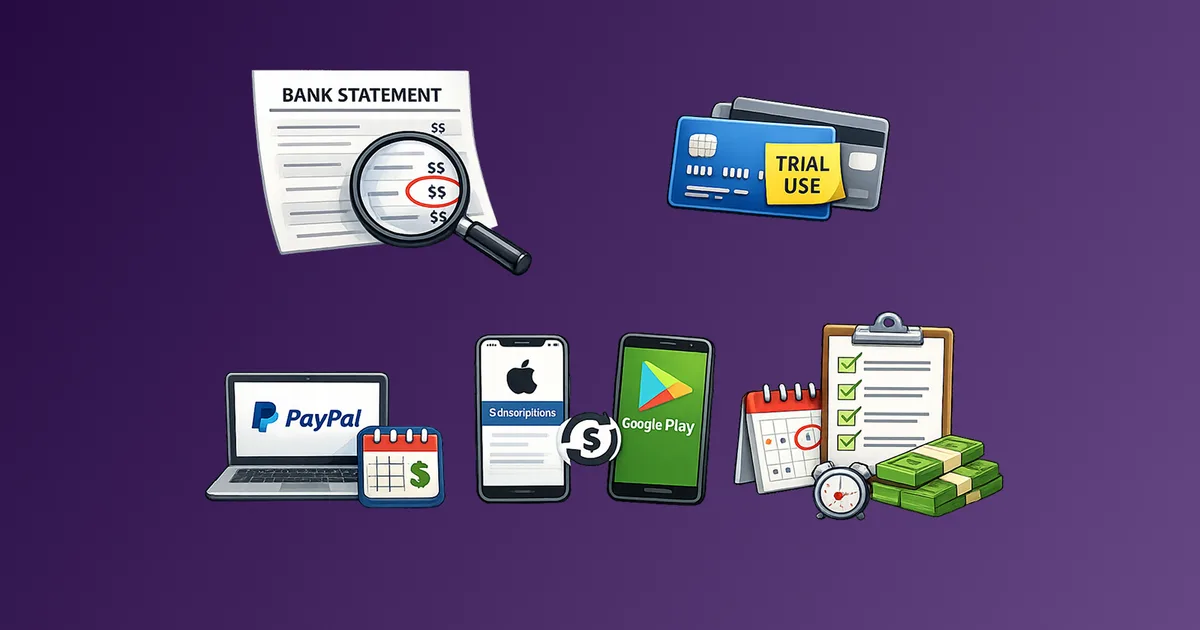
To find subscriptions, check five places in this order: bank statements, credit card statements, PayPal automatic payments, Apple App Store subscriptions, and Google Play subscriptions. Use statements to spot repeating merchants and annual renewals, then confirm any app-based subscriptions inside Apple and Google's subscription screens. Finally, combine every finding into one master list with renewal dates so you can review, cancel, or optimize before the next charge.
Where do subscriptions hide, and why do people miss them?
Subscriptions hide across multiple billing systems, and people miss them because each system shows payments differently. A $9.99 app renewal might appear under an unfamiliar merchant name, an annual plan might only show up once a year, and app store subscriptions can be billed through Apple or Google instead of the service name you recognize. Subtrakr's own workflow guide starts the process with a full inventory and explicitly recommends checking bank and credit card statements for overlooked recurring charges.
Here are the five most common places to look, plus what each one is good at revealing:
| Where to look | What you'll find there | Why it gets missed |
|---|---|---|
| Bank statements (checking, savings) | ACH/direct debit subscriptions, utilities, insurance, memberships | Many renewals run quietly on auto-pay; annual charges blend in |
| Credit/debit card statements | Most consumer subscriptions and trials | Merchant descriptors can look different than the brand name |
| PayPal | Automatic payments (subscriptions/billing agreements/recurring payments) | You may set and forget PayPal as the payment method |
| Apple App Store subscriptions | iOS in-app subscriptions billed by Apple | Apple billing can feel separate from the app |
| Google Play subscriptions | Android in-app subscriptions billed by Google Play | Uninstalling the app does not cancel the subscription |
If you want the broader "what to do after you find them" flow (inventory, centralize, reminders, audits), keep this open as your hub: How to Stay on Top of Your Subscriptions (Step-by-Step Guide).
How do I list all subscriptions using bank and credit card statements?
Statements are the fastest way to surface reality because they show what actually got paid, not what you think you signed up for. Start with your primary bank account and the card you use most, then expand to any backup cards used for trials or work expenses. The FTC explicitly recommends watching your bank or credit card statements for charges related to subscriptions, especially when dealing with free trials and auto-renewals.
Choose the right time window
A practical default is:
- Last 2 to 3 months to spot true monthly recurring charges
- Last 12 months (at least once) to catch annual renewals like domains, antivirus, memberships, and insurance
Subtrakr's step-by-step guide specifically reminds readers not to forget annual renewals when building an inventory.
The recurring charge spotting method
Start simple. You do not need a complicated spreadsheet to find subscriptions.
- Download statements (PDF or CSV) for each account.
- Scan for repeating patterns, especially:
- Same merchant name on the same day each month
- Same amount recurring monthly
- Similar amount recurring (some variable subscriptions change slightly due to taxes or usage)
- Mark anything ambiguous that repeats and needs confirmation.
If you want a lightweight rule: if you see the same merchant at least twice, treat it as likely recurring until proven otherwise.
What subscription charges look like on statements
Recurring charges are not always labeled as subscriptions. Look for:
- Streaming, software, cloud storage, and media (often monthly)
- Utilities and household bills (internet, phone, security monitoring, insurance)
- Memberships (gym, professional associations)
- Small charges you do not recognize (common for overlooked subscriptions, bundles, or add-ons)
Subtrakr's guide calls out a common surprise: people find forgotten subscriptions still billing them when they review statements.
Pro tip for freelancers and small teams
If you manage business tools across multiple payment sources, follow the inventory sources list in How to Optimize Recurring Expenses for Freelancers and Small Businesses. It explicitly recommends checking bank and card statements, PayPal and Stripe activity, email receipts, and app stores as part of a complete audit.
How do I find subscriptions paid through PayPal?
If PayPal is your payment method, your subscriptions may not be obvious from your bank statement alone. PayPal calls these arrangements automatic payments, and notes they are also known as subscriptions, billing agreements, or recurring payments, with terms viewable in your PayPal account.
Where to look in PayPal
The exact labels can vary by region and app version, but the core place to check is your PayPal automatic payments/subscriptions list.
PayPal's help guidance describes finding automatic payments in your PayPal account settings and managing or canceling them there.
How to confirm what the subscription really is
When you see a merchant in PayPal:
- Open the automatic payment details.
- Note the merchant name, status, and funding source.
- Cross-check it against your statement line item and your email receipts.
What about Stripe receipts and other payment processor emails?
Some businesses use payment processors that send invoices or receipts via email, even when the statement descriptor is unclear. For example, Stripe documentation notes that for subscriptions, Stripe can generate invoices automatically (depending on how the business configures billing and receipts).
Practical takeaway: if you see a repeating STRIPE descriptor or a vague merchant name, search your inbox for receipts around the charge date.
How do I find Apple App Store subscriptions?
Apple App Store subscriptions are handled through Apple's subscription management screens, not only inside the app itself. Apple's support guidance shows you can view and manage subscriptions on your device, and on iPhone specifically: open Settings, tap your name, then tap Subscriptions.
The quickest way on iPhone
Use this path:
Settings -> your name -> Subscriptions
Apple documents this as the standard way to access subscriptions on iPhone and iPad.
If you cannot find the subscription you're looking for
Apple's support guidance suggests searching your email for receipt from Apple or invoice from Apple, then checking which Apple Account was used for the purchase.
This matters because missing subscriptions are often on:
- A different Apple Account you use (work vs personal)
- A family member's Apple Account (when Family Sharing is involved)
Apple also notes that if you cannot find a receipt from Apple, you may have bought the subscription from another company, and you should check your bank or credit card statement to identify who bills you.
Extra visibility: purchase history
If you want to verify charges beyond current subscriptions, Apple's iPhone user guide explains how to view purchase history in the App Store app and adjust the date range (for example, Last 90 Days).
How do I find Google Play subscriptions?
Google Play subscriptions are managed through Google Play's subscription pages, and you must be signed into the Google Account that actually holds the subscriptions. Google Play's help guidance explicitly reminds users to sign in to the Google Account that has the subscriptions.
The most important thing to know first
Uninstalling an Android app does not cancel the subscription. Google Play's help page states this directly: when you uninstall the app, your subscription won't cancel.
Where to see your subscriptions
Google Play's help instructions include going to subscriptions in Google Play on the web and selecting the subscription to manage or cancel.
If you are auditing across multiple Google Accounts (common for families and freelancers), check each account one by one, because a subscription list is account-specific.
Step-by-Step Setup (Time required: 35 to 50 minutes)
This workflow is designed to get you to a complete list quickly, even if you are starting from zero. If you already know your major subscriptions, you can finish on the shorter end. If you have multiple cards, family accounts, or business tools, plan for closer to 50 minutes.
Pick your master list format (2 minutes)
Choose notes app, spreadsheet, or Subtrakr. The key is one place, not many.
Scan your primary bank account (10 minutes)
Pull the last 2 to 3 months and circle repeating charges. Then quickly scan the last 12 months for annual renewals. Subtrakr's guide and FTC guidance both emphasize reviewing statements to catch subscription charges you may have missed.
Scan your primary credit card (10 minutes)
Repeat the same pass: last 2 to 3 months for monthly charges, then look back for annual payments.
Check PayPal automatic payments (5 minutes)
Review PayPal subscriptions/automatic payments and copy the merchant names into your master list. PayPal defines these as automatic payments (also called subscriptions, billing agreements, or recurring payments).
Check Apple App Store subscriptions (5 minutes)
Use Settings -> your name -> Subscriptions. Then search your inbox for receipt from Apple if you suspect missing items or multiple Apple Accounts.
Check Google Play subscriptions (5 minutes)
Confirm you are in the right Google Account, then open your subscriptions list. Remember: uninstalling is not canceling.
Do one mystery charge clean-up loop (3 to 10 minutes)
For each subscription you cannot identify from the statement line item, do:
- Email search (receipt, invoice, welcome, renewal)
- Vendor account lookup
- Payment provider lookup (PayPal, Apple, Google)
If you want a more detailed after-the-list flow (centralize, reminders, quarterly audits), continue with How to Stay on Top of Your Subscriptions (Step-by-Step Guide).
Copy-Ready Template
Item #	Found in	Service / Merchant	Statement descriptor (if different)	Monthly cost	Billing cycle	Next renewal date	Annual cost	Category	Owner / team	Payment source (bank/card/PayPal/Apple/Google)	Login / account email	Cancellation link / steps	Notes
1
2
3
4
5
Recurring Charges Checklist
[ ] Bank statement: checking (last 2 to 3 months + quick 12-month scan)
[ ] Bank statement: savings (if any bills hit here)
[ ] Credit card #1 (last 2 to 3 months + quick 12-month scan)
[ ] Credit card #2 (trials, work tools, backup card)
[ ] PayPal: automatic payments/subscriptions list
[ ] Apple App Store subscriptions (Settings -> name -> Subscriptions)
[ ] Google Play subscriptions (check every Google Account used)
[ ] Email search: receipt, invoice, renewal, subscription, receipt from Apple
[ ] Confirm mystery merchants and rename them in your master list
What mistakes cause people to miss subscriptions?
Most I can't find it problems come from mechanics, not memory. Fix the mechanics and the list becomes complete and stable.
Mistake: assuming one payment channel holds everything
Many people pay for subscriptions from multiple sources: a primary card, a business card, PayPal, and app stores. Subtrakr's freelancer and small business guide explicitly calls out checking multiple sources, including statements, PayPal/Stripe activity, email receipts, and app stores.
Mistake: only checking one or two months of transactions
Annual renewals and quarterly plans will not appear in a short window. You need at least one yearly scan to capture the full subscription footprint. Subtrakr's guides emphasize not forgetting annual renewals.
Mistake: uninstalling apps instead of canceling subscriptions
On Android, uninstalling does not cancel. Google Play explicitly warns: when you uninstall the app, your subscription won't cancel.
Mistake: forgetting you have multiple Apple IDs or Google Accounts
Apple advises checking which Apple Account was used by finding the receipt (receipt from Apple or invoice from Apple).
Google Play reminds you to sign in to the Google Account that has your subscriptions.
Mistake: stopping at I don't recognize this merchant name
Sometimes the statement descriptor is not the brand name. When that happens, you usually need one extra confirmation step: email search, payment provider details, or the app store subscription screen.
When should I use Subtrakr instead of a manual checklist?
A checklist is excellent for a one-time cleanup. A tool helps you stay accurate week after week.
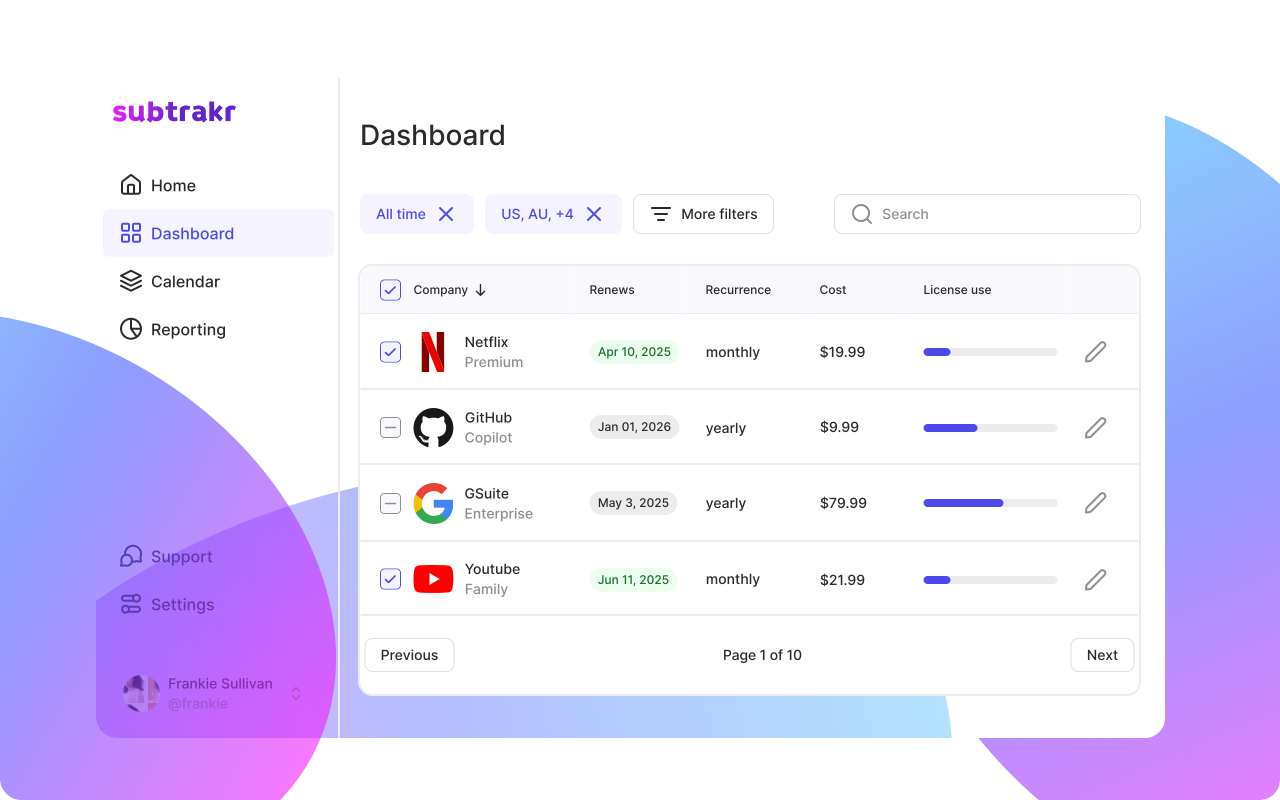
Subtrakr is built around keeping recurring payments organized in one place, with a clear dashboard, tags/folders, reminders before renewals, and a calendar view of upcoming payments.
A practical approach:
- Use this guide to find subscriptions and build a complete list.
- Use a system (spreadsheet or Subtrakr) to maintain it with reminders and regular reviews. Subtrakr positions this as all your recurring payments in one place to help you stay in control.
If you want to compare app-style options and see what different tools focus on, continue with: 5 Best Apps to Track and Save on Recurring Expenses.
FAQ
How do I find subscriptions I forgot about?
Check your bank and credit card statements for repeating merchants, then confirm app-based subscriptions inside Apple App Store subscriptions and Google Play subscriptions screens. Subtrakr also recommends statements as the quickest way to surface overlooked recurring charges.
Where can I see all Apple App Store subscriptions?
On iPhone, Apple documents the path as Settings -> your name -> Subscriptions. If a subscription is missing, Apple suggests searching your email for receipt from Apple to confirm which Apple Account was billed.
Where can I see Google Play subscriptions?
Google Play provides a subscriptions list you can manage when you are signed in to the correct Google Account. Google Play also warns that uninstalling the app does not cancel the subscription.
How do I find subscriptions paid with PayPal?
PayPal calls many subscription-style arrangements automatic payments (also known as subscriptions, billing agreements, or recurring payments) and lets you view and manage them from your PayPal account.
What is the fastest way to list all subscriptions?
Use a recurring charges checklist: statements first, then PayPal, then Apple and Google subscription screens, and finally an email search pass for mystery merchants. The FTC also recommends watching your bank and credit card statements for subscription-related charges.
What should I do after I find subscriptions?
Centralize the list, add renewal dates, and set reminders so renewals do not sneak up. Subtrakr's step-by-step guide outlines a simple flow: list, centralize, set reminders, and audit regularly.
Next Action
Run the checklist once this week, then schedule a 15-minute subscription audit on your calendar for the first week of every month. Your goal is not perfection. Your goal is no surprises before the next renewal hits.
Stay Updated with Subtrakr
If you want more practical guides for recurring expense control, subscribe to Subtrakr updates for new checklists, workflows, and smarter ways to stay organized.