Quick answer
Use a quarter-by-quarter streaming rotation with watchlists, cancellation reminders, and a hard active-service limit so you can binge intentionally without paying for platform stacking.
Streaming platforms have made it structurally easy to subscribe, watch everything you want, and cancel before the next billing cycle. Most people know this is possible. Far fewer do it with enough consistency for it to actually reduce their monthly spending.
Stay Updated with Subtrakr
Sign up to our newsletter to get updates about Subtrakr and valuable insights about subscriptions and recurring expense management.
The gap between knowing and doing comes down to system. Without a watchlist, a calendar, and a clear rotation sequence, the plan collapses on the cancellation step. The service renews, the backlog stays unwatched, and the cost continues.
A rotation strategy is not about being frugal with entertainment. It is about being intentional with which services run at the same time.
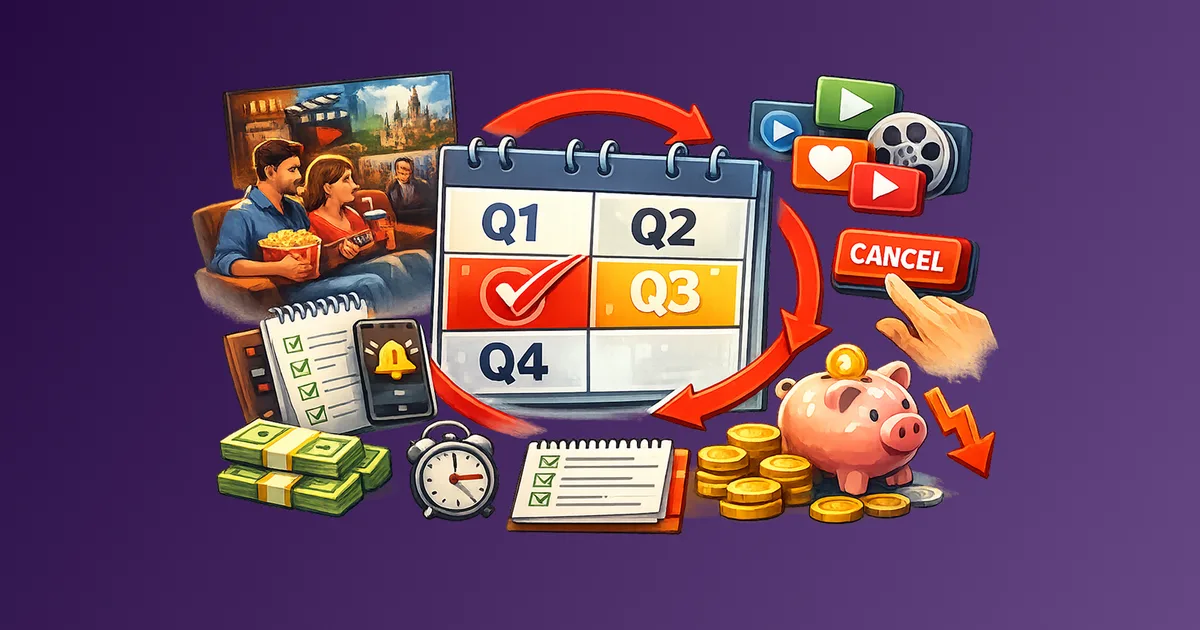
The subscription rotation strategy works by keeping one or two streaming services active at a time, working through a specific content backlog on each, cancelling before renewal, and activating the next service in the sequence. The key operational elements are a maintained watchlist per platform, a cancellation reminder set at sign-up, and a quarterly rotation schedule that prevents simultaneous stacking. Done consistently, most households can cover their streaming needs with one or two active subscriptions at any given time instead of four or five running in parallel.
When Does Rotation Work - and When Does It Not?
Rotation works well when your viewing habits are binge-oriented rather than continuous. If you watch in focused bursts rather than grazing daily across multiple platforms, a rotation approach maps naturally onto how you already consume content.
It also works when the content you want is platform-specific rather than ongoing. A limited series, a film catalogue, a specific show season - these are finite. Once you have watched what drew you to the platform, the value case for keeping it active weakens significantly.
Rotation is less effective in a few specific situations:
- Live content: Sports, news, and live events do not pause. If a platform is your primary source for live programming, it cannot be rotated out during an off-season without actually missing content. The exception is sports with genuine off-seasons.
- Shared households with divergent viewing habits: Rotation requires rough consensus on which platform runs when.
- Annual billing: You cannot rotate a service you have prepaid for twelve months. Rotation requires monthly billing. Monthly vs Annual Billing: Which Saves You More? covers that trade-off.
- Services with significant switching costs: Most streaming platforms have low switching friction, but some can still add minor reactivation overhead.
How Do You Build a Quarter-by-Quarter Rotation Plan?
A quarterly cycle is the most practical structure for most households. It is short enough to feel active, long enough to work through a meaningful content backlog on each platform, and aligns naturally with seasonal content releases.
Step 1: Inventory your target platforms
List every streaming or entertainment service you currently subscribe to or plan to use. For each one, note the monthly price, the content you specifically want to watch, and whether that content is time-sensitive or stable.
Step 2: Identify your anchor service
Most households have one platform they would not rotate out regardless of what else is active. This service stays on continuously. Everything else rotates around it.
If you genuinely cannot identify an anchor, run only one service at a time and treat all platforms as rotatable.
Step 3: Build the rotation sequence
Assign one rotatable service per quarter. Four platforms, four quarters, one running alongside your anchor at any given time.
Example rotation structure:
| Quarter | Anchor | Rotating Service | Primary Content Target |
|---|---|---|---|
| Q1 (Jan-Mar) | Platform A | Platform B | Specific series backlog |
| Q2 (Apr-Jun) | Platform A | Platform C | Film catalogue |
| Q3 (Jul-Sep) | Platform A | Platform D | New season releases |
| Q4 (Oct-Dec) | Platform A | Platform B | Return for new content |
Step 4: Set cancellation reminders at sign-up
This is where most rotation attempts fail. The plan is solid until cancellation does not happen.
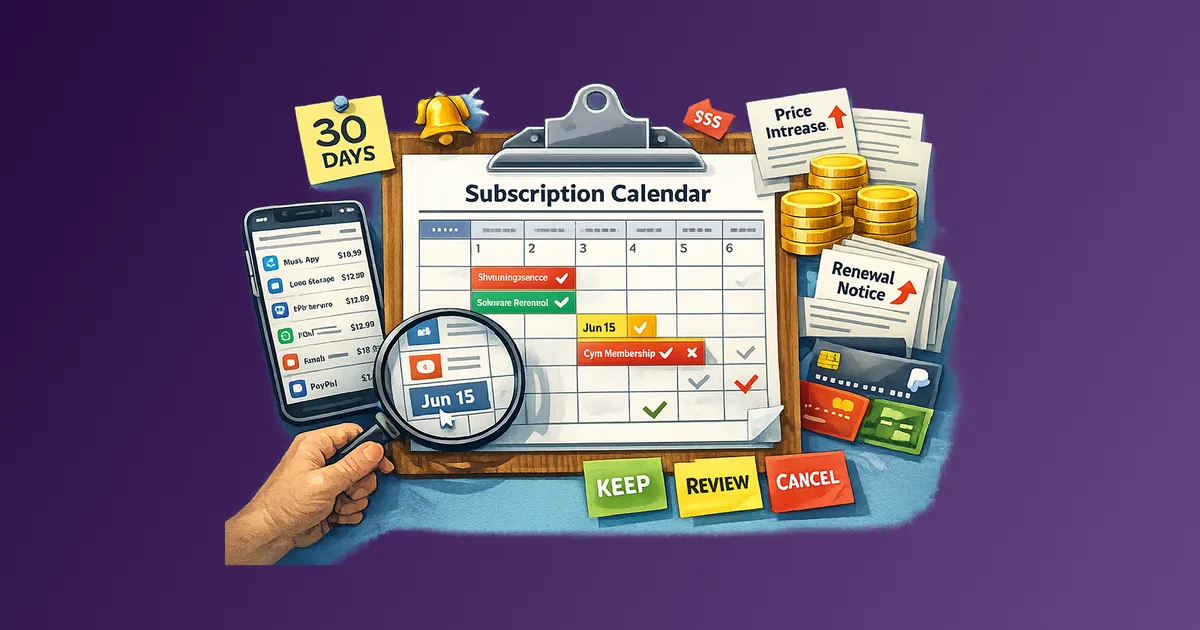
The fix is mechanical: set a cancellation reminder the same day you sign up, timed for two or three days before the next billing date. How to Set Up a Subscription Calendar covers the exact reminder structure in detail, including the 7/3/0 system that prevents charges from slipping through.
Some platforms also allow immediate cancellation while retaining access until the end of the current billing period. If this option exists, use it.
How Do You Manage Watchlists Across Platforms?
The practical bottleneck of rotation is keeping track of what you want to watch on each platform before you leave. A service you have cancelled is a service whose interface you can no longer browse. Your backlog needs to exist somewhere outside the platform itself.
Minimum viable watchlist system:
Keep a simple running list per platform. A notes app, shared document, or dedicated app all work. When you see a recommendation on a platform you are not currently subscribed to, add it immediately.
Before cancelling a service at the end of its rotation slot, do two things:
- Check whether you finished your primary content targets for that cycle.
- Scan new releases one final time and add relevant items to your list for the next rotation.
For households sharing a rotation, use a shared document so everyone can add items independently.
How Do You Avoid the Stacking Trap?
Stacking happens when a new release lands on a platform you are not currently subscribed to, you reactivate it, and forget to cancel the service already running.
The Battle for Your Wallet explains why this happens at market level: staggered releases across platforms make multiple services feel essential at the same time.
Practical protections against stacking:
- Treat reactivation as a swap, not an addition: If one comes in, one goes out.
- Queue releases for the next slot: Add anticipated releases to the watchlist instead of reacting instantly.
- Set a hard cap on active services: Two is a reasonable default ceiling.
- Review active services monthly: A quick monthly pass catches silent stacking early. Use the recurring expense audit checklist as your operating routine.
Copy-Paste: Rotation Planning Template
STREAMING ROTATION PLAN

Anchor service (always on): _______________   Monthly cost: ___

Rotation sequence:
Q1: _______________ | Content targets: _______________
     Monthly cost: ___  |  Cancel by: ___  |  Reminder set: Y/N

Q2: _______________ | Content targets: _______________
     Monthly cost: ___  |  Cancel by: ___  |  Reminder set: Y/N

Q3: _______________ | Content targets: _______________
     Monthly cost: ___  |  Cancel by: ___  |  Reminder set: Y/N

Q4: _______________ | Content targets: _______________
     Monthly cost: ___  |  Cancel by: ___  |  Reminder set: Y/N

Platform watchlists (external):
Platform A: _______________________________________________
Platform B: _______________________________________________
Platform C: _______________________________________________
Platform D: _______________________________________________

Hard limit on simultaneous active services: ___

Monthly check: [ ] Active services reviewed this month
What Are the Most Common Rotation Mistakes?
- Not setting the cancellation reminder at sign-up.
- Rotating annual plans (which removes flexibility).
- Building a rotation plan without platform watchlists.
- Reactivating without deactivating (adding instead of swapping).
- Counting content you will "probably watch eventually" instead of specific watchlist targets.
If cancellation flows are intentionally difficult, use How to Cancel Subscriptions Without the Stress as your execution checklist.
FAQ
How many streaming services should I rotate between?
Three to five platforms in a sequence is manageable for most households. More than five usually means some should be dropped.
What if a show I want is only available for a limited time?
Flag it as time-sensitive in your watchlist and prioritize that platform in the next slot. If urgent, swap it to the front and push the current slot back.
Can I rotate non-streaming subscriptions the same way?
Yes. This works for fitness apps, learning platforms, audiobook services, and news subscriptions when usage is cyclical.
Is it worth cancelling a service that costs only $6 or $7?
Yes. Small monthly charges compound quickly when several run in parallel.
What if cancellation is difficult?
Some platforms use dark patterns. Follow a strict cancellation workflow and keep proof.
Does rotation work for households with children?
It can, but usually with child-focused platforms treated as anchor services and only adult-focused services rotated.
Next Step
Pick one streaming service you are paying for but have not actively watched in the past two weeks. Make it your first rotation candidate: external watchlist, cancellation date, and next planned reactivation quarter.
One platform with a watchlist and a cancellation date is already a real system.