Most SaaS costs do not get reviewed. They get auto-renewed. Not because the software is irreplaceable, but because the renewal date passed without anyone preparing a real case for renegotiation. The window closed. The invoice arrived. Another year locked in.
Stay Updated with Subtrakr
Sign up to our newsletter to get updates about Subtrakr and valuable insights about subscriptions and recurring expense management.
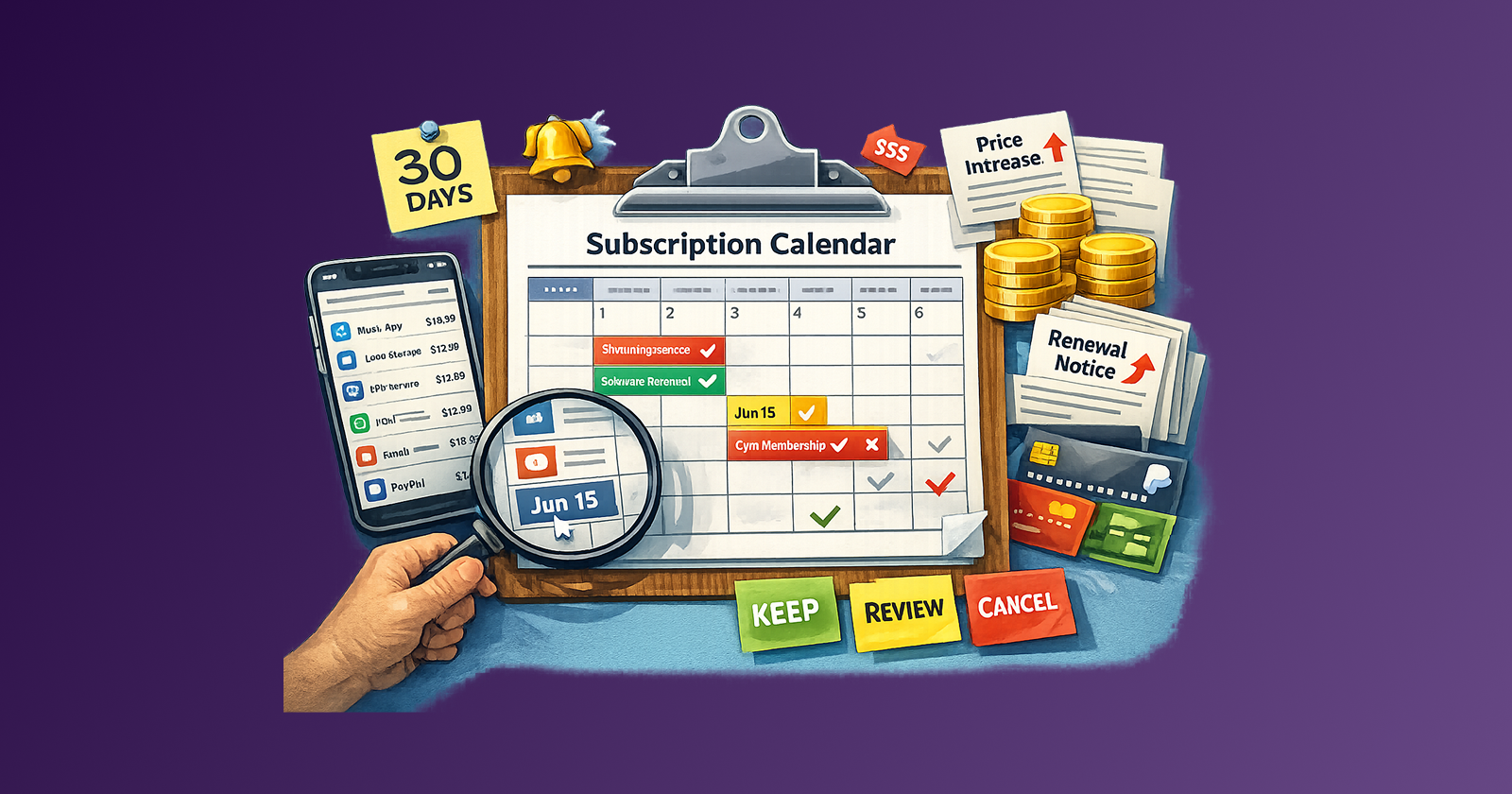
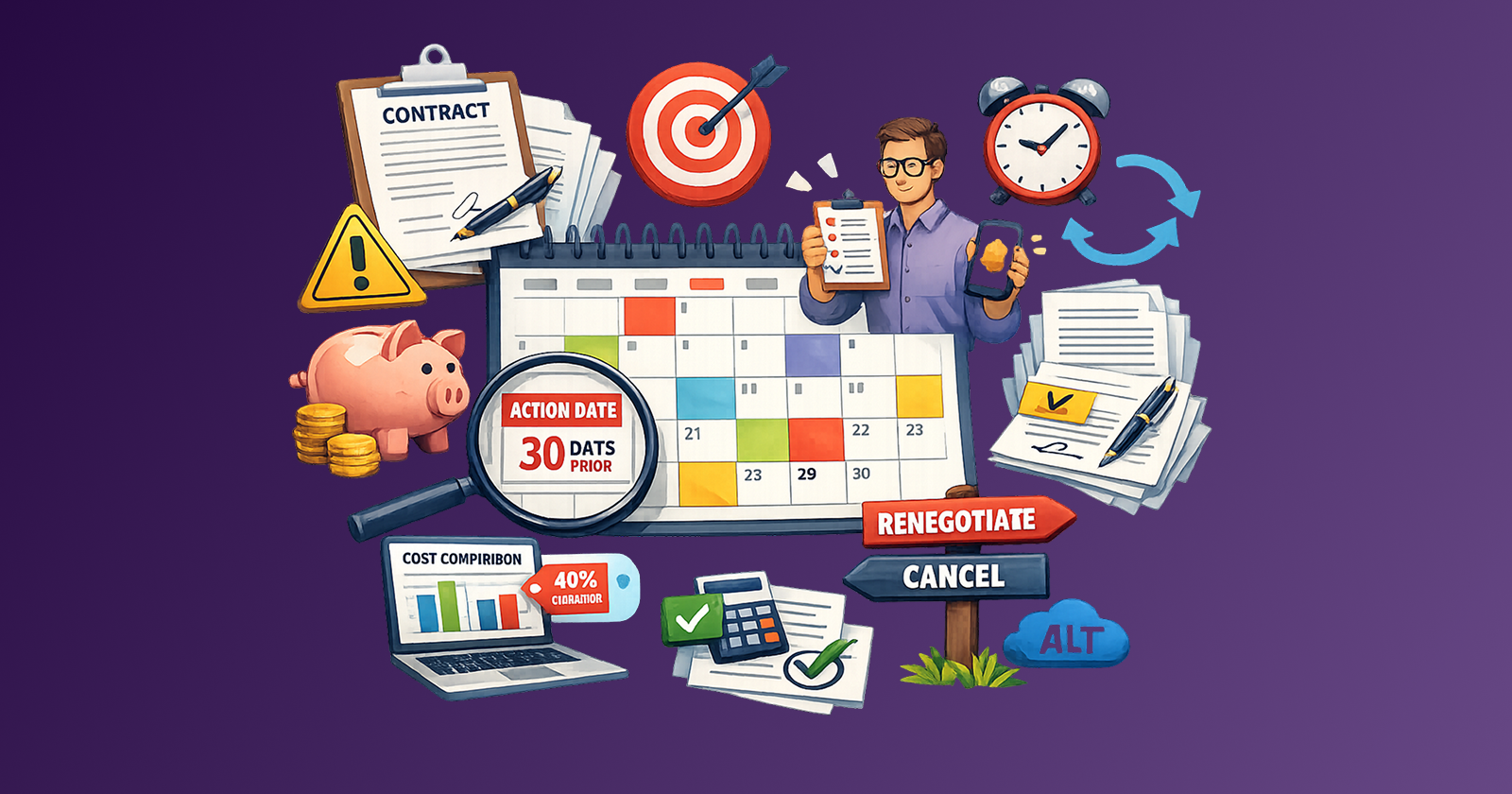
A SaaS renewal calendar fixes that. It turns passive auto-renewing into a managed process with review cycles, decision points, and real leverage.
The short answer: A SaaS renewal calendar is a structured record of every contract's renewal date, notice window, owner, and fallback option. Built correctly, it gives you 30 to 90 days of lead time before each renewal so you can renegotiate, downgrade, or cancel with intention rather than panic. The practical minimum is a simple spreadsheet updated quarterly.
What Does a SaaS Renewal Calendar Actually Capture?
A renewal calendar is more than a list of dates. The date alone tells you when something renews. What you actually need to know is when you need to act.
The five fields that matter for every SaaS contract:
Contract term. Monthly or annual? Multi-year? A two-year contract with a mid-term review clause is different from a rolling annual. The term defines your commitment window.
Notice window. The most overlooked field. Many SaaS vendors require 30, 60, or even 90 days written notice before the renewal date to cancel or downgrade. If you miss the notice window, you are committed for another full term regardless of usage. This is where most renewal leverage gets lost.
Renewal date. The date the contract auto-renews if no action is taken. This is not the same as the billing date, and it is not the same as the invoice date. Get the exact contractual renewal date from the agreement, not from the invoice history.
Owner. Who is responsible for the decision on this contract? In a solo or small-team context this may be obvious. Across a growing team it rarely is. Unowned contracts renew automatically because no one had a clear mandate to review them.
Fallback option. Before any renewal arrives, note what happens if you cancel or downgrade. Is there a free tier? A cheaper plan? A direct competitor at a lower price point? The fallback option is your negotiation leverage. Knowing it before the conversation starts changes how you approach the vendor.
These five fields transform a list of subscriptions into an actionable renewal schedule.
How Do You Build the Calendar and Set Reminder Timing?
The mechanics are straightforward. The discipline is what most teams skip.
Step-by-Step Setup (Time required: 30 to 60 minutes for initial build)
Step 1: Pull your full SaaS inventory.
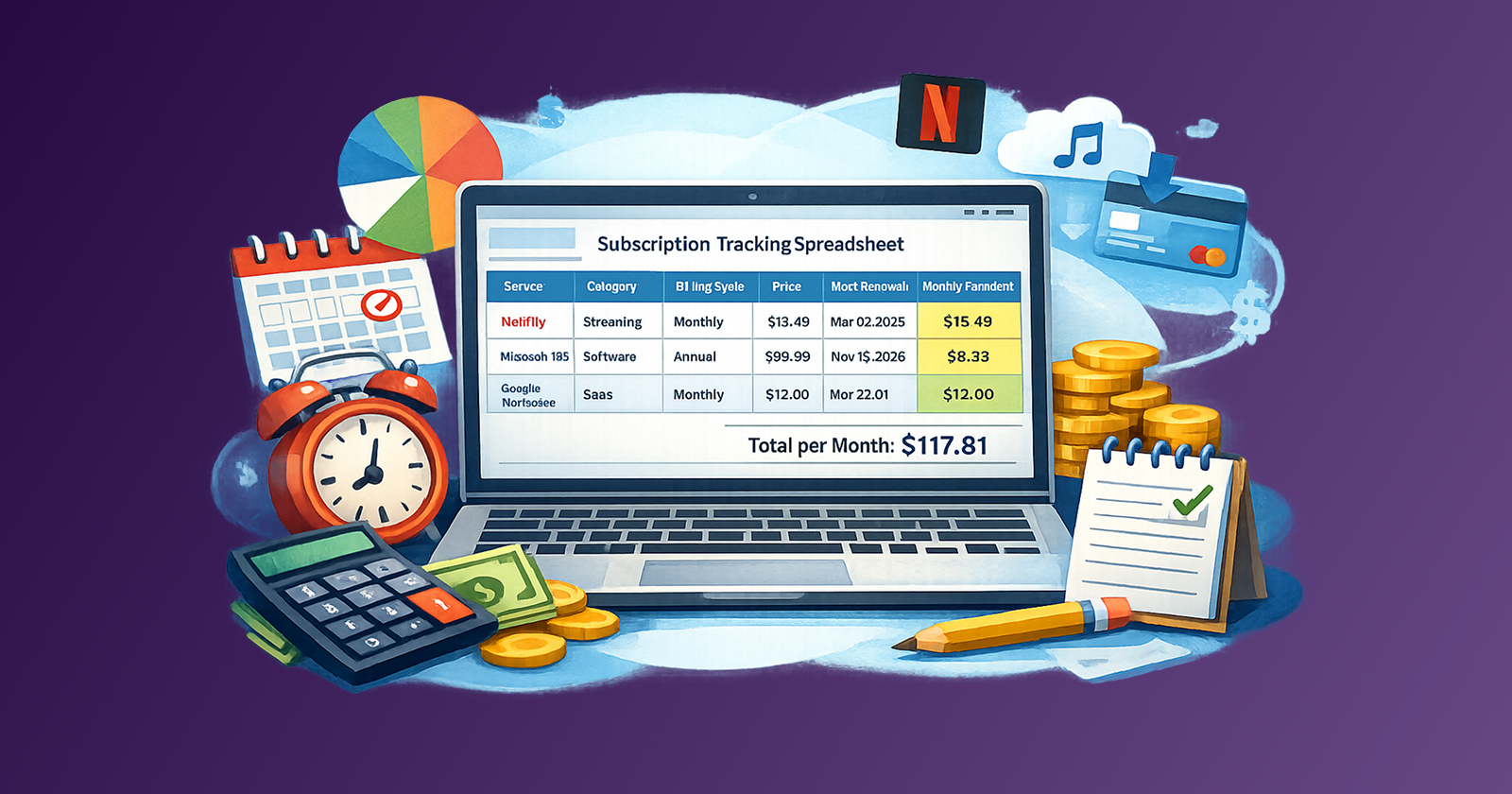
If you have not done a full subscription audit recently, start there. Check bank statements, credit card charges, invoices in your email, and any shared payment accounts. The subscription tracker spreadsheet is a useful starting structure if you are building from scratch.
Step 2: Find the actual renewal date for each contract.
Do not guess. Check the original order confirmation, the vendor dashboard, or the signed agreement. For multi-year contracts, note the next annual review window even if the full term has not expired.
Step 3: Find the notice window.
Search the contract or terms of service for "notice," "cancellation," and "non-renewal." If you cannot find it, email the vendor and ask directly. Log the response.
Step 4: Calculate your action date.
Subtract the notice window from the renewal date, then subtract an additional 14 days as buffer. That is your action date: the latest point at which you can realistically prepare, decide, and notify. Add this to the calendar explicitly.
Step 5: Assign an owner.
Every contract needs one named person responsible for the renewal decision. If that person changes, the calendar needs to be updated immediately.
Step 6: Log the fallback option.
Even a short note helps: "free tier available," "competitor X is 40% cheaper," or "internal tool could replace this." You do not need a full analysis at this stage. You need a prompt that starts the thinking before crunch time.
Step 7: Set calendar reminders at three points.
- 90 days before action date: flag the contract for usage review
- 30 days before action date: complete renegotiation prep
- 7 days before action date: final decision and notification if applicable
The three-reminder structure is not bureaucracy. It distributes the cognitive work across weeks rather than forcing a rushed decision the day before the deadline.
What Goes Into a Renegotiation Prep Checklist?
Renegotiation is not confrontation. It is a prepared conversation backed by facts. Vendors negotiate regularly. Most prefer a retained customer at a lower price to a churned contract.
Run through this checklist in the 30-day window before your action date:
Usage review
- What features are actively used versus available?
- How many seats or licenses are actively used?
- Has usage changed since the last renewal?
- Are there unused higher-tier features that justified the current price?
Value assessment
- What outcome does this tool produce?
- Is that outcome still a priority?
- Has the tool's impact been measured against any baseline?
- Is the team dependent on it or merely familiar with it?
Alternatives check
- Is there a lower-priced competitor offering comparable functionality?
- Has the vendor released a cheaper plan tier since you last evaluated?
- Could this workflow be covered by a tool you already pay for?
Negotiation posture
- Are you willing to commit to a multi-year deal for a lower annual price?
- Are you willing to prepay annually in exchange for a discount?
- Would a downgrade to a lower tier serve current needs?
- What is your walk-away point?
The answers to these questions determine your position before you contact the vendor. Going in without this prep means the vendor sets the terms. Going in with it means you have a clear ask and a clear limit.
One tactical note: the negotiation conversation itself is separate from the decision to renegotiate. For the mechanics of how to structure that conversation and what to say to retention teams, the bill negotiation guide covers that in detail.
What Happens After Renewal? Post-Renewal Documentation
The renewal is not the end of the process. What you learn in each renewal cycle is only useful if it carries forward to the next one.
Post-renewal documentation takes about 10 minutes and saves hours the following year.
Log the outcome.
Record the final terms: price, plan tier, contract length, any concessions made. If you negotiated a discount, note what argument worked. If you received a price increase, note the justification the vendor gave.
Update the notice window.
Contracts sometimes update terms on renewal. Verify that the notice window, auto-renewal clause, and cancellation terms in the new agreement match what you recorded. If they changed, update the calendar.
Note the value verdict.
Was the tool worth it at the price paid? Would you pay the same at the next renewal? A simple "yes / maybe / no" recorded now sets up a much faster decision next year.
Flag any mid-term review triggers.
If you negotiated a price reduction conditional on usage growth, set a mid-term reminder to check that condition before the next renewal. Do not let a conditional deal slip by unexamined.
Archive the agreement.
Store the signed contract or vendor confirmation email in a predictable location. Shared drive folder, note-linked document, or a dedicated contracts folder. During the next renewal cycle you will need it, and it should take 30 seconds to find.
This documentation step is what separates a one-time win from a compounding advantage. Teams that document consistently get better at negotiation every cycle. Teams that skip it relearn the same lessons under pressure every year. The startup SaaS cost reduction case study shows what this discipline looks like across a quarterly review cycle at scale.
A Practical Renewal Calendar Template
Copy and adapt this structure for your own tracker:
| Tool | Plan | Monthly Equivalent | Renewal Date | Notice Window | Action Date | Owner | Fallback Option | Last Outcome |
|---|---|---|---|---|---|---|---|---|
| [Tool name] | [Plan tier] | [$/month] | [YYYY-MM-DD] | [X days] | [YYYY-MM-DD] | [Name] | [Free tier / competitor / downgrade] | [Kept / renegotiated / cancelled] |
Sort by action date, not by renewal date. The nearest action date should always be at the top.
For teams tracking multiple contracts, a shared spreadsheet works well. For individual use, a dedicated section in your existing subscription tracker is sufficient.
Common Mistakes in Renewal Management
Treating the billing date as the renewal date.
They are often different. The billing date is when the charge processes. The renewal date is when the commitment begins. A contract renewed on the 1st may not be billed until the 5th. The notice window is calculated from the renewal date, not the billing date.
Skipping notice window research.
If you miss a 60-day notice window, you are committed for another full term even if you decide to cancel the next day. This is the single most expensive administrative oversight in SaaS management.
Reviewing tools in isolation.
A tool may look valuable in isolation but redundant when assessed across your full stack. Build the review habit as part of a full stack audit, not as individual spot checks. The recurring expense audit checklist supports that discipline.
Waiting for dissatisfaction to trigger a review.
By the time a tool frustrates the team, the notice window may already be closed. The review process should run on a schedule, not on sentiment.
Not owning the contract.
Unowned contracts are the highest-risk contracts. They renew by default because no one had a clear mandate to evaluate them. Every contract on the calendar needs a named owner.
FAQ
What is a SaaS renewal calendar?
A SaaS renewal calendar is a structured record of every software contract's renewal date, notice window, assigned owner, and decision timeline. It ensures that renewals are actively managed rather than passively auto-renewed.
How far in advance should I start the renewal review process?
For annual contracts, start the review 90 days before the action date. Set a second checkpoint 30 days before, and a final confirmation 7 days before. For multi-year contracts, add a mid-term review checkpoint regardless of the renewal timeline.
What is a notice window in a SaaS contract?
A notice window is the contractual period before a renewal date during which you must formally notify the vendor of your intent to cancel or not renew. Missing it typically commits you to another full contract term. Common notice windows range from 30 to 90 days.
Can I renegotiate a SaaS contract before it renews?
Yes, and the renewal window is the best time to do it. Vendors prefer to retain customers, even at reduced pricing, rather than process cancellations. A prepared renegotiation request made 30 to 60 days before renewal gives you real leverage.
How do I track SaaS renewals if contracts are spread across multiple team members?
Use a shared spreadsheet with a named owner field for each contract. Set reminders to the owner directly, and include a secondary reminder to a central operations or finance contact so nothing falls through if the owner changes roles.
What should I do if I missed a notice window?
Contact the vendor immediately. Explain the situation. Many vendors will accommodate a late cancellation request, particularly if you are a long-standing customer or can demonstrate that you did not use the product in the renewal period. It is not guaranteed, but it is worth the conversation.
Next Action
Set aside 30 minutes this week to build the first version of your renewal calendar. Start with your five highest-cost SaaS contracts. Find the renewal dates, find the notice windows, calculate the action dates, and assign an owner to each. That is the foundation. Everything else builds from there.
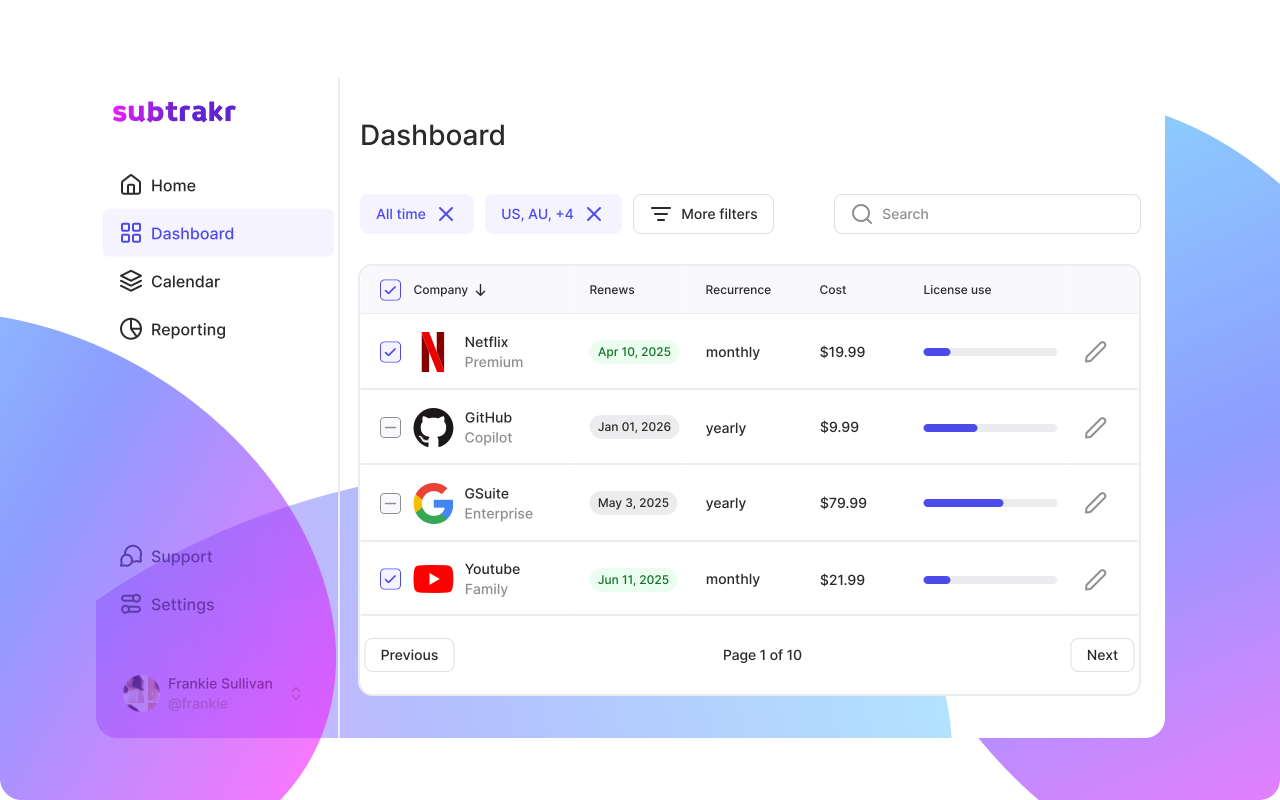
If you want a clean starting point for tracking the full stack of recurring expenses alongside your renewal calendar, Subtrakr handles the calculation side automatically once the data is in. Manual input creates the intentional awareness. The structure creates the control.