Quick answer
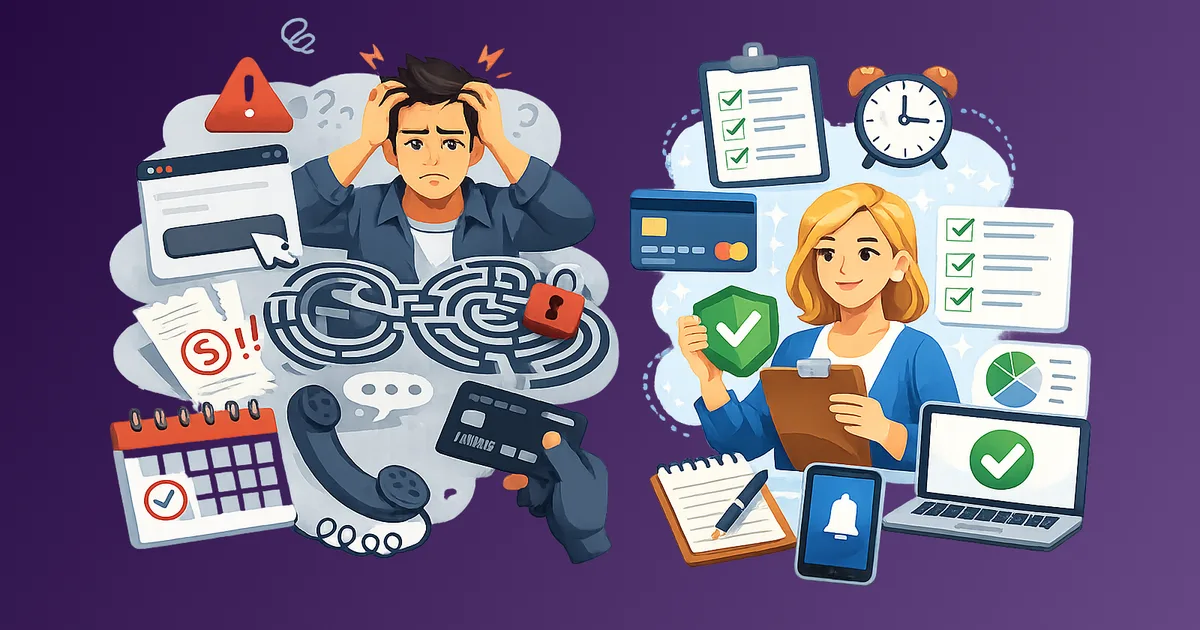
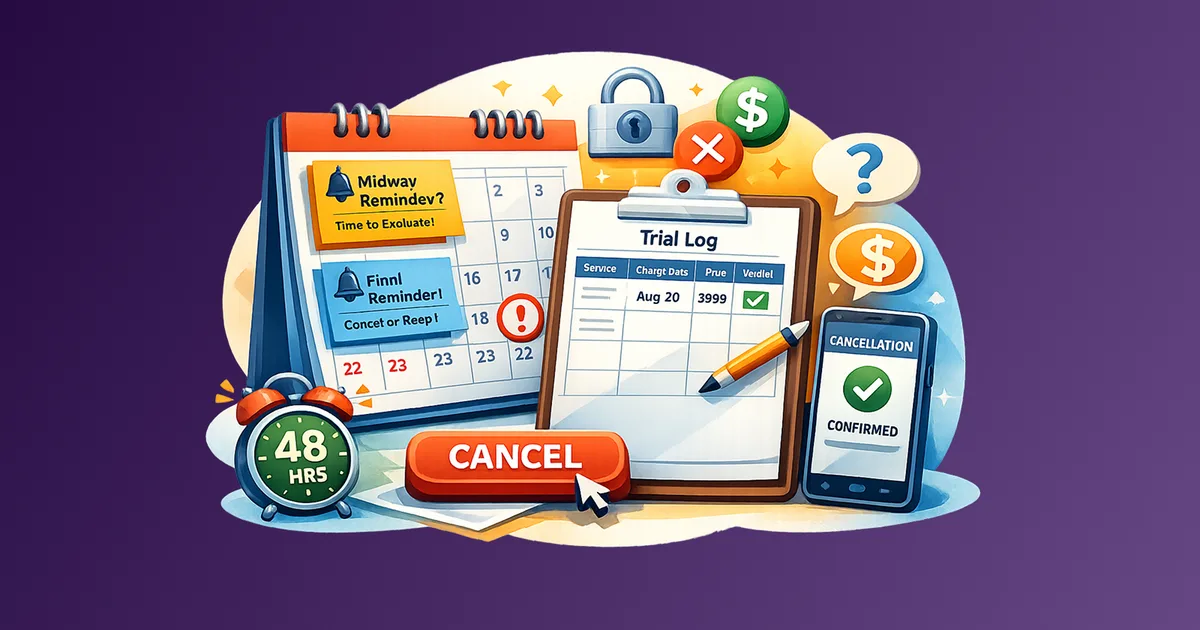
set two reminders the moment you start any free trial, one at the halfway point, one 48 hours before the charge date. Log each trial with a value verdict column. If you have not decided the product is worth keeping by the second reminder, cancel immediately. This system removes the decision from memory and puts it on your calendar.
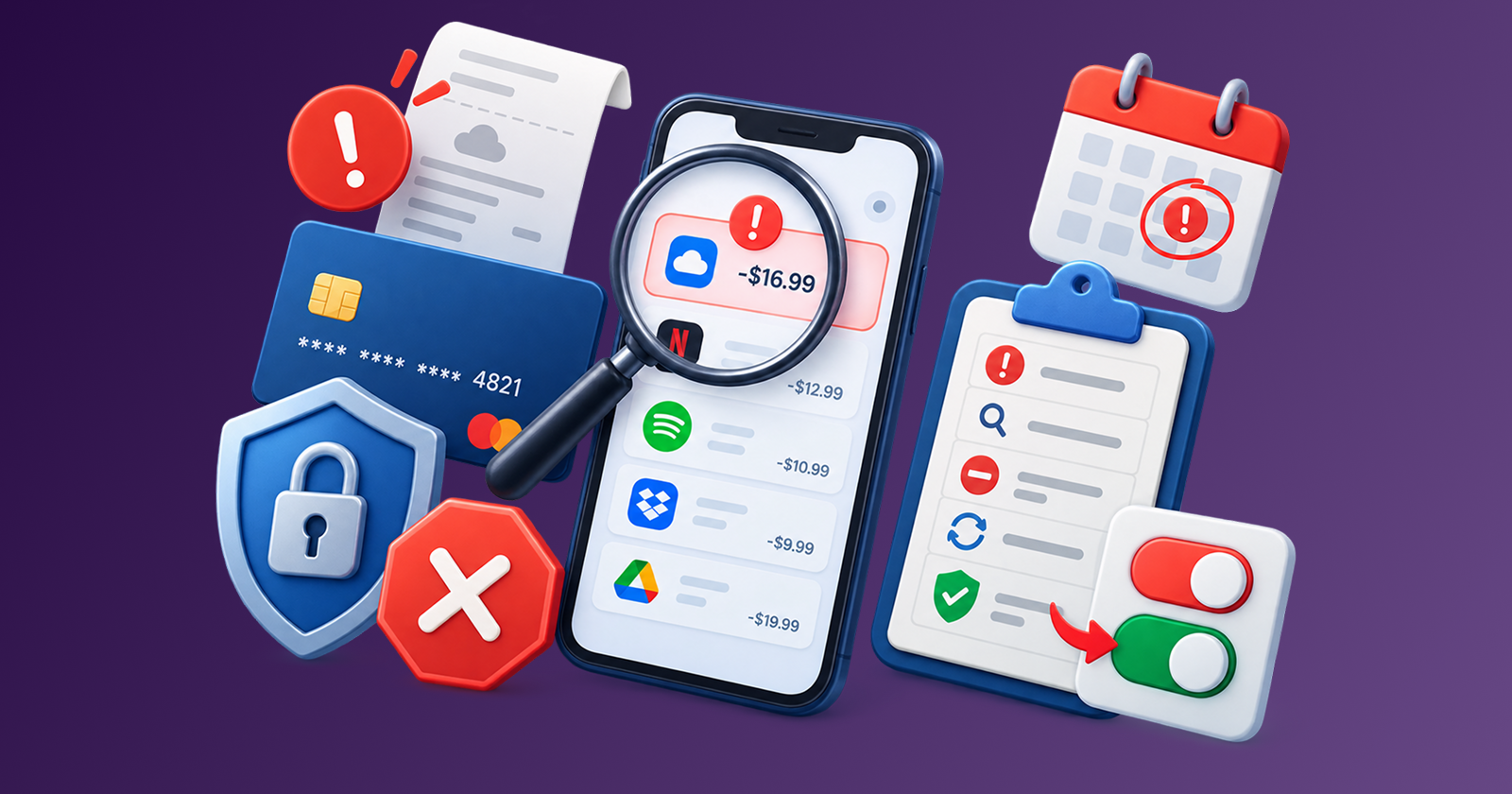
Free trials are designed to become paid subscriptions. That is not cynicism, it is the business model. The conversion relies on one thing: that you forget the end date before you decide whether the product is worth paying for.
Stay Updated with Subtrakr
Sign up to our newsletter to get updates about Subtrakr and valuable insights about subscriptions and recurring expense management.
The good news is that the fix is simple. It requires two calendar entries, a short log, and one firm rule.
Why Do Free Trials Convert So Effectively?
The gap between sign-up and charge date is the trap
When you start a free trial, you are motivated, curious, and engaged. The charge date feels abstract, 14 or 30 days away. By the time it arrives, the novelty has worn off, the product is either integrated into your routine or quietly forgotten, and the default is renewal.
That default is intentional. Services benefit from passive conversion. The user who forgets is worth more than the user who evaluates.
Three psychological forces keep this working:
- Optimism bias: You assume you will remember to cancel, or that you will definitely use the product enough to justify it.
- Integration effect: After even a few days, using a tool starts to feel normal. The friction of cancelling grows while the friction of keeping it shrinks.
- Low individual cost: A $9.99 charge after a forgotten 14-day trial feels minor. Multiplied across several forgotten trials per year, it is not.
The result: free trials generate reliable revenue not because users love the product, but because the system is structured so forgetting is the path of least resistance.
This is one example of a broader subscription design problem. Subscription dark patterns use defaults, confusing consent, and cancellation friction to turn inertia into revenue.
What Is the Calendar-First Setup?
One rule, two reminders
The rule is simple: the moment you start a free trial, open your calendar and set two events before you do anything else.
- Reminder 1: halfway through the trial. If a trial runs 14 days, set this on day 7. If it runs 30 days, set it on day 15.
- Reminder 2: 48 hours before the charge date. This is the cancellation window.
If you have not made a clear decision to keep the subscription by Reminder 2, treat it as a cancellation trigger.
Both reminders should include the name of the service, the exact charge date, the price, and the billing cycle (monthly or annual). If you are unsure what auto-renew or billing cycle means in the fine print, the subscription billing terms glossary defines them in plain language. Annual billing trials are higher stakes. A forgotten $99 annual charge is a different problem than a forgotten $9.99 monthly one.
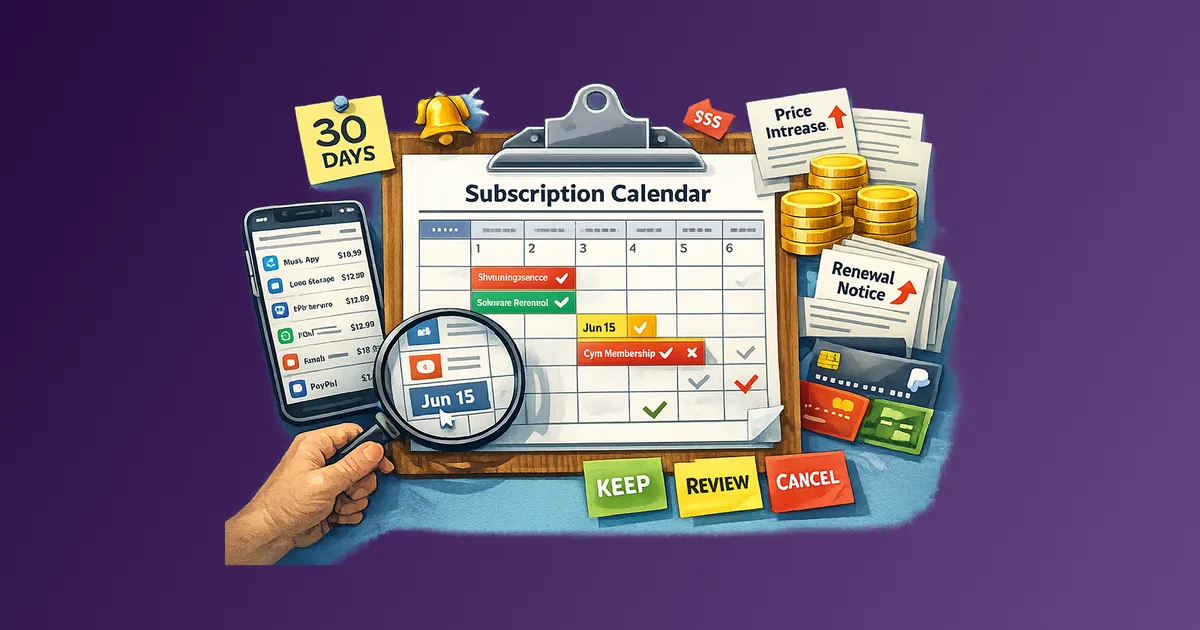
If you want to extend this same reminder logic to all recurring expenses after trial conversion, use How to Set Up a Subscription Calendar. Once those plans are in Subtrakr, reminders carry the same pattern forward: one lead-time preference per Space, email before every paid renewal.
This setup takes under two minutes per trial. The cognitive cost of skipping it is far higher than the effort of doing it.
Why 48 hours and not 24?
Some services process cancellations slowly. Others require navigating support workflows, finding buried settings, or contacting a chat agent. A 48-hour buffer gives you enough time to complete cancellation even if the process is intentionally difficult.
What Should a Trial Log Look Like?
A log that connects trials to decisions, not just dates
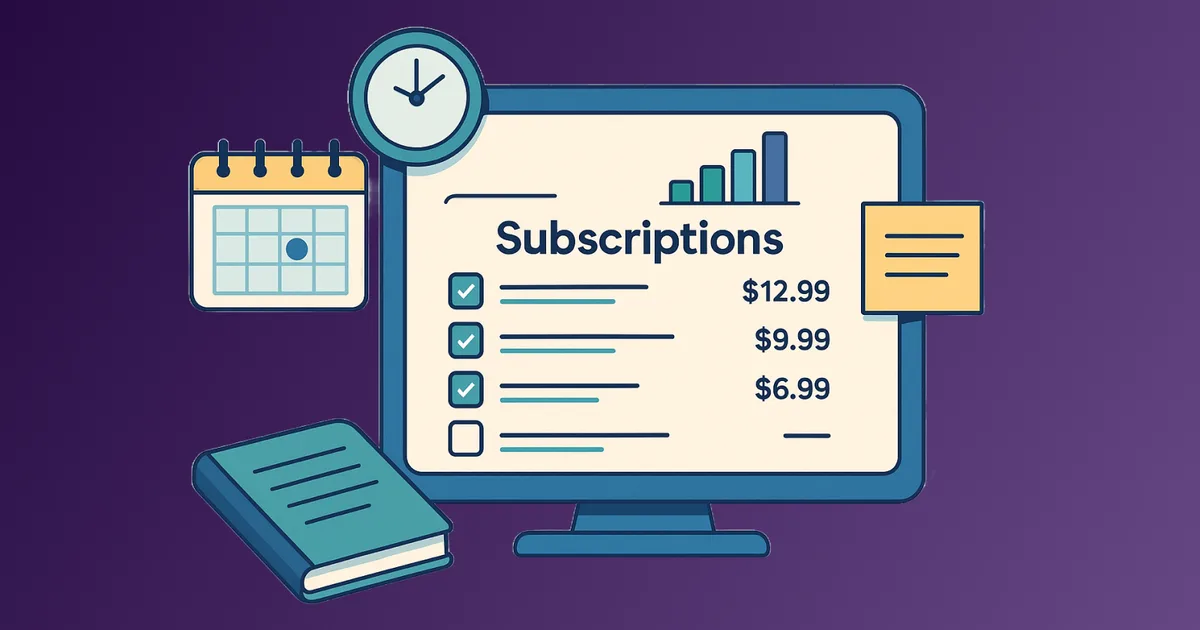
A calendar reminder tells you when to act. A trial log tells you what to decide. These are two different functions and you need both.
The trial log does not need to be complex. A simple note, spreadsheet row, or entry in a recurring expense tracker is enough. The key fields are:
- Service name
- Trial start date
- Charge date
- Price and billing cycle
- What I am testing for
- Verdict (Keep / Cancel / Decide later)
The "what I am testing for" field is the most important and the most skipped. If you start a trial without defining what would make it worth paying for, you have no framework for evaluating it.
Write one sentence before you activate the trial, for example:
- "I will keep this if it saves me 2 hours per week."
- "I will keep this if I use it at least twice before the halfway reminder."
That sentence becomes your decision anchor.
You can maintain this log anywhere that works for your setup. Subtrakr is designed for tracking recurring expenses after they convert, but the trial log phase is where you decide which ones should ever convert in the first place.
What Do You Do When Cancellation Is Intentionally Hard?
Friction is a feature, not a bug
Some services invest significant engineering effort into making cancellation difficult. This is not an accident. Cancellation friction is a retention strategy, and it works.
Common patterns to recognize:
- Buried settings: The cancel option is several layers deep in account settings.
- Mandatory chat flows: Some services require retention chat before cancellation.
- Email-only cancellation: Cancellation is only accepted via email and manual processing.
- Pause instead of cancel: The pause option is prominent while cancel is hidden.
- Confirmation loops: Multi-step surveys and repeated confirmations before final cancel.
The practical response: use your 48-hour reminder seriously. Start the cancellation process immediately when the reminder fires. Do not wait until the day of the charge.
If a service requires email cancellation, send it with a clear subject line including your account email, service name, and "cancellation request." Keep the sent email as a record.
For a complete cancellation workflow including proof of cancellation and rebilling prevention, see How to Cancel Subscriptions Without the Stress.
Step-by-Step Setup (Time required: 5 minutes per trial)
Step 1
Before activating the trial, write one sentence defining your value threshold. What would make this worth paying for?
Step 2
Activate the trial.
Step 3
Immediately open your calendar and set Reminder 1 at the halfway point and Reminder 2 at 48 hours before the charge date. Include service name, charge date, price, and billing cycle in both events.
Step 4
Add a row to your trial log: service name, trial start date, charge date, price, billing cycle, and your value-threshold sentence.
Step 5
When Reminder 1 fires, assess honestly. Have you used the product? Has it met your value threshold? Update the verdict column: Keep, Cancel, or Needs more time.
Step 6
When Reminder 2 fires, make a final decision. If the verdict is not clearly Keep, open the cancellation flow immediately and complete it in full.
Step 7
If you cancel, note the cancellation date and confirmation method in your log. If you keep it, move the subscription into your main recurring expense tracker.
Common Mistakes That Lead to Surprise Charges
Starting a trial without setting reminders immediately
The intention to "set them later" reliably fails. Later becomes never. The reminders must be set during the same session you activate the trial.
Using the service's own email reminders as your primary system
Some services send reminders before charging you. Many do not. And even when they do, it is often too late for complex cancellation flows.
Treating pause as a substitute for cancellation
If you are unsure but leaning toward cancellation, cancel. Pause just reschedules the same decision.
Signing up during busy periods
If you start a 14-day trial right before a deadline or life event, you likely will not evaluate it properly.
Ignoring annual billing warnings
Many trials convert to annual plans. The charge is much larger than monthly billing and needs proportionally higher urgency. If a trial converts to paid monthly and you later consider switching to annual, set the rules in Annual Commitments Without Regret: Guardrails to Set First before you prepay.
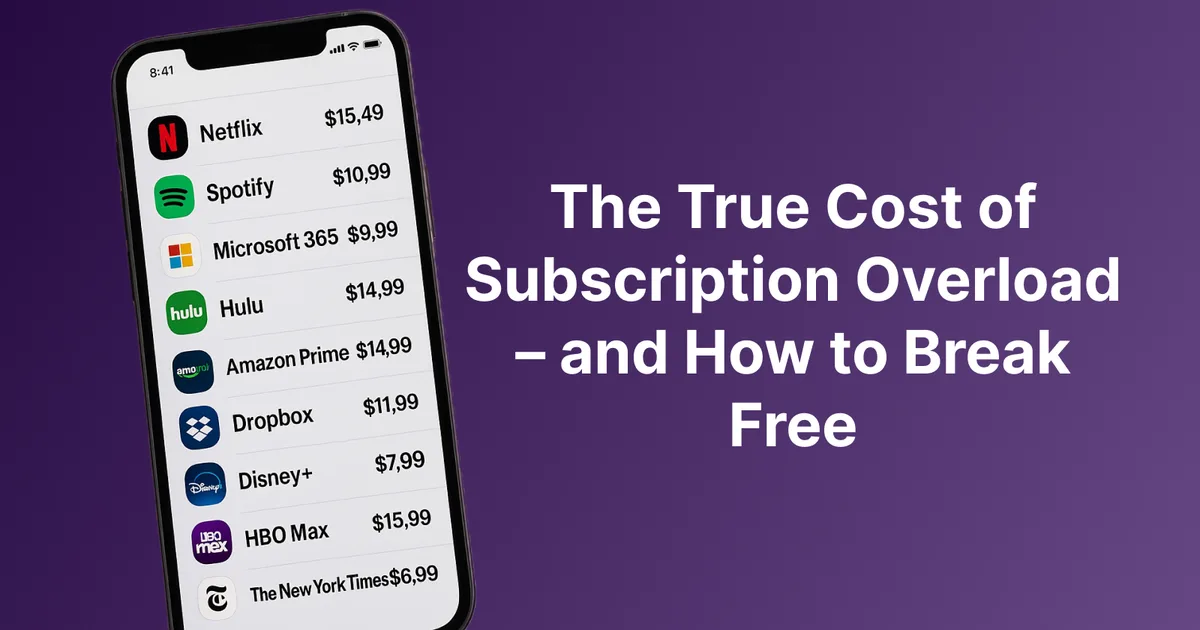
The cumulative impact of repeated trial leakage is real. For a broader view of how costs compound, see The True Cost of Subscription Overload - and How to Break Free.
Trial Log Template (Copy-Paste Ready)
Service:
Trial start date:
Charge date:
Price:
Billing cycle: (monthly / annual)
What I am testing for:
Reminder 1 set: (date)
Reminder 2 set: (date)
Halfway verdict: (Keep / Cancel / Needs more time)
Final decision: (Keep / Cancelled)
Cancellation confirmed: (yes / no / not applicable)
Add one row per trial. Review the full log once a month as part of your subscription audit.
FAQ
How do I avoid free trial charges automatically?
There is no universal automation that works across all services. The most reliable approach is calendar-first: two reminders at activation plus a trial log that forces a clear decision before the charge date.
Can I use a virtual card for free trials to avoid being charged?
Some people do. It can block charges technically, but it does not solve the value-evaluation problem. Some services may also lock access after failed charges.
What if I miss my 48-hour reminder?
Cancel immediately, even if only a few hours remain. If the charge still processes, contact support with your cancellation timestamp, then run the subscription incident response playbook so billing is contained and the next trial cannot surprise you the same way.
How many trials can I manage at once?
There is no universal number, but more than three or four concurrent trials materially increases the chance one slips through. Stagger starts when possible.
Should I track free trials in my main subscription tracker?
Keep trials in a separate log until they convert. Move them into your recurring expense tracker only after you decide to keep them.
Are annual trials more dangerous than monthly ones?
Yes. Annual conversions can be 10-12x the charge size of monthly conversions, so they require stricter reminder discipline.
Next Action
Set up your trial log today. It does not need to be elaborate, a simple note with five columns is enough. Then apply the calendar-first rule to the next trial you start.
Once the trial converts, create your Sunset Plan so your review date and cancel or downgrade trigger are defined before the next billing milestone.
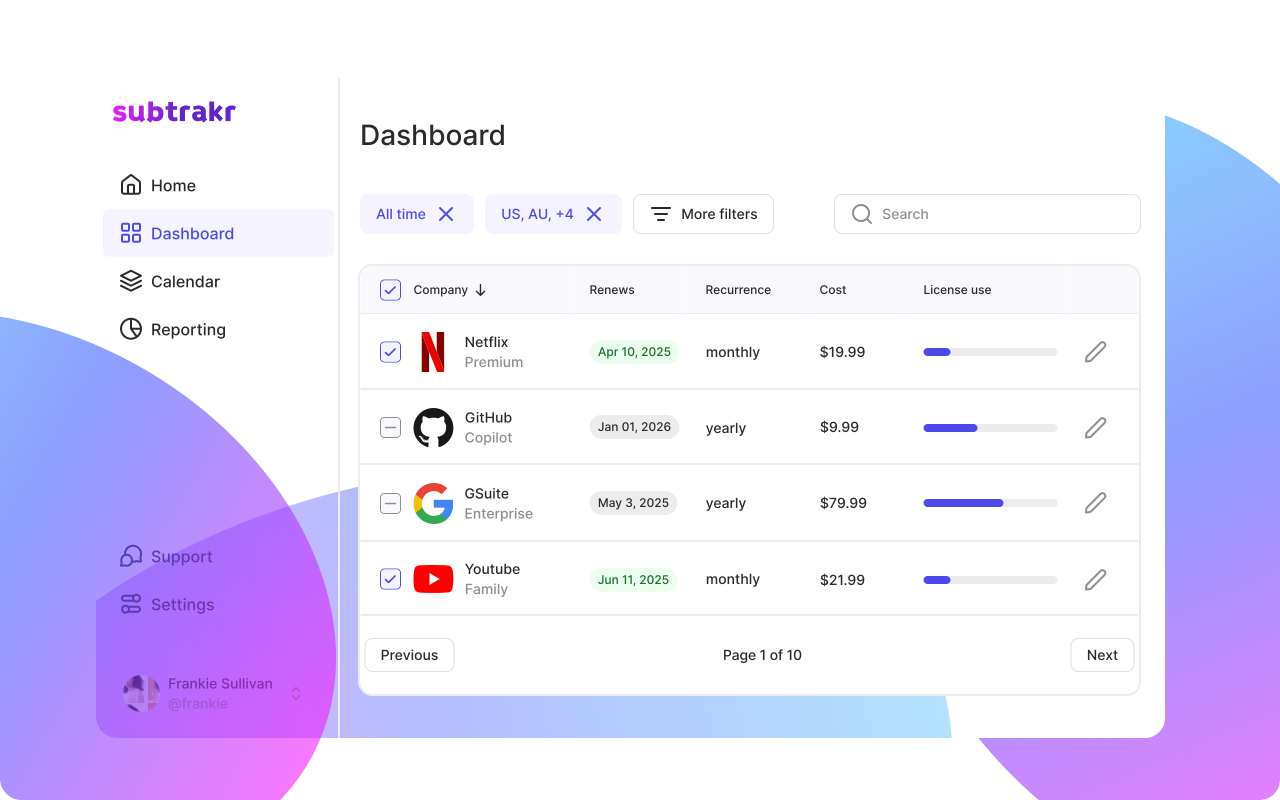
If you want one place to track active recurring expenses after trials convert, Subtrakr gives you a single view with monthly equivalent calculations.