Quick answer
Email renewal reminders are live in Subtrakr: one lead-time setting per Space, automatic scheduling for every subscription, and a clear queue of upcoming and sent notifications.
Most subscription charges are not surprises in theory. You signed up. You agreed to the renewal terms. The date was always there.
Stay Updated with Subtrakr
Sign up to our newsletter to get updates about Subtrakr and valuable insights about subscriptions and recurring expense management.
In practice, it rarely works that way. Subscriptions accumulate, renewal dates blur together, and by the time the charge appears on your statement, the window to cancel or reconsider has already closed.
Reminders are now live in Subtrakr to close that gap.
What the Reminders Feature Does
Subtrakr now sends you an email notification ahead of each subscription renewal in your Space. You set a lead time once, and every subscription in that Space is covered automatically.
No per-subscription configuration. No manual calendar entries. One preference, applied across the board.
How to Set It Up
Open the Reminders page from the sidebar. In the top right corner, click Reminder Preferences. Turn reminders on for your Space and choose how many days before each renewal you want to be notified.
That's the entire setup. From that point, Subtrakr schedules a reminder for every upcoming renewal and sends it at the right time.
What You See on the Reminders Page
The page is split into two views.
On the left, Upcoming Reminders shows every notification scheduled to go out, with the planned send date next to each subscription. You can see exactly what is queued and when.
On the right, the sent log keeps a record of every reminder that has already been delivered. Each entry is tied to a specific subscription and renewal, so you always know what was sent and when.
Why This Matters
A renewal reminder is not just a notification. It is a decision window.
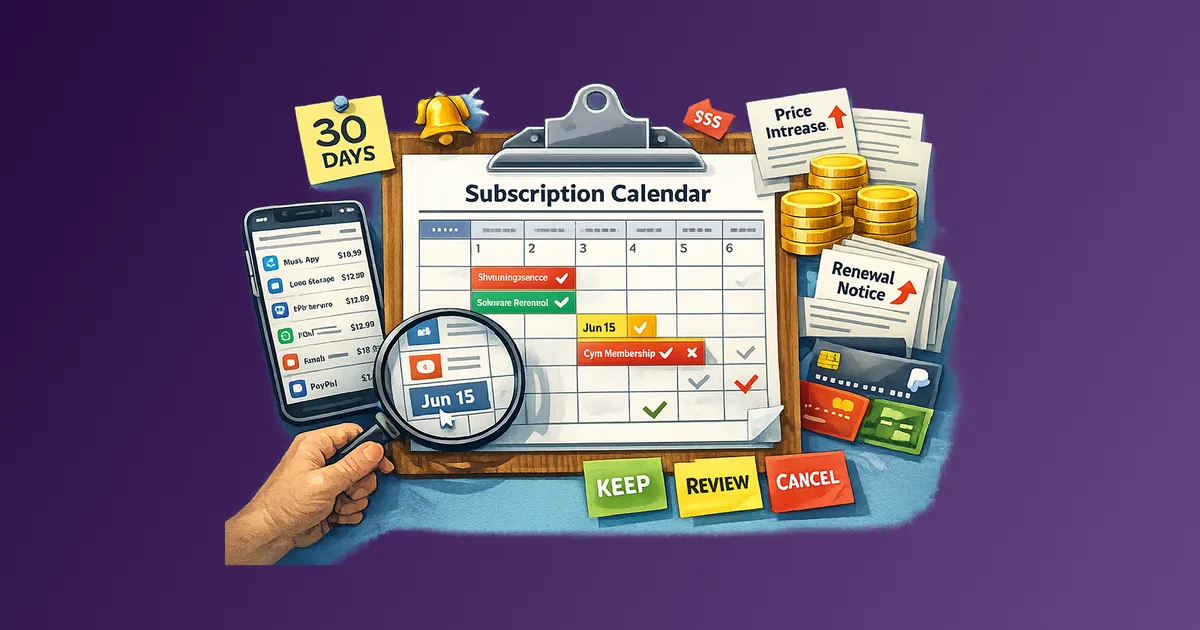
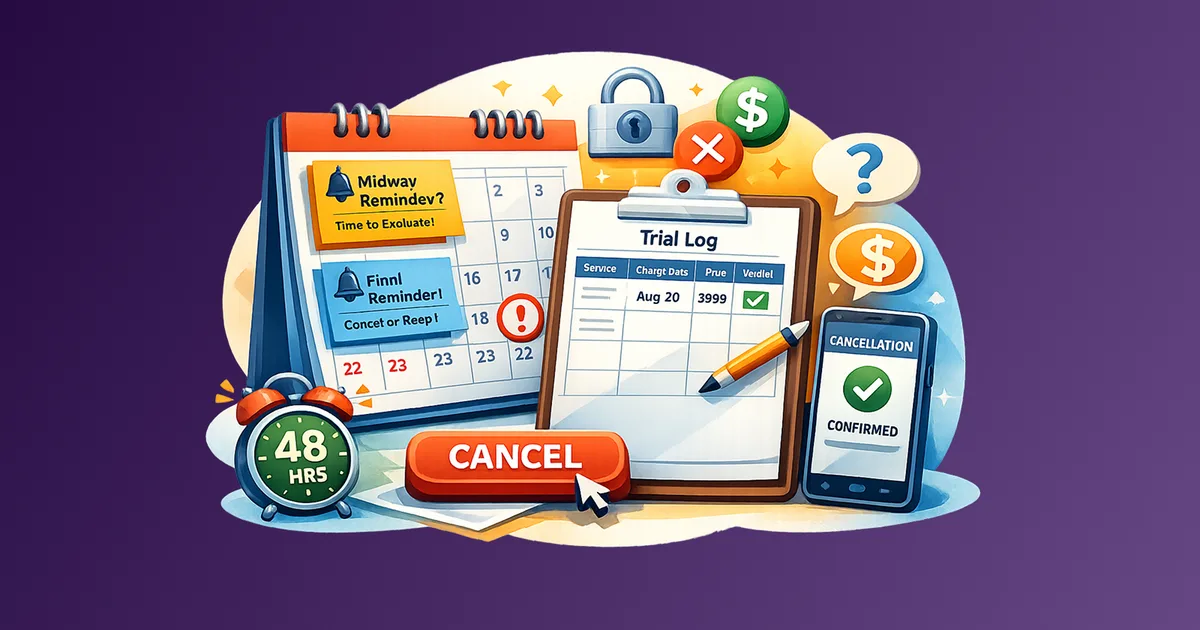
When you know a charge is coming ten days out, you have time to evaluate whether the subscription still earns its place in your budget. You can cancel before the charge hits, reach out to negotiate, or simply confirm it is worth keeping. Without that window, the default is always renewal.
Subscription costs compound quietly over time. A reminder system is one of the most practical ways to stay ahead of that drift. If you have not done a full audit recently, the recurring expense audit checklist is a good place to start.
Space Scope
Reminder settings belong to the Space. If you manage multiple Spaces in Subtrakr, each one can have its own lead time configuration. Switch Spaces in the sidebar to adjust settings independently.
Get Started
Open the Reminders page from the sidebar, configure your preferences, and your upcoming renewals are covered.
If you are new to tracking recurring expenses systematically, the full workflow guide is the best place to start.