Quick answer
2027 budget prep for recurring expenses is an early data-collection job, not a January spreadsheet ritual. Capture every recurring line item now with amount, cycle, renewal date, 2026 year-to-date actuals, last price change, owner, and a 2027 assumption. Do this across cards, PayPal, app stores, invoices, and non-subscription bills. Then convert those inputs into a monthly run-rate and a cash calendar before you set next year’s totals.
Most 2027 budgets fail before a single category is allocated. They fail in the data. People sit down in December, copy last month’s subscriptions, forget the annuals that already billed, and call the result a plan. By then, Q4 statements are noisy, price-increase emails are already spent, and you are reconstructing a year from memory.
Stay Updated with Subtrakr
Sign up to our newsletter to get updates about Subtrakr and valuable insights about subscriptions and recurring expense management.
Start the input work now. You still have a clean stretch of 2026 actuals, upcoming renewals you can still influence, and enough time to fill gaps before the numbers have to be final.
Why Start 2027 Budget Prep Now, Not in December?
September and early fall are the right window because the data is still complete enough to use, and the decisions still have time to land.
December is a reconstruction month. Holiday spending hides patterns. Annual tools that billed in February or June no longer sit on the latest statement. Vendor price notices from autumn are already in the rear-view, so you budget the new rate without noticing it changed. Starting now gives you three useful months: fill missing sources, watch Q4 renewals, and lock a 2027 assumption while you can still cancel, downgrade, or renegotiate.
This is not the same as building the full 2027 budget today. You are collecting the recurring expense inputs the budget will rest on. Allocation methods come later. When the pack is complete, a zero-based budget for recurring bills is one way to assign what remains.
If you already have an operating rhythm for listing, reminding, and reviewing, use the step-by-step recurring expense workflow as the live system and treat this article as the year-ahead data pack that sits on top of it.
What Recurring Expense Inputs Does a 2027 Budget Need?
A 2027 budget needs more than a vendor name and a monthly price. It needs the fields that tell you what you actually paid in 2026, when cash will leave in 2027, and what is likely to change.
Collect these inputs for every recurring line item:
| Input | Why the 2027 budget needs it |
|---|---|
| Name + statement descriptor | So bank lines match the product you think you have |
| Owner | So someone can keep, cut, or explain it |
| Category | Need, want, or mixed: allocation depends on this |
| Amount and currency | Current contracted price, not a remembered round number |
| Billing cycle | Monthly, quarterly, annual, or usage-based |
| Next renewal date | Timing of the next decision and the next invoice |
| Notice window | Whether 2027 is still movable or already locked |
| 2026 YTD actual | What you really paid, including old rates and one-off spikes |
| Monthly equivalent | For comparison across cycles |
| Cash month | The month the money actually leaves |
| Last price change | Date and percent, so you do not copy a stale rate |
| 2027 assumption | Same, plus inflation, seats, or a planned cut |
| Status | Keep, cut, renegotiate, or unknown |
| Payment source | Card, bank, PayPal, Apple, Google Play, invoice |
If a field is blank, the 2027 number is a guess. Unknown is allowed. Blank is not. Mark unknown items and put a date to fill them.
Do not wait for a perfect tracker. A sheet with these columns is enough. The point is completeness of inputs, not software.
Where Should You Collect Those Inputs From?
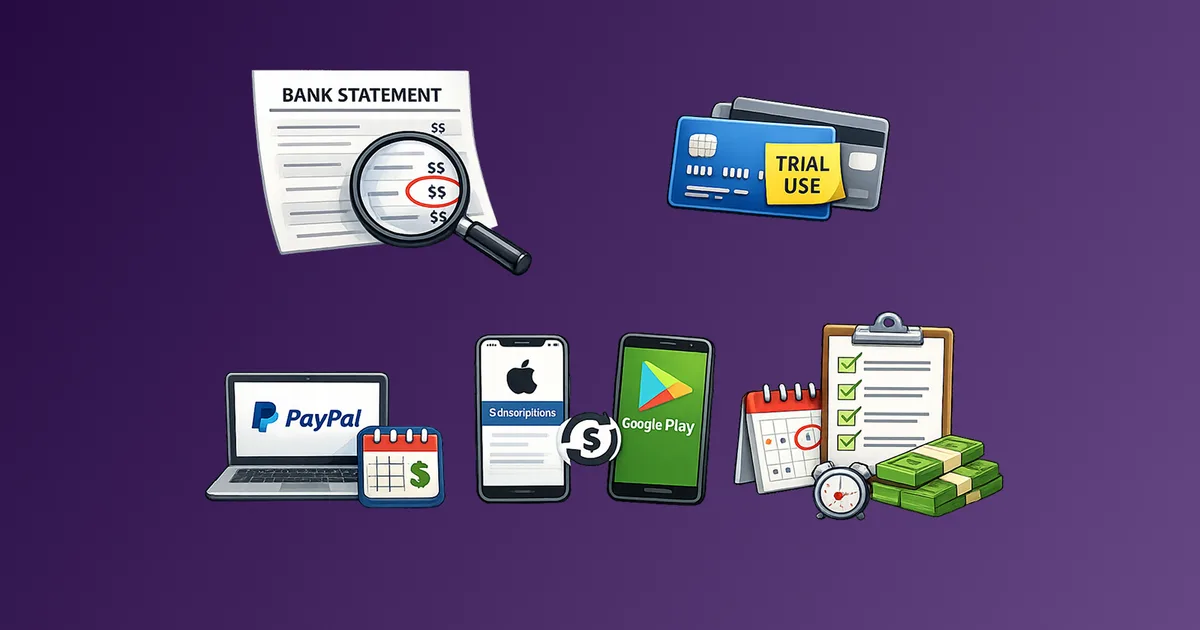
Pull from every rail that can carry a recurring charge. One card export is not a 2027 input pack.
Work these sources in order:
- Primary and backup cards, plus any household or company cards that sometimes pay personal tools.
- Bank account recurring payments and direct debits.
- PayPal and similar processors.
- Apple ID and Google Play subscription lists.
- Invoice email (search “receipt,” “invoice,” “renewal,” “your plan”).
- Non-card bills: rent, insurance, utilities, domains, retainers, payroll tools.
Twelve months of statements beat the last 30 days. Annuals and quarterly bills only show up if you look back far enough. If a source is slow to export, log it as a gap and keep going. Coverage notes belong on the input sheet: “cards complete, PayPal pending” is useful. “I think I have everything” is not.
For a channel-by-channel discovery pass, use the guide on finding subscriptions across bank, card, PayPal, Apple, and Google Play. Run it as input collection, not as a cancellation sprint.
Which Recurring Costs Get Left Out of Next-Year Budgets?
The line items that break 2027 plans are usually not Netflix. They are the charges that do not look like “subscriptions” on a statement, or that bill so rarely they feel like one-offs.
Watch for these gaps:
- Housing and utilities: rent or mortgage, HOA, internet, mobile, electricity, water. Seasonal utility swings need a range, not last July’s bill.
- Insurance: health, auto, home, life, professional cover. Many renew annually with a new premium.
- Software that invoices, not auto-charges: domains, hosting, accounting, design tools billed on net-30.
- Family duplicates: two music plans, two cloud storage plans, a child app on a second Apple ID.
- Usage and seats: cloud minimums, SMS credits, per-seat SaaS that grew with hiring.
- Retainers and memberships: gym, coworking, professional associations, maintenance plans.
- Car and device add-ons: connected-car features, phone insurance, extended warranties.
If your 2027 sheet only contains streaming and apps, it is not a recurring expense budget. It is a media list. Add the structural costs that set the floor. The practical category list for rent, insurance, utilities, and payroll is the missing half of most household and freelancer plans.
How Do You Turn 2026 Actuals Into 2027 Planning Numbers?
Do not paste 2026 totals into 2027 and add 5%. Build three layers from the same inventory.
Layer 1: 2026 actuals. Sum what you paid this year to date, then annualize only if the remaining months are comparable. If you cancelled a tool in May, do not project it for the rest of 2026.
Layer 2: current run-rate. Convert every active item to a monthly equivalent (annual ÷ 12, quarterly ÷ 3). This is the comparison number. It is not the cash number.
Layer 3: 2027 assumption. For each line, pick one:
- Hold: current price continues.
- Uplift: apply a stated vendor increase, or a conservative 5-10% on categories that rose this year.
- Cut: only if an owner, date, and method exist (cancel, downgrade, switch).
- Add: approved or highly likely new spend (move, hire, school, replacement tool).
Then keep cash timing separate. An $1,200 annual that renews in March is $100/month on the run-rate sheet and a $1,200 March invoice on the cash calendar. Mixing those two is how “affordable monthly” becomes a nasty quarter.
Teams that need a leadership view should roll the same inventory into best, base, and worst-case recurring spend bands. Households and freelancers can keep a simpler version: a keep total, a cut total, and a risk total if prices rise and planned cuts slip.
Step-by-Step Setup (Time required: 75 minutes)
Do the first pass in one sitting. Leave Q4 as a fill-in period, not a restart.
- Name the job. Write “2027 recurring inputs” at the top of a sheet. Date it. You are collecting, not allocating.
- List payment sources (10 minutes). Cards, banks, PayPal, Apple, Google Play, invoice email. This is the perimeter.
- Export or scan 12 months (20 minutes). Highlight recurring names and amounts. Do not decide keep or cut yet.
- Create one row per vendor (20 minutes). Fill name, amount, cycle, renewal date, payment source. Convert annual and quarterly items to a monthly equivalent in a separate column.
- Add non-subscription recurring costs (10 minutes). Rent, insurance, utilities, retainers, domains. Same columns.
- Fill 2026 YTD and last price change (10 minutes). If you cannot find a price-change date, write “unknown, assume current rate” and flag it.
- Write a 2027 assumption and status (5 minutes). Hold, uplift, cut, or add. Status: keep, cut, renegotiate, unknown.
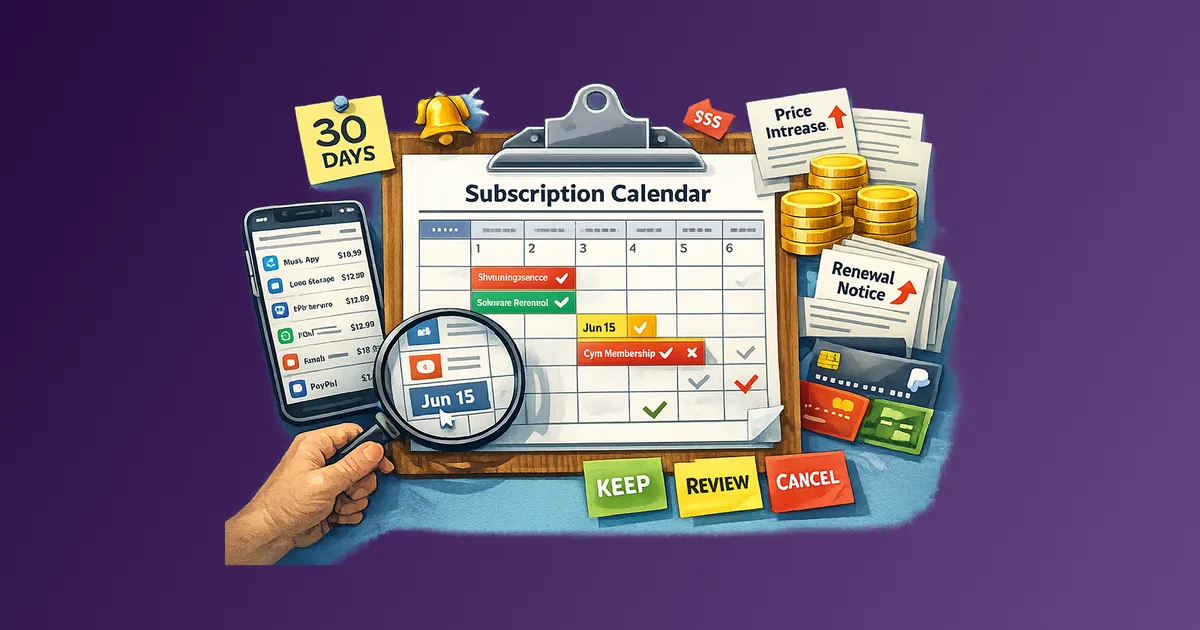
- Build a 12-month cash strip. Mark which month each invoice hits. Annuals get their own cells so they cannot hide inside averages.
- Write a coverage note. What sources are done, what is still missing, and the date you will finish the gaps.
Revisit the sheet for 15 minutes in October, November, and mid-December. Add Q4 renewals, confirmed price notices, and any new tools. Do not rebuild from scratch.
2027 Recurring Expense Input Sheet (Copy-Paste)
2027 RECURRING EXPENSE INPUTS
As of: [date]
Owner: [name]
Coverage: [cards / bank / PayPal / Apple / Google / invoices / other]
Gaps to close by: [date]

IDENTITY
Name | Descriptor | Owner | Category (need / want / mixed) | Payment source

MONEY
Amount | Currency | Cycle (mo / qtr / yr / usage) | Monthly equivalent | 2026 YTD actual | Last price change (date / %)

TIMING
Next renewal | Notice days | 2027 cash month(s)

2027 PLAN
Assumption (hold / uplift / cut / add) | Status (keep / cut / renegotiate / unknown) | Notes

TOTALS
2026 YTD actual (all rows): $
Current monthly equivalent (active only): $
2027 hold total (annualized): $
2027 with uplifts (no cuts): $
2027 if named cuts land: $
Largest cash months: [month $] [month $] [month $]
Fill identity and money first. Timing and 2027 plan can wait a day. Totals are useless until the row list is complete.
Use one row per vendor, not per charge. Five Dropbox charges in 2026 are still one input line with a YTD actual and a current rate.
What Mistakes Break 2027 Budget Prep?
Using last month as the year. A quiet August understates annuals, insurance, and school-year tools. Twelve-month actuals plus current run-rate beat any single statement.
Skipping annuals that already billed. If it charged in March, it still belongs in 2027 unless you already cancelled. Absence from the latest statement is not absence from next year’s cash.
Copying 2026 totals without an assumption layer. Last year’s price is a starting point. Seat growth, announced uplifts, and planned cuts belong in 2027, not as a silent hope.
Mixing run-rate and cash. Leadership and household cash both care about the month the invoice hits. Monthly equivalents are for comparison. Cash months are for survival.
Leaving shared cards out. A partner, parent, or company card that sometimes pays “your” tools will silently rebuild the stack you thought you cleaned.
Treating utilities and usage bills as fixed. Budget a range, or a winter/summer pair, not one lucky month.
Starting in December. You can still list vendors in December. You cannot recover missed notice windows, and you will fight holiday noise. Collect now. Finalize later.
Calling unknown items complete. If owner, renewal, or price-change is blank, the row is a draft. Drafts do not go into the 2027 total.
FAQ
When should I start collecting recurring expense inputs for 2027?
Start in September or early Q4, while you still have usable 2026 actuals and time to act on Q4 renewals. Finalize the 2027 totals in December. Do not wait to start until you are ready to allocate.
Do I need a full 12 months of statements?
Yes if you can get them. Annual and quarterly bills will not show up in 30 days of activity. If a source cannot go back 12 months, note the gap and use the longest window you have plus the product’s own billing page.
Should the 2027 budget use today’s price or an expected increase?
Use today’s contracted price as the hold case. Add a separate uplift only when a vendor has announced it, or when that category rose this year and you want a conservative plan. Do not hide the uplift inside the hold total.
How is this different from a subscription audit?
An audit decides keep, cut, or renegotiate. This input pack feeds next year’s numbers. You can audit while you collect, but the deliverable here is a complete, dated data set, not a cancellation count.
What if my income changes month to month?
Keep the recurring input sheet the same. Build 2027 totals from the recurring floor, then size discretionary categories to a conservative income month. Variable income changes the leftover, not the inventory.
Can I do 2027 budget prep in a spreadsheet?
Yes. The required product is complete inputs, not an app. A tracker helps with renewal dates and freshness. It does not replace 2026 actuals, cash months, or a written 2027 assumption on each row.
Next Action
Open a blank sheet today and list every payment source. Then add rows for the ten largest recurring charges you can name without looking. Fill amount, cycle, and next renewal for those ten before you hunt the long tail.
Spend one hour this week on sources and YTD actuals. Spend 15 minutes a month through December closing gaps. When you sit down to set 2027 totals, you should be editing assumptions, not reconstructing a year.
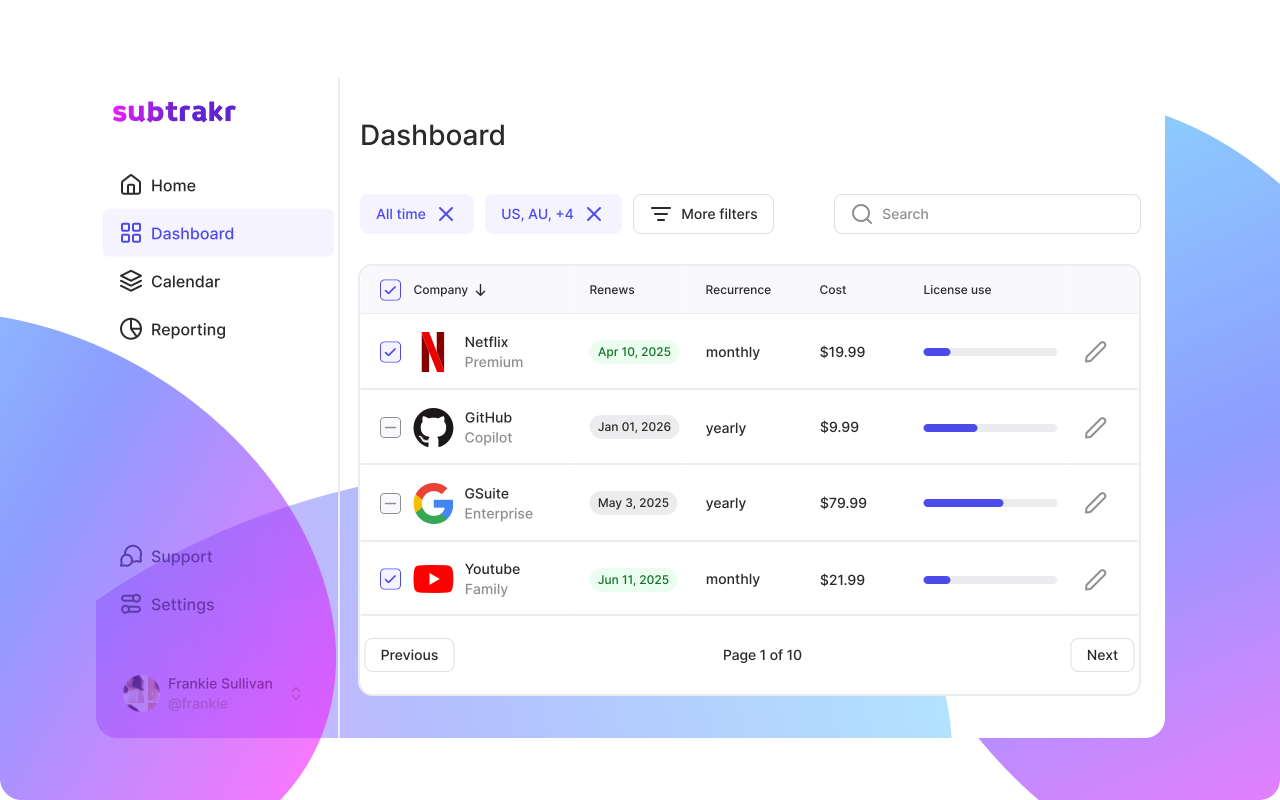
If the inventory and renewal dates already live in one place, the input pack is a refresh instead of a scavenger hunt. Subtrakr keeps those dates visible so 2027 planning starts from a current list, not from last month’s statement.