Quick answer
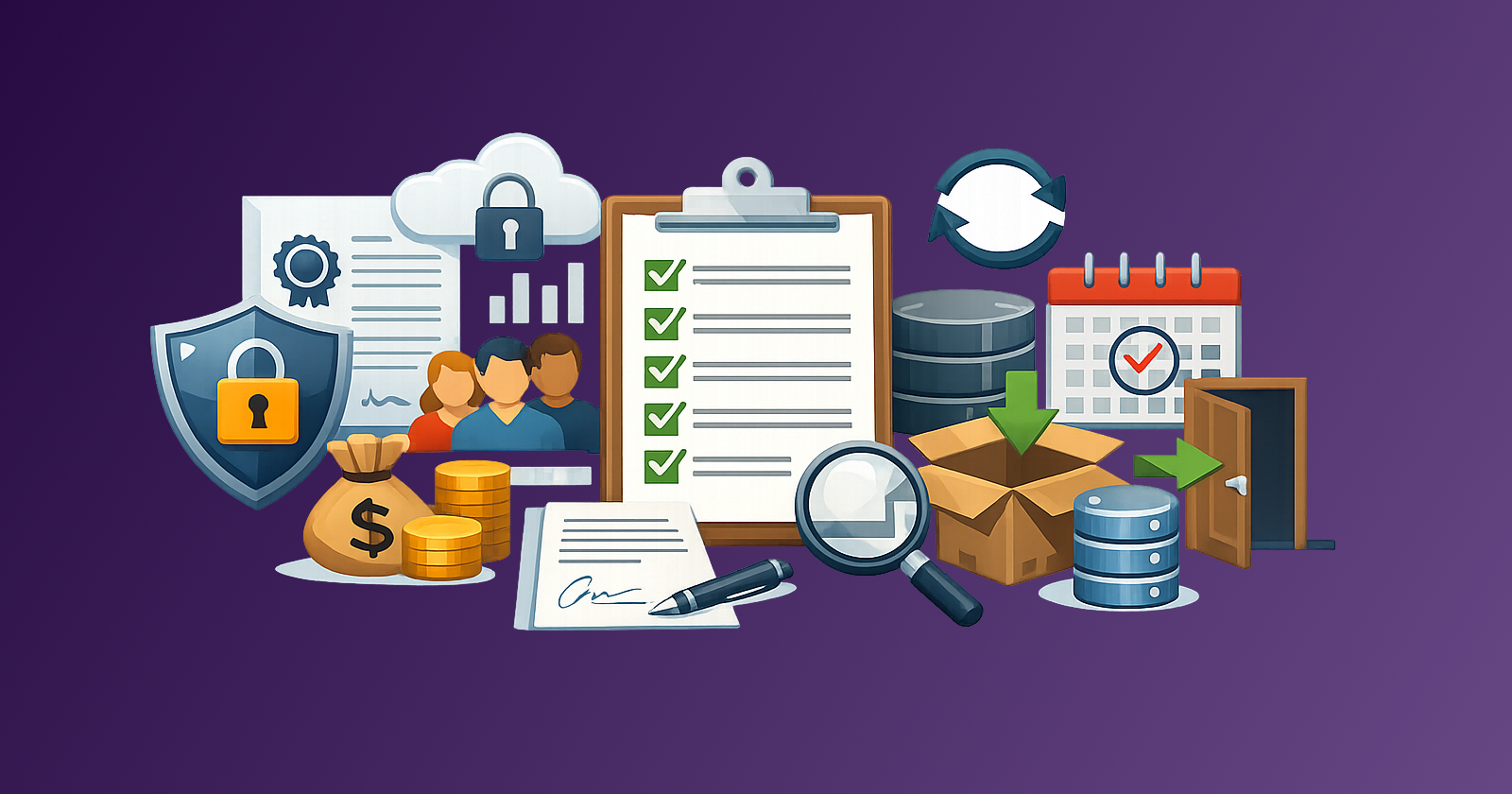
Before you buy any subscription, run a five-point procurement checklist: security (who can access what, and under which standards), SSO (how identity is controlled), seat model (how pricing scales with people and usage), exit path (cancellation notice, auto-renewal, and lock-in risk), and data export (what you can take with you and in what format). If any of these five is unclear, pause the purchase until you have a written answer.
Buying a new SaaS subscription is easy. Getting stuck with the wrong security model, an opaque seat count, or no clean exit path is what makes it expensive. Most teams evaluate features and price. Fewer check the operational details that decide whether the tool stays useful, or becomes a locked-in cost.
Stay Updated with Subtrakr
Sign up to our newsletter to get updates about Subtrakr and valuable insights about subscriptions and recurring expense management.
Why Does a Pre-Purchase Subscription Checklist Matter?
Feature demos sell the happy path. Procurement risk lives in the terms, the admin settings, and the renewal mechanics. A tool that looks cheap at three seats can spike at ten. A tool without SSO can become a security liability the first time someone leaves the company. A tool with no usable export turns every future switch into a migration project.
A short checklist will not replace a full vendor evaluation. It will catch the failures that create the most recurring waste. Pair it with a broader SaaS vendor scorecard when the tool is expensive, handles sensitive data, or will become a core workflow.
What Security Checks Should You Run Before Buying?
Security is not a badge on a marketing page. It is a set of concrete answers about access, data handling, and compliance.
Ask these before you commit:
- Where is data stored, and can you choose a region?
- Does the vendor publish a trust/security page with current certifications (SOC 2, ISO 27001, or equivalent)?
- Can you enforce role-based access, and can admins revoke access immediately?
- Are audit logs available for admin and user actions?
- How are vendor employees restricted from customer data?
- Is there a documented incident response and breach notification process?
For tools that hold financial data, customer records, source code, or internal communications, treat incomplete answers as a stop sign. Chatbots and coding assistants need the same bar, plus a data-class rule, before anyone pastes customer or code data into a consumer account. Use the AI tools sprawl checks for that layer. "We take security seriously" is not evidence. If the vendor cannot point to documentation, assume the controls are weak until proven otherwise.
Small teams without a security specialist can still do a practical pass: open the trust page, confirm encryption in transit and at rest, check for SSO and admin roles, and confirm you can remove a user in under five minutes.
Why Does SSO Matter in Subscription Procurement?
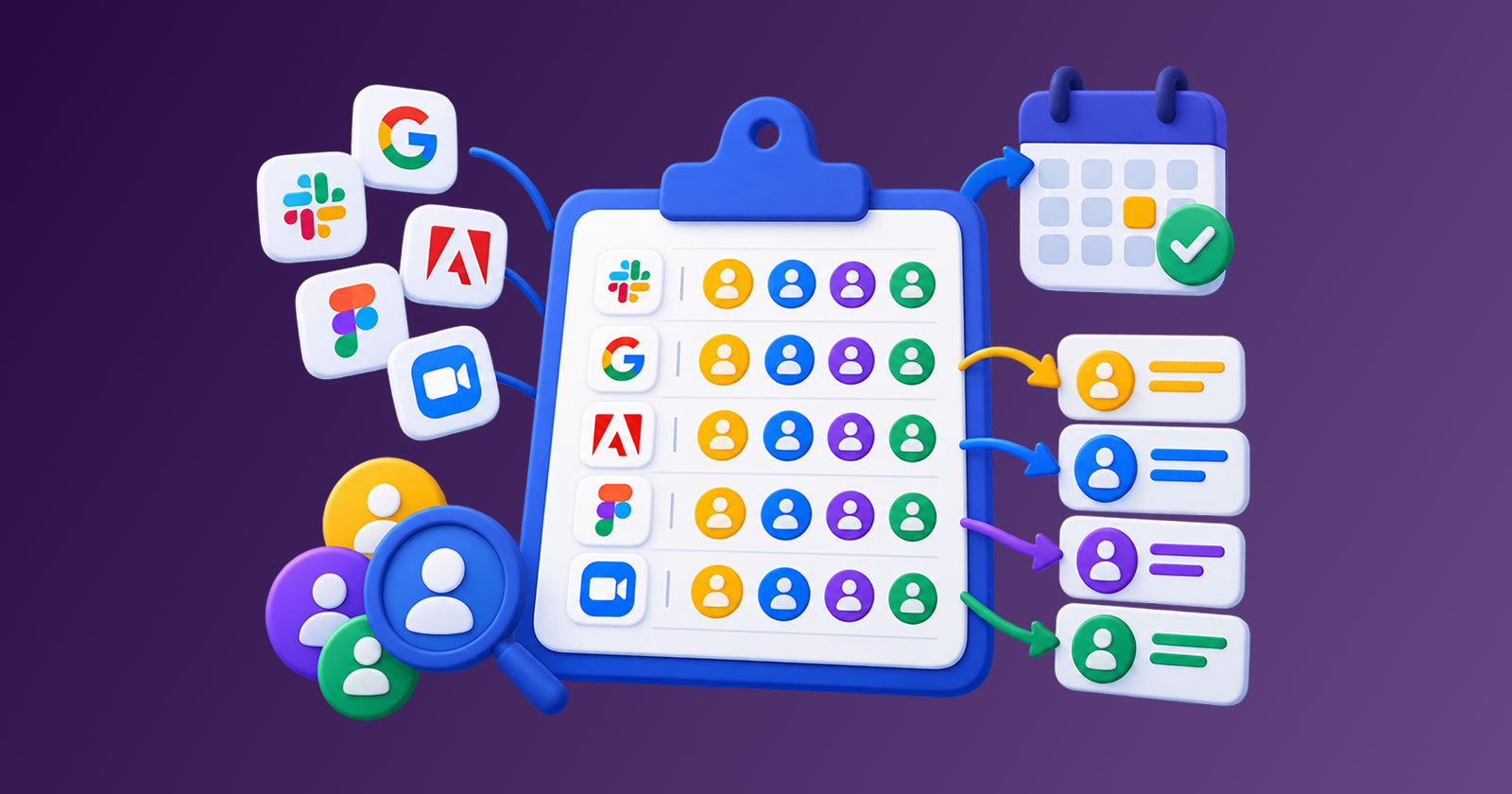
Single sign-on (SSO) is how you keep identity centralized. Without it, every new tool creates another password, another invite flow, and another orphaned account when people change roles.
Before buying, clarify:
- Is SSO included in the plan you are actually buying, or only in Enterprise?
- Which providers are supported (Google, Microsoft, Okta, and so on)?
- Can you require SSO for all users, or is it optional?
- Does SSO cover guests and contractors, or only full employees?
- What happens to access if someone is removed from your identity provider?
SSO is often gated behind a higher tier. That can double the real price of a tool that looked affordable on the starter page. If you need centralized identity now, or expect to within the next year, price the SSO-capable plan, not the demo plan.
Even for a five-person team, SSO reduces offboarding risk. When identity lives in one place, deprovisioning becomes a process instead of a scavenger hunt across a dozen admin panels.
How Should You Evaluate the Seat Model?
The seat model decides how cost scales. Two tools with the same monthly headline price can behave very differently once your team grows, shrinks, or shares access.
Map the pricing mechanics before you buy:
| Question | Why it matters |
|---|---|
| Per-user, per-workspace, or usage-based? | Determines what triggers a cost increase |
| What counts as a billable seat? | Viewers, guests, bots, and inactive users often still bill |
| Can you downgrade seats mid-cycle? | Affects whether offboarding actually saves money |
| Are there seat minimums or volume cliffs? | A "discount" can force you into unused capacity |
| Shared logins prohibited? | Forces honest seat counts and honest budgets |
A common trap is buying for today's headcount and ignoring the next hiring wave. Another is paying for seats that exist only because nobody removed departed users. Rightsizing later helps, but prevention is cheaper: choose a seat model you can administer, and plan who owns seat reviews with a spend ownership matrix. For cleanup after the fact, use a license rightsizing pass instead of waiting for renewal panic.
Also check whether the vendor bills annually in advance for all seats. Annual prepay can look efficient until you realize you cannot reclaim unused seats until the next term.
What Is an Acceptable Exit Path?
An exit path is your ability to leave without paying for months of unused service or losing critical work. If you cannot describe how you would cancel, you do not have an exit path; you have hope.
Before purchase, confirm:
- Is auto-renewal on by default?
- What is the notice period (30, 60, 90 days)?
- Can you cancel in-product, or do you need email / sales / a phone call?
- Are there early termination fees on annual plans?
- Will price increases apply automatically at renewal?
- Who on your team owns the renewal calendar entry?
These details sit in contracts and order forms more often than on pricing pages. The clauses that matter most at renewal (auto-renewal, price caps, and notice windows) are covered in Contract Clauses That Matter in SaaS Renewals. Put the cancellation deadline on a calendar the day you buy, not the week the charge hits. A renewal calendar turns exit planning into a routine instead of an emergency.
If the vendor makes cancellation deliberately hard, treat that as a product signal. Friction at exit usually predicts friction at every future negotiation.
Can You Export Your Data, and in What Shape?
Data export is the practical half of the exit path. Cancellation without export leaves your history trapped. Export without usable formats leaves you with a pile of files you cannot import anywhere else.
Ask specifically:
- What can you export (records, files, attachments, comments, audit history)?
- In which formats (CSV, JSON, PDF, native backups)?
- Is export self-serve, or do you need support tickets?
- Are there rate limits, size caps, or paid export tiers?
- How complete is the export relative to what you see in the UI?
- How long after cancellation can you still retrieve data?
Run a small export during the trial if possible. A marketing claim of "easy export" means little until you have opened the file and confirmed the fields you care about are present. Incomplete exports raise switching costs fast, which is why a switching cost calculator should include migration effort, not just the new subscription fee.
For tools that become systems of record (CRM, accounting, project history), weak export is a strategic risk, not a convenience issue.
Step-by-Step Setup (Time required: 20–30 minutes)
Use this sequence for every paid subscription above your team's casual spend threshold (for many small teams, that is roughly $20–30/month or any tool with shared access).
- Write the use case in one sentence. Who needs it, for what workflow, and what happens if you do not buy it.
- Open security and trust docs. Confirm certifications, data region options, admin roles, and revoke-access flow.
- Check SSO availability and plan gating. Price the plan that includes the identity controls you need.
- Model seats at current and +50% headcount. Include guests and light users if they are billable.
- Read cancellation and auto-renewal terms. Note the notice period and add a calendar reminder 14–30 days earlier.
- Test or document data export. Prefer a real trial export over a help-center promise.
- Assign an owner. One person is accountable for admin access, seat reviews, and renewal decisions.
- Only then approve payment. If any of steps 2–6 fails a hard requirement, reject or defer.
If approvals currently take weeks and push spend into shadow tools, fix the approval path separately: slow process creates its own cost, as covered in The Hidden Cost of Approval Delays in Tool Procurement.
Copy-Paste Procurement Checklist
Subscription Procurement Checklist
----------------------------------

Tool name:
Category / use case:
Requested by:
Approver:
Date evaluated:
Proposed plan / monthly or annual cost:

1) Security
[ ] Trust/security page reviewed
[ ] Certifications acceptable for our data type
[ ] Data region / residency understood
[ ] Role-based access available
[ ] User access can be revoked immediately
[ ] Audit logs available (if required)
Notes:

2) SSO / Identity
[ ] SSO available on the plan we will buy
[ ] Supported IdP listed (Google / Microsoft / Okta / other)
[ ] SSO can be enforced for all users
[ ] Offboarding via IdP removal verified
Notes:

3) Seat model
[ ] Pricing unit clear (user / workspace / usage)
[ ] Billable seat definition includes guests/viewers if relevant
[ ] Mid-cycle seat reduction possible: Yes / No
[ ] Cost modeled at current seats and +50% seats
[ ] Seat review owner assigned
Notes:

4) Exit path
[ ] Auto-renewal terms read
[ ] Notice period recorded: ____ days
[ ] Cancellation method documented (in-app / email / sales)
[ ] Early termination fees (if any) noted
[ ] Renewal reminder added to calendar
Notes:

5) Data export
[ ] Export formats listed
[ ] Self-serve export confirmed
[ ] Trial export tested: Yes / No / N/A
[ ] Post-cancellation data retention window known
Notes:

Decision: [ ] Buy  [ ] Trial first  [ ] Reject  [ ] Defer
Owner after purchase:
Next seat / renewal review date:
Common Mistakes When Buying Subscriptions
Evaluating only features and list price. Security, SSO gating, seat cliffs, and export quality change the real cost of ownership. A cheaper plan that blocks SSO can become the expensive plan after a security review forces an upgrade.
Assuming "per user" means active users. Many vendors bill provisioned seats, not last-30-days active users. Confirm the definition in writing.
Skipping the cancellation dry run. If you cannot find the cancel control during the trial, assume exit friction. Document the path while you still have leverage.
Buying annual for a tool you have not operationalized. Annual discounts help when adoption is proven. They punish you when the tool stalls after week three. Use monthly until the workflow sticks, then revisit break-even math. For the personal and ops guardrails around prepaid years (prove-it period, confidence gate, renewal control, concurrent annual cap), see Annual Commitments Without Regret: Guardrails to Set First.
No owner after purchase. Tools without an admin owner accumulate orphaned seats, forgotten renewals, and duplicate apps. Intake without ownership is how subscription overload starts. Put the Accountable name on a spend ownership matrix the same day you buy.
Treating export as a future problem. Future-you will be busy. Present-you can spend ten minutes proving the export works.
FAQ
Do freelancers need this checklist too?
Yes, in a lighter form. Solo buyers can skip enterprise SSO, but should still check security basics, cancellation terms, and data export for any tool that holds client work.
How is this different from a vendor scorecard?
The scorecard ranks fit across price, support, security, and adoption. This checklist is a go/no-go gate on operational risks that create lock-in and hidden recurring cost. Use both for higher-stakes tools.
What if SSO is only on Enterprise and we are a small team?
Either budget for that tier, choose a vendor with SSO on a mid-tier plan, or accept the identity risk explicitly. Do not discover the upsell after you have migrated your workflow.
Should every free trial go through the full checklist?
Run the full checklist before any paid conversion. During the trial, at minimum test export and confirm cancellation steps.
What spend threshold should trigger a formal review?
Pick a number your team will actually enforce. Many small teams formalize review above $25–50/month, or for any tool with shared access and customer data.
Who should own the checklist?
Whoever owns the budget for that category, with a named technical or ops admin for security and seats. Shared ownership with no single name usually means no ownership.
Next Action
Take the next subscription your team is about to buy and run the five-point checklist before payment. If you cannot complete security, SSO, seat model, exit path, and data export with clear answers, do not buy yet. Ask the vendor, finish the trial test, or choose another tool.
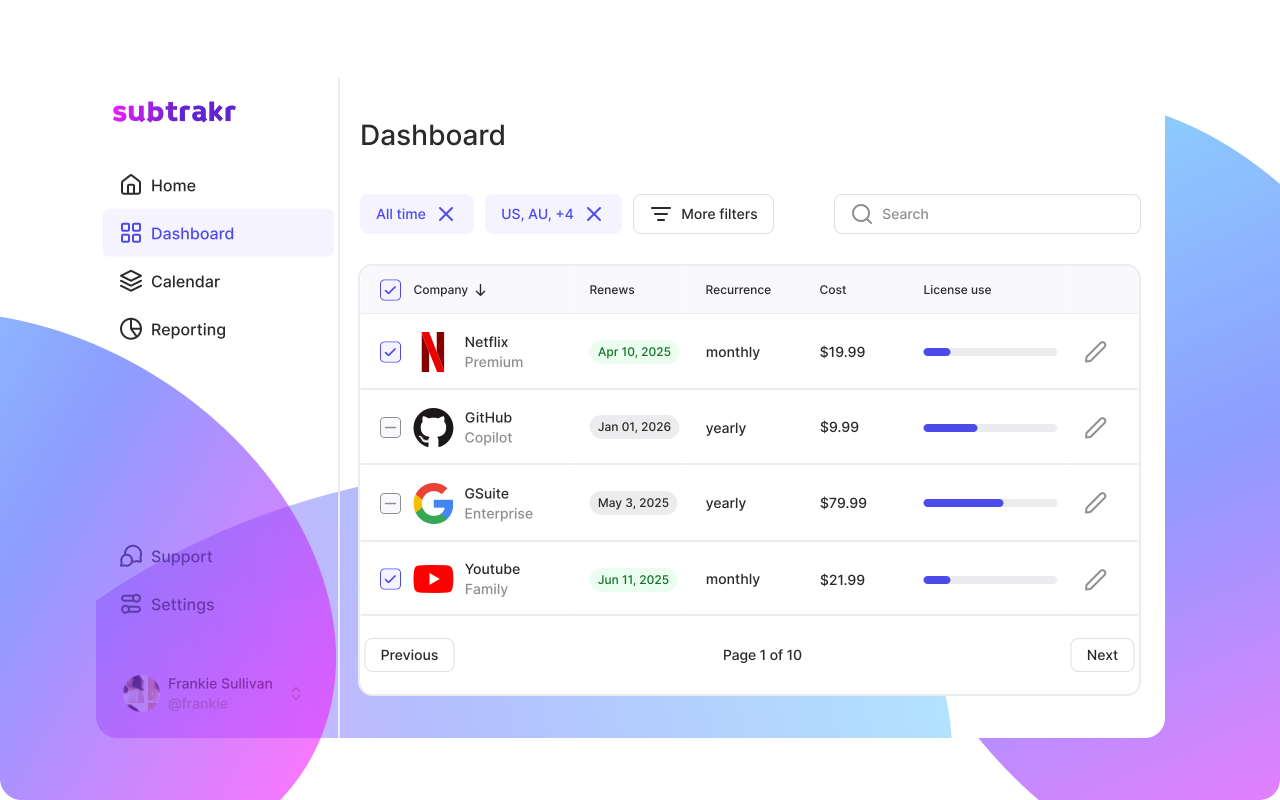
Once approved tools are in your stack, track them as recurring expenses so renewals and seat counts stay visible. Procurement is the Lock stage of a 90-day SaaS savings pipeline — without it, every cleanup cycle refills with new spend. Subtrakr helps with that ongoing layer after procurement decisions are made.