Quick answer
License rightsizing helps teams cut SaaS costs by removing inactive seats, downgrading unused tiers, and validating changes without disrupting critical workflows.
Most SaaS overspend is not caused by expensive tools. It is caused by the wrong number of seats at the wrong tier for the wrong people. A team of twelve paying for twenty-five licenses on a Business plan because no one has reviewed the roster in eighteen months is not a billing anomaly. It is a structural problem with a structural fix.
Stay Updated with Subtrakr
Sign up to our newsletter to get updates about Subtrakr and valuable insights about subscriptions and recurring expense management.
License rightsizing is that fix. It is not about canceling tools your team depends on. It is about paying for what you actually use.
What is SaaS license rightsizing?
Rightsizing means aligning your license count and plan tier to actual usage. It involves auditing who has active seats, which features are being used, and whether the current plan level is justified. Done systematically, rightsizing is one of the highest-ROI moves available in SaaS cost management, with typical savings of 15 to 30 percent per tool reviewed.
What Are the Signs You Are Overpaying for SaaS Licenses?
The clearest signal is inactive seats. If a user has not logged in for thirty to ninety days, depending on the tool, that seat is likely dead weight. But inactive seats are not the only form of overspend.
Other common signs:
- Premium features going unused. You are on an Enterprise or Business tier for SSO, advanced analytics, or API access, but most users operate entirely within the basic feature set.
- Departed employees still provisioned. Offboarding processes often miss deprovisioning SaaS accounts, especially tools that are not managed through a central identity provider.
- Department-wide licenses for individual needs. A single power user needed a feature once, and the whole team got upgraded.
- Seats purchased in bulk at renewal. "We might hire" logic turns into recurring overspend when hiring slows down.
- No one owns the account. Tools that were adopted bottom-up often have no designated admin, which means no one is reviewing usage data.
If you recognize two or more of these, a rightsizing review will almost certainly return savings.
What Is the Rightsizing Workflow?
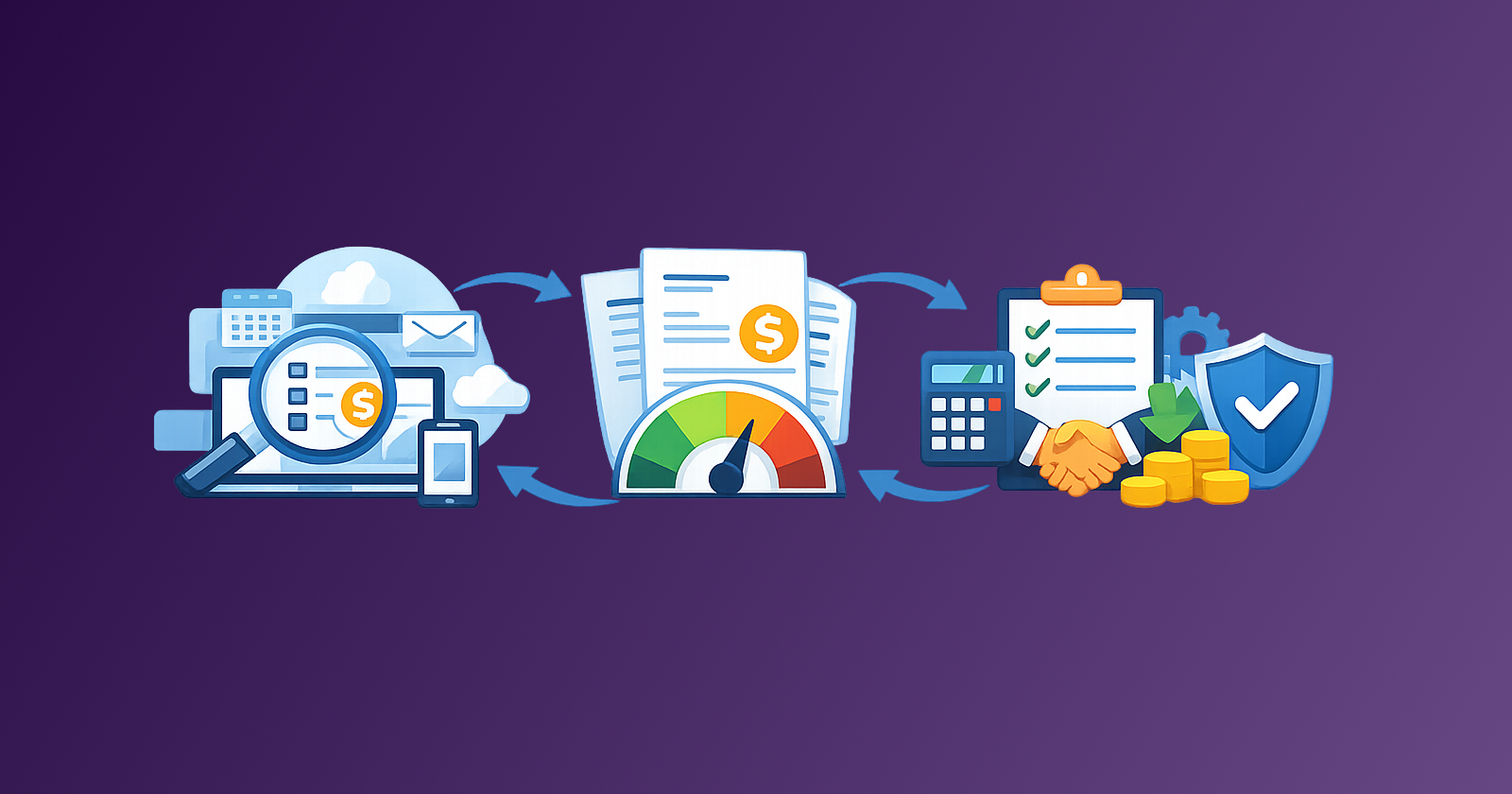
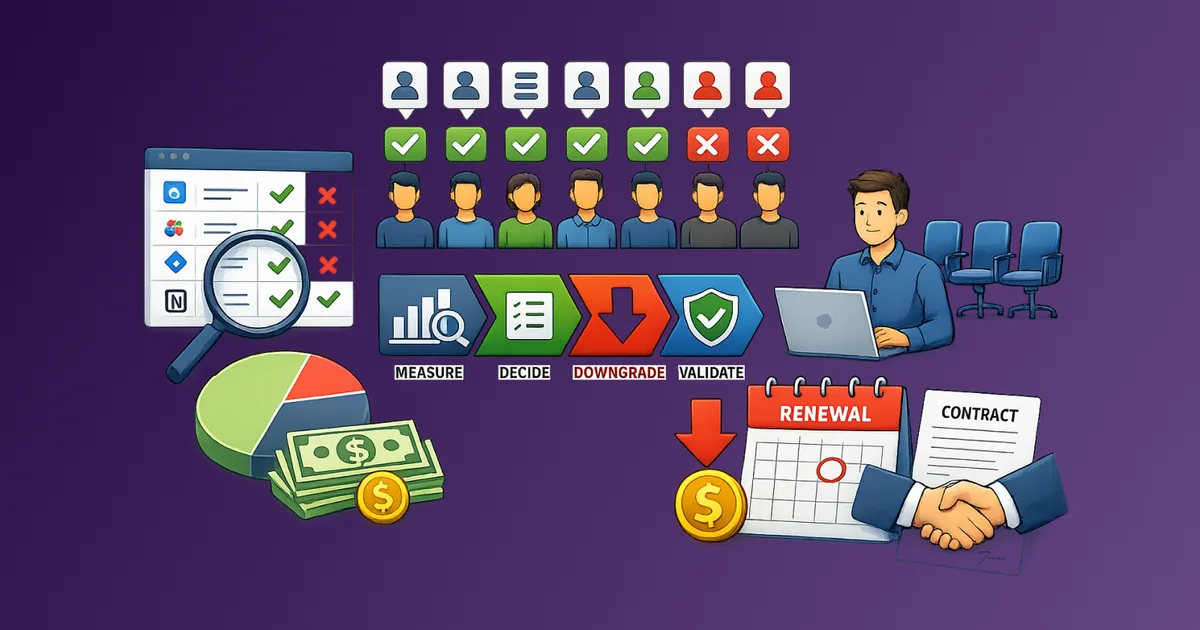
Rightsizing follows a four-step process: measure, decide, downgrade, validate. Each step has a specific output.
Step 1: Measure
Pull usage data from your SaaS admin panels or billing dashboards. You are looking for:
- Last login date per user
- Feature utilization by plan tier (most tools show this in admin settings)
- Number of active vs. provisioned seats
- Current plan and next tier down
For tools without admin panels or usage dashboards, check login frequency through your identity provider (Okta, Google Workspace, Azure AD) or ask the vendor directly. Most enterprise vendors will provide usage reports on request.
Export this data to a simple spreadsheet. Columns you need:
| Tool | Plan | Seats Provisioned | Seats Active (30-day) | Seats Active (90-day) | Features Used | Next Tier |
|---|
Step 2: Decide
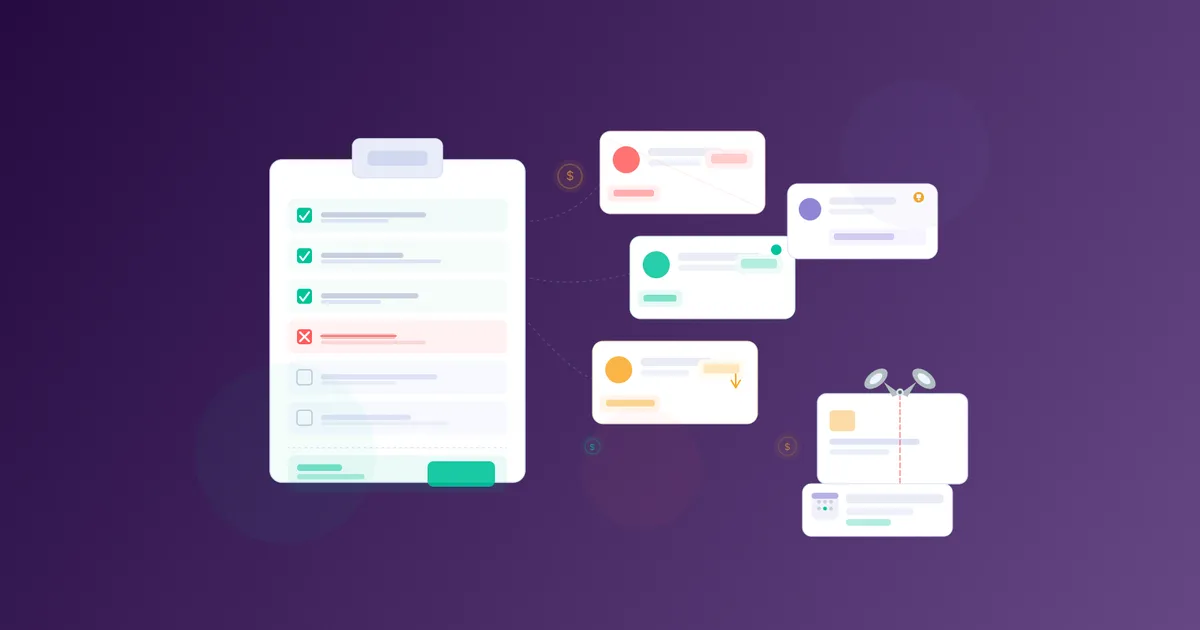
For each tool, apply a consistent decision rule:
- Seats unused for 90+ days: Remove immediately unless there is a documented exception.
- Seats unused for 30 to 89 days: Flag for owner review. Confirm whether the user needs the seat or can be removed.
- Features at current tier unused: Evaluate whether downgrading is safe. Check what would be lost.
The decision output is a rightsizing action list: remove, downgrade, hold, or escalate. For team tools, loop in the tool owner before acting. If you cannot name that person, assign one with a spend ownership matrix first. For individual seats, a short Slack message asking "do you still use this?" is enough.
Step 3: Downgrade
Execute changes in this order:
- Remove inactive seats first. This is lowest risk and fastest payback.
- Downgrade tier only after confirming no active user depends on a premium feature.
- Adjust seat count at renewal if mid-cycle changes are not available or incur fees.
Always document what was changed, when, and who approved it. This protects against disputes at next renewal and creates an audit trail for finance.
Some vendors lock seat counts to annual terms. In these cases, negotiate at renewal rather than mid-cycle. Come with data: your usage report is leverage. Fold seat and tier numbers into The Renewal Negotiation Brief Template so finance can set price anchors against real usage.
Step 4: Validate
Two to four weeks after changes, verify that workflows are intact. Check:
- No support tickets or complaints about missing access
- Feature usage data confirms no regression
- Billing reflects the expected reduction
If something breaks, you have a documented baseline to restore from quickly. In practice, most downgrades go unnoticed because the features removed were genuinely unused.
How Do You Handle Exceptions and Role-Based Needs?
Not every inactive seat is safe to remove. Some users access tools infrequently by design.
Common legitimate exceptions:
- Auditors or compliance roles who access a tool quarterly for reviews
- Seasonal staff who are inactive outside peak periods
- Executives who log in rarely but need read access for reporting
- Contractors who are between active engagements but will return
The cleanest way to handle this is a lightweight exception register. When a seat is flagged as inactive but should be retained, record the user, the tool, the reason, and a review date. Exceptions without a review date become permanent waste.
For role-based tier needs, the question is whether the premium features are used by that specific user or by the role in general. A single editor in a content tool might need the premium tier while the rest of the team does not. In these cases, downgrading the entire team to save money on one edge case is a false economy. Keep the right tier for the users who need it. Remove it for everyone else.
Some SaaS tools offer mixed-tier billing, where you can have different plan levels for different users on the same account. If that option exists, use it.
How Do You Build a Recurring Rightsizing Habit?
A one-time rightsizing review saves money once. A recurring process captures savings continuously, especially in growing teams where provisioning outpaces deprovisioning. Rightsizing fits best as the Act workstream inside a 90-day SaaS savings pipeline, so seat cleanup happens on a cadence instead of as a panic project.
The practical setup:
Monthly: Remove seats for anyone who departed in the previous month. This should be part of your offboarding checklist, not a separate review.
Quarterly: Run a usage pull for your top five to ten tools by spend. Flag any seat inactive for 60-plus days. Apply the decision rule. Act within two weeks.
Annually (at each renewal): Do a full audit before signing. Use your usage data to negotiate seat count and tier. Renewal is the highest-leverage moment with any vendor. Complete the rightsizing pull first, then attach the output to your renewal negotiation brief for the vendor conversation.
Tools that help systematize this:
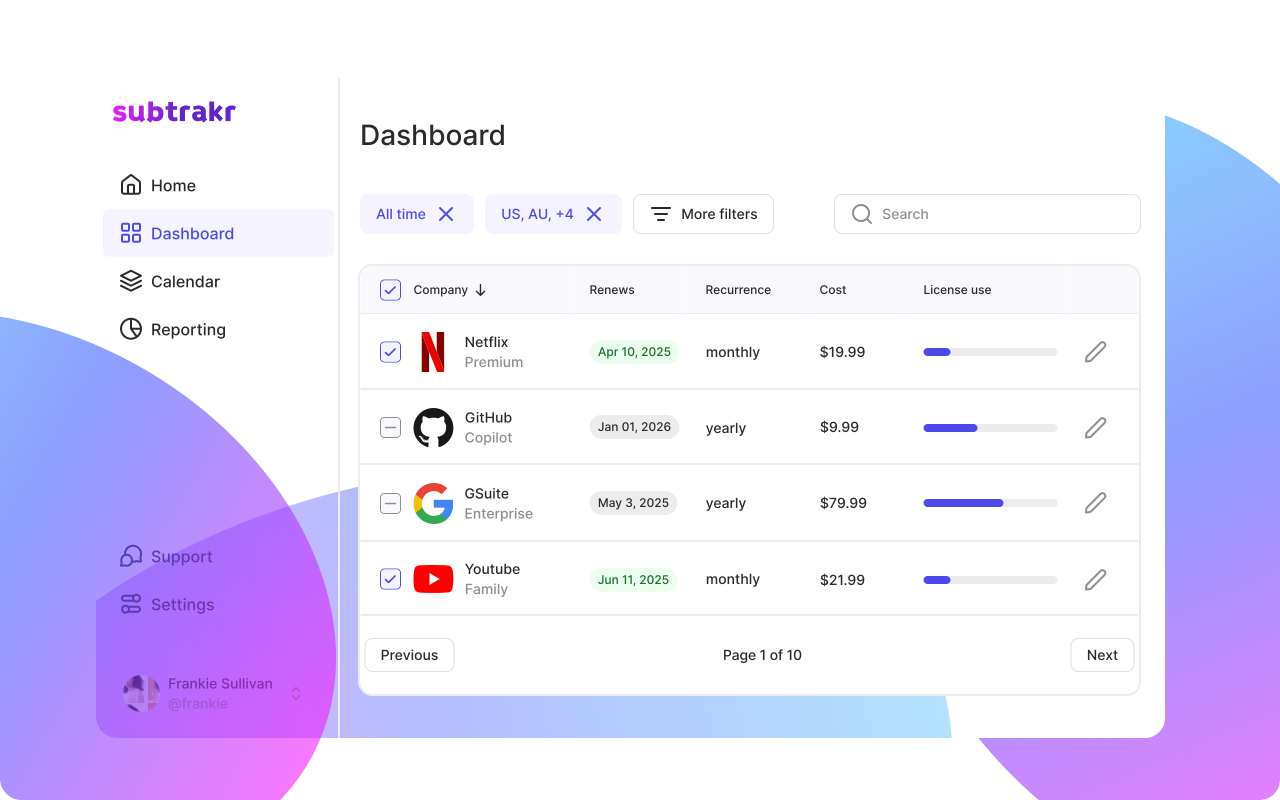
- A shared spreadsheet or Subtrakr for tracking which tools you have, their renewal dates, and current seat counts
- Your identity provider's access reports for cross-tool inactive user detection
- A calendar reminder set 60 days before each major renewal
The discipline is not in the audit itself. It is in reviewing usage before you renew, not after. Most teams overspend because they auto-renew without reviewing. The renewal date is the decision point. Building a subscription calendar makes sure that date never sneaks up on you.
Common Mistakes in SaaS License Rightsizing
Waiting until renewal to act on obviously inactive seats. If someone left six months ago and their seat is still active, that is sunk cost compounding. Remove it now. Going forward, check mid-cycle seat reduction rules before purchase with a subscription procurement checklist so rightsizing is possible when people leave.
Downgrading without checking feature dependencies. Always verify what is included at the lower tier before switching. Some integrations and API limits only exist on higher plans. Breaking an integration costs more than the savings.
Not confirming changes with finance. SaaS billing can be confusing. A seat removal that triggers a prorated credit instead of an immediate charge is still progress, but finance needs to know what to expect.
Treating the audit as a one-time project. SaaS stacks grow organically. Teams adopt tools without central visibility. Without a recurring process, you will be back to the same problem in twelve months. The startup savings case study shows how this compounds over time, and a 90-day savings pipeline keeps rightsizing from becoming another forgotten one-off.
Relying on vendor invoices instead of usage data. Invoices show what you are charged. Usage data shows what you are actually consuming. They are different documents with different implications. Always start with usage.
Letting "we might need it" block every decision. Future need is not justification for current spend. If no one is using a seat or feature today, the burden of proof is on demonstrating near-term concrete need, not on the person proposing the cut.
FAQ
How often should I review SaaS licenses?
Monthly for seat count (especially after departures), quarterly for usage-driven decisions, and annually as part of the renewal review process.
What is a reasonable benchmark for inactive seats?
Thirty to sixty days of inactivity is a useful flag for review. Ninety days with no login is a strong signal for removal unless an exception is documented.
Should I downgrade all inactive users at once?
No. Work through your decision rule, get owner confirmation for borderline cases, and execute in batches. Moving carefully prevents workflow disruptions and creates a clearer audit trail.
What if my vendor won't let me reduce seats mid-term?
Use the data you have now to negotiate at renewal. Most vendors would rather adjust terms than lose a customer entirely. Come with a usage report and a specific ask.
Can rightsizing affect team morale?
It can if it is framed as a cost-cutting exercise targeting individuals. Frame it instead as a housekeeping process that keeps the tool stack clean and funded. Most team members do not care about losing access to a tool they have not used in months.
How does license rightsizing connect to broader expense management?
It is one layer of a larger recurring expense optimization process. The guide on optimizing recurring expenses for freelancers and small businesses covers the full picture, including how to prioritize which expenses to audit first.
Next Step
Pick your highest SaaS spend line item. Pull the last 90 days of usage data. Apply the decision rule from Step 2.
One tool, one hour, one spreadsheet. That is what a rightsizing habit looks like when it starts.
If you track your SaaS tools in Subtrakr, your renewal dates and monthly costs are already visible in one place. That is where the process begins.