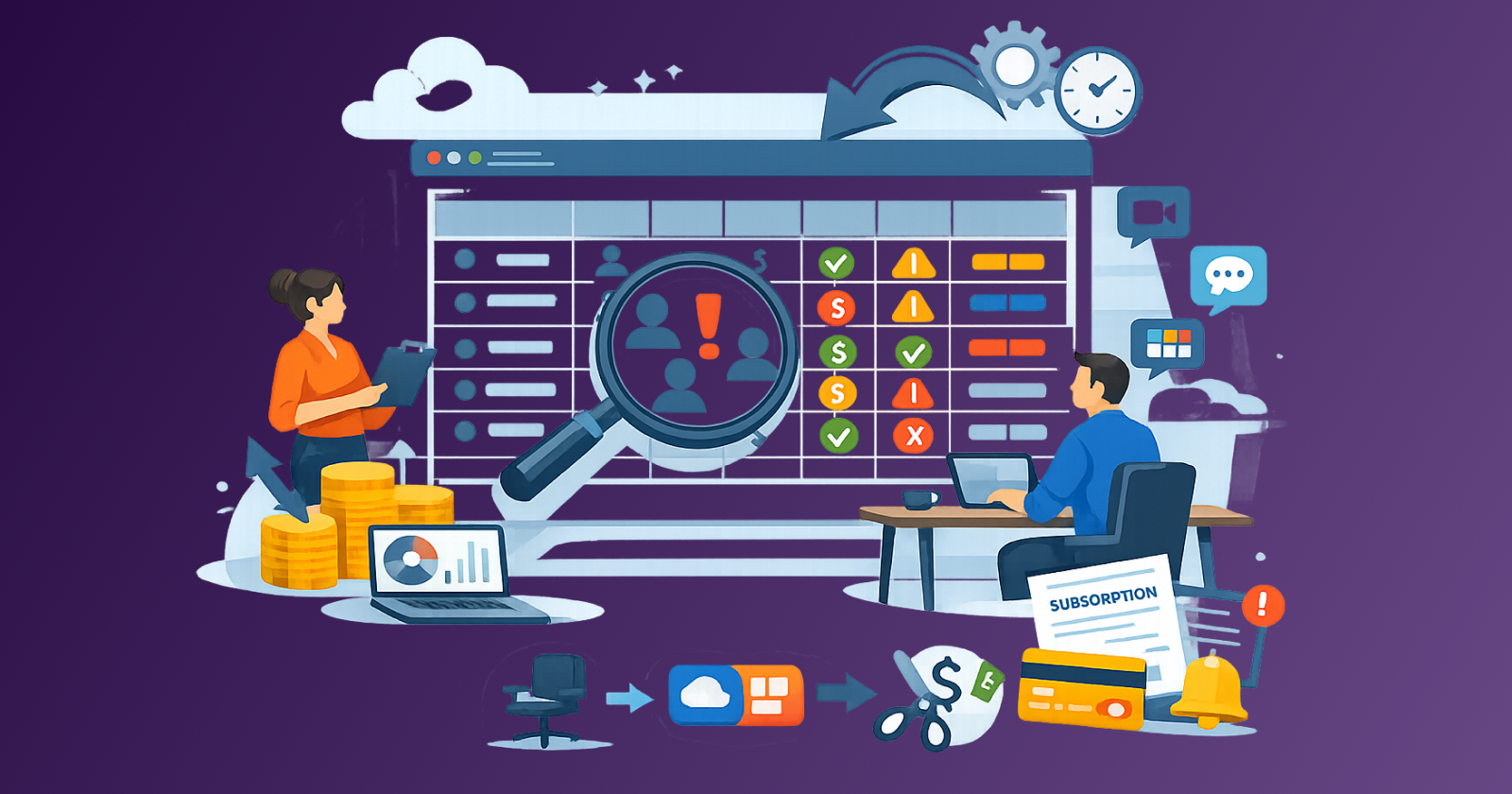
Most small businesses do not have a runaway spending problem. They have a visibility problem. SaaS costs grow because no single person has a complete view of what the team is paying for, who owns each tool, and what still earns its place.
Stay Updated with Subtrakr
Sign up to our newsletter to get updates about Subtrakr and valuable insights about subscriptions and recurring expense management.
This guide gives you a lightweight audit template and a quarterly review process that any small team can run without dedicated ops staff.
The short answer: A SaaS subscription audit for small businesses requires tracking six fields for each tool: owner, purpose, seat count, total cost, renewal date, and recent usage signal. Running this review quarterly with a clear decision framework for each tool prevents the three most common cost problems: seat creep, duplicate tools, and forgotten renewals.
Why Does SaaS Spend Grow Without Anyone Noticing?
Small businesses do not experience sudden SaaS budget crises. The problem builds slowly, through three mechanisms that are easy to miss until you run the numbers.
Seat creep happens when headcount changes but licenses do not follow. A team member leaves and their seat stays active. A contractor gets added for a short project and never gets removed. Over twelve months, a ten-person team can easily carry three to five phantom seats across their tool stack.
Duplicate tools appear when different people on the team solve the same problem independently. One person buys a project management tool. Another uses a different one. A third keeps the original spreadsheet approach. All three remain active because no one has authority or visibility to rationalize the stack.
Surprise renewals are the most preventable problem and the most common. Annual subscriptions renew silently. A tool purchased during a specific project phase keeps billing after that phase ends. A free trial converts to paid when someone forgets to cancel. The billing happens, the charge passes through, and months go by before anyone questions it.
The deeper structural issue is that SaaS purchasing in small teams is distributed. A developer buys infrastructure tools. A marketer subscribes to analytics platforms. A founder signs up for productivity apps. No one sees the full stack, so no one is positioned to catch the accumulation.
This is the problem an audit solves. Not by cutting everything, but by making the stack visible first.
What Should a SaaS Audit Template Include?
A practical audit template needs exactly six fields. More than that and people skip it. Fewer than that and the review lacks the context needed to make decisions.
The six required fields are:
| Field | What to capture |
|---|---|
| Tool name | The product name and tier (e.g., Notion Team, Slack Pro) |
| Tool owner | The person internally responsible for this subscription |
| Primary purpose | One sentence: what business problem this solves |
| Seat count | Paid seats vs. active users in the last 30 days |
| Monthly cost equivalent | Normalize everything to monthly cost for comparison |
| Renewal date | Exact date and billing cycle (monthly or annual) |
One optional field that adds significant value: last used date or a simple usage signal. For many tools, logging in to check the dashboard counts. For others, you need to pull a usage report. The goal is a binary answer: is this tool actively earning its seat?
Here is a ready-to-use template row structure:
SaaS Audit Register Template
Tool Name | Owner | Purpose | Paid Seats | Active Users (30d) | Monthly Cost | Annual Total | Renewal Date | Decision
Example entries:
Notion | Sarah (Ops) | Documentation and wikis | 8 | 8 | $32 | $384 | 2025-09-14 | Keep
Zoom | Mike (Sales) | Video calls | 5 | 2 | $75 | $900 | 2025-11-01 | Review: reduce seats
Airtable | Unknown | Original use unclear | 3 | 0 | $60 | $720 | 2025-08-20 | Cancel
Loom | Sarah (Ops) | Video messaging | 5 | 1 | $50 | $600 | 2025-10-05 | Downgrade to free tier
The "Decision" column should only contain one of five outcomes: Keep, Keep and reduce seats, Downgrade, Pause, or Cancel. Resist adding nuance here. The point is to force a clear call on every line item.
How Do You Build the Initial Audit Register?
Building the register from scratch takes one to two hours for most small teams. The data lives in three places.
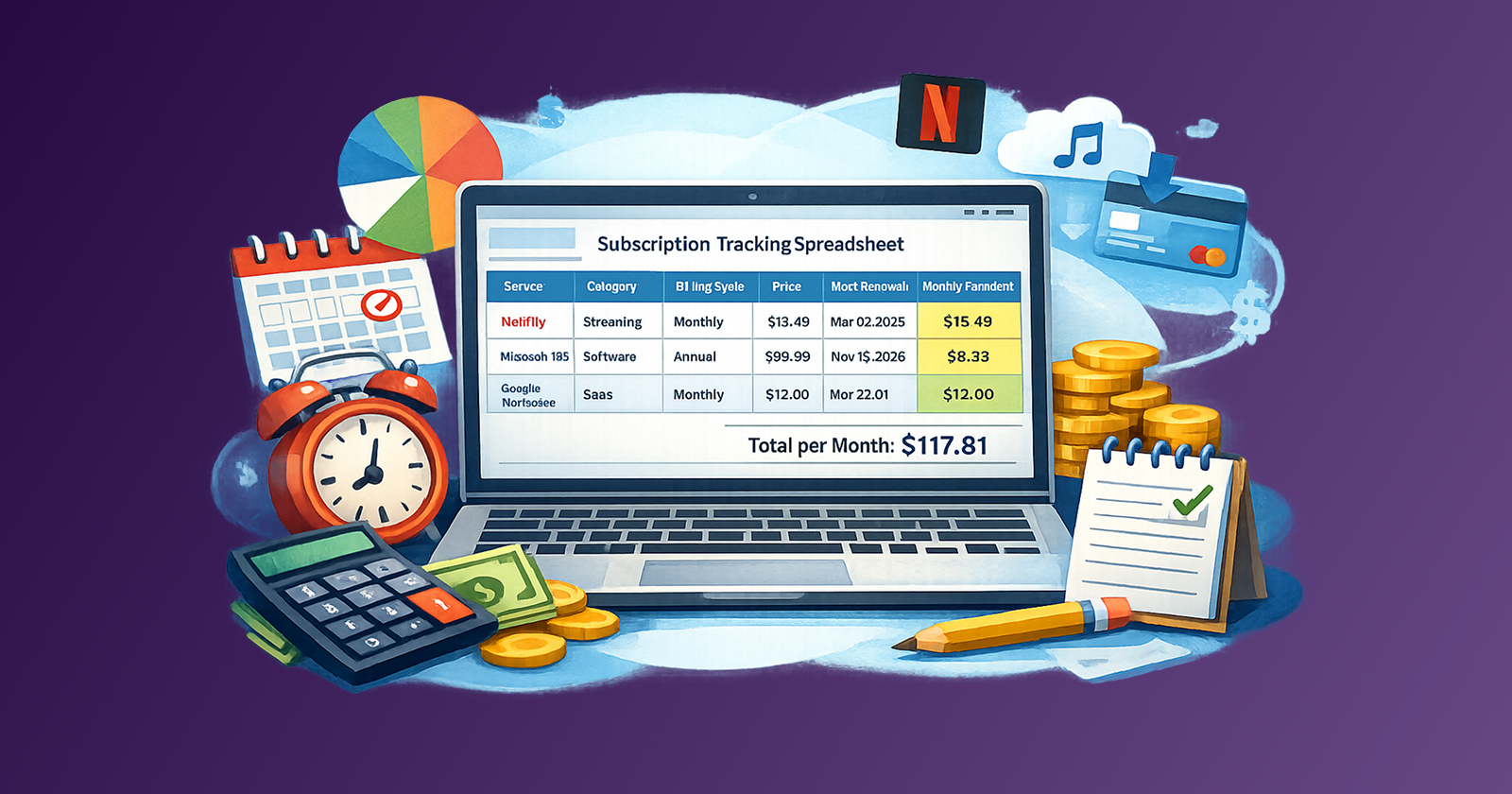
Start with your payment sources. Review the last three months of charges on your primary business card, bank account, and any secondary payment methods. Look for any recurring line item. If you pay via PayPal, Stripe billing, or through an app store, check those separately. The subscription tracker approach used for personal expenses applies directly here: the goal is to find every recurring charge before you evaluate any of them.
Cross-reference with your team. Send a short message to each department or team lead asking them to list every SaaS tool they actively use or have access to. You will find at least two or three tools that do not appear in your payment records because someone is using a personal card and expensing it, or because a vendor has not billed recently.
Check your email for renewal notices. Search your inbox for keywords like "invoice," "receipt," "renewal," "subscription," and "billing." Most SaaS vendors send annual renewal reminders 30 days in advance. These notifications are the fastest way to find annual subscriptions before they renew.
Once all three sources are combined, enter every item into the audit register. Do not evaluate yet. Build the complete list first.
How Do You Run a Quarterly SaaS Review?
A quarterly review works best as a structured 60-minute agenda with a defined owner and a clear output: an updated audit register with a decision recorded for every line item.
Recommended quarterly review agenda:
First 10 minutes: Prepare the data
Before the meeting, the tool owner updates the register with current seat counts and pulls any available usage reports. Flag any renewals occurring in the next 90 days.
Next 20 minutes: Flag items for review
Go through the register and flag any tool where: active users are below 50% of paid seats, no usage activity is recorded in the last 30 days, the purpose duplicates another tool already on the list, or the renewal date falls within the next 60 days.
Next 20 minutes: Make decisions on flagged items
For each flagged item, apply the decision framework:
- If active users are below 50% of seats: reduce seat count at next renewal, or immediately if the billing cycle allows.
- If zero recent usage: cancel or downgrade to free tier. Assign the owner to export any data before the cancellation date.
- If the purpose overlaps with another tool: pick one and schedule the other for cancellation. Document the winner and the reason.
- If the renewal is imminent and the value is unclear: assign one person to evaluate it within one week and report back. Do not let uncertainty default to renewal.
Final 10 minutes: Update the register and assign actions
Every flagged item should exit the meeting with a decision and an assigned owner. Any action with a deadline (cancellation, seat reduction, evaluation) gets added to whoever owns that tool.
The register is your output. If it does not get updated in the meeting, the review did not accomplish its goal.
What Governance Rules Keep SaaS Spend Controlled Between Audits?
Quarterly audits catch accumulated drift. Governance rules prevent it from accumulating in the first place.
Small teams do not need a formal procurement process. They need three lightweight rules that take ten minutes to establish.
Rule 1: Every subscription needs a named owner.
Anyone who introduces a new SaaS tool into the team stack becomes the named owner in the audit register. They are responsible for reviewing it at the next quarterly audit. If a tool has no named owner, it is a candidate for immediate cancellation.
Rule 2: Purchases above a threshold require a brief written justification.
Set the threshold at a number that makes sense for your team, typically somewhere between $50 and $200 per month. The justification does not need to be a formal document. A single Slack message or a row in a shared spreadsheet that states the problem, the tool, the cost, and the expected duration is enough. The goal is to create a paper trail so that six months later someone can evaluate whether the tool delivered on its stated purpose.
Rule 3: Annual subscriptions get flagged 60 days before renewal.
Set a reminder when you add a new annual subscription. When the 60-day reminder fires, the tool owner answers one question: is this tool still earning its cost? If the answer is no, there is time to cancel before the renewal. If the answer is yes, renewal proceeds with intention rather than by default.
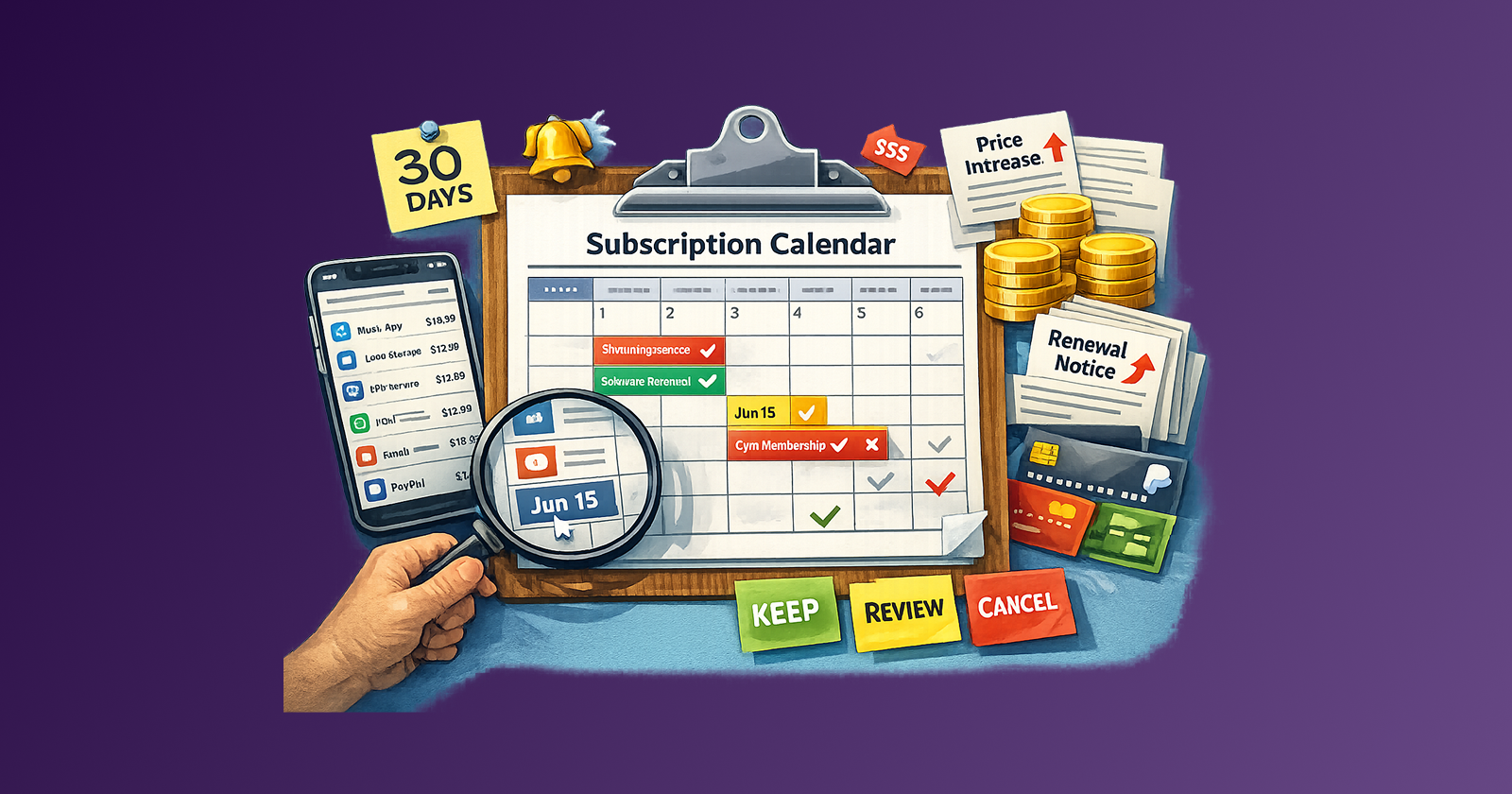
These three rules, applied consistently, eliminate most of the drift that accumulates between quarterly reviews. The subscription calendar approach that works for personal expenses applies equally well to business tools.
What Are the Most Common Mistakes in a SaaS Audit?
Auditing without a named owner for each tool. An audit that produces a list of tools without assigning responsibility for each one has not solved the visibility problem. It has only documented it. Ownership assignment is not optional.
Evaluating based on whether the tool was ever useful rather than whether it is useful now. A tool that was critical during a launch phase may have zero active usage six months later. Past value does not justify current cost. Evaluate based on recent usage, not history.
Ignoring free tier options. Many SaaS products offer functional free tiers. A team using three seats on a paid plan that offers a free two-seat tier is paying for headroom they do not need. Downgrading to free is not a signal to the vendor; it is a legitimate business decision.
Skipping the seat count vs. active user comparison. This single comparison consistently surfaces the most recoverable spend in any SaaS audit. Most teams are paying for at least 15 to 20 percent more seats than they actively use. Reducing to actual usage is typically the fastest action with the clearest return. The startup that saved 30 percent on SaaS costs did this as its first step before evaluating any other efficiency.
Running the audit once and treating it as done. A one-time audit captures current state. A quarterly cadence prevents re-accumulation. The audit is only useful if it repeats.
How Does This Connect to Broader Recurring Expense Management?
SaaS subscriptions are a category within a larger recurring expense structure. For startups and small businesses, SaaS spend is often the most addressable category because the data is accessible and the decisions are reversible.
The same logic that applies to personal subscription management applies here. Recurring expenses are infrastructure. Infrastructure needs to be tracked, reviewed, and intentionally maintained. A subscription that goes unreviewed for twelve months is not a managed expense. It is a leak.
For teams that are already tracking personal subscriptions alongside business tools, the recurring expense audit checklist covers the shared methodology. For freelancers and solo operators managing a blended personal and professional stack, the recurring expense optimization guide for freelancers and small businesses addresses the specific challenges of mixed-use subscriptions.
The principle across all of these is the same. Before you can optimize spend, you need to see it clearly. The audit register is the tool that creates that clarity.
FAQ
How long does a SaaS audit take for a small team?
For a team of five to fifteen people with a typical SaaS stack of 10 to 25 tools, the initial audit build takes one to two hours. The quarterly review meeting, once the register exists, takes 60 minutes or less.
What counts as an active user for the purposes of the audit?
A user who has logged in and performed at least one meaningful action within the last 30 days. Most SaaS admin dashboards provide user activity reports. For tools without usage reporting, a simple team survey is an acceptable substitute.
Should I include free tools in the audit register?
Include any free tool that could convert to paid or that has a paid upgrade the team might use. This ensures the register is complete and prevents free tools from becoming automatic paid upgrades without review.
How do I handle tools that are owned by an employee who has left?
Immediately assign a new owner or cancel the tool. Orphaned subscriptions are among the highest-risk items in any SaaS stack because no one has accountability for reviewing them.
What is the right threshold for requiring written justification for a new tool?
Most small teams set this at $50 to $100 per month. The threshold should be low enough to catch most significant tools but high enough that it does not create friction for minor purchases.
How often should we run a full SaaS audit?
Quarterly is the recommended cadence for most small teams. Monthly is appropriate if the team is growing quickly or if the stack is particularly fragmented. Annual reviews are not frequent enough to catch seat creep before it compounds.
Next Step
Run the audit register build this week. Start with payment sources, cross-reference with your team, and get everything into one spreadsheet. The template is above. The full list takes less than two hours. Once it exists, the quarterly review becomes a structured 60-minute habit instead of an emergency after a surprise billing cycle.
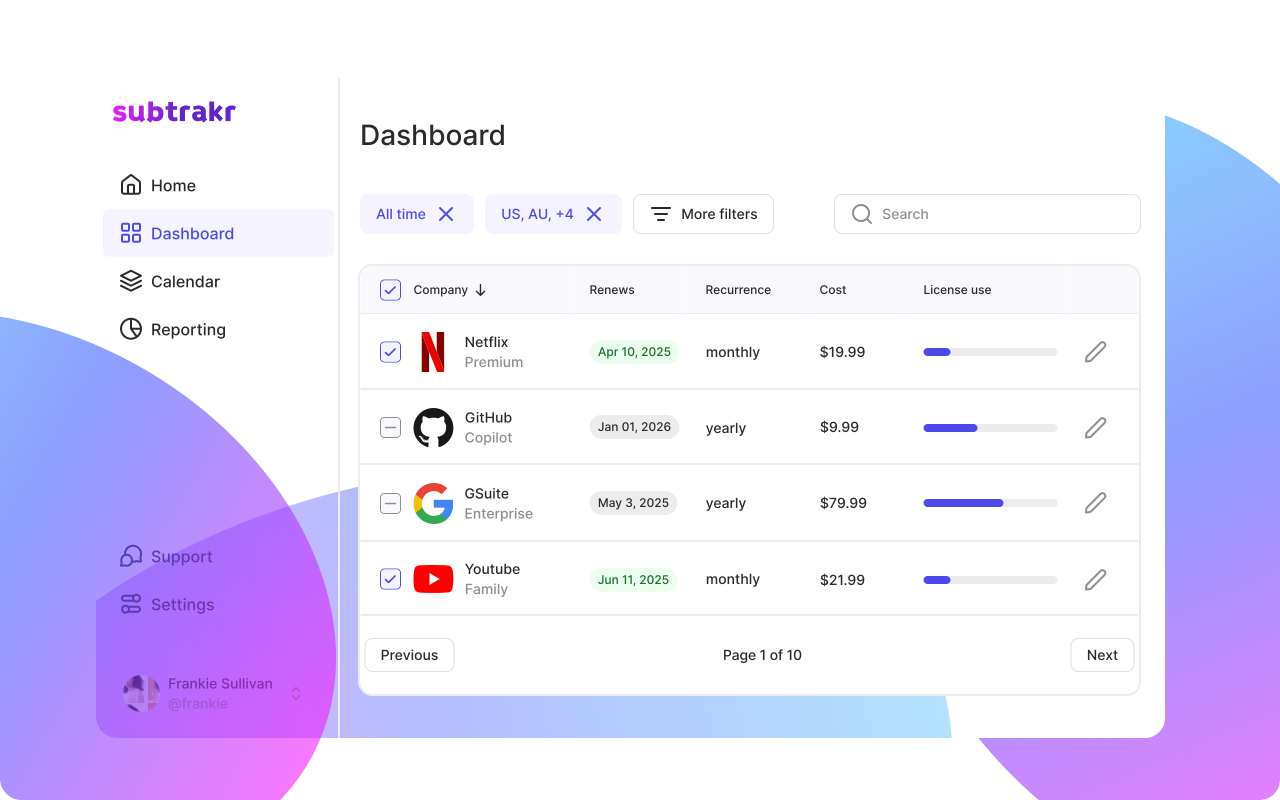
If you are already tracking your personal recurring expenses alongside business tools, Subtrakr gives you a single place to see the full picture without building everything in a spreadsheet from scratch.