Quick answer
The Seat Hygiene Playbook is a structured offboarding process that deactivates, audits, and reassigns or cancels all SaaS seats within 24 hours of a departure. It treats license reclamation as a mandatory step in offboarding, not an optional cleanup task.
When someone leaves your team, their calendar gets blocked and their laptop gets wiped. Their SaaS seats? Those usually stay active for weeks, sometimes permanently. This is how orphaned licenses accumulate quietly, billed month after month for accounts no one logs into.
Stay Updated with Subtrakr
Sign up to our newsletter to get updates about Subtrakr and valuable insights about subscriptions and recurring expense management.
What Is an Orphaned License?
An orphaned license is a paid SaaS seat assigned to a user who no longer needs it. This includes former employees, contractors, freelancers, or anyone whose access was never formally revoked after they stopped working with you.
Orphaned licenses are costly in two ways. First, you keep paying for them. Second, they create a security gap: active credentials tied to a former user's email are a real attack vector, especially when SSO is not enforced. That risk is easier to prevent upstream: before you buy, confirm SSO and a clear seat model with a subscription procurement checklist.
Most teams discover orphaned licenses during an annual audit, when the damage has already been done. The playbook below shifts that discovery to the moment of departure.
Why 24 Hours Is the Right Window
The 24-hour rule is not arbitrary. It reflects two practical realities.
Access revocation is most effective when it happens immediately. Every day an account stays active after departure is a day it can be accessed, shared credentials can be reused, and billing continues unchanged.
License reassignment is also easier when it happens while the offboarding context is fresh. Managers know what the departing person was working on, which tools they actually used, and whether a replacement hire is incoming. That context degrades fast.
The goal is not perfection. It is action. A 24-hour window forces the team to treat seat reclamation as part of the offboarding sequence, not a separate cleanup sprint.
What Counts as a Seat Worth Reclaiming?
Not every tool needs the same urgency. Prioritize seats by two criteria: monthly cost and access risk.
High priority (act within hours, not 24):
- Identity-adjacent tools: SSO providers, password managers, authentication apps
- Admin-level accounts in billing, finance, or HR platforms
- Any tool connected to the company's payment methods or contract storage
Standard priority (within the 24-hour window):
- Productivity tools: project management, docs, communication platforms
- Design and development tools with per-seat pricing
- AI assistant subscriptions billed per user
- CRM or sales tools with individual seat licenses
Lower priority (audit within the next billing cycle):
- Shared login tools with no individual seat cost
- Tools the user was listed in but had not logged into in 30+ days
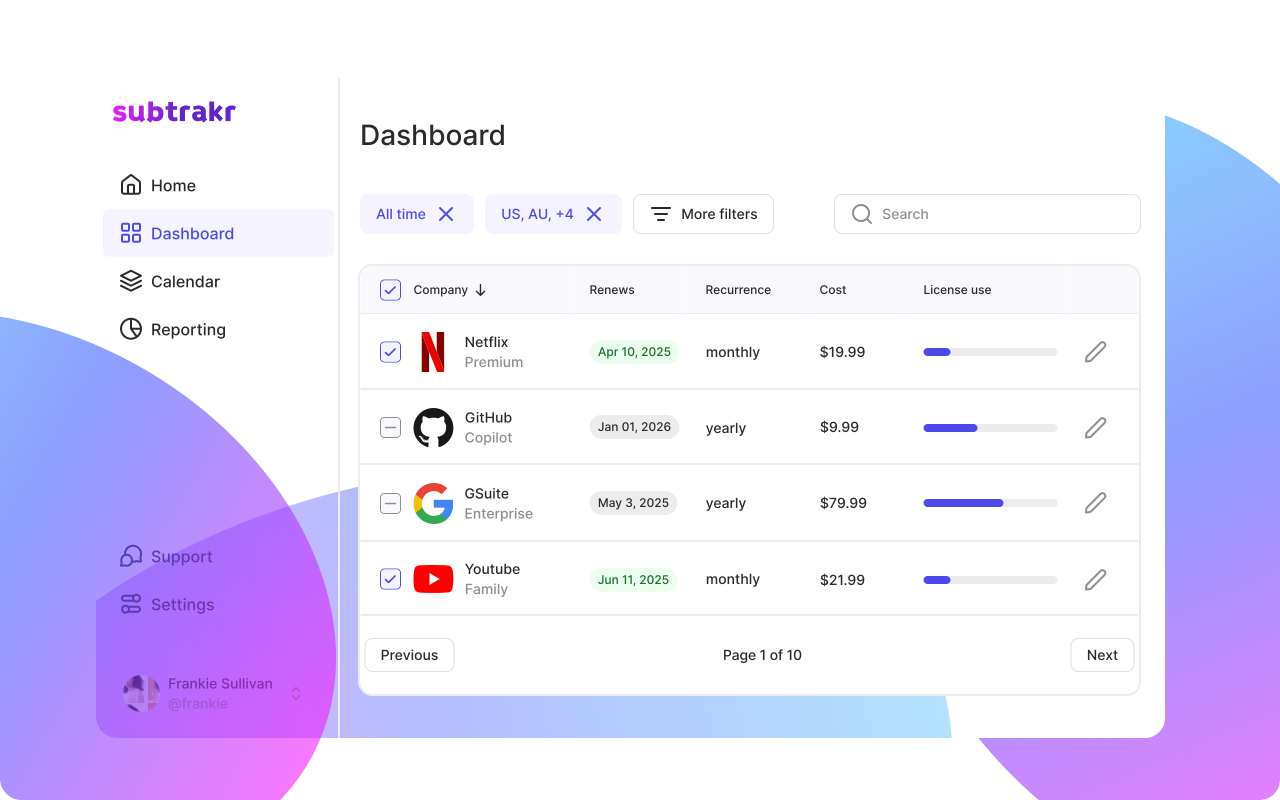
If you are already tracking your recurring expenses in Subtrakr, this tiering maps directly to how you have categorized tools. Filter by "per seat" billing type to pull the right list before you start.
The Deprovisioning Checklist: 24-Hour Sequence
This checklist assumes the departure is known in advance or confirmed on the day. Adjust the timing column for unplanned exits.
Time required: 20 to 45 minutes per departing user, depending on tool count
Step 1: Pull the seat inventory (0 to 2 hours)
Before revoking anything, know what you are revoking. Pull a list of every SaaS tool where the user holds an active seat. Sources to check:
- Your internal SaaS tracker or recurring expense log
- The user's SSO profile (if you have centralized identity management)
- Billing admin panels for your top 10 tools
- Any tools the user managed themselves (ask their manager)
If you do not have a centralized tracker, this step will take longer. That friction is exactly why maintaining a recurring expense inventory matters year-round, not just during offboarding.
Step 2: Revoke SSO and primary credentials (2 to 4 hours)
If you use SSO, this is your leverage point. Deactivating the user in your identity provider (Google Workspace, Okta, Microsoft Entra) cascades to every connected tool simultaneously.
For tools not connected to SSO:
- Log into each tool's admin panel
- Deactivate or remove the user account
- Confirm the seat shows as unassigned or available
Do not rely on the departing user to "hand over" access. Revoke first, transfer data second.
Step 3: Reassign or cancel the seat (4 to 8 hours)
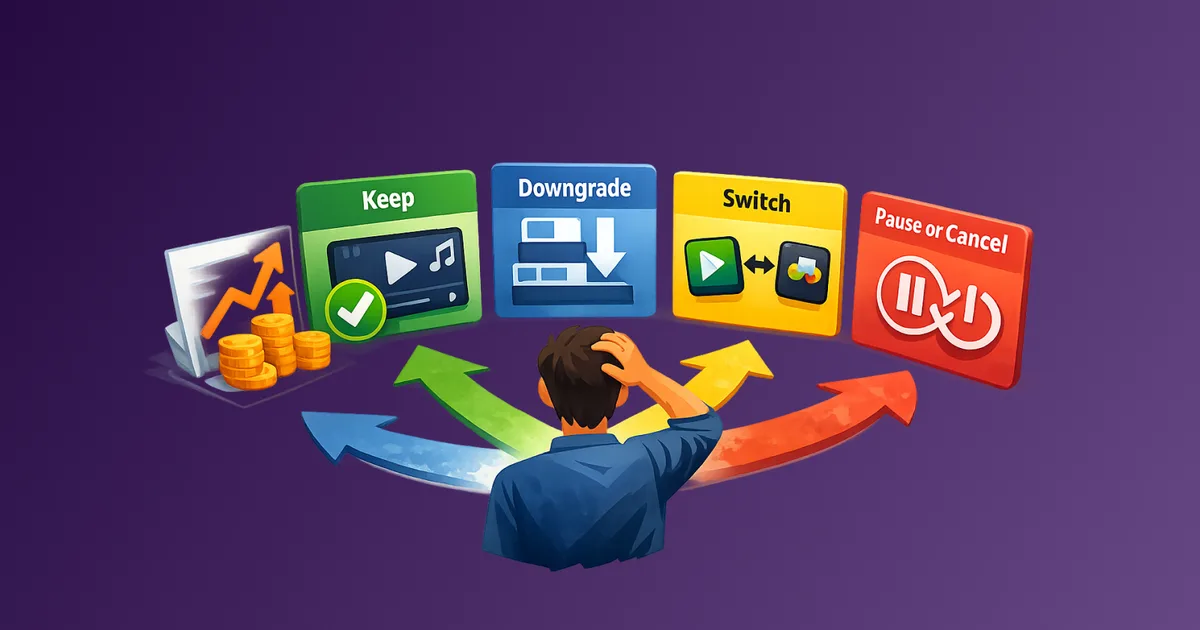
For each reclaimed seat, make one of three decisions:
Reassign: A replacement hire or existing team member needs the same access. Transfer the seat, update billing contact if needed.
Downgrade: The team does not need the seat right now, but the subscription allows unused seats on the next billing cycle. Check whether the plan auto-charges for unused seats.
Cancel: The seat is not needed and the tool allows seat-level cancellation. Act before the next billing date. If the tool does not allow mid-cycle cancellation, flag the renewal date in your expense tracker and set a reminder.
This decision needs to happen within the 24-hour window, not after. Deferred decisions default to "keep paying."
Step 4: Audit for tools not caught in step one (8 to 24 hours)
After the initial sweep, run a secondary check. Look for:
- Tools the user signed up for independently using a company card or reimbursable personal card
- Free trial accounts that escalated to paid during their tenure
- Shared accounts where the user was the primary billing contact
Check your expense records for recurring charges tied to their email address or card. If the user managed their own tools budget, review their submitted expenses for the past 90 days.
Step 5: Document what you reclaimed (end of 24-hour window)
Record the outcome in your SaaS log or recurring expense tracker:
- Tool name
- Seat status before offboarding (active / unused)
- Action taken (reassigned / cancelled / pending next billing date)
- Annual or monthly cost freed up
- Who completed the reclamation
This creates an audit trail and feeds your next quarterly review with real data on seat efficiency.
Copy-Paste Offboarding Seat Checklist
Departing user: ___________
Departure date: ___________
Completed by:  ___________

[ ] SSO / identity provider account deactivated
[ ] Seat inventory pulled from SaaS tracker
[ ] High-priority tools (billing, finance, HR) revoked within 2 hours
[ ] Standard tools revoked within 24 hours
[ ] Each seat: Reassign / Downgrade / Cancel decision recorded
[ ] Secondary audit: expense records reviewed for untracked tools
[ ] Renewal dates for pending cancellations flagged in tracker
[ ] Outcome documented: total monthly cost freed up: $___
Common Mistakes in Seat Reclamation
Treating deprovisioning as IT's job only. Finance owns the recurring expense. IT owns access. Neither alone catches everything. Seat reclamation requires a handoff between both, with a clear owner for the billing decision.
Revoking access but not cancelling the seat. Removing a user from a tool admin panel does not always cancel the billing. Many SaaS tools continue charging for the seat count regardless of active users. Check the billing panel separately.
Skipping tools the user self-managed. If the user had budget autonomy or an expense card, they may have spun up tools that never entered your central inventory. The secondary audit in step four is not optional.
Assuming the next renewal will handle it. Annual tools with unused seats will auto-renew unless explicitly cancelled. The gap between a departure in month three and an annual renewal in month eleven is eight months of avoidable cost.
Not tracking the reclaimed value. If you do not record what you freed up, you cannot measure the impact of good seat hygiene. Over time, this data justifies maintaining the process.
FAQ
How many orphaned licenses does the average team carry?
Estimates vary, but teams without a formal offboarding process commonly carry 10 to 20 percent of their active seat count in unused licenses. For a 20-person team using 15 tools, that can mean 30 to 60 orphaned seats at any time.
What if a tool does not allow mid-cycle seat cancellation?
Record the renewal date in your expense tracker and set a reminder for 7 days before renewal. At that point, cancel or downgrade. Do not wait for the renewal to appear on your statement.
Does SSO deactivation always revoke all tool access?
Only for tools integrated with your SSO provider. Tools the user signed up for directly, or older tools set up before SSO integration, need manual revocation. This is why the secondary audit matters.
How do I handle seat reclamation for contractors or freelancers?
The same process applies. Contractors often hold individual seats in tools they manage themselves. Build seat reclamation into every contract end date, not just full-time employee exits.
Is there a way to automate this?
Some identity management platforms trigger deprovisioning workflows automatically on user deactivation. If you have that infrastructure, use it. If not, a structured manual checklist with a named owner is the practical baseline.
What should I track in Subtrakr to support this process?
Tag each SaaS tool with its billing type (per seat vs flat rate) and note the current seat count. When a departure happens, filter by per-seat tools and you have your immediate action list.
Next Action
Run step one of this checklist against your last three departures. Pull their seat inventory from your expense tracker and check whether each seat was cancelled, reassigned, or is still active. The gap between what you find and what you expected is the size of your current orphaned license problem.
If you are not yet tracking SaaS tools by seat type and billing cycle, that is the foundational fix. Subtrakr lets you log each tool with billing frequency, seat count, and renewal date so that when someone leaves, the right list is already there.