Quick answer
A SaaS vendor scorecard gives small teams a repeatable framework for evaluating new tools across four dimensions: price and value fit, support quality, security posture, and adoption likelihood. Scoring each vendor before purchase reduces regret, prevents budget creep, and creates a written record for future renewal decisions.
Small teams sign up for SaaS tools fast and rarely review them systematically. A few months in, the stack quietly grows, costs compound, and no one can say with confidence whether a given tool is actually earning its keep.
Stay Updated with Subtrakr
Sign up to our newsletter to get updates about Subtrakr and valuable insights about subscriptions and recurring expense management.
The problem is rarely the tools themselves. It is the absence of a structured evaluation process at the point of selection.
Why Do Small Teams Need a Vendor Scorecard?
Most small teams have no procurement process. Decisions are made by whoever feels the pain most urgently, based on a trial, a recommendation, or a pricing page. That works fine for low-cost, low-risk tools. It becomes expensive when it applies to every tool in the stack.
Without a scorecard, teams end up with redundant tools that overlap in function, expensive plans chosen for features they never use, and no documented rationale when renewal time arrives. A structured scorecard does not slow down decision-making. It makes decisions defensible and reversible.
What Should a SaaS Vendor Scorecard Include?
A practical scorecard for small teams covers four core dimensions. Each maps to a real risk category that affects budget, operations, or team adoption.
1. Price and Value
Does the cost scale reasonably with your team size and usage? Is the pricing transparent, or does the real cost only appear after onboarding? Annual billing discounts, per-seat pricing cliffs, and feature gating all affect true cost.
2. Support Quality
Can you get help when something breaks? For small teams without dedicated IT, vendor support is a direct productivity variable. This includes response time, available channels, and documentation quality.
3. Security Posture
Does the vendor meet the standards your work requires? For tools handling financial data, customer records, or internal communications, security is not optional. Certifications, data residency, and access control policies matter.
4. Adoption Likelihood
Will your team actually use it? A tool with a high adoption score has low onboarding friction, a short learning curve, and fits naturally into existing workflows. Adoption failure is one of the most common causes of wasted SaaS spend.
How Do You Score Each Dimension?
Use a simple 1 to 5 scale for each dimension, then weight them based on your team's priorities. A security-sensitive team may weight that dimension at 30%. A team with high turnover may weight adoption at 40%.
Scoring Guide
Price and Value (1–5)
| Score | Meaning |
|---|---|
| 1 | Pricing is opaque, scales poorly, or hides key features behind expensive tiers |
| 2 | Acceptable price but significant feature gating or per-seat cliff |
| 3 | Reasonable fit with minor concerns about future cost at scale |
| 4 | Clear pricing, good feature access, predictable at current team size |
| 5 | Transparent, flat or fair per-seat pricing, no hidden upgrade pressure |
Support Quality (1–5)
| Score | Meaning |
|---|---|
| 1 | Email only, multi-day response, minimal documentation |
| 2 | Standard support with known delays or documentation gaps |
| 3 | Responsive email or chat with decent self-serve resources |
| 4 | Fast responses, solid docs, some proactive communication |
| 5 | Multiple channels, fast SLA, strong knowledge base, dedicated onboarding |
Security Posture (1–5)
| Score | Meaning |
|---|---|
| 1 | No certifications mentioned, unclear data practices |
| 2 | Basic HTTPS and standard terms but no formal compliance |
| 3 | SOC 2 Type I or equivalent, reasonable access controls |
| 4 | SOC 2 Type II, SSO support, clear data residency options |
| 5 | Full compliance documentation, GDPR-ready, role-based access, audit logs |
Adoption Likelihood (1–5)
| Score | Meaning |
|---|---|
| 1 | Steep learning curve, poor UX, likely to be abandoned within 60 days |
| 2 | Functional but friction-heavy; adoption will require significant internal effort |
| 3 | Moderate onboarding, most team members will use it but not love it |
| 4 | Clean UX, fast to learn, fits naturally into workflows |
| 5 | Frictionless onboarding, high daily utility, strong team engagement expected |
The Scorecard Template
Use this at the point of evaluation. Fill in one row per vendor when comparing options, or use it as a single-vendor gate before signing up.
SaaS Vendor Scorecard
---------------------

Vendor name:
Tool category:
Evaluated by:
Date:

Monthly cost (actual):
Annual cost (if applicable):
Per-seat pricing:
Free tier or trial available:

Scoring (1–5 each)

Price and Value:     __ / 5
  Notes:

Support Quality:     __ / 5
  Notes:

Security Posture:    __ / 5
  Notes:

Adoption Likelihood: __ / 5
  Notes:

Weighted Total (optional):
  Price weight:     __ %
  Support weight:   __ %
  Security weight:  __ %
  Adoption weight:  __ %
  Weighted score:   __ / 5

Decision: [ ] Approve  [ ] Trial first  [ ] Reject  [ ] Defer

Reason:

Next review date:
How to Weight the Dimensions for Your Team
Weights should reflect your actual risk profile, not a generic formula.
A four-person creative agency handling client files should weight security and adoption higher. A bootstrapped SaaS team tracking internal tooling should weight price and adoption. A legal or financial services team should weight security above all others.
A simple starting point for most small teams:
- Price and Value: 30%
- Adoption Likelihood: 30%
- Support Quality: 20%
- Security Posture: 20%
Adjust before you start scoring. Changing weights after scoring to favor a preferred vendor defeats the purpose.
Common Mistakes When Evaluating SaaS Vendors
Scoring based on the trial experience, not actual team use. Trials are optimized for conversion. The first 14 days of a product rarely represent steady-state usage. Ask your team to attempt a real workflow during the trial, not just explore features.
Ignoring per-seat pricing cliffs. A tool priced at $12 per user looks manageable at three users. At 10 users it becomes a budget line item. Score price based on projected team size, not current headcount.
Treating security as binary. "They have HTTPS" is not a security posture. If you are storing financial data, client information, or anything sensitive, verify certifications, ask about data residency, and check whether you can revoke access on offboarding.
Evaluating adoption based on the most technical person on the team. If your most technical person finds it easy, that tells you little about the rest of the team. Run a 10-minute test with someone less familiar with the tool category.
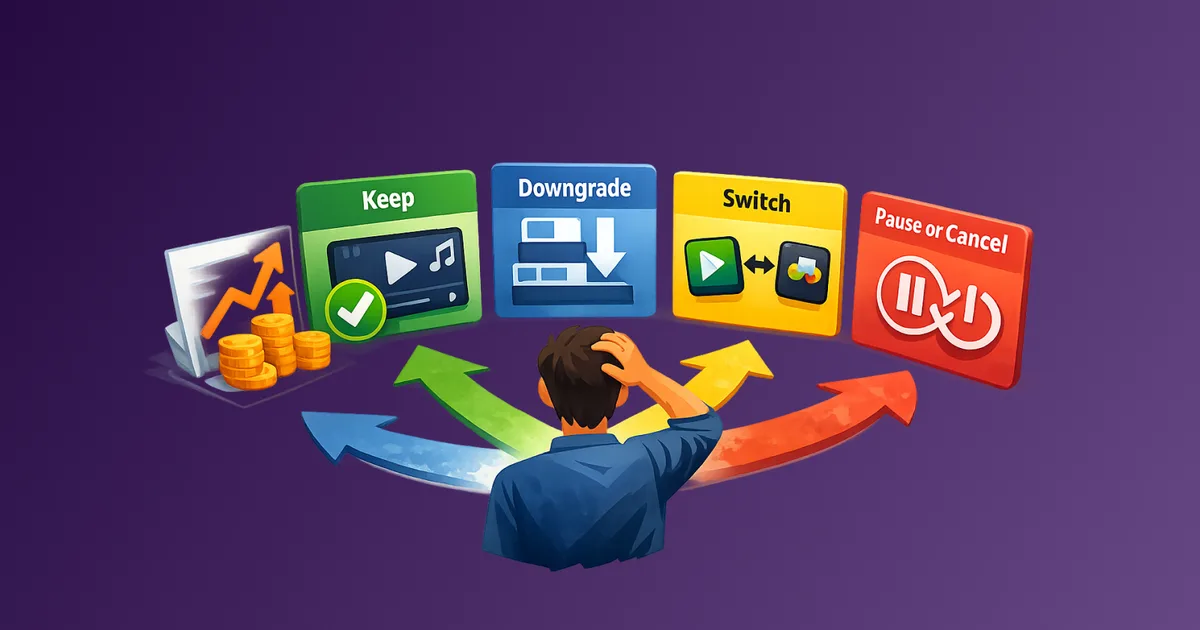
Skipping the renewal review. A tool that scored well at onboarding may look different 12 months later after a pricing change, a feature removal, or shifting team needs. Schedule a renewal review at the point of purchase, not when the invoice arrives. When costs change, pair that re-score with What to Do When a Subscription Price Increases for a structured keep-downgrade-switch-pause decision.
How Does This Connect to Recurring Expense Tracking?
Every SaaS tool that passes your scorecard becomes a recurring expense. Most small teams have 8 to 15 active SaaS subscriptions at any given time. Without a system, those subscriptions quietly auto-renew, accumulate, and drift out of alignment with actual usage.
A scorecard handles the intake. Pair it with a subscription procurement checklist for the go/no-go checks on security, SSO, seat model, exit path, and data export. A recurring expense tracker handles the ongoing visibility. Together: evaluate before you commit, then track what you have committed to.
If you want to understand how your current SaaS stack is performing as a cost center, a structured audit is the right starting point. How to Stay on Top of Your Subscriptions walks through the full process. For ongoing optimization after intake, How to Optimize Recurring Expenses for Freelancers and Small Businesses maps the full review-and-cut workflow. For a vendor-by-vendor cost breakdown, Case Study: How One Startup Saved 30% on SaaS Costs shows how systematic review translates into real reductions — and why pre-purchase evaluation matters as much as cleanup.
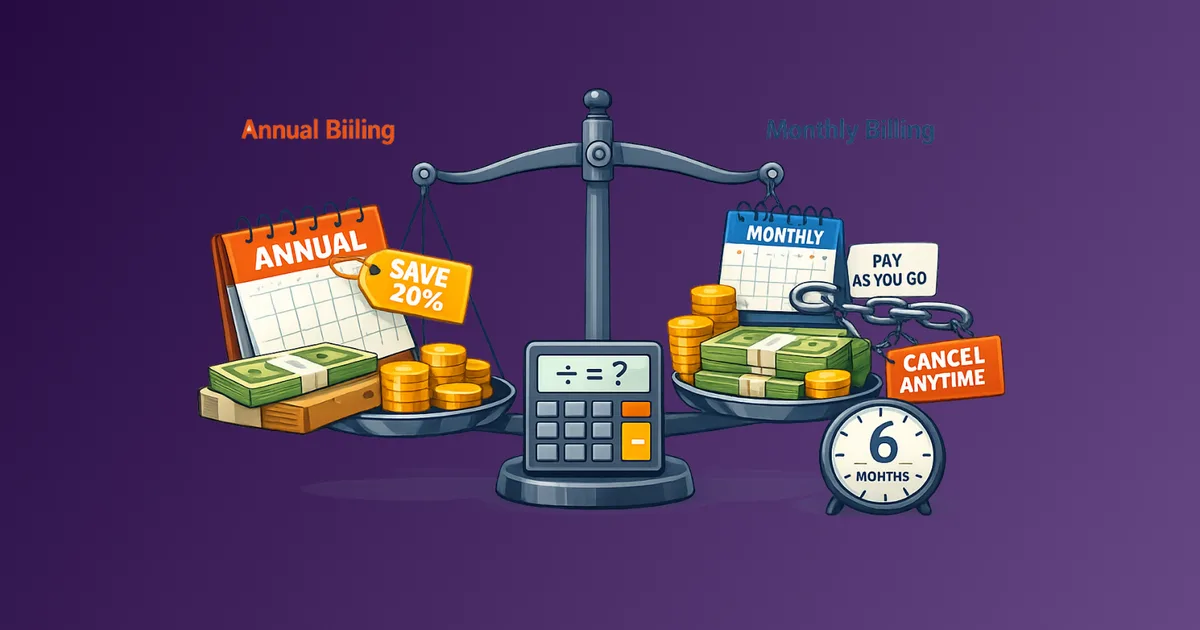
For teams using annual billing on multiple tools, the Annual vs Monthly Billing Break-Even guide helps model whether committing to a full year actually saves money given your adoption projections.
FAQ
How often should we use the scorecard?
Use it for every new paid SaaS tool, and optionally at renewal for tools above a set monthly threshold. For most small teams, that means tools costing more than $30 per month per seat.
What is a passing score?
There is no universal pass/fail threshold. A weighted score above 3.5 out of 5 generally indicates a reasonable fit. Below 2.5 should trigger a harder look at alternatives. Use your own judgment calibrated to your team's risk tolerance.
Should we score free tools?
Only if you are evaluating an upgrade to a paid plan or if the free tool handles sensitive data. Scoring every free tool is unnecessary overhead.
What if two vendors score similarly?
Tie-break on the dimension that matters most to your team's context. If support is your highest weight and one vendor has significantly stronger documentation, that is the deciding factor. Do not overthink close scores.
How long does a scorecard evaluation take?
Fifteen to thirty minutes per vendor, assuming you have done a trial or demo. The scorecard is a synthesis tool, not a research process.
Can this work for non-technical teams?
Yes. The scoring criteria are designed to be evaluated without deep technical knowledge. Security posture can be verified by checking the vendor's trust or security page. Adoption can be assessed by a short team trial.
Next Action
Pick the next SaaS tool your team is considering and run it through this scorecard before signing up. If you already have a tool under review, score your current provider at renewal time using the same template. The gaps will be visible within 20 minutes.
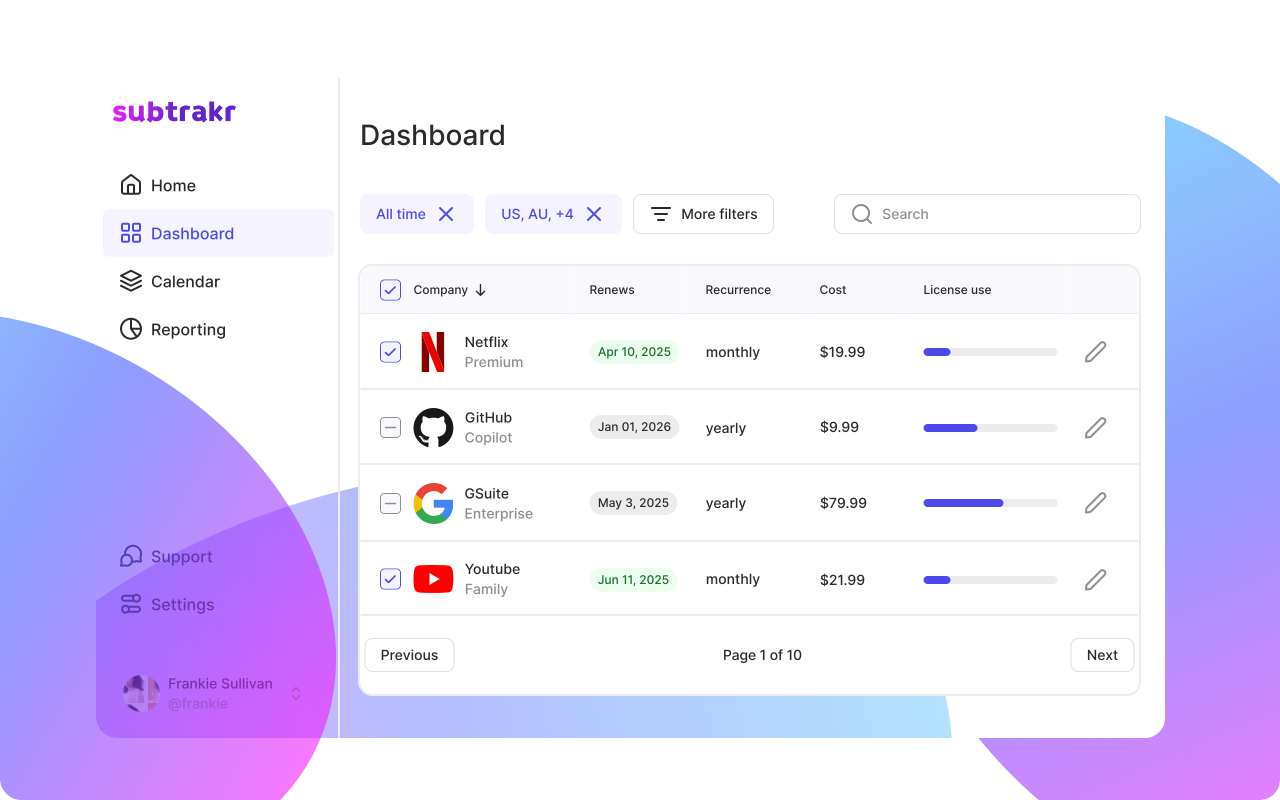
Subtrakr can help you track the recurring costs once tools are approved. The visibility starts at intake. The control starts at tracking.