Quick answer
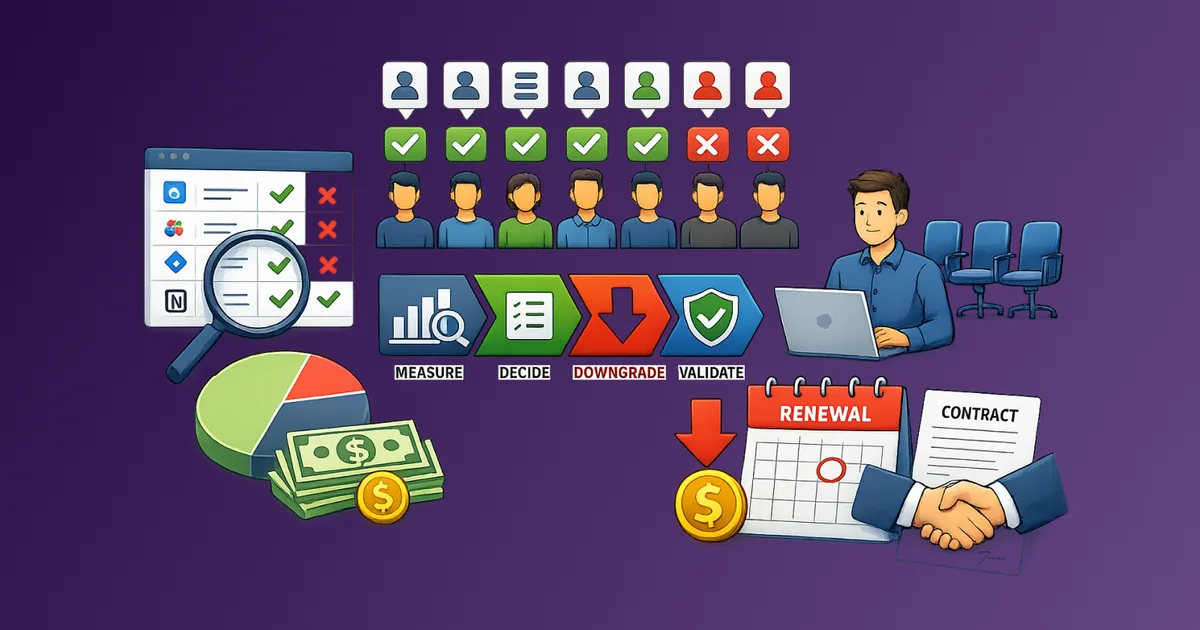
A 90-day SaaS savings pipeline is a repeating cycle that discovers spend, scores tools by usage and value, executes cuts or renegotiations, and locks in controls so waste does not return. You run five workstreams in parallel across Days 1–30, 31–60, and 61–90, then reset. The goal is a steady savings rate every quarter, not a heroic one-time audit.
Most teams treat SaaS savings as a quarterly event: open a spreadsheet, cancel a few dormant tools, feel productive, then ignore the stack until the next panic. Waste does not wait for your calendar. New seats appear, unused tiers stay billed, and renewals auto-charge while everyone is busy shipping.
Stay Updated with Subtrakr
Sign up to our newsletter to get updates about Subtrakr and valuable insights about subscriptions and recurring expense management.
A 90-day SaaS savings pipeline fixes that. It turns cost control into a continuous loop with clear owners, recurring checkpoints, and measurable output — not a once-a-quarter cleanup day.
What Is a SaaS Savings Pipeline?
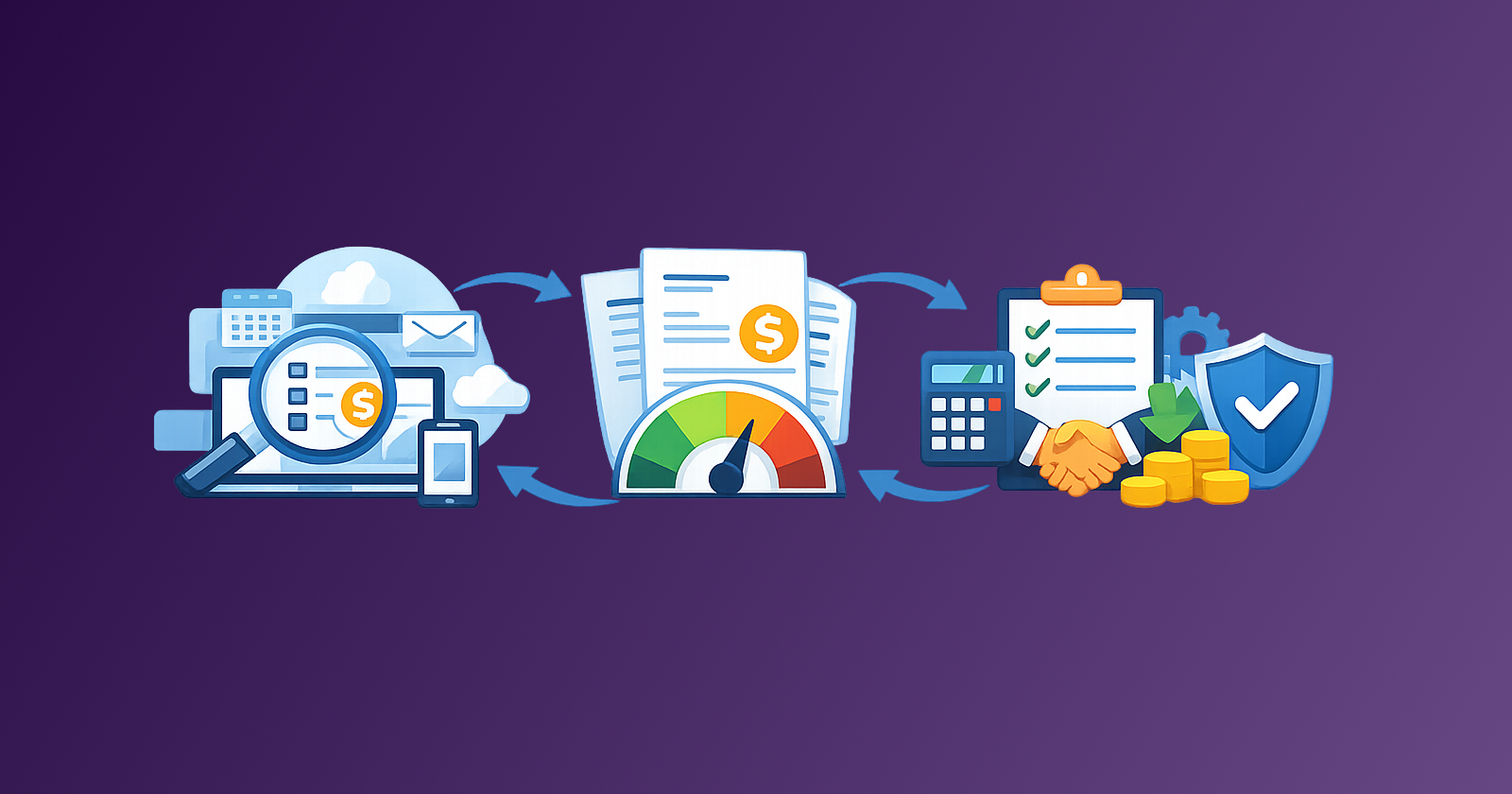
A SaaS savings pipeline is an operating system for recurring software spend. Inputs (invoices, renewals, seat reports) flow through stages (discover, score, act, lock, measure). Outputs are decisions: cancel, rightsize, renegotiate, keep, or block a new purchase.
It is not the same as a monthly or quarterly audit checklist. An audit is a snapshot. A pipeline is a workflow that never fully stops. Audits still happen inside the pipeline, but they are stages with owners and deadlines, not the entire strategy.
Think of it like a sales pipeline. Deals move through stages with clear next actions. Your SaaS stack should move the same way: every tool has a stage, an owner, and a next review date.
Why Do One-Off Quarterly Audits Fail?
Ad hoc audits fail for structural reasons, not lack of effort.
They start too late. By the time someone books a "SaaS cleanup" meeting, several annual renewals have already locked in another year of overspend.
They treat symptoms, not intake. Canceling three dormant tools feels good. Without a procurement gate, three new tools appear the following month.
They have no owner between meetings. After the audit, seat hygiene and renewal triage fall back to "someone will notice." Nobody does until finance asks why software costs rose again.
They measure activity, not outcomes. "We reviewed 40 tools" is not a result. "We reduced monthly SaaS by $1,200 and prevented two auto-renewals" is.
They ignore the calendar. Renewals, price increases, and seat cliffs happen on vendor timelines. Your savings process has to run continuously against those dates, not against an internal meeting cadence alone.
If subscription overload keeps returning after every cleanup, you do not need a better audit day. You need a pipeline.
How Does a 90-Day Cycle Work?
The cycle has five workstreams. They run in parallel, with different intensity in each 30-day block.
| Workstream | Purpose | Primary output |
|---|---|---|
| Discover | Find every recurring SaaS charge and owner | Complete inventory with renewal dates |
| Score | Rank tools by usage, value, and risk | Prioritized action list |
| Act | Cancel, rightsize, consolidate, or renegotiate | Executed decisions with proof |
| Lock | Prevent re-creep via procurement and seat rules | Intake checklist + deprovisioning SLAs |
| Measure | Track savings and pipeline health | Monthly savings log + next-cycle targets |
Across 90 days, the focus shifts:
- Days 1–30 (Stabilize): Complete discovery, assign owners, clear obvious waste (orphaned seats, unused trials, duplicate tools).
- Days 31–60 (Optimize): Run deeper rightsizing and renewal triage on mid- and high-spend tools. Negotiate where leverage exists.
- Days 61–90 (Systemize): Lock intake rules, set reminders for the next cycle, and publish a savings report so the habit survives the next busy sprint.
Then you restart. Cycle 2 is faster because discovery and ownership already exist. That compounding speed is the point of a pipeline.
What Happens in Days 1–30?
Days 1–30 are about visibility and quick wins. Do not negotiate enterprise contracts yet. Clear the noise so scoring is honest.
Discover everything that bills
Pull charges from company cards, bank feeds, PayPal, Apple, Google, and vendor invoices. Match each line to a tool name, owner, cost, billing cycle, and next renewal date. If you cannot name an owner, assign one within seven days or flag the tool for cancellation. A spend ownership matrix makes that assignment a named role, not a guess.
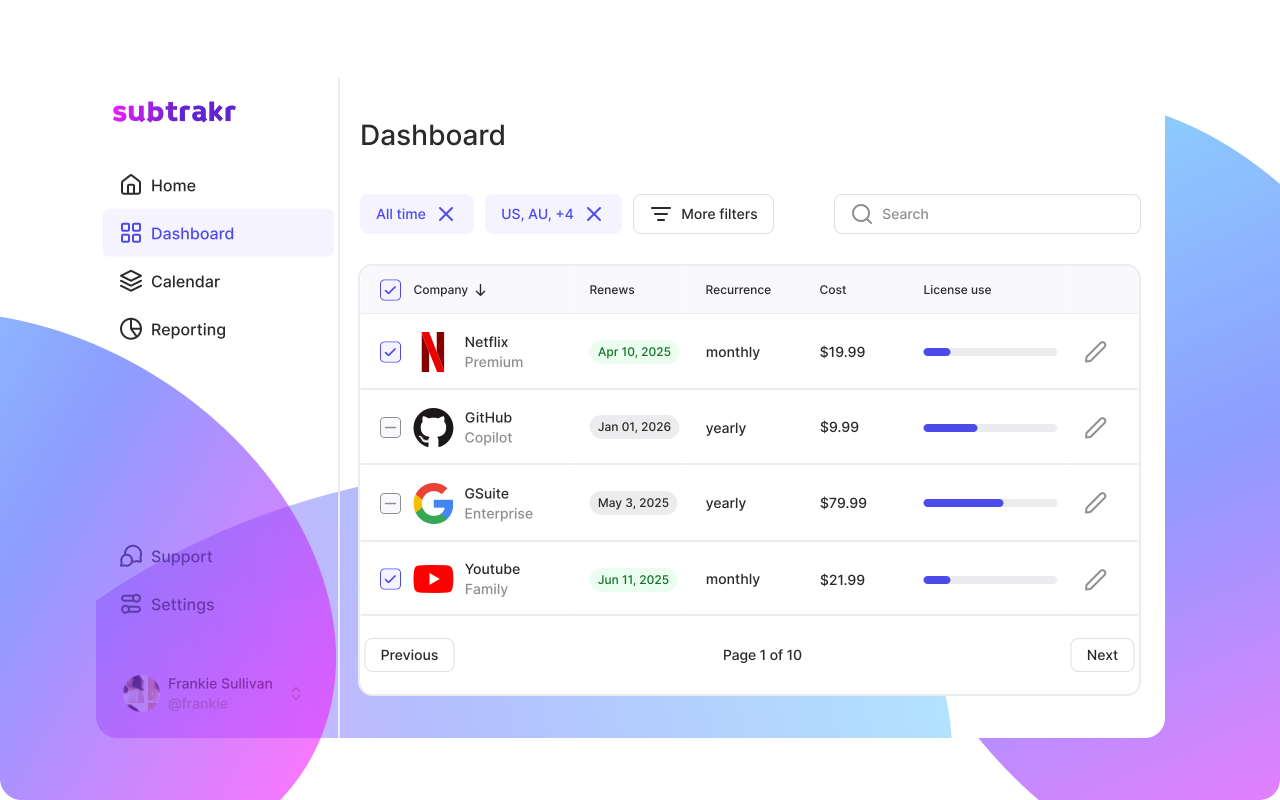
A shared tracker or Subtrakr inventory works. Columns that matter: tool, owner, monthly cost (normalized), seats provisioned, seats active, renewal date, stage (discover / score / act / lock / done).
Kill obvious waste in the first two weeks
Act immediately on:
- Seats for departed employees
- Free trials that converted without a decision
- Clear duplicates (two project tools for the same team)
- Tools with zero logins in 90 days and no documented exception
These are pipeline "quick closes." Document each cancel or downgrade so finance can verify the savings later.
Assign stage owners
A pipeline without owners stalls. Minimum roles:
- Stack owner (usually finance or ops): owns the inventory and the 90-day cadence
- Tool owners: approve keep / cut / renegotiate for their apps
- Seat hygiene owner: deprovisions within 24 hours of offboarding
By day 30 you should have a complete inventory, named owners, and a short list of executed quick wins. That is the foundation for staying on top of subscriptions instead of rediscovering the stack every quarter.
What Happens in Days 31–60?
Days 31–60 are where most of the savings appear. You score the remaining stack and execute higher-effort actions.
Score with a simple usage-to-value rule
For each tool above your review threshold (for example, $25/month or any shared seat tool), score:
- Usage — active seats vs provisioned; last-30 and last-90 login patterns. This is your cost per active user signal.
- Value — does the tool clearly support a core workflow?
- Alternatives — is there overlap or a cheaper plan that covers the same job?
- Risk — cancellation friction, data lock-in, notice period, switching cost
This pairs well with a usage-to-cost ratio for ranking intensity, not just headcount. Anything renewing inside the next 60 days should go through renewal triage in the same cycle.
Decision outcomes stay narrow: renew, cut, rightsize, or renegotiate. Ambiguous "maybe later" items get a dated follow-up inside the same 90-day cycle, not an open loop.
Rightsizing and negotiation batches
Group actions so they are efficient:
- Seat rightsizing batch: remove inactive seats and downgrade unused tiers using a consistent license rightsizing rule
- Consolidation batch: pick one winner where two tools overlap
- Negotiation batch: annual renewals and high-spend lines where you have usage data as leverage
Bring numbers to vendors: active seats, feature utilization, and competitive alternatives. Vague "we need a discount" requests underperform data-backed asks. Use The Renewal Negotiation Brief Template as the standard doc for each item in the negotiation batch.
Protect the calendar
Set reminders 30–60 days before major renewals. The pipeline fails if decisions arrive three days before auto-renew. Your Days 31–60 work should clear everything renewing in the current and next month.
What Happens in Days 61–90?
Days 61–90 turn temporary savings into a system that still works when nobody is "doing an audit."
Lock the intake gate
No new paid SaaS without a short procurement check: security, SSO, seat model, exit path, and data export. If any answer is missing, pause the purchase. This is how you stop the pipeline from refilling with junk.
Lock seat hygiene
Write a one-line SLA: deprovision shared SaaS seats within 24 hours of offboarding. Orphaned seats are the most predictable form of SaaS waste, and they reappear after every audit if offboarding is informal.
Measure and publish the cycle report
At day 90, publish a one-page report:
- Starting monthly SaaS spend (normalized)
- Ending monthly SaaS spend
- Actions taken (cancels, rightsizes, renegotiations)
- Annualized savings
- Tools still in "score" or "act" for the next cycle
- Missed renewals (if any) and how reminders will change
This report is the pipeline's conversion metric. Without it, the next cycle starts on vibes. For leadership, put that summary on a board-ready recurring spend page so realized savings, open pipeline, and next-quarter range sit on one screen.
Reset the board
Move unfinished items into Cycle 2 stages. Refresh renewal dates. Confirm tool owners are still correct after org changes. Then start Days 1–30 again — discovery should now take hours, not days.
Step-by-Step Setup (Time required: 60–90 minutes)
- Create the pipeline board. Five stages: Discover, Score, Act, Lock, Measure. Every SaaS tool is a card or row in one stage.
- Normalize costs to monthly. Convert annual and quarterly bills so comparisons are fair.
- Set review thresholds. Example: review anything ≥ $25/month, any per-seat tool, and anything renewing in 60 days.
- Assign the stack owner. One name, not a channel.
- Schedule three calendar blocks. Day 1 kickoff (60 min), Day 45 mid-cycle review (45 min), Day 90 report (30 min).
- Add renewal reminders. 60 / 30 / 7 days before high-spend renewals.
- Define the savings log. Date, tool, action, monthly impact, annualized impact, proof (screenshot or confirmation email).
- Write the intake rule. "No card on file until procurement checklist is complete."
- Run the first Discover pass this week. Aim for 100% inventory coverage before you score anything.
Once set up, maintenance is lighter than a chaotic quarterly deep-clean because work is spread across the quarter on purpose.
90-Day SaaS Savings Pipeline Checklist
CYCLE DATES
Cycle start: __________
Cycle end: __________
Stack owner: __________

DAYS 1–30 — STABILIZE
[ ] All payment sources scanned
[ ] Inventory complete (tool, owner, cost, seats, renewal)
[ ] Owners assigned for every tool
[ ] Orphaned seats removed
[ ] Zero-usage tools canceled or scheduled for cancel
[ ] Duplicate tools flagged
[ ] Quick-win savings logged

DAYS 31–60 — OPTIMIZE
[ ] Tools above threshold scored (usage / value / alternatives / risk)
[ ] Renewal triage done for next 60 days
[ ] Rightsizing batch executed
[ ] Consolidation decisions made
[ ] Renegotiation asks sent (with usage data)
[ ] Mid-cycle review held
[ ] Savings log updated

DAYS 61–90 — SYSTEMIZE
[ ] Procurement checklist required for new purchases
[ ] Seat deprovisioning SLA documented
[ ] Renewal reminders verified on calendar
[ ] Cycle report published (start vs end spend, actions, annualized savings)
[ ] Unfinished items moved to next cycle stages
[ ] Cycle 2 kickoff date booked

SAVINGS LOG (copy per action)
Date:
Tool:
Action: cancel / rightsize / renegotiate / consolidate
Monthly impact: $
Annualized impact: $
Proof link / note:
Common Mistakes When Building a Savings Pipeline
Running the pipeline as another quarterly meeting. If the only touchpoint is a 90-minute call every three months, you still have an audit. Pipeline work happens in small weekly blocks against renewals and offboarding events.
Skipping Discover because "we know our tools." Shadow SaaS and personal cards used for work always hide spend. Incomplete intake produces false confidence.
Optimizing before locking intake. Cutting five tools while three new ones bypass review is a treadmill. Act and Lock must run together.
Measuring cuts instead of net spend. Celebrate cancels, but track ending monthly SaaS. Net reduction is the only number that matters.
Leaving renewals outside the pipeline. A tool can look fine in a usage review and still auto-renew on bad terms. Renewal dates belong on the board.
No proof in the savings log. Finance will challenge vague claims. Confirmation emails and before/after invoices keep credibility high — the same discipline that shows up in Subtrakr's startup SaaS savings case study.
Waiting for perfect usage analytics. Start with login data, seat counts, and owner interviews. Perfect telemetry can come later; delayed action cannot.
FAQ
How is a 90-day pipeline different from a quarterly audit?
An audit is a periodic review. A pipeline is a continuous workflow with stages, owners, and outputs that run between meetings. The 90-day mark is a reporting reset, not the only time you act.
Who should own the SaaS savings pipeline in a small team?
Usually one ops or finance lead as stack owner, with tool owners approving decisions for their apps. Solo founders can own every stage themselves using a single tracker.
How much time does the pipeline take each week?
After setup, most small teams need 30–60 minutes per week, plus short spikes before major renewals. That beats a stressful all-day quarterly cleanup.
What savings should we expect in the first cycle?
Results vary, but first cycles often find 10–30% waste from orphaned seats, duplicates, and unused tiers — especially if the stack has not been reviewed systematically before.
Can freelancers use this, or is it only for teams?
Freelancers can run a lighter version: Discover and Score monthly, Act on renewals, Lock new purchases with a short checklist. The 90-day report still helps you see whether net spend is falling.
What tools do we need to run the pipeline?
A shared inventory (spreadsheet or Subtrakr), calendar reminders, and a savings log. Admin usage reports from your top vendors help in Days 31–60 but are not required to start.
Next Action
Open your current SaaS list today and put every tool into one pipeline stage: Discover, Score, Act, Lock, or Measure. Schedule the Day 1, Day 45, and Day 90 calendar blocks for this cycle. Execute one quick win before the week ends — an orphaned seat or a clearly unused tool — and log the monthly impact.
If you keep the inventory and renewal dates in one place, the pipeline stays visible instead of living in a forgotten spreadsheet. That visibility is what turns a quarterly cleanup into continuous savings.