Quick answer
Subscription billing uses four term categories you need to understand. Billing terms (renewal, auto-renew, billing cycle) define when and how you are charged. Money terms (proration, credits, refunds) govern adjustments. Risk terms (grace periods, disputes, chargebacks) determine what happens when charges are wrong or payments fail. Cancellation proof terms protect you if a company claims you never cancelled. Knowing these before subscribing can prevent most billing problems.
Subscription billing runs on a specific vocabulary that most companies assume you already know. When you do not know it, you end up accepting charges you could have avoided, missing dispute windows, or losing money to fine print you never understood.
Stay Updated with Subtrakr
Sign up to our newsletter to get updates about Subtrakr and valuable insights about subscriptions and recurring expense management.
This glossary defines the most important subscription billing terms in plain language, with examples. Each section covers a different risk zone: core billing mechanics, money terms, and the terms that protect you when something goes wrong.
What Is a Subscription Renewal and How Does It Work?
A renewal is the automatic extension of your subscription at the end of a billing period. If you do not take action before the renewal date, the subscription continues and you are billed for another cycle.
Renewals are not a trap by definition. They are a standard billing mechanism. The problem is that most people do not track when renewals happen, which means they get surprised by charges they forgot were coming.
Key renewal concepts:
- Billing cycle: The period your subscription covers. Monthly billing cycles typically renew on the same date each month. Annual billing cycles renew once per year, which is where most surprise charges come from.
- Auto-renew: A setting, usually enabled by default, that authorizes the service to charge your card automatically at renewal without requiring you to re-confirm each time. Most subscriptions enable this at signup.
- Notice window: The period before renewal when the company is required (or chooses) to notify you that a charge is coming. Notice windows vary significantly. Some services notify 30 days in advance. Others notify 3 days or not at all. Notice windows are often stated in terms of service but rarely highlighted during signup.
- Renewal price: The amount charged at renewal. This can differ from the introductory or promotional price you originally paid. Price changes are often disclosed in a terms-of-service update, not in a renewal notification email.
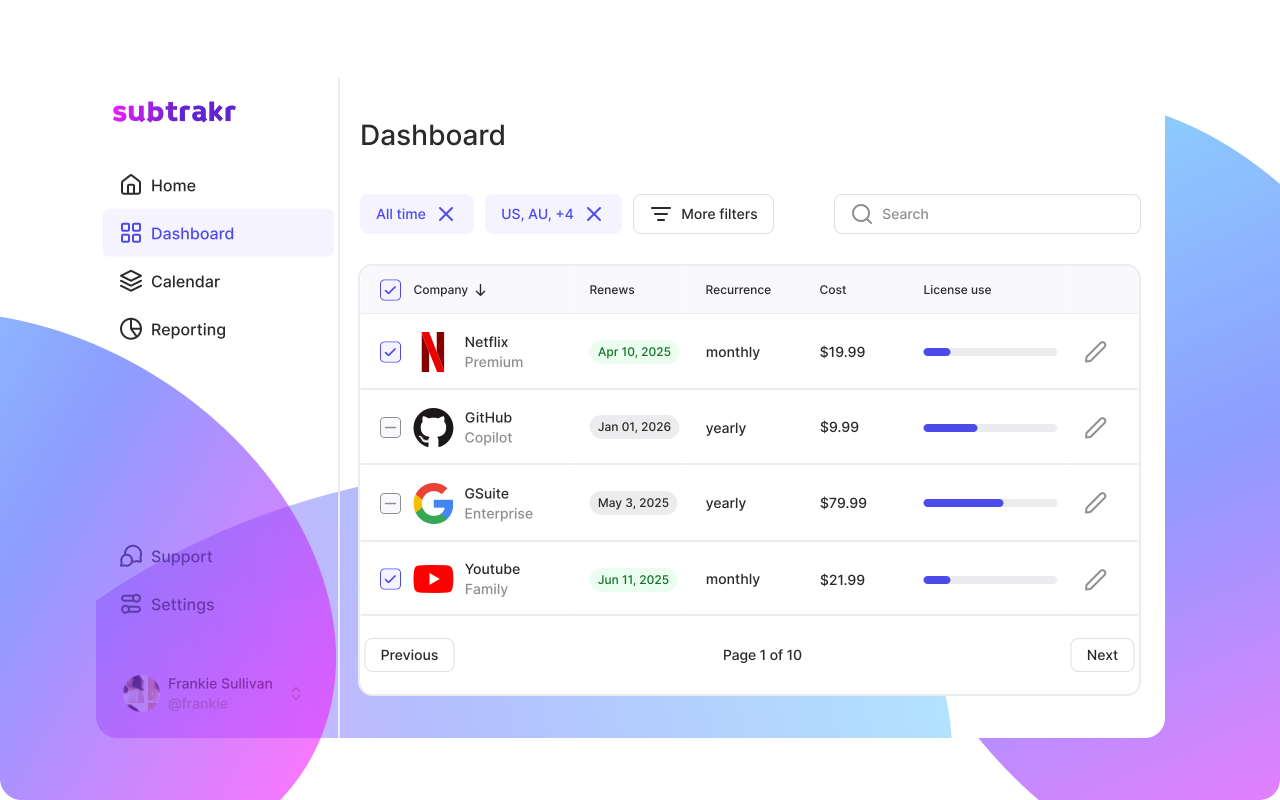
If you track your subscriptions in Subtrakr, you can log the renewal date and billing cycle for each service so you see upcoming charges before they happen, not after.
What Does Proration Mean in Subscription Billing?
Proration is the adjustment of your charge or credit to reflect a partial billing period. It applies when you upgrade, downgrade, or cancel mid-cycle.
A practical example: You pay $20/month for a subscription. On day 15 of your billing cycle, you upgrade to a $30/month plan. You have used half the current billing period. The company calculates that you have $10 of unused value from your current plan and charges only $5 to top up to the new plan's value for the remaining half-period. That adjustment is proration.
Proration matters in three situations:
- Upgrading mid-cycle: You typically receive a credit for unused days on your current plan, applied toward the higher-tier charge.
- Downgrading mid-cycle: Depending on the service, you either receive a credit toward future billing or the downgrade takes effect at the next renewal. Read the policy carefully.
- Cancelling mid-cycle: Most subscription services do not refund the unused portion of a paid period. You keep access until the period ends, but the money is gone. Some services do offer prorated refunds on annual plans, but this must be explicitly stated in their refund policy.
Not all companies prorate. Some bill the full new amount immediately on upgrade. Before changing your plan, check whether the company offers proration or charges the full new rate from the change date.
What Is a Billing Cycle and Why Does It Matter?
A billing cycle is the recurring interval between charges. Common cycles are monthly, quarterly, semi-annual, and annual.
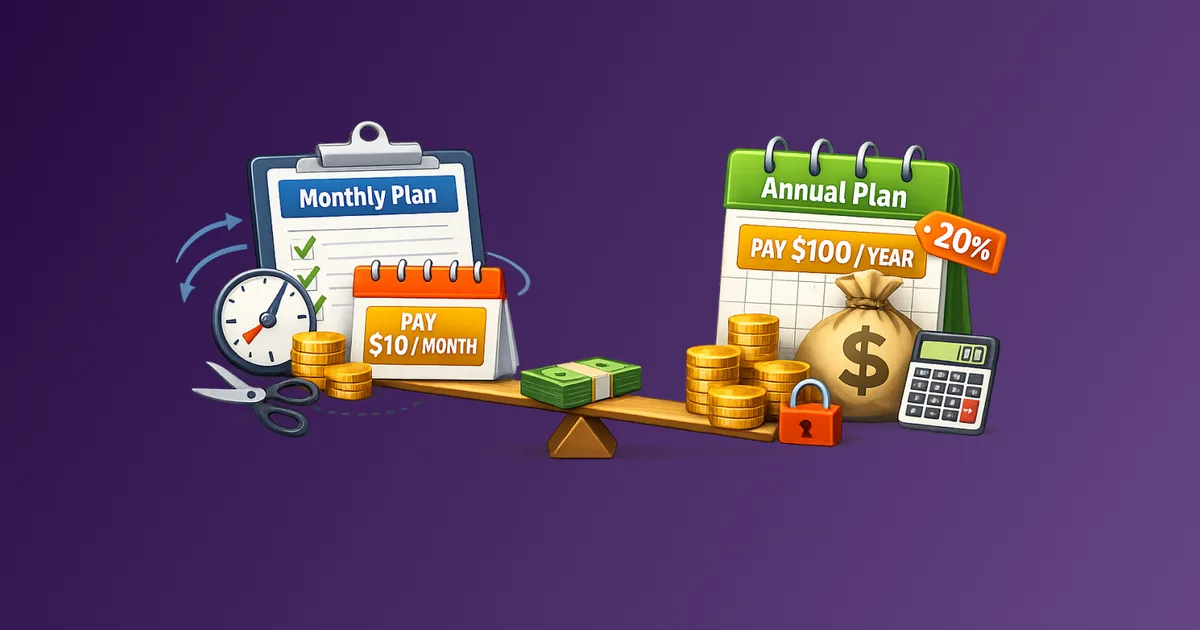
The billing cycle you choose affects more than just frequency. It changes how much you pay, your cancellation flexibility, and how exposed you are to price increases. A monthly billing cycle gives you flexibility but typically costs more per year. An annual cycle saves money but locks you into a longer commitment.
What most people miss about billing cycles:
- Anchor date: Your billing date is usually set to the day you first subscribed. If you subscribed on the 31st, you may be billed on the last day of shorter months, creating inconsistent charge timing.
- Trial-to-paid conversion: Free trials often auto-convert to a paid billing cycle the moment the trial ends. The first billing date is usually the day after the trial expires.
- Annual cycle risk: Annual subscriptions renew once per year, which means the renewal can easily fall outside your active attention window. A year is long enough to forget you subscribed at all.
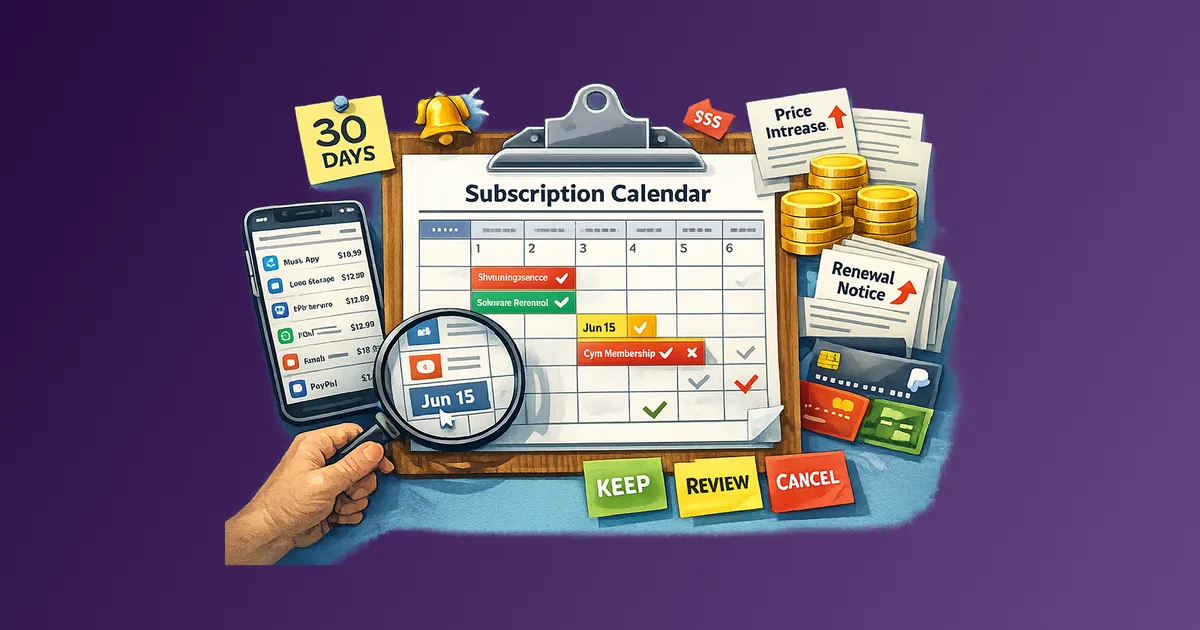
Keeping a subscription renewal calendar is the most reliable way to stay ahead of billing cycle renewals, especially for annual plans.
What Are Credits, Refunds, and Store Credit in Subscription Billing?
These three terms sound similar but work differently, and confusing them can cost you money.
Refund: A return of money to the payment method you used. A refund reverses the original charge. Whether a refund is available depends on the company's refund policy, when you request it, and the type of plan. Refunds are not automatic. You must request them, and companies are under no obligation to issue them outside their stated policy window.
Credit: A balance applied to your account rather than returned to your payment method. Credits are used against future charges. A credit does not give you your money back. It keeps money inside the service's ecosystem. Credits typically expire if unused.
Store credit: A type of credit specific to the company's platform. Same mechanics as a standard credit but sometimes restricted to certain product categories or subscription tiers.
When a company offers you "credit" as resolution to a billing complaint, you are not getting a refund. You are getting a voucher that keeps you subscribed. Know the difference before accepting it as resolution.
What Is a Grace Period in Subscription Billing?
A grace period is a window of time after a payment fails during which your access to the service is maintained while the company attempts to collect payment.
Grace periods are designed to handle involuntary churn, meaning situations where a card expires, a bank declines a charge temporarily, or a payment method needs updating. They give you time to fix the issue without losing access.
Typical grace period mechanics:
- The company attempts to charge your card. The charge fails.
- Access is maintained for a defined period (commonly 3 to 14 days).
- The company retries the charge automatically, usually once every 2 to 3 days during the grace period.
- If payment is not collected by the end of the grace period, the subscription is suspended or cancelled.
Grace periods protect legitimate users. But they can also be a source of confusion when a subscription you thought was cancelled re-activates after a payment failure and then succeeds on retry. If you want to stop a subscription, cancellation is the only reliable action. A declined payment is not a cancellation.
What Is a Dispute and How Is It Different from a Chargeback?
Both terms relate to contesting a charge, but they operate at different levels and carry different consequences.
Dispute (direct dispute): You contact the subscription company directly to contest a charge and request a refund. This is always the first step. Direct disputes are resolved faster, create no friction with your bank, and are appropriate for clear billing errors, duplicate charges, or charges that occurred after confirmed cancellation.
Chargeback: You contact your bank or card issuer to reverse a charge because the merchant failed to resolve the dispute. A chargeback bypasses the merchant and is governed by your card network's rules (Visa, Mastercard, etc.). Chargebacks have formal time limits, typically 60 to 120 days from the statement date depending on the card network and dispute reason.
Chargebacks are a consumer protection mechanism, not a routine cancellation tool. Using a chargeback when you simply changed your mind or forgot to cancel before a renewal may be contested by the merchant. If the merchant provides evidence of valid billing and valid auto-renew disclosure, the chargeback may be denied.
When chargebacks are appropriate:
- You cancelled and were charged anyway, with proof of cancellation
- You were charged without ever subscribing
- The service was not delivered as described and the merchant refused to refund
- A free trial converted to a paid subscription without adequate disclosure
Before initiating a chargeback, exhaust direct resolution with the company first. Banks require you to demonstrate this in most cases.
If you sell subscriptions yourself, the next step after knowing these terms is preventing disputes on valid charges. Chargeback Prevention for Legitimate Recurring Charges covers the process and communication controls that keep recognizable renewals out of the bank dispute flow.
What Is Cancellation Proof and Why Do You Need It?
Cancellation proof is documentation that you took action to end a subscription before a charge occurred. It protects you in disputes and chargebacks by establishing a timeline.
The subscription cancellation process is described in detail in this cancellation checklist, but from a billing protection standpoint, the key forms of cancellation proof are:
- Confirmation email: A message from the company acknowledging your cancellation. If cancellation does not trigger a confirmation email automatically, request one or take a screenshot of the cancellation confirmation page.
- Account status screenshot: A timestamped screenshot showing your account status as "cancelled" or "subscription ending on [date]."
- Support ticket or chat log: If you cancelled via customer support, save the transcript or ticket ID.
Store cancellation proof for at least 90 days after the cancellation date. This covers the typical chargeback dispute window in case a charge appears after cancellation.
Companies that make cancellation difficult (requiring phone calls, unclear confirmation flows, or multi-step retention loops) are often the same companies that dispute chargebacks aggressively. Documentation matters most for exactly these services.
Terms to Check Before Subscribing: A Pre-Signup Checklist
Read these before entering your payment details.
Billing terms to locate:
[ ] Auto-renew enabled by default? (Almost always yes)
[ ] Billing cycle: monthly or annual?
[ ] What is the notice window before renewal?
[ ] Does the price change after the intro period?
Money terms to locate:
[ ] Is there a refund policy? What is the window?
[ ] Does cancellation mid-cycle generate a refund or credit?
[ ] Are credits transferable or do they expire?
Risk terms to locate:
[ ] Is there a grace period if payment fails?
[ ] What happens at the end of a free trial? (Auto-convert to paid?)
[ ] What is the cancellation process? (Online self-serve or support required?)
[ ] Does cancellation generate a confirmation email?
If a company does not make these terms easy to find, that is the signal to proceed carefully. Services that obscure their billing terms are more likely to create billing disputes later.
Common Mistakes That Lead to Unexpected Charges
Treating a declined card as a cancellation. A failed payment is not cancellation. The service remains active. If payment succeeds on retry, you will be charged. Cancel explicitly if you want the subscription to end.
Missing the notice window before an annual renewal. Annual subscriptions renew once per year. If the company sends a notice 7 days before renewal and you do not see it, you miss the cancellation window. Log annual renewals with a reminder set 30 days in advance.
Accepting store credit instead of a refund. Store credit keeps your money in the service. If you are trying to exit a subscription entirely, store credit is not resolution. Ask explicitly for a refund to your payment method.
Not saving cancellation confirmation. Companies occasionally re-bill after cancellation due to system errors. Without confirmation, you have no documentation to support a dispute.
Ignoring terms-of-service update emails. Price changes and auto-renew terms are often updated via email that looks like routine system notifications. Many people mark these as read without reviewing them. These emails can contain meaningful changes to your billing terms.
FAQ
What is the difference between auto-renew and a recurring charge?
Auto-renew is the subscription setting. A recurring charge is the actual transaction that auto-renew triggers. Both describe the same outcome, but from different angles. Auto-renew is the policy; recurring charge is the billing event.
What does proration mean for annual plans?
If you cancel an annual plan mid-cycle, proration determines whether you receive a refund for unused months. Many services do not offer prorated refunds on annual plans. Check the refund policy specifically for annual billing before upgrading.
How long do I have to dispute a subscription charge?
The window depends on your card network and issuer, but typically ranges from 60 to 120 days from the statement date. Check your card's dispute policy. Waiting too long removes the chargeback option.
What counts as cancellation proof?
A confirmation email from the service is the strongest form of proof. A timestamped screenshot of a cancellation confirmation page also works. Save both if available.
Can I get a refund after a subscription renews?
It depends on the service's refund policy and how quickly you act. Some services offer a short refund window after renewal (24 to 72 hours). Others offer no refunds on renewals at all. Contact support immediately if you want to dispute a renewal charge.
Is a grace period the same as a free trial extension?
No. A grace period activates after a payment failure. A trial extension is a deliberate promotional offer. Grace periods are automatic and tied to failed billing, not to a trial conversion.
Next Action
Pick one subscription you pay annually and locate its cancellation policy before the next renewal. Look specifically for the refund window, notice requirement, and whether cancellation generates a confirmation email. Five minutes of reading now removes the most common source of billing surprises.
If you track your subscriptions in Subtrakr, add a note field for each annual plan with the cancellation policy window. That reference is worth more than any billing terms you have ever read once and forgotten.