Quick answer
Before any subscription renews, run it through four filters: value, usage, alternatives, and risk. Each filter produces a signal. The signals combine into one of three outcomes: renew, cut, or renegotiate. The whole process takes about 5 minutes per subscription and under 30 minutes for a full stack.
Every renewal is a decision. Most people skip it and let the charge go through. This article gives you a structured way to process upcoming renewals quickly, assign each one a clear outcome, and move on.
Stay Updated with Subtrakr
Sign up to our newsletter to get updates about Subtrakr and valuable insights about subscriptions and recurring expense management.
What Is Renewal Triage?
Renewal triage is the practice of evaluating upcoming subscription renewals before they auto-charge, using a consistent set of criteria instead of gut feel.
The goal is not to cancel everything. It is to make every renewal a deliberate choice rather than a passive default.
Why Most People Never Do Renewal Reviews
The default behavior is inertia. Subscriptions renew automatically, and unless something goes wrong or the cost hits a visible threshold, most people never revisit them.
Two structural problems drive this:
Timing. Renewal notifications arrive close to the charge date, often 3 to 7 days before. That leaves little room for comparison shopping, cancellation processing, or negotiation.
Lack of criteria. Even people who want to review a subscription often do not know how to evaluate it beyond "do I use this?" Usage is one signal, but it is not the only one that matters.
A structured framework solves both problems. You decide criteria once. Then you apply them consistently before each renewal date.
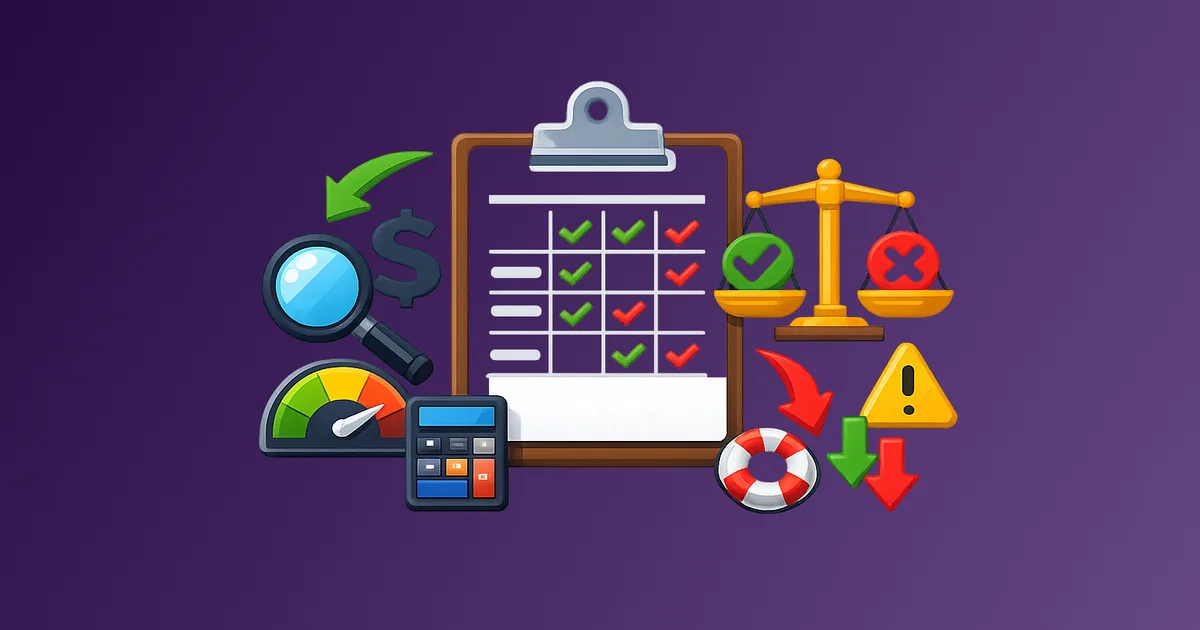
The Four-Filter Decision Framework
Each subscription gets scored on four dimensions. None requires deep analysis. Each takes about 60 seconds.
Filter 1: Value
Ask: Am I getting meaningful value from this relative to what it costs?
Value is not the same as usage. A project management tool you use every day at $200/month might deliver less value than a $12/month password manager you barely notice but absolutely depend on.
Score it:
- High value: The product actively improves something important (productivity, entertainment, health, safety)
- Neutral value: It is fine, but not meaningfully better than a free alternative or a lower tier
- Low value: You struggle to name a concrete benefit
Filter 2: Usage
Ask: How often have I actually used this in the past billing cycle?
For monthly subscriptions, think about the past 30 days. For annual ones, think about the past quarter.
Score it:
- High usage: At least weekly, or actively used for specific projects
- Moderate usage: A few times per month
- Low usage: Rarely or not at all
Filter 3: Alternatives
Ask: What is the real cost of replacing or going without this?
A subscription with a strong free alternative is structurally different from one where switching would require significant effort or cost.
Score it:
- No viable alternative: Switching is painful or expensive
- Replaceable with effort: A free or cheaper option exists but migration takes time
- Easily replaced: A comparable free or cheaper option is immediately available
Filter 4: Risk
Ask: What happens if this goes away or I cancel today?
Risk is underused in subscription reviews. Some tools are low-usage but high-dependency. Canceling them without planning creates problems.
Score it:
- High risk: Active data stored, workflow dependency, or no backup in place
- Medium risk: Mild inconvenience, could manage with workarounds
- Low risk: Easy to cancel with no downstream effects
The Decision Matrix
Once you have scored all four filters, map the combination to an action:
| Value | Usage | Alternatives | Risk | Outcome |
|---|---|---|---|---|
| High | High | None | High | Renew immediately |
| High | High | None | Medium | Renew |
| High | Moderate | Replaceable | Low | Renegotiate or downgrade |
| Neutral | Low | Easily replaced | Low | Cut |
| Neutral | Moderate | None | Medium | Renegotiate |
| Low | Low | Easily replaced | Low | Cut now |
| Low | Any | Easily replaced | High | Pause and migrate before cutting |
| High | Low | Replaceable | Medium | Pause and reassess in 30 days |
This is not a rigid rulebook. It is a forcing function. If you find yourself disagreeing with the output, that is useful information. Write down why, and let that inform your actual decision.
Step-by-Step Triage Process (Time required: 25 to 30 minutes)
Step 1: Pull Your Upcoming Renewals (5 minutes)
List every subscription renewing in the next 30 days. Include:
- Monthly subscriptions renewing this month
- Annual subscriptions within 45 days of renewal
- Any free trials converting to paid
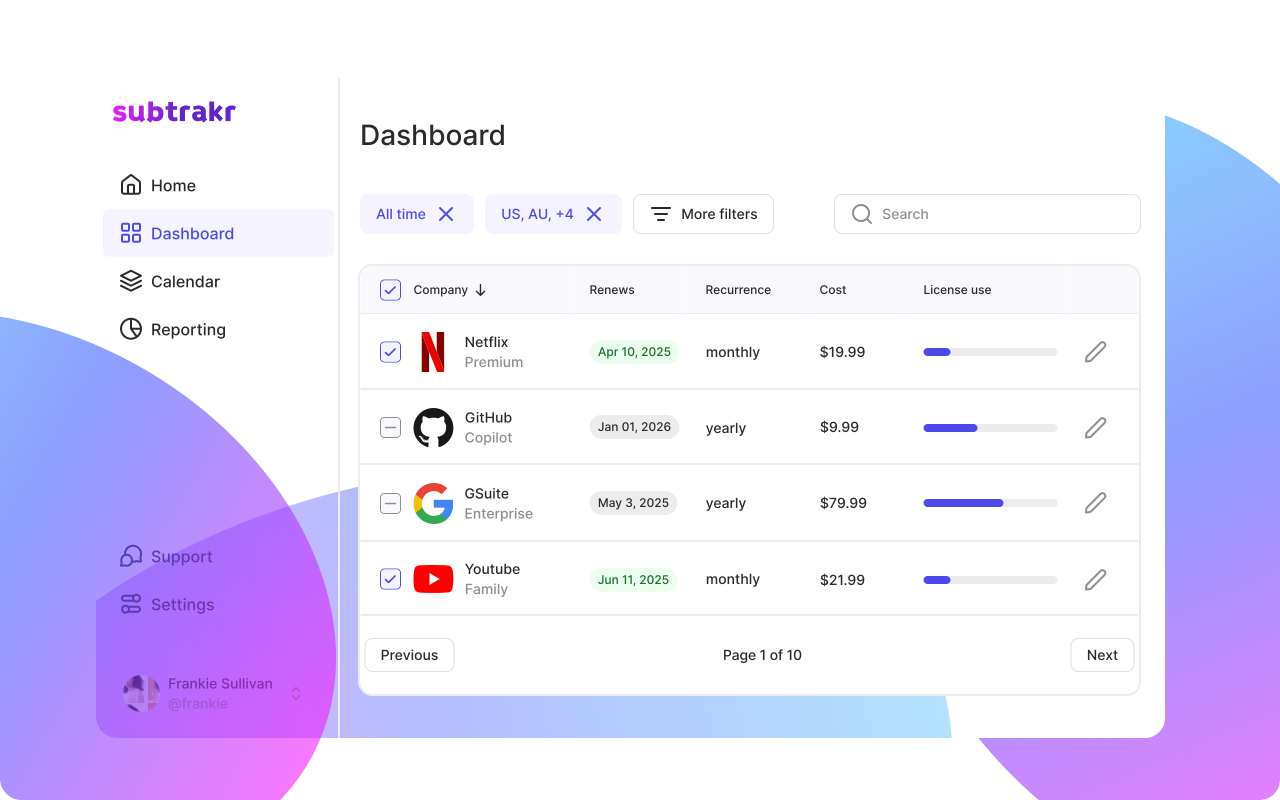
If you use a subscription tracker or renewal calendar, this list already exists. If not, check your bank statement, credit card charges, email inbox (search "your subscription renews"), Apple Subscriptions, and Google Play.
Step 2: Sort by Cost (2 minutes)
Order the list from highest to lowest monthly equivalent cost. Work from the top. Expensive subscriptions deserve the most attention. Small ones can be batch-processed at the end.
Step 3: Apply the Four Filters (3 to 5 minutes per subscription)
For each item on the list, answer the four questions above. Do not overthink them. Your first honest answer is usually the right one.
Step 4: Assign an Outcome
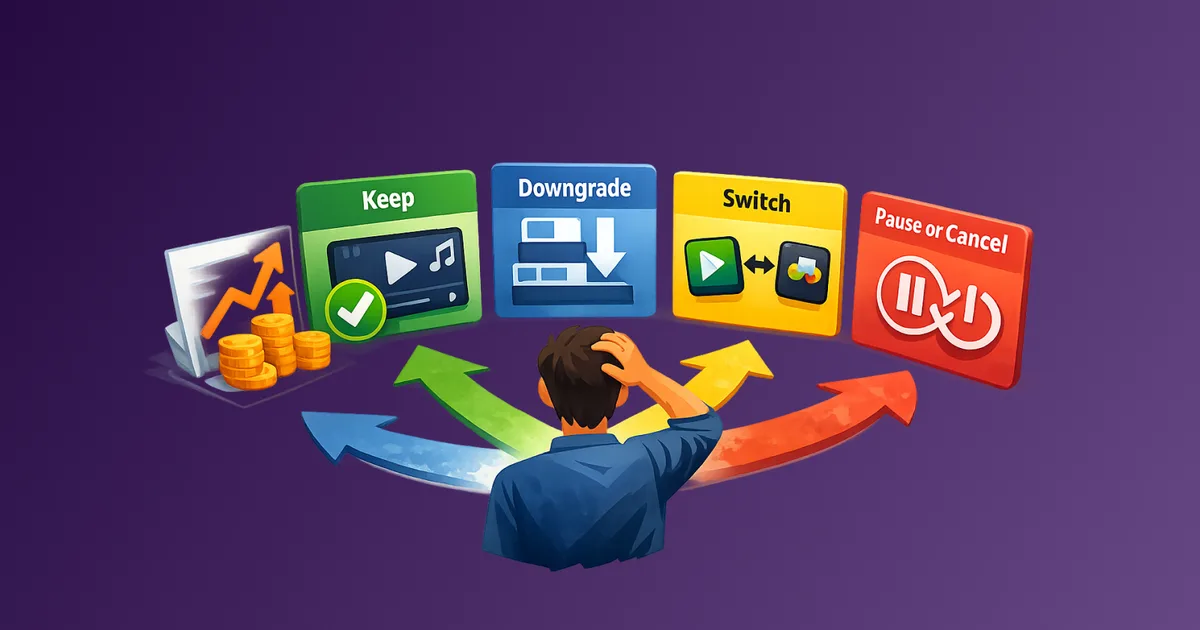
Use the matrix. Each subscription gets one of three labels:
- Renew: Keep as-is for another cycle
- Cut: Cancel before the renewal date
- Renegotiate: Contact the provider to request a better rate, downgrade, or pause
Step 5: Execute Before the Renewal Date
Set a calendar reminder or task for each "Cut" and "Renegotiate" item. Leave yourself at least 5 to 7 days before the renewal date to process cancellations and allow for confirmation delays.
For a detailed cancellation checklist, see How to Cancel Subscriptions Without the Stress.
Renewal Triage Worksheet (Copy-Paste Template)
Use this in a spreadsheet or note-taking app:
Subscription Name:
Monthly Equivalent Cost:
Renewal Date:

Value Score: [High / Neutral / Low]
Usage Score: [High / Moderate / Low]
Alternatives Score: [None / Replaceable with effort / Easily replaced]
Risk Score: [High / Medium / Low]

Decision: [Renew / Cut / Renegotiate]
Action Required: [none / cancel by DATE / contact provider by DATE]
Notes:
Run one row per subscription. For most people, a full stack review takes three to five rows before the pattern becomes obvious.
How to Renegotiate a Subscription Renewal
The "renegotiate" outcome is the most underused. Most providers have retention processes, and many will offer a discount, downgrade path, or pause option if you ask.
What to say when contacting support:
- "I am coming up on my renewal and considering canceling. Is there a retention offer available?"
- "I have been a subscriber for [X months/years]. Is there a loyalty discount?"
- "I am not using all the features of my current plan. What is available at a lower tier?"
Annual subscribers have the most leverage. Providers are more likely to negotiate when a full year's revenue is at stake. When triage lands on renegotiate, put usage, targets, and approvals on one page before the call with The Renewal Negotiation Brief Template. For retention scripts and escalation, see How to Negotiate Your Bills.
Common Mistakes in Renewal Reviews
Only looking at usage. A security tool or backup service may have low visible usage but high dependency. Cutting it based on usage alone creates risk.
Doing the review too late. Starting the triage the day before renewal leaves no time to act. Build in at least one week of buffer.
Treating annual renewals like monthly ones. Annual renewals are high-stakes decisions. Run them through the full framework, not a quick gut check.
Skipping the renegotiate option. Most people jump straight from "keep" to "cancel." There is a middle option that often produces the best outcome per dollar.
Never updating the triage list. Subscriptions change. Prices increase. New alternatives emerge. Run this process at least quarterly, not just when something feels expensive. Use a recurring expense audit to keep the baseline current.
FAQ
How often should I run a renewal triage?
Monthly for subscriptions renewing soon. Quarterly as a full-stack review. Immediately after any price increase notification.
What if I cannot decide between renewing and cutting?
Default to a one-month extension with a hard review date. Set a calendar reminder and treat the next cycle as the final decision window.
Is it worth renegotiating small subscriptions under $10/month?
Generally no, unless you have several of them and can batch-negotiate or find a bundle deal. Prioritize subscriptions above $20/month for active renegotiation.
How do I track which subscriptions are coming up for renewal?
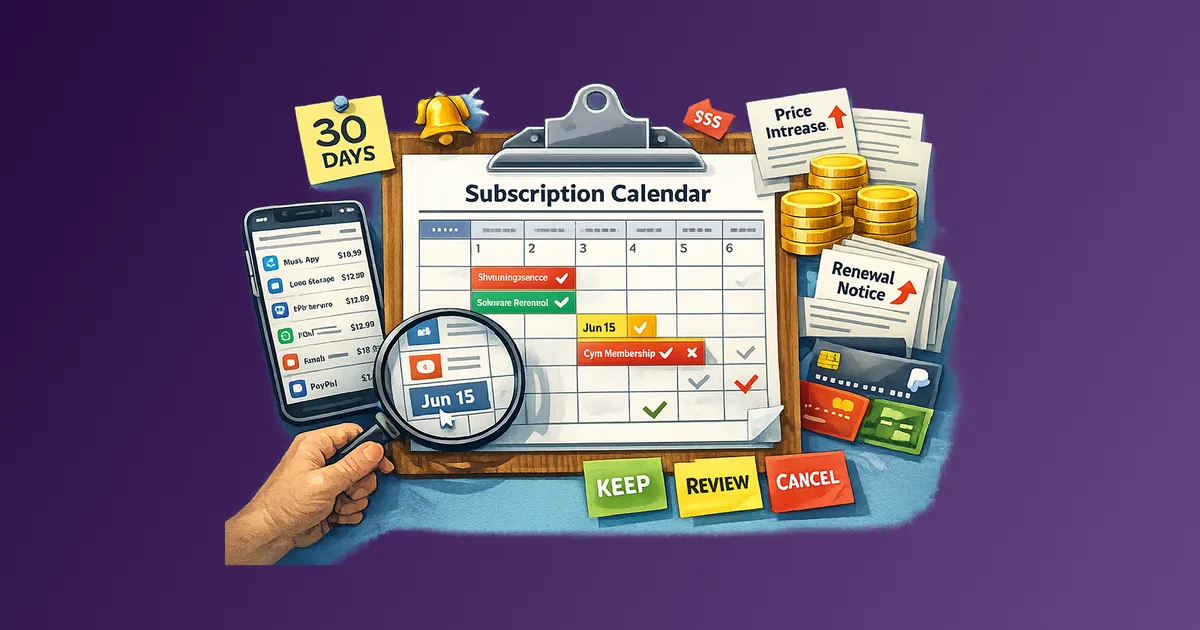
A subscription calendar with renewal dates entered in advance is the simplest system.
What should I do with subscriptions I pause instead of cancel?
Set a resume date before pausing. Add it to your calendar. Without a defined restart trigger, paused subscriptions often resume on autopilot.
How many subscriptions should I aim to cut in a single triage session?
There is no target number. The goal is intentional decision-making, not aggressive cutting. If everything scores well on value and usage, renewing everything is a valid outcome.
Next Action
Pick one subscription renewing in the next two weeks. Run it through the four filters. Write down the outcome. If the result surprises you, that is a signal your subscription stack needs a full triage session.
Subtrakr lets you log all your recurring expenses in one place with renewal dates, monthly equivalents, and cost totals calculated automatically. That makes the triage process faster because the list already exists before you start.