Quick answer
Spend 15 to 30 minutes per day for seven days. By day seven, you will have a complete picture of your recurring expenses, a cleaned-up list of active subscriptions, and a clear decision on what stays, what goes, and what needs renegotiating.
Most people audit their subscriptions once a year, usually when a renewal surprises them or a credit card statement looks wrong. A mid-year reset changes that pattern. It gives you a structured checkpoint before the second half of the year locks in spending habits that are difficult to reverse.
Stay Updated with Subtrakr
Sign up to our newsletter to get updates about Subtrakr and valuable insights about subscriptions and recurring expense management.
This 7-day plan is built for minimal disruption. Each day has one focused task. You do not need to clear your schedule or process everything at once.
Why mid-year is the right moment for a subscription reset
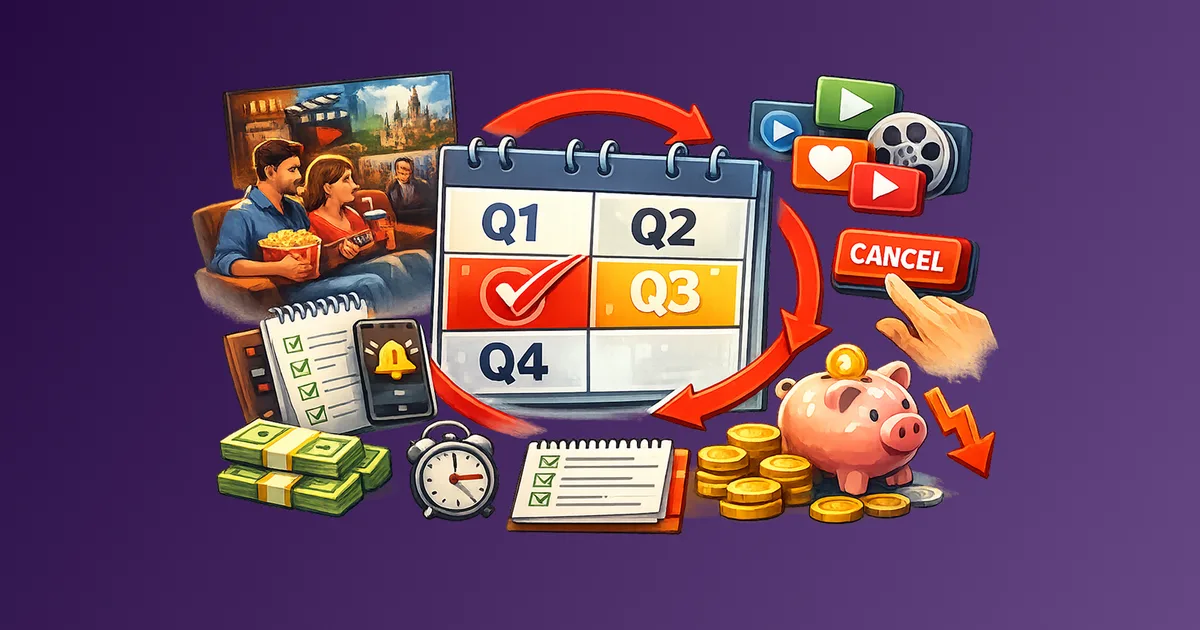
The beginning of the year brings good intentions. The end of the year brings Q4 billing cycles and holiday spending noise. Mid-year is quieter and more useful for subscription decisions.
By June or July, you have six months of real usage data. You know which tools you actually use, which trials converted into habits, and which annual plans you renewed automatically without thinking. That usage data is more reliable than any New Year's resolution about cutting costs.
A mid-year reset also gives you time to act before the wave of fall price increases, bundling announcements, and "lock in your rate" emails that tend to arrive in Q3 and Q4 every year. Getting your subscription stack in order before that noise starts is a structural advantage.
What does a subscription reset actually involve?
A reset is not just a cancellation sprint. It has four components: discovery, evaluation, action, and documentation.
Discovery means finding everything you are paying for across all your payment methods. Evaluation means scoring each subscription against actual usage. Action means executing the decisions: cancel, downgrade, pause, or keep. Documentation means recording the outcome so you are not starting from scratch in six months.
The 7-day plan below sequences these components so each day builds on the previous one. You do not jump straight to cancellations before you have the full picture.
The 7-Day Execution Plan
Day 1: Payment Source Audit (15 minutes)
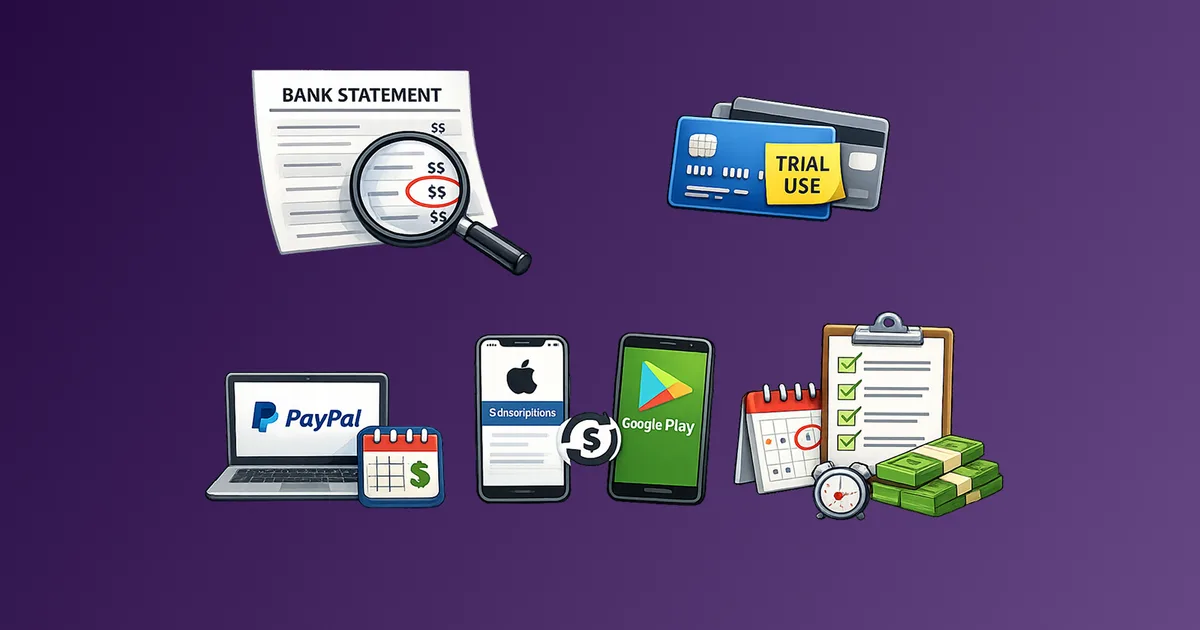
Before looking at individual subscriptions, map your payment sources. Recurring charges can hide across multiple cards, bank accounts, PayPal, Apple ID, and Google Play. If you skip this step, you will miss subscriptions.
List every payment method you use:
- Primary debit or credit card
- Secondary or backup card
- PayPal or similar payment processor
- Apple ID (Settings > Your Name > Subscriptions)
- Google Play (Play Store > Subscriptions)
- Any business cards that occasionally get used for personal tools
Do not look at charges yet. Just identify the sources. This is your audit perimeter for the rest of the week.
If you have never done this before, the guide on how to find all your subscriptions across bank, card, PayPal, Apple, and Google Play covers each channel in detail.
Day 2: Build the Master List (20–30 minutes)
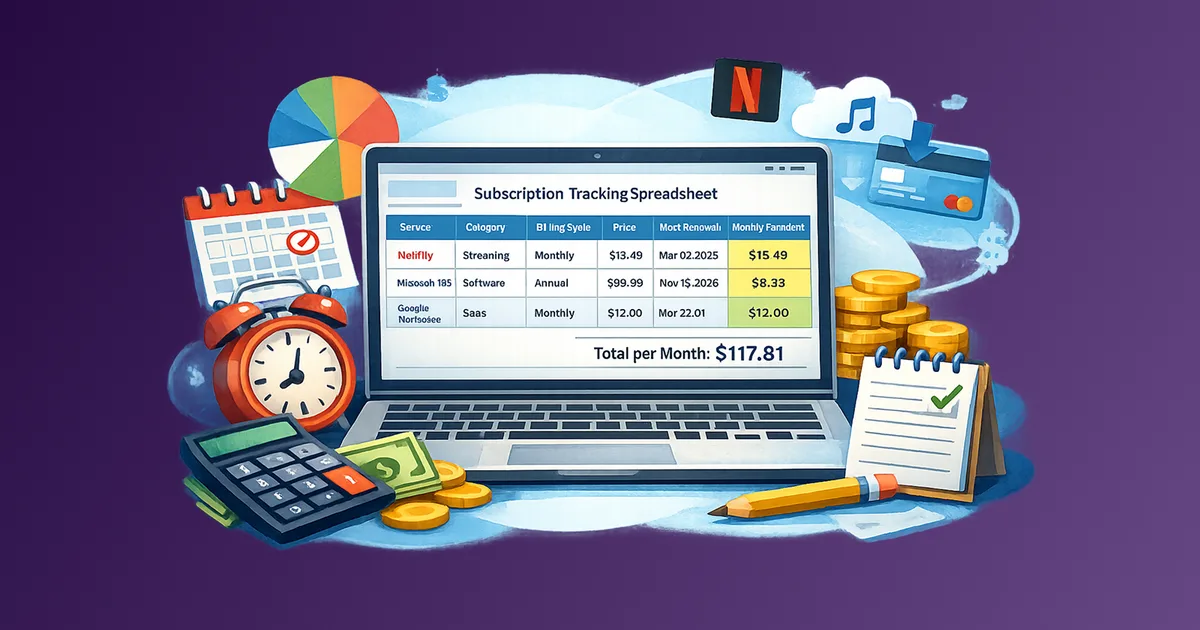
Go through each payment source from Day 1 and extract every recurring charge. Include everything: streaming, software, apps, newsletters, cloud storage, fitness, insurance, and anything else that recurs monthly or annually.
For each item, record:
- Service name
- Monthly cost (convert annual to monthly: divide by 12)
- Billing cycle (monthly / annual)
- Next renewal date
- Which payment method is charged
Do not evaluate anything yet. Just build the list. Resist the urge to cancel during this step. You need the complete picture before making decisions.
A subscription tracker spreadsheet template gives you a ready-made structure if you do not already have one set up.
Day 3: Usage Scoring (20 minutes)
Score every subscription on your master list by actual usage in the last 60 days. Use a simple three-tier system:
- Active: Used at least once per week
- Occasional: Used once or twice in the past 60 days
- Unused: Not used at all in the past 60 days
Add this column to your tracker. Be honest. Do not score something as active because you intend to use it. Score based on what you actually did.
This usage data is the foundation for Day 4 decisions. A service can be expensive but fully justified if it is genuinely active. A cheap service can be worth cutting if it sits unused.
Day 4: Decision Mapping (25 minutes)
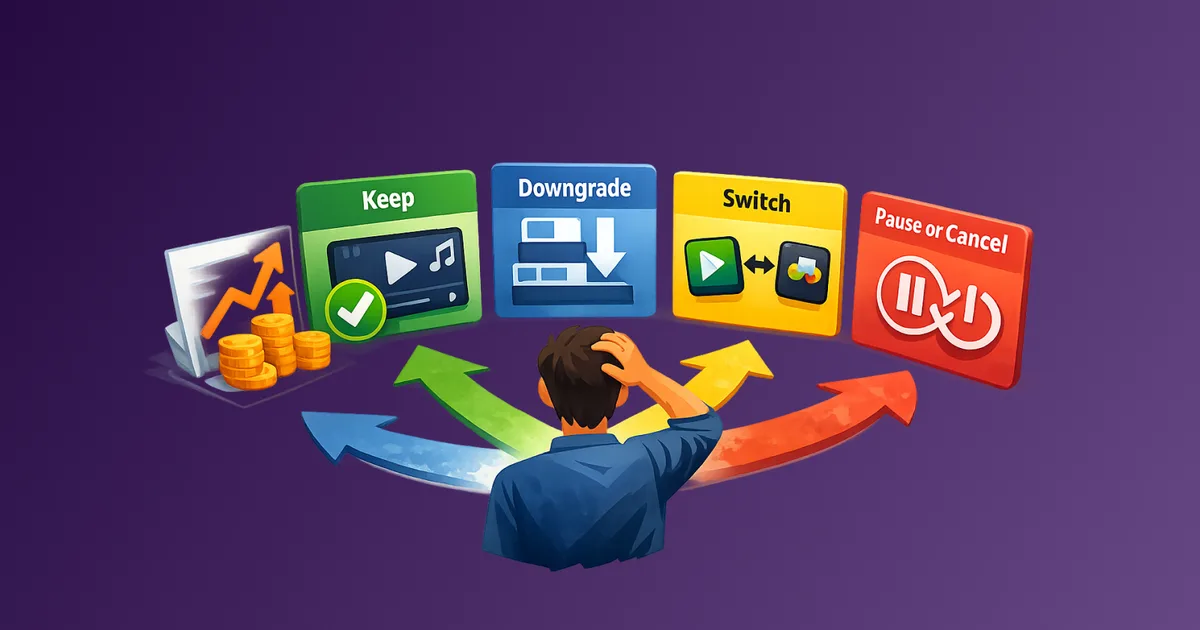
With usage scores in hand, apply a decision to each subscription. Four options:
Keep: Active usage, price is justified, no better alternative.
Downgrade: Active usage, but you are on a tier with features you do not use. Switch to a lower plan.
Pause or rotate: Occasional usage, but the content or service has value. Pause for 1–2 months, then reassess. The subscription rotation strategy explains how to do this without losing access permanently.
Cancel: Unused, or the cost exceeds the value relative to alternatives.
Add a "Decision" column to your tracker. Complete a decision for every item on the list before moving to Day 5. Do not leave any item undecided. Even "keep for now" is a valid and explicit decision.
For any item where you are unsure whether to keep or cancel, use a keep, downgrade, switch, or pause decision template. The logic applies equally to price-triggered and reset-triggered reviews.
Day 5: Execute Cancellations and Downgrades (30 minutes)
Work through your "Cancel" and "Downgrade" list from Day 4. Execute each one.
Cancellation tips:
- Cancel from the service's account settings directly, not through the app store, unless the subscription was purchased through Apple or Google (in that case, cancel from the originating platform)
- Take a screenshot or save a confirmation email for each cancellation
- Note the cancellation date and whether access continues until the end of the billing period
Downgrade tips:
- Look for plan comparison pages in the account settings
- Confirm the new price before confirming the change
- Check whether the downgrade takes effect immediately or at the next billing cycle
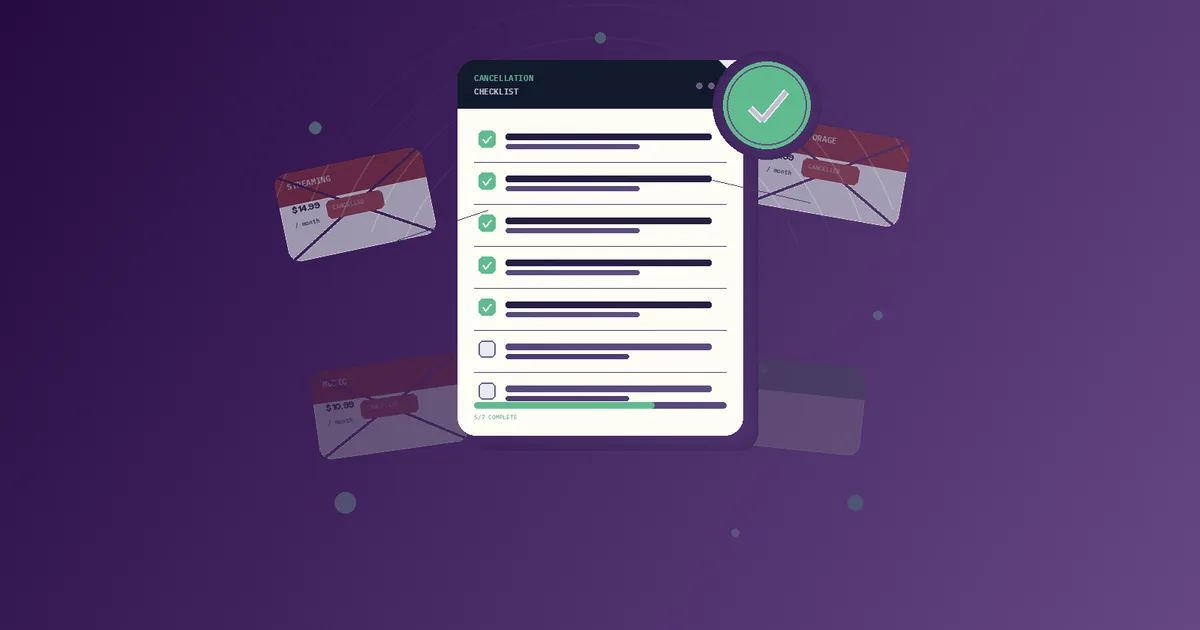
Do not skip the documentation step. Subscription companies occasionally continue billing after cancellation. A dated screenshot is your evidence. The cancellation checklist has a full record-keeping template you can use.
Day 6: Renewal Calendar Setup (15 minutes)
For every subscription you are keeping, set a renewal reminder. The timing that works best is two reminders per subscription: one at 7 days before renewal, one at 1 day before.
This gives you a decision window before the charge lands. For annual subscriptions especially, a 7-day notice is enough time to evaluate, downgrade, or cancel if your situation has changed.
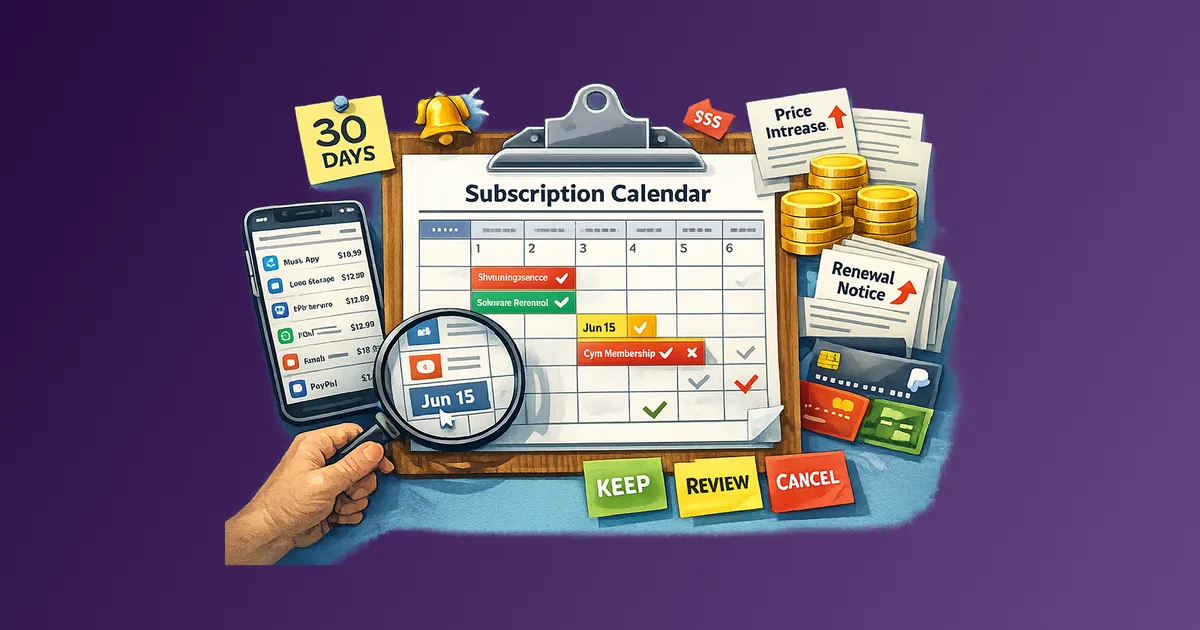
Add renewal dates to whatever calendar system you already use. A dedicated subscription renewal calendar does not require a separate tool. A shared Google Calendar with color-coding by category is sufficient.
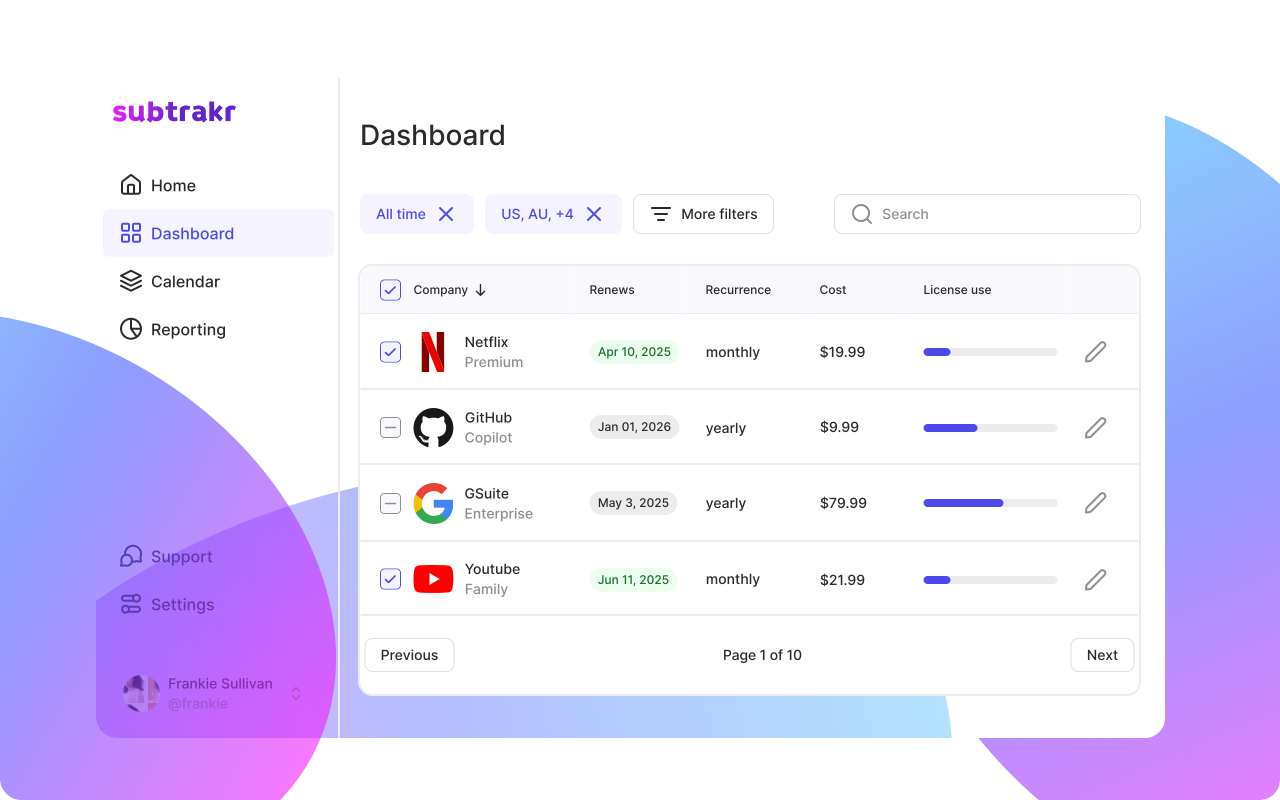
If you use Subtrakr, renewal dates are tracked automatically once you log your subscriptions. The dashboard surfaces upcoming renewals so nothing catches you off guard.
Day 7: Monthly Cost Review and Budget Alignment (20 minutes)
Total your monthly equivalent spend. Add up every active subscription, converting all annual plans to their monthly cost equivalent (annual cost divided by 12).
This number is your recurring expense baseline. Compare it against:
- What you estimated before this reset
- Your stated monthly budget for subscriptions (if you have one)
- A reasonable benchmark: for most individuals, subscription spend above 15–20% of discretionary income is worth reviewing quarterly
If the total is higher than expected, identify the two or three subscriptions with the highest cost-to-usage ratio. These are your next candidates for rotation or cancellation in Q3.
If the total is in range, document it. Record the date, the total, and the number of active subscriptions. This becomes your baseline for the next reset, whether that happens in six months or at year-end.
Copy-Paste Tracker Template
Use this as a starting point for your Day 2 master list:
Service Name | Monthly Cost | Billing Cycle | Next Renewal | Payment Method | Usage Score | Decision
-------------|--------------|---------------|--------------|----------------|-------------|----------
             |              |               |              |                |             |
             |              |               |              |                |             |
Usage Score: Active / Occasional / Unused
Decision: Keep / Downgrade / Pause / Cancel
Common Mistakes During a Mid-Year Reset
Starting with cancellations instead of the full list. If you cancel before you have a complete picture, you miss the compounding effect of many small subscriptions. Always build the list first.
Skipping annual subscriptions because they do not show up monthly. Annual charges feel invisible between billing cycles. They are often the largest individual line items. Always convert them to monthly equivalents so they appear proportionate.
Scoring usage optimistically. "I plan to use it more in the second half of the year" is not a usage score. Score what actually happened in the last 60 days.
Not confirming cancellations. A cancellation request that was not processed properly is money out the door. Always verify with a confirmation email or screenshot.
Doing everything in one session. The 7-day structure exists for a reason. Spreading the process reduces decision fatigue and increases accuracy. If you try to do the full audit and all cancellations in 90 minutes, you will miss things and make rushed decisions.
FAQ
How long does the full 7-day reset take?
The daily tasks range from 15 to 30 minutes. Total time across the week is approximately two to three hours. No single day requires a large block of time.
Do I need special software to run this reset?
No. A spreadsheet and your existing calendar are sufficient. Subtrakr streamlines the tracking and renewal calendar steps, but the process works without it.
What if I find a charge I do not recognize?
Treat unrecognized charges as a separate action item. Check all payment sources for the charge amount and date before assuming it is fraudulent. If you cannot identify it after checking, contact your bank or card provider.
Should I cancel annual subscriptions mid-year?
It depends on whether the service offers pro-rated refunds. Most SaaS products do not refund unused months on annual plans. For services without refunds, note the cancellation decision now and execute it one week before the next renewal date.
How often should I do a subscription reset?
Twice a year is the practical cadence for most people: once at mid-year and once at year-end.
What do I do after the reset is complete?
Document the outcome: total monthly cost, number of active subscriptions, cancellations executed, and the date. This record is your starting point for the next review. Add renewal reminders for everything that remains active.
Run This Now
You do not need a perfect system before you start. Day 1 takes 15 minutes. Open a spreadsheet, list your payment sources, and the reset is already underway.
If you want the tracking layer handled automatically, Subtrakr keeps your recurring expense list current and surfaces renewals before they land. But the decisions are yours to make, and this plan gives you everything you need to make them clearly.