Quick answer
Instead of deciding whether to cancel something the moment you notice it, you add it to a list. You score it against a simple framework. When you are ready to act, you start at the top of the list, not from wherever your last bank statement ended.
Most people cancel subscriptions the same way. A bill lands, it feels wrong, and they cancel in the next ten minutes. Or they hit a financial pressure point and start terminating services at random to make the numbers move. Neither approach is a strategy. Both create regret.
Stay Updated with Subtrakr
Sign up to our newsletter to get updates about Subtrakr and valuable insights about subscriptions and recurring expense management.
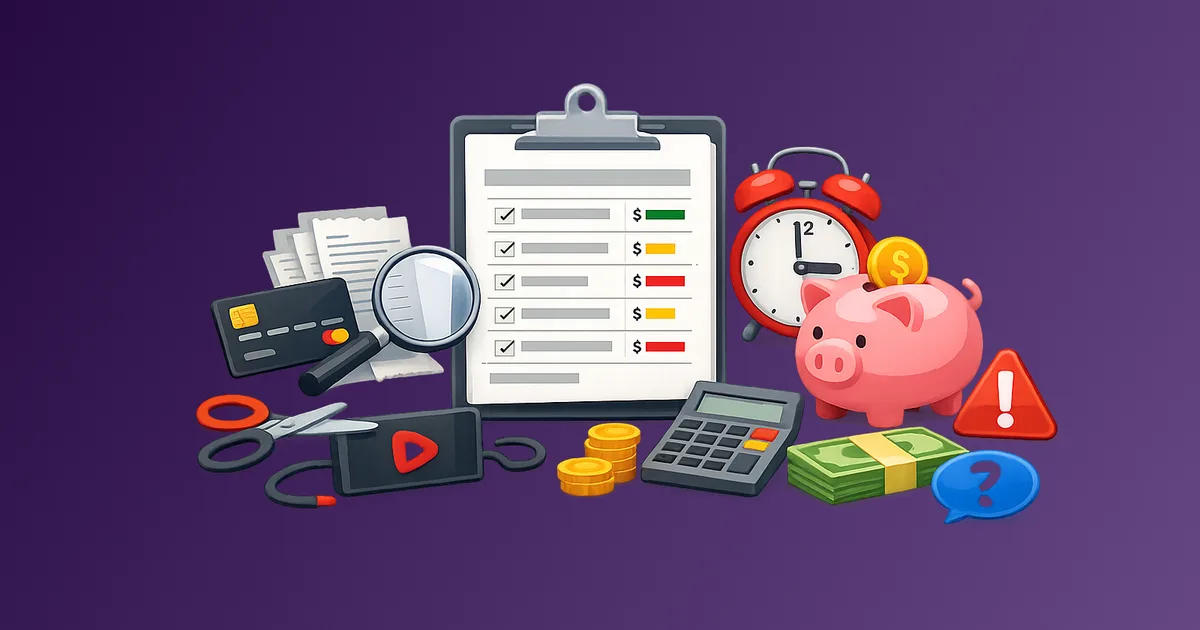
A cancellation backlog is the opposite. It is a structured, living list of subscriptions you have flagged for removal, ranked by how much it costs you to keep them and how little you would lose by cutting them.
What Is a Cancellation Backlog?
A cancellation backlog is a holding queue for subscriptions you are not ready to cancel today but have identified as candidates for removal. It is not a wishlist. It is not a mental note. It is a documented, scored list that makes your next cancellation decision obvious rather than emotional.
The concept borrows from product development, where a backlog is a prioritized queue of work items. The same logic applies here. You maintain a list of potential cuts, you rank them by value and cost, and you process them in order when you have capacity to act.
This approach removes urgency from the process. You do not need to cancel anything right now. You only need to add it to the list and score it.
Why Panic-Canceling Creates More Problems Than It Solves
When you cancel in reaction to a bad bank statement or a tight month, you tend to cut the wrong things. You cancel the subscription you remember most clearly rather than the one delivering the least value. You cancel something you actually use regularly because it appeared on the wrong day.
Panic-canceling also skips the logistics. You close accounts without downloading your data, without checking whether you are in the middle of a paid annual cycle, without confirming the cancellation actually processed. That creates the rebilling problems that How to Cancel Subscriptions Without the Stress documents in detail.
The financial pressure that triggers panic-canceling is real. The solution is to build the backlog before that pressure arrives, so you already have a ranked list ready when you need to act.
How to Build Your Cancellation Backlog
Step 1: Run a full subscription audit first
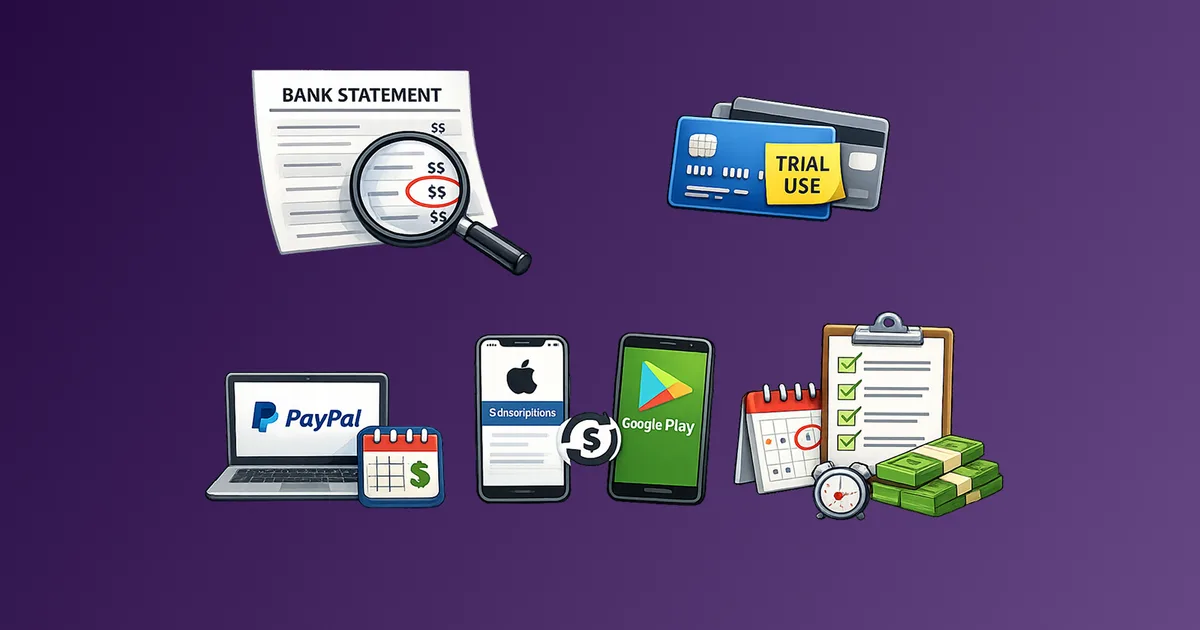
You cannot build a backlog from memory. Start by pulling every recurring charge from your bank statements, credit card records, PayPal history, Apple subscriptions, and Google Play billing. The full discovery process is covered in How to Find All Your Subscriptions.
The audit gives you the raw material. The backlog gives it structure.
Step 2: Separate active subscriptions from backlog candidates
Not every subscription needs to go on the backlog. Some are clearly worth keeping. Others are clearly worth cutting now. The backlog is for everything in between: services you are not sure about, services you use infrequently, services that feel expensive relative to what you get.
Go through your full list and flag anything that triggers any of these:
- You had to think for more than three seconds about whether you used it last month
- The price increased since you last thought about it
- You are using a cheaper alternative for the same job
- You signed up during a promotion and the discount has expired
- You share it with someone and the arrangement has become unclear
These go on the backlog. Everything else stays off it for now.
Step 3: Score each backlog item
Once you have a list of candidates, score each one across two dimensions:
Cost pressure (1 to 5): How much does keeping this service cost you relative to your budget? A 40-dollar monthly subscription scores higher than a 4-dollar one.
Value delivered (1 to 5): How much would you actually miss this if it disappeared tomorrow? Scoring honestly here is the hardest part. Be specific. "I might use it someday" is a 1. "I use it every week for something I cannot replace cheaply" is a 5.
Calculate a priority score: Cost pressure minus Value delivered. A service costing you a lot and delivering little scores high. That is your next cut.
The Cancellation Backlog Template
Copy this into a spreadsheet, a note, or directly into Subtrakr as your tagged review list.
| Service         | Monthly Cost | Billing Cycle | Cost Score | Value Score | Priority | Status       | Notes                        |
|-----------------|--------------|---------------|------------|-------------|----------|--------------|------------------------------|
| Example Service | $14.99       | Monthly       | 4          | 1           | 3        | Ready to cut | Replaced by [other service]  |
| Example Service | $9.99        | Annual        | 3          | 2           | 1        | Hold         | Annual cycle ends in 3 months|
| Example Service | $4.99        | Monthly       | 2          | 3           | -1       | Keep         | High daily use               |
Status options to use:
- Ready to cut -- nothing blocking removal
- Hold -- timing issue (mid-cycle, shared account, trial period)
- Review -- needs more information before deciding
- Negotiate -- worth contacting support for a retention offer before canceling
When to Work Through the Backlog
The backlog does not process itself. You need a trigger to act on it.
Three triggers that work well:
Monthly review session. Once a month, open the backlog and cancel the top one or two items. Keep sessions short. Fifteen minutes is enough to cancel two services properly, including saving confirmation emails.
Price increase notification. When any service raises its price, open the backlog and check whether it is already on the list. If it is, move it to the top. If it is not, add it now and score it immediately.
Budget pressure event. When you need to reduce recurring spend by a specific number, work down from the top of the backlog until you hit that target. This replaces random panic-canceling with a pre-ranked cut sequence. You already know what to remove.
The Recurring Expense Audit Checklist integrates well here. The quarterly audit refreshes your full subscription list. The monthly backlog review processes the cuts it identifies.
Low-Risk vs High-Risk Cancellations: How to Sequence Them
Not all cancellations carry the same risk. Part of backlog management is knowing which items you can remove with minimal friction and which require more preparation.
Low-risk cancellations to prioritize:
- Month-to-month billing with no lock-in
- Services you stopped using at least 60 days ago
- Duplicate tools doing the same job as something you are keeping
- Free trials that converted without your attention
Higher-risk cancellations to prepare carefully:
- Annual subscriptions still within the paid period
- Services tied to data or files you have not exported
- Shared plans where another person depends on the account
- Productivity tools with project history you may need later
Move low-risk items to the top of your backlog. Handle the higher-risk ones in dedicated sessions where you have time to download data, communicate with others affected, and confirm the cancellation completed correctly.
The Subscription Categories That Actually Work tagging framework helps you group these by risk level inside your tracker.
What to Do With the Money You Free Up
This matters more than most people treat it. Canceling a service is only useful if the freed budget goes somewhere intentional. Otherwise the spending reassembles itself through a different subscription you sign up for six weeks later.
When you cancel an item from the backlog, immediately decide where that monthly amount goes. Three options:
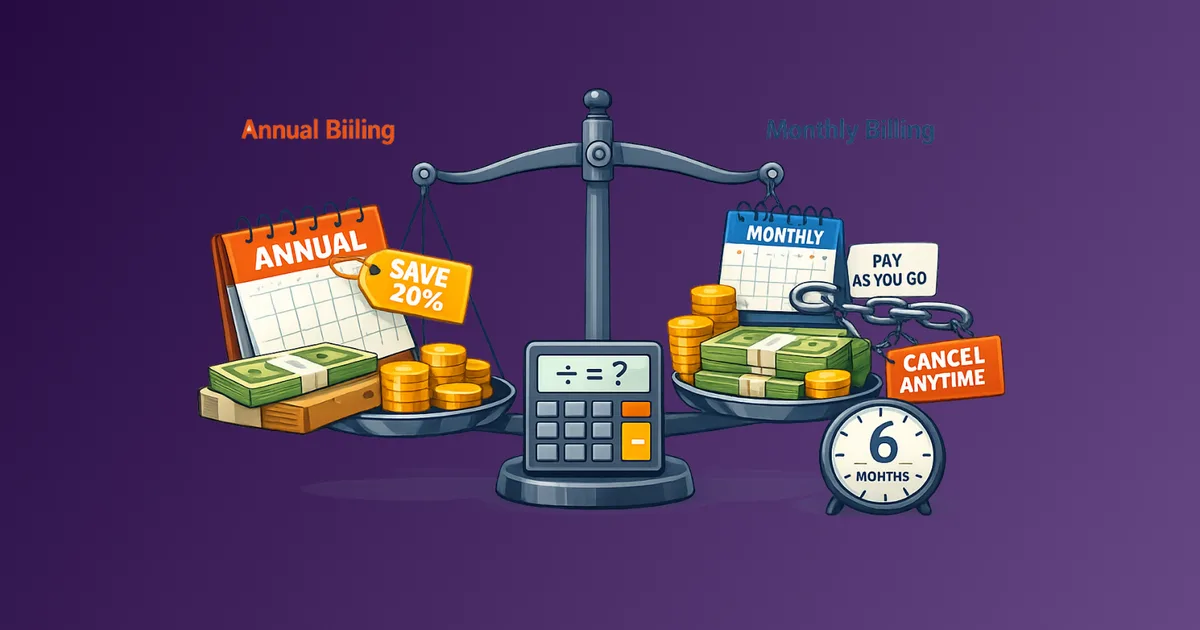
- Reallocate it to a subscription you are keeping but currently paying monthly when annual billing would save you more.
- Apply it to a savings target or debt payment.
- Leave it unallocated and run the next backlog review in 30 days to see whether you missed the canceled service.
Option three is valuable because it tests whether your value scores were accurate. If you do not miss the service after 30 days, the score was right. If you resubscribe within 60 days, the value score was too low and the service should come off the backlog permanently.
Common Mistakes When Managing a Cancellation Backlog
Adding everything at once and overwhelming yourself. Start with five to ten items. A backlog of forty services with no clear top priority is as paralyzing as no list at all.
Using the backlog to avoid deciding. The backlog is a delay mechanism for timing, not for decisions. If you are putting something on the list because you do not want to think about it, score it first. The score removes the ambiguity.
Forgetting the hold items. Services marked "Hold" because of a billing cycle need a calendar reminder. Without a reminder, hold status becomes permanent and the backlog grows without shrinking.
Skipping the confirmation step. Cancellation does not mean the charge stops. Always verify cancellation in your account settings and save the confirmation. Rebilling on canceled accounts is common enough to treat as a default assumption.
Treating the backlog as a one-time project. New subscriptions arrive continuously. The backlog needs to be a recurring habit, not a spring-cleaning exercise.
FAQ
How is a cancellation backlog different from a subscription audit?
An audit inventories everything you are paying for. A backlog is the action layer: it takes the audit output and turns it into a ranked queue of specific cancellation decisions. You run an audit periodically. You maintain the backlog continuously.
How many items should be on the backlog at any time?
Five to fifteen is a workable range. Under five means you are not auditing thoroughly enough. Over twenty means items are piling up without being processed and the backlog is functioning as a parking lot rather than a priority queue.
What if I am unsure whether to cancel something?
Score it anyway and mark the status as "Review." A low priority score with a Review status means it can wait. A high priority score with a Review status means you need to make the decision before the next monthly session.
Can I use Subtrakr to manage a cancellation backlog?
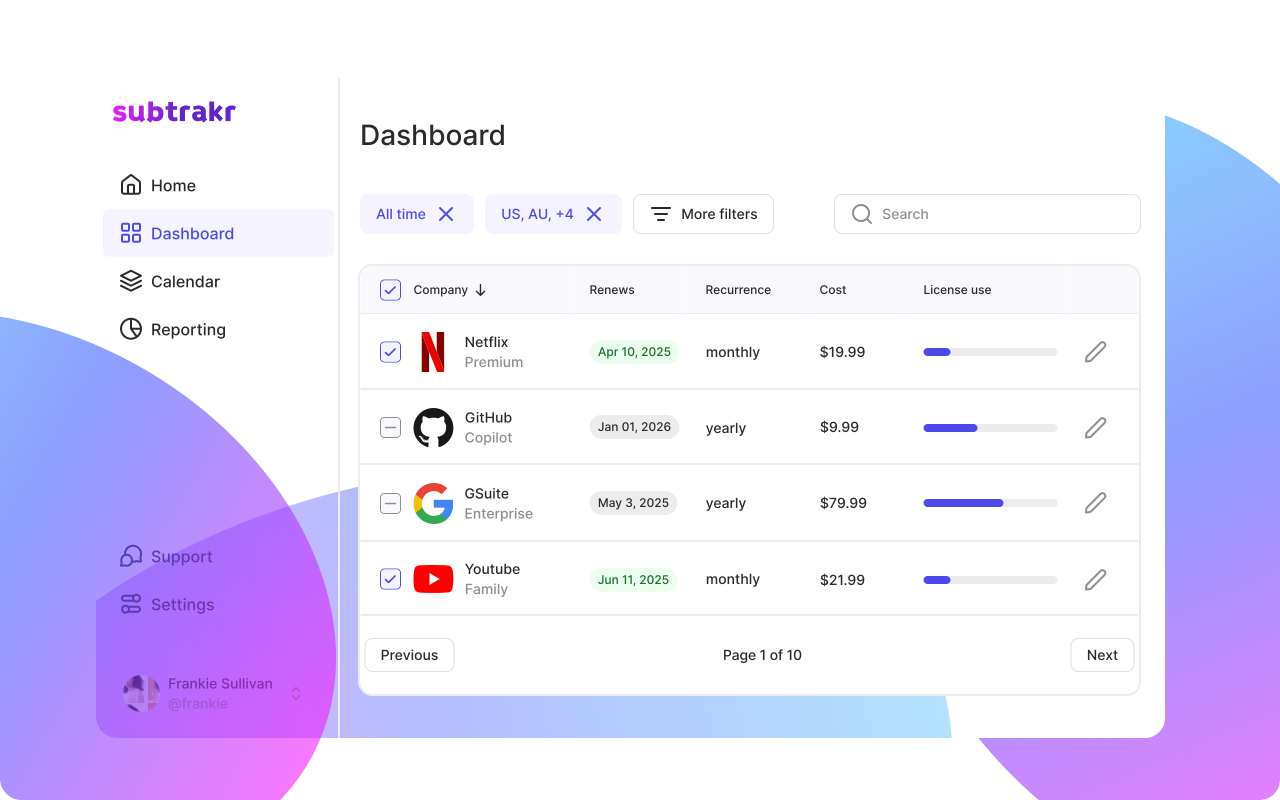
Yes. Add subscriptions as recurring expenses in Subtrakr, use tags or notes to flag backlog candidates, and track monthly cost totals. The visibility makes the scoring exercise faster because the numbers are already in front of you.
What do I do when a service I canceled tries to charge me again?
Document the original cancellation date, dispute the charge with your card provider, and contact the service directly with your cancellation confirmation.
Should I negotiate before canceling?
For higher-cost services you genuinely value but cannot justify at the current price, yes. Mark these as "Negotiate" in the backlog. If the retention offer is meaningful, update the value score and cost score accordingly. If not, process the cancellation as planned.
Next Action
Pick three subscriptions you are uncertain about right now. Score them using the cost pressure and value delivered framework above. That is your first backlog entry. You do not need to cancel anything today. You just need the list to exist.
If you track your recurring expenses in Subtrakr, tag these three as backlog candidates and set a review reminder for 30 days from now.