Quick answer
Before you start paying, decide your review date, write a clear value metric, and define the exact cancel or downgrade trigger. Add cancellation proof to your plan so you do not get stuck paying by default. This is how you prevent subscription lock-in and stop unnecessary recurring spend.
Subscriptions rarely start as a bad decision. The trouble is that most people subscribe first, then figure out what to do later. A Sunset Plan flips that order: you define how and when the subscription will end or change before the first charge hits.
Stay Updated with Subtrakr
Sign up to our newsletter to get updates about Subtrakr and valuable insights about subscriptions and recurring expense management.
What is a "Sunset Plan" for subscriptions?
A Sunset Plan is your pre-defined exit strategy for any recurring subscription. It is the decision you make upfront: "I will use it, I will measure value, and I will stop or downgrade when it no longer earns its place."
Most people call it a "cancellation plan," but the real power is earlier than cancellation. You decide what success looks like and when you will re-test it, so the subscription never becomes indefinite momentum.
Why should you define a Sunset Plan before you click "start"?
Subscription decisions compound over time. When a tool becomes part of your routine, it feels normal to keep paying, even if value drops. If you do not question the subscription at a scheduled moment, the default is renewal.
A Sunset Plan helps you reduce:
- Subscription lock-in (leaving feels inconvenient)
- Subscription creep (cost and scope grow without a fresh decision)
- Surprise charges (trial conversions or annual renewals you did not plan for)
- Value drift (the reason you subscribed changed)
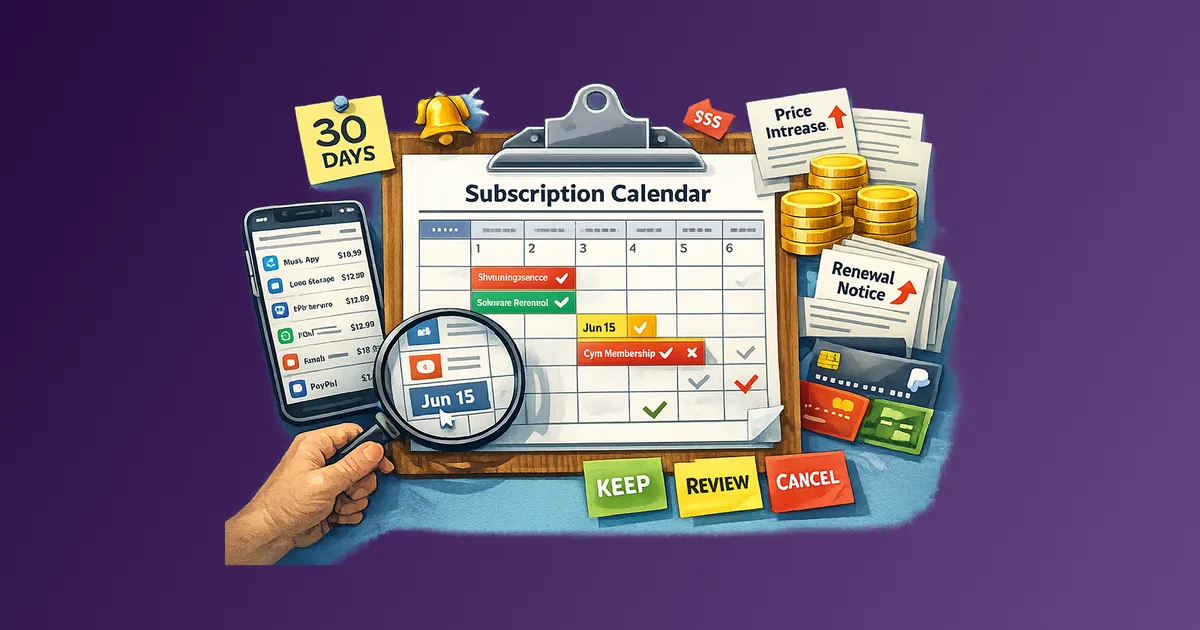
If you are building a system around renewals and recurring costs, pair this idea with a calendar-first workflow like: How to Set Up a Subscription Calendar: Track Renewals, Annual Fees, and Price Changes.
What should your Sunset Plan include?
A strong Sunset Plan is specific enough that you can act without thinking later. If you cannot describe the cancellation path, you do not have an exit plan, you have hope.
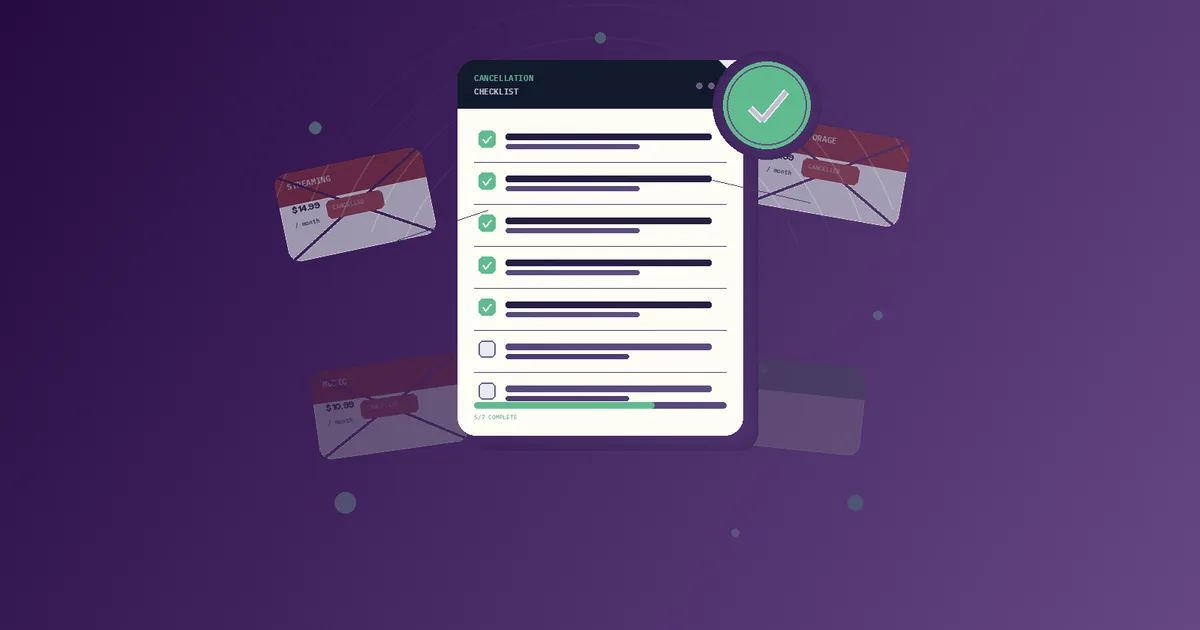
Use these fields as your checklist:
| Field | What to write down | Example |
|---|---|---|
| Review window | When you will re-test value | "Reassess in 30 days" |
| Value metric | What success looks like | "Saves me 2 hours per week" |
| Budget cap | Maximum monthly or annual cost | "Max 19 EUR per month" |
| Exit trigger | What makes it not worth it | "Cancel if I use it less than 3 times per week" |
| Price-change rule | What you do if the price increases | "Downgrade or cancel within 14 days" |
| Cancellation path | Where you cancel in settings | "Billing -> Cancel" |
| Proof requirement | How you will verify cancellation | "Save confirmation email or screenshot" |
| Continuity plan | What you must export before leaving | "Export invoices and settings before date X" |
One practical way to make this concrete is to treat exit criteria as part of procurement, not an afterthought. The same logic is covered in: Subscription Procurement Checklist Before You Buy.
If you are dealing with annual commitment risk, also consider guardrails for when you prepay: Annual Commitments Without Regret: Guardrails to Set First.
Step-by-Step Setup (Time required: 10 minutes)
Use this sequence for your next new subscription. It takes about one coffee break, and it prevents months of accidental spend.
- Pick your review date now. Choose a date after the trial ends, or a short period after onboarding when you expect real usage.
- Write a one-sentence value test. "I will keep this if it achieves X for my workflow."
- Define the exit trigger rule. Decide what failure looks like: low usage, missing deliverables, or value that no longer beats the cost.
- Add your budget cap. If cost rises above your cap, you act even if you still "kind of" use the tool.
- Set the cancellation path while you still have leverage. Open the billing settings and write down where the cancel or downgrade flow lives.
- Plan price-change handling. If a price increases, decide whether you downgrade, switch, or cancel, and add a calendar reminder.
- Schedule reminders. Set at least one decision checkpoint before the next renewal or billing milestone.
- Store proof of cancellation. Decide what counts as proof: email confirmation, exported cancellation receipt, or a screenshot plus timestamp.
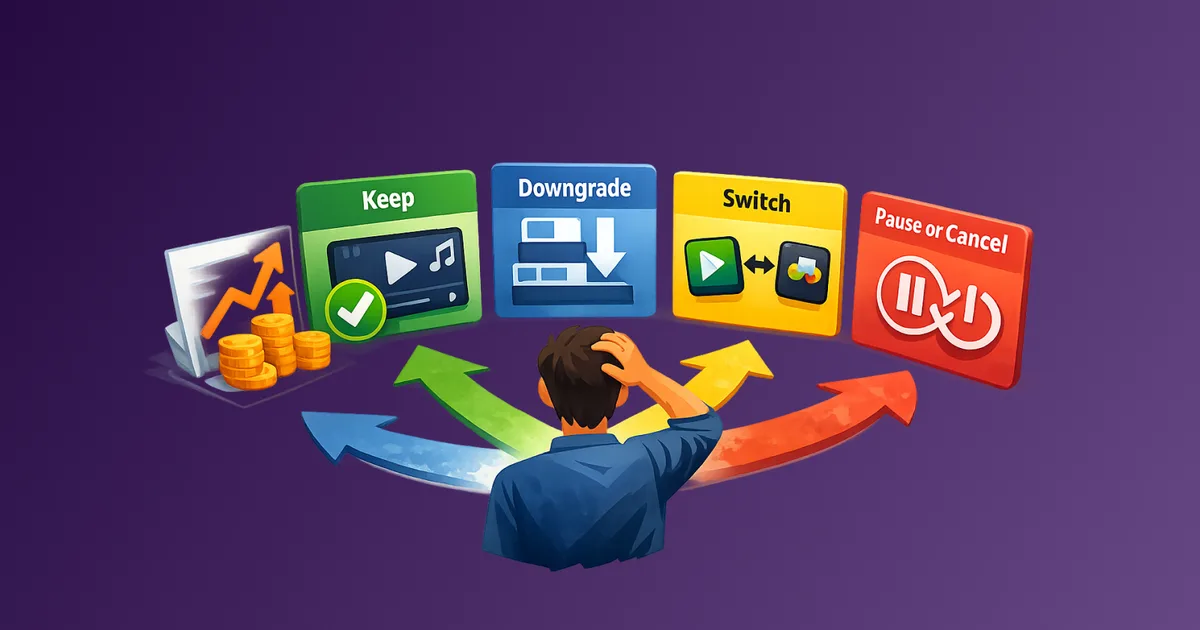
If you need a decision framework for price hikes, use: What to Do When a Subscription Price Increases: Keep, Downgrade, Switch, or Pause.
Copy-Paste Template: Sunset Plan Checklist
Use this template whenever you start a new paid subscription:
Subscription: [Name]
Start date: [YYYY-MM-DD]
Monthly or annual cost: [Amount]

Review window: [30/60/90 days or specific date]
Value metric: [1 sentence success test]
Exit trigger: [Cancel or downgrade rule]

Budget cap: [Max cost you will accept]
Price-change rule: [What you do if price increases]

Cancellation path: [Where to cancel in settings]
Proof to keep: [email/screenshot/export]
Data export needed: [what and by when]

Reminder dates:
- Check-in: [YYYY-MM-DD]
- Final decision: [YYYY-MM-DD]
Keep it short, but keep it executable. If your future self cannot follow it in two minutes, it is too vague.
Common Mistakes That Create Lock-In
- No review date. Without a deadline, your "plan" becomes vague, and the subscription stays active by default.
- Measuring value vaguely. "It is useful" is not a metric. Write a test you can observe.
- Waiting until the last week to learn the cancellation path. By then, you are stressed, busy, and more likely to postpone.
- Ignoring price changes and billing terms. A great subscription can become a bad deal after renewal pricing updates. Use a framework like the one above when prices shift.
- Not planning a downgrade option. If cancellation feels too disruptive, a downgrade can be your exit ladder while you transition.
- Forgetting continuity and data export. Leaving without exporting can create new work. That work becomes a new reason to stay.
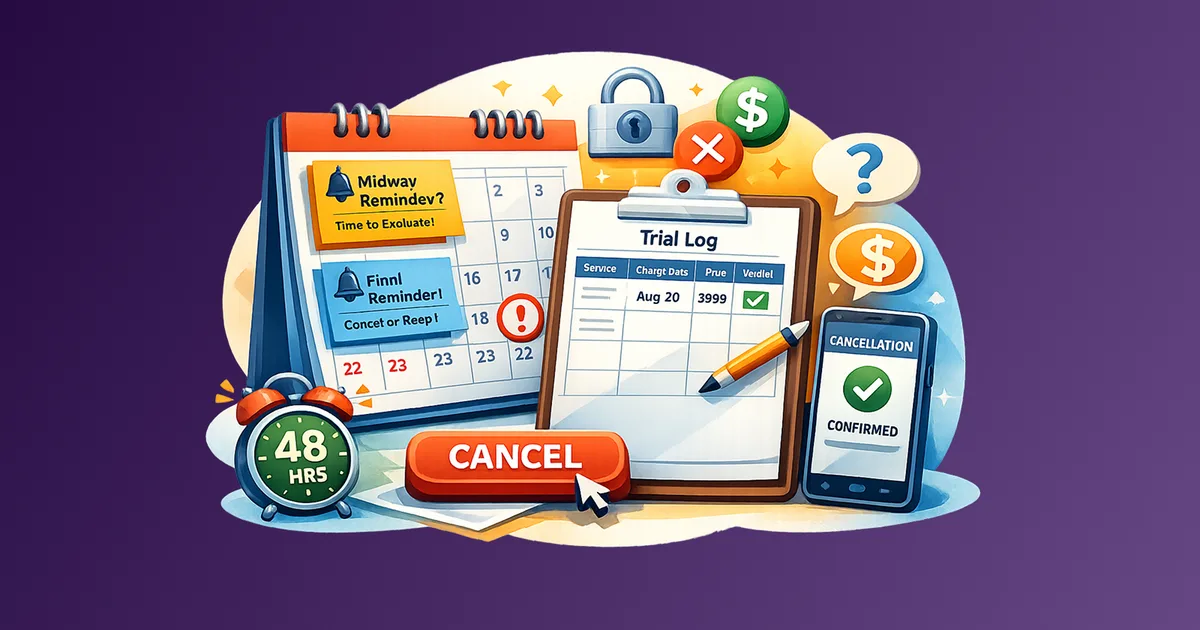
- Relying on free trial optimism. Many trials convert quietly. Use a calendar-driven system so your decision is not tied to memory. See: How to Avoid Free Trial Traps: A Calendar-First System That Stops Surprise Charges.
FAQ
Does a Sunset Plan work for annual subscriptions too?
Yes. Set a review date before the renewal, for example 30 to 60 days before you are charged again. If it fails your value metric, cancel or downgrade before it becomes hard to act.
What if the subscription is bundled with other services?
Write a share rule. Decide what you are paying for, and define how you will re-test value when the bundle changes or your needs shrink.
Should I include retention offers in my Sunset Plan?
Include them as a rule: "Even if they offer a discount, I will still re-test the value metric at the next checkpoint." Discounts do not replace value.
What about team subscriptions and seat changes?
Add a seat or usage trigger. Your Sunset Plan should specify who decides on seat growth and what happens when seats exceed your budget cap.
Is this just a fancy way to cancel?
No. Cancellation is the action. A Sunset Plan decides whether action is needed and when. It prevents you from entering the lock-in pattern in the first place.
Next Action
Pick one subscription you are about to start or renew. Create a Sunset Plan today: set the review date, write the value metric, and record the exact cancellation path. When the checkpoint arrives, decide based on value, not on habit.