Quick answer
Before you take any annual subscription deal, set five guardrails: a 90-day monthly prove-it period, break-even math with an honest confidence score, a written refund/exit check, auto-renewal control plus a renewal reminder, and a hard cap on how many annual plans you carry at once. If any guardrail fails, stay monthly.
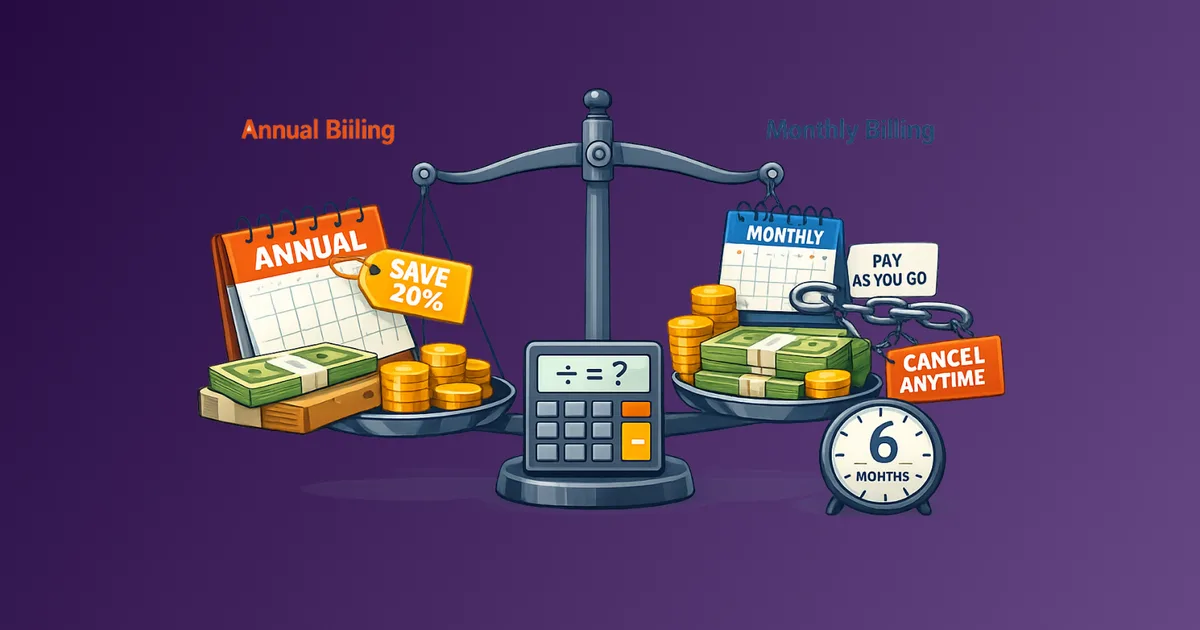
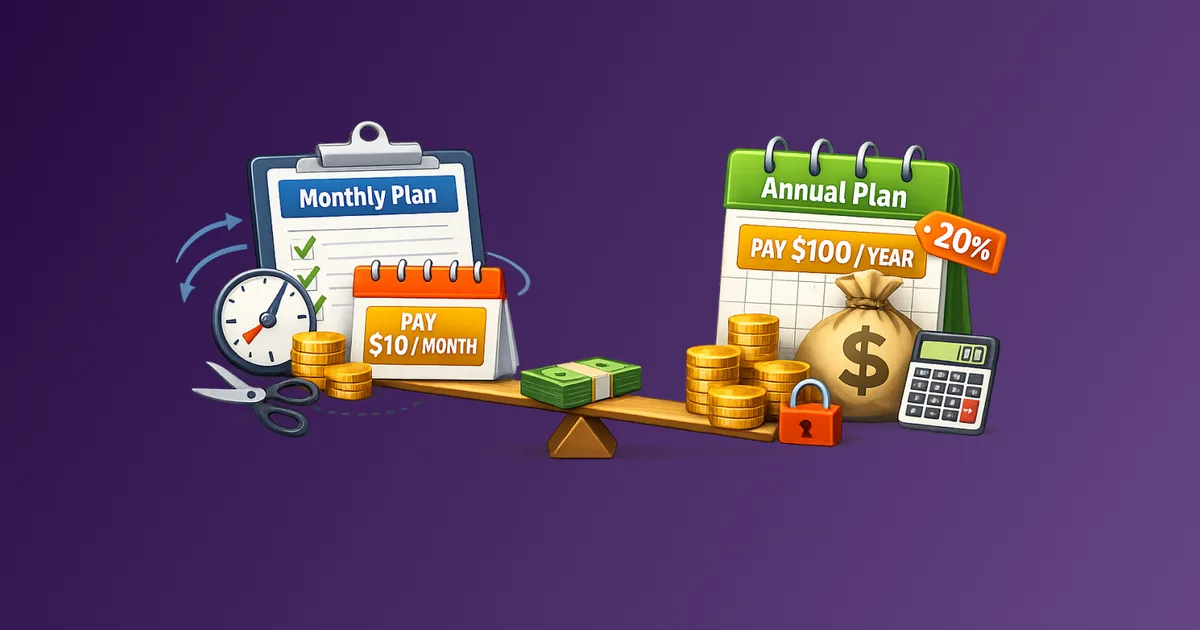
Annual plans look like easy wins: pay once, save 15-25%, stop thinking about it. Regret shows up later, when usage drops, a better tool appears, cash gets tight, or auto-renew hits for another full year. The discount is real. So is the lock-in. The difference between a smart prepaid year and an expensive sunk cost is what you decide before you click “Pay annually.”
Stay Updated with Subtrakr
Sign up to our newsletter to get updates about Subtrakr and valuable insights about subscriptions and recurring expense management.
Why Do Annual Subscriptions Cause Regret?
Regret rarely comes from the discount math. It comes from decisions made under optimism.
You assume you will use the service all year. You assume your workflow will not change. You assume you will remember the renewal date. Vendors design annual pricing around those assumptions. Once the lump sum is paid, sunk-cost pressure makes it harder to admit the tool no longer fits, and easier to let auto-renew repeat the mistake.
Annual billing is not the problem. Unchecked annual billing is. Guardrails turn a marketing prompt into a controlled decision.
For the pure cost calculation, use Annual vs Monthly Billing Break-Even. This article covers the rules you should run before that math can persuade you.
What Guardrails Should You Set Before Paying Annually?
Use these five as a pass/fail gate. One fail means stay monthly until the condition is met.
| Guardrail | Pass condition | Fail action |
|---|---|---|
| Prove-it period | 90 days of real monthly use | Stay monthly |
| Break-even + confidence | Break-even ≤ 8-9 months and confidence ≥ 80% | Stay monthly |
| Exit / refund clarity | You know refund rules and notice windows in writing | Stay monthly or renegotiate |
| Renewal control | Auto-renew reviewed; reminder set 60-90 days out | Do not pay until calendar entry exists |
| Annual commitment cap | New plan fits your max concurrent annuals | Defer or swap an existing annual |
These are personal finance and ops rules, not a full procurement checklist. If you are buying for a team, run both.
How Long Should You Stay Monthly Before Going Annual?
Default to 90 days on monthly billing for any tool that is new to you, new to your category, or tied to a temporary project.
Ninety days is long enough to see real usage patterns: busy weeks, quiet weeks, and whether the tool survives without a novelty boost. It is short enough that a miss costs three months, not twelve.
Exceptions where you can skip or shorten the prove-it period:
- You have already used the product for months on a personal or previous work account
- The tool is a daily utility with proven stickiness (password manager, primary email, core accounting)
- The annual discount is large and the refund policy is prorated (rare: verify)
Do not count a free trial as prove-it time. Trials measure curiosity. Monthly paid months measure habit. If trial traps are a recurring issue for you, use the calendar-first trial system first, then start the 90-day clock after the first paid month.
How Do You Run the Break-Even and Confidence Gate?
Two numbers decide most annual deals:
- Break-even months = annual total ÷ monthly price
- Confidence = honest odds you will still need the service past that break-even month
Example: $18/month or $144/year → break-even = 8 months. If your confidence of still using it at month 8 is below 80%, the “savings” are optional. Monthly billing is the cheaper expected outcome.
Quick filters:
- Discount under 15% → lean monthly (break-even stretches late into the year)
- Project-based or seasonal use → monthly
- Daily habit + break-even ≤ 8 months + high confidence → annual is reasonable
Treat confidence as a risk score, not a vibe. If you would not bet money on still needing the tool past break-even, do not prepay.
What Exit and Refund Rules Matter Before You Commit?
Know the downside before you lock cash for a year.
Confirm in writing (help center, order form, or support reply):
- Is there a prorated refund if you cancel mid-year?
- Are early termination fees charged?
- What is the auto-renewal notice window (30 / 60 / 90 days)?
- Can you cancel in-product, or only via email / chat / sales?
- Can you downgrade seats or plans mid-term, or only at renewal?
If refunds are zero and cancellation is friction-heavy, raise your confidence bar. A 20% discount with no exit is a different product than a 20% discount with proration. For contract language on renewals, see Contract Clauses That Matter in SaaS Renewals.
Household tip: screenshot the refund and cancellation policy the day you buy. Policies change; your proof does not.
How Do You Control Auto-Renewal Before It Controls You?
Annual regret often arrives as a surprise charge, not as a bad first-year decision.
Before you pay:
- Check whether auto-renew is on by default (it usually is).
- Turn it off if the product allows it without losing access for the paid year.
- If you cannot turn it off, set calendar reminders at 90 days, 30 days, and 7 days before renewal.
- Name a single owner for the renewal decision (you, a partner, or a teammate).
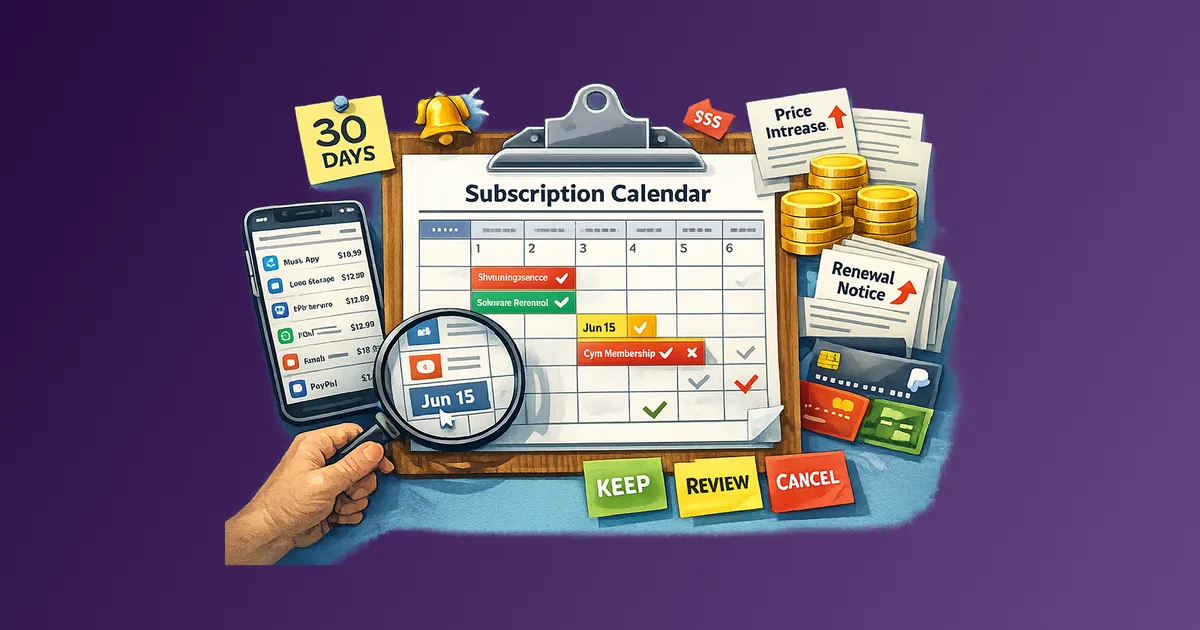
A subscription calendar is the operational half of this guardrail. Without a reminder, “I’ll decide later” becomes another prepaid year by default.
For teams, put the renewal into your SaaS renewal calendar the same day you purchase. Guardrails fail when dates live only in someone’s inbox.
How Many Annual Plans Should You Carry at Once?
Cash-flow concentration is an undercounted risk. Three “great deals” renewing in the same month can wipe a buffer even when each plan was rational in isolation.
Set a concurrent annual cap before you buy the next one:
| Household / freelancer | Small team |
|---|---|
| Cap at 3-5 personal annual plans | Cap annual SaaS commitments as a % of monthly opex (e.g. prepaid renewals ≤ 1 month of typical SaaS spend) |
| Prefer monthly for rotate/binge categories (streaming, niche tools) | Prefer annual only for core workflow tools with owners and usage data |
| Stagger renewals across quarters when possible | Require an owner + renewal date before finance approves annual |
If you are already at the cap, the rule is simple: swap, do not stack. Cancel or move one annual commitment to monthly before adding another. This pairs well with a subscription rotation strategy for entertainment and low-stickiness tools.
Which Subscriptions Are Safe Keepers for Annual Billing?
Not every category deserves a prepaid year. Use a keeper filter.
Strong annual candidates
- Daily or near-daily utilities (password manager, primary cloud storage, core productivity suite)
- Tools with stable pricing and clear cancellation
- Services you have already kept for 6+ months on monthly
- Family or team plans where switching cost is high and usage is shared
Stay monthly (or rotate)
- Streaming and content apps you binge then abandon
- Experimental AI, design, or niche SaaS you are still evaluating
- Project-only tools for freelancers and contractors
- Anything with frequent price changes or feature churn
- Tools you keep “just in case”
If you are unsure which bucket a subscription belongs in, it is monthly until proven otherwise. Broader context on when annual actually saves money sits in Monthly vs Annual Billing: Which Saves You More?.
Step-by-Step Setup (Time required: 15 minutes)
Run this once before every annual checkout.
- Confirm the prove-it period. Have you paid monthly for ~90 days with real use? If no, stop.
- Calculate break-even. Annual total ÷ monthly price. Write the month number down.
- Score confidence (0-100%). Odds you still need it past break-even. Below 80% → monthly.
- Check exit terms. Refund policy, notice window, cancellation path, downgrade rules.
- Set renewal control. Disable auto-renew if possible; otherwise create 90/30/7 reminders.
- Check your annual cap. Does this fit your max concurrent annuals? If not, swap first.
- Log the decision. Service name, annual price, break-even month, confidence, renewal date, owner.
That log becomes next year’s evidence. Without it, every renewal feels like a first-time guess.
Annual Commitment Guardrail Checklist
Copy this into notes, Notion, or Subtrakr before you pay:
Service: _______________________
Monthly price: $______
Annual total: $______
Break-even months: ______ (annual ÷ monthly)
Confidence past break-even: ______%

[ ] 90-day monthly prove-it completed (or valid exception)
[ ] Confidence ≥ 80% and break-even ≤ 9 months
[ ] Refund / early-exit policy checked and saved
[ ] Notice window noted: ______ days
[ ] Auto-renew: off / cannot turn off (circle one)
[ ] Reminders set: 90 / 30 / 7 days before renewal
[ ] Fits annual commitment cap (current annuals: ____ / max: ____)
[ ] Owner for renewal decision: ________________
[ ] Renewal date logged: ________________

Decision: ANNUAL / MONTHLY
Date: ________
Common Mistakes
Treating the “per month” annual price as the real charge
Marketing shows $12/month billed annually. Your card sees $144 once. Always run guardrails on the total.
Counting free trials as proof of stickiness
A busy trial week is not a habit. Start the prove-it clock after you are paying.
Skipping the refund check because “I’ll use it anyway”
Optimism is not a refund policy. Sixty seconds of reading changes the risk profile of the same discount.
Stacking annual plans without a cap
Each deal can look smart. The cluster of renewals is what stresses cash flow and decision bandwidth.
Setting no renewal owner
If nobody owns the reminder, auto-renew owns the outcome. Pair this with a regular subscription audit so annual plans get reviewed before they renew, not after.
FAQ
What guardrails should I set before an annual subscription?
Require a prove-it period, break-even plus confidence scoring, clear exit/refund terms, renewal reminders (or auto-renew off), and a cap on concurrent annual plans. Fail any one → stay monthly.
Is a 90-day monthly period always required before going annual?
It is the default for new or uncertain tools. You can shorten it for proven daily utilities you already rely on, especially when refunds are prorated.
What confidence score is high enough for annual billing?
Use 80% or higher that you will still need the service past the break-even month. Below that, monthly usually has the better expected cost.
Should I turn off auto-renew on annual plans?
Yes, when the product allows it without cutting access for the paid term. If you cannot, set 90/30/7-day reminders and name an owner for the renewal decision.
How many annual subscriptions is too many?
For individuals and freelancers, a practical cap is often 3-5 concurrent annual plans outside essentials. For teams, cap prepaid renewals relative to typical monthly SaaS spend and require an owner per contract.
Do annual plans protect me from price increases?
Sometimes for the current term, not forever. Confirm whether renewal pricing can jump automatically, and treat the next renewal as a fresh decision, not a continuation by default.
Next Action
Pick one subscription you are tempted to move to annual this week. Run the checklist above before you pay. If any box stays unchecked, stay monthly and set a 90-day review date instead.
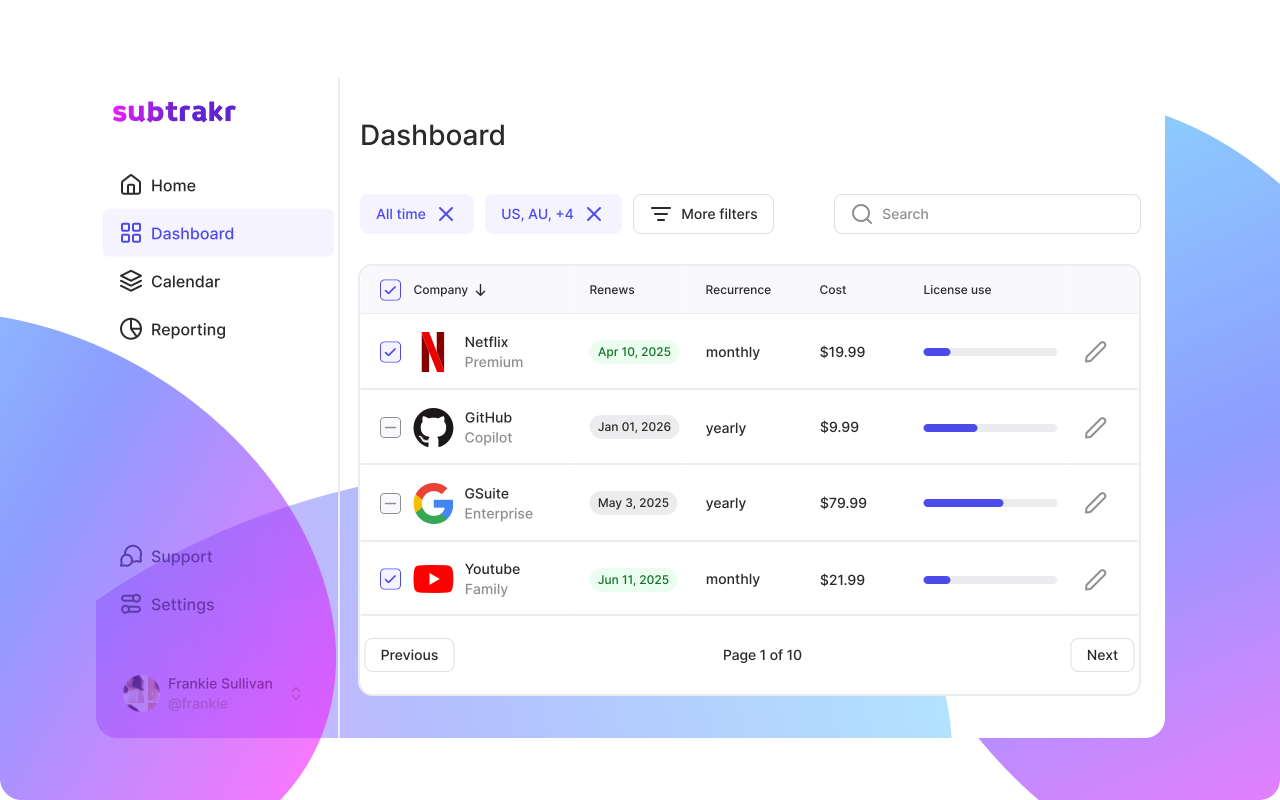
If you want renewal dates, billing cycles, and reminders in one place, log the plan in Subtrakr the day you decide (annual or monthly) so the next review is automatic, not improvised.