Quick answer
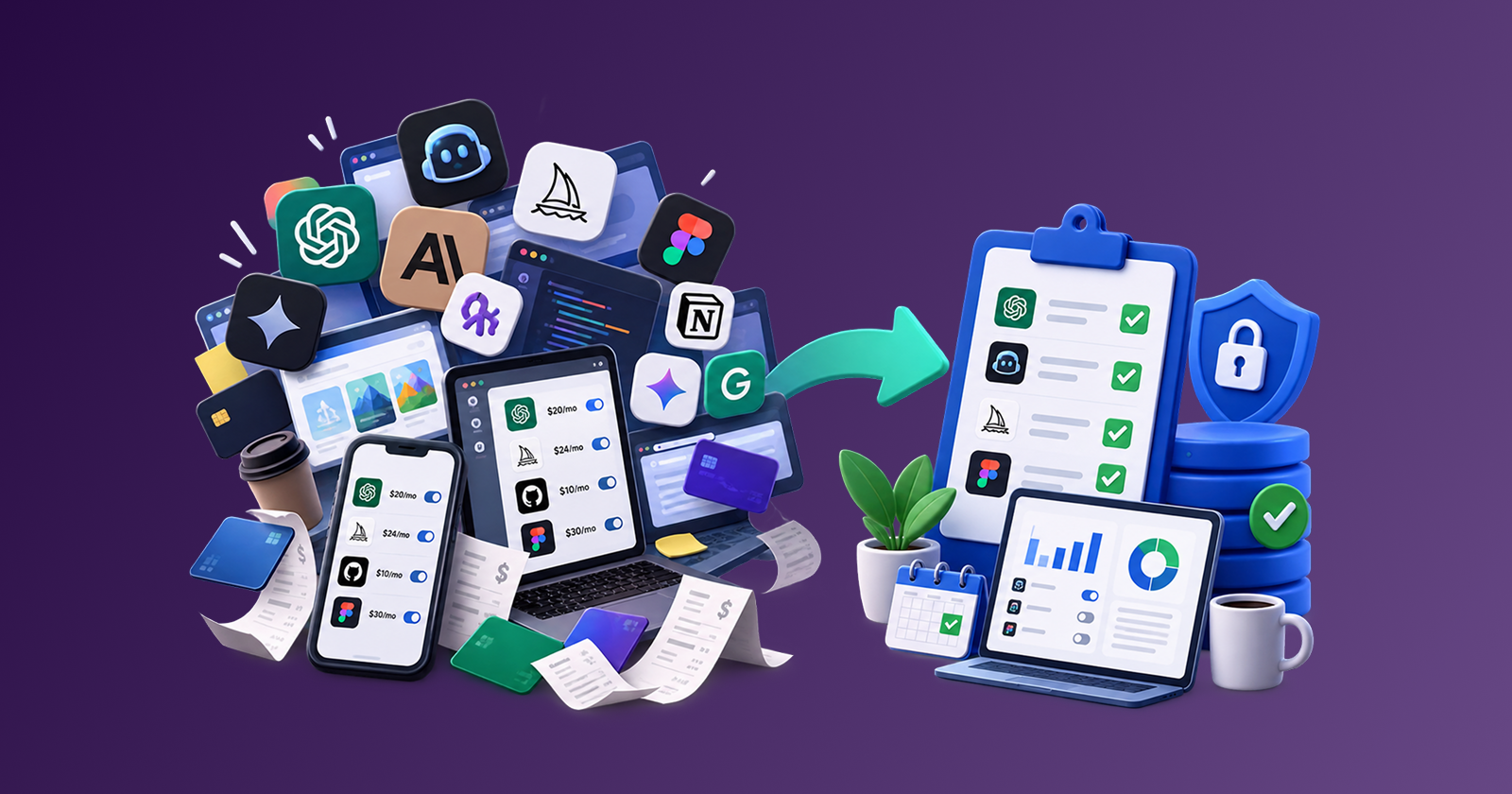
AI tools sprawl is the unmanaged pile of chatbots, coding assistants, image generators, and AI add-ons that teams buy, trial, or expense without a shared list. Control it with five rules: log every AI charge within 48 hours, assign one owner per tool, keep a fast lane under a spend cap, classify data before anyone pastes it in, and keep one paid tool per job. Speed stays. Duplicate bills and shadow AI do not.
A coding assistant on a personal card. A writing bot the intern found last Tuesday. An image generator someone expensed "just for this campaign." Then a second chatbot because the first one hit a usage cap. Fast teams do not wait for a tool committee. That speed is useful until the bill, the data trail, and the overlapping seats are nobody's job.
Stay Updated with Subtrakr
Sign up to our newsletter to get updates about Subtrakr and valuable insights about subscriptions and recurring expense management.
What Is AI Tools Sprawl?
AI tools sprawl is what happens when AI subscriptions multiply faster than ownership, spend tracking, and data rules. It is subscription overload with a shorter sales cycle and a worse hiding place: many charges look like $20 experiments until you multiply them by headcount, add-ons, and usage overages.
It is not "too much AI." Three well-owned tools can be fine. Sprawl is tools arriving through personal cards, extensions, and "temporary" trials, then staying because cancelling feels like slowing people down.
Typical shapes:
- Several people paying for the same consumer chatbot on separate cards
- A company Copilot or Team plan plus leftover individual Plus seats nobody cancelled
- Image, research, meeting-note, and writing tools that all do a slice of the same job
- AI features bolted onto tools you already pay for (docs, design, email, IDE) that never appear as their own line
- API keys and usage credits that spike without a monthly cap
If you cannot name every AI charge, who owns it, and what data is allowed inside it, you have sprawl. The inventory is the proof, not the vibe.
Why Do Fast-Moving Teams Accumulate So Many AI Tools?
Because buying is instant and the official path is slow. A designer who needs image generation this afternoon will not wait two weeks for a form. If the approved channel is vague or late, people buy on a personal card, start a trial, or paste work into a free consumer account. That is how approval delays create shadow AI: the work continues, the spend just leaves the register.
A few other accelerants:
- Every vendor shipped an AI button. Seats, credits, and token overages hide inside invoices you already pay.
- Trials convert quietly. Auto-renew plus a forgotten card turns a 14-day test into a year of charges.
- Usage caps push people sideways. Hitting a weekly limit often means a second subscription, not a Team plan conversation.
- Two favorites, two bills. Preferred models look like productivity. They are often one job paid twice.
- No owner after the experiment. The buyer moves on. Finance keeps paying.
Fast teams do not need a slower culture. They need a path faster than the workaround, and a log that catches the purchase the same week.
What Does AI Tools Sprawl Actually Cost?
The sticker on one chatbot is not the cost. The cost is seats times people, plus usage, plus the tools you already pay for that added an AI meter, plus the ones you never listed.
Map the bill in four buckets:
| Bucket | What it looks like | Why it hides |
|---|---|---|
| Per-seat chat and code tools | Plus, Pro, Copilot, Team seats | Duplicate personal plans next to a company plan |
| Usage and credits | Tokens, premium requests, image gens, usage resets | Variable, so it never looks like "a subscription" |
| AI inside existing SaaS | Notion, Microsoft 365, design and CRM add-ons | Buried in a larger invoice |
| Shadow AI | Personal cards, reimbursements, free accounts on work data | Missing from the official stack |
A ten-person team with a few $20 chatbots, leftover seats after a Team upgrade, coding-assistant overages, and an image tool that survived a campaign can spend hundreds a month before anyone names an AI budget.
Use a usage-to-cost ratio on paid AI lines: sessions, prompts, or generations per dollar. A low ratio is a keep, downgrade, consolidate, or cancel signal. Review monthly. Quarterly is too slow for tools people add on a Tuesday. Also price overlap: two writing tools and a meeting-note bot that all summarize text are three meters for one job.
What Compliance Risks Come With Untracked AI Tools?
Cost is the visible problem. Data is the one that does not show up on a card statement. Shadow AI is any AI tool used for work that is not on your register, not covered by your vendor terms, and not limited by an admin. A personal consumer account is the usual form.
The risk is not "AI is unsafe." The risk is putting the wrong class of data into a tool with the wrong account type.
Treat inputs as three classes:
- Green: public info, dummy data, marketing copy with nothing confidential.
- Yellow: internal drafts, non-customer process notes, anonymized examples.
- Red: customer records, contracts, credentials, unpublished source, health or financial data, anything you would not paste into a public Slack.
Red data does not belong in a personal consumer chatbot, a random extension, or a free tier that trains on prompts. It belongs in a Team or Enterprise plan with admin controls, a written data-handling path, and an owner who can revoke access. If the vendor cannot say where data is stored, whether it is used for training, and how you export or delete it, keep Red data out. Run the same procurement checks you would for any tool that holds customer or code data.
Watch for the usual gaps: a departing contractor who still has a seat or a personal prompt history, no story for how long the vendor keeps data, official "company workspace" policy next to five personal logins, and browser extensions that send page content to a third party you never reviewed.
You do not need a legal department to start. You need written data classes, a default tool for Red work, and a rule that personal accounts are Green only.
Which Governance Rules Work Without Slowing Teams Down?
Governance that needs a weekly committee will lose to a $20 checkout. The rules below are designed to be faster than the workaround. Put them in a one-page policy, not a handbook nobody opens.
1. Log it in 48 hours. Every AI tool, paid, trial, or reimbursed, goes on a shared register with name, owner, monthly cost or usage cap, renewal date, and allowed data class. Unlogged tools are out of policy. Logging is how finance and security see the same list.
2. One owner per tool. Exactly one accountable person can keep, cut, or renew. Shared use is fine. Shared final say is how tools become ownerless. Put that name on a spend ownership matrix the day the tool is added.
3. Fast lane under a cap. Tools under your threshold (many small teams use $25 to $30 per month) or trials of 14 days or less can start without a meeting, if they are logged within 48 hours and stay on Green or Yellow data. Above the cap, or for any Red data, require a written yes from the budget owner and a data check. The fast lane exists so people do not go around you.
4. Data class before paste. The question is not "is AI allowed?" It is "what is allowed in this tool?" Green is default on approved tools. Yellow needs the company workspace, not a personal login. Red needs the Team or Enterprise path. Publish the three classes where requests already happen.
5. One paid tool per job. Pick a default for writing, coding, images, and research. A second tool for the same job is a 30-day exception with an end date. Then keep one and cancel the other. Bake-offs are allowed. Permanent duplicates are not, unless the jobs are actually different (image generation vs code completion).
Two add-ons keep the rules honest: a monthly AI spend cap (seats plus usage; review at 80 percent before adding seats), and no annual AI commit until 60 days of measured use and a named owner. Annual discounts are real. Prepaid sprawl costs more.
These rules do not ask people to stop experimenting. They ask experiments to be visible, owned, time-boxed, and data-aware.
Step-by-Step Setup (Time required: 60-90 minutes)
- Dump the last 90 days of charges. Cards, bank, PayPal, app stores, reimbursements, and vendor invoices. Tag every line that is an AI product or an AI add-on inside another product.
- Ask the team for a 10-minute list. "Which AI tools did you use for work this month, including free and personal accounts?" You will find tools that never hit finance.
- Build one register. Columns: tool, job (write / code / image / research / other), owner, plan, monthly cost, usage cap if any, data class allowed, personal vs company account, renewal date, keep or cut.
- Mark OWNERLESS and SHADOW. No named owner, or a personal account used for Yellow or Red work, is a same-week decision: move to the company plan, restrict the data class, or cancel.
- Set the five rules in writing. Cap, fast-lane threshold, data classes, default tool per job, 48-hour log. One page. Share it where requests already happen.
- Pick defaults. One writing tool, one coding assistant, one image tool, one research tool. List allowed exceptions and their end dates.
- Kill obvious duplicates. Two consumer chatbots for the same job: keep the one with usage, cancel the rest before the next billing date.
- Put renewals on a calendar. Trials, annual dates, and usage-reset add-ons. Review AI lines in the same monthly pass as the rest of the stack.
- Assign a fallback owner for any AI tool that holds customer text, code, or admin billing access.
Copy-Paste AI Tools Governance Checklist
AI TOOLS GOVERNANCE - [Team] - [Date]

Fast-lane threshold: $____ / month
Team AI spend cap (seats + usage): $____ / month
Log deadline: 48 hours after first use or purchase
Annual commit: only after 60 days of measured use

Data classes
GREEN  = public or dummy data. Personal accounts allowed on approved tools.
YELLOW = internal, non-customer. Company workspace only.
RED    = customer data, credentials, unpublished code, contracts.
         Team/Enterprise (or equivalent) only. No personal accounts.

Default tool per job
Write:     ________
Code:      ________
Image:     ________
Research:  ________

Register
Tool | Job | Owner | Plan | $/mo or usage cap | Data class | Account (company/personal) | Renewal | Keep / Cut / 30-day exception
-----|-----|-------|------|-------------------|------------|----------------------------|---------|------------------------------

New tool gate (fast lane)
[ ] Logged within 48 hours
[ ] Owner named
[ ] Under threshold or 14-day trial
[ ] Data class is Green or Yellow
[ ] Does not duplicate a default job (or exception end date set)

New tool gate (slow lane: over cap or Red data)
[ ] Budget owner yes
[ ] Storage, training, export, and delete path written down
[ ] Admin can revoke access
[ ] Owner + fallback named
[ ] On the register before payment

Monthly review: spend vs cap, unused seats, leftover personal plans, expired exceptions, OWNERLESS/SHADOW rows resolved
What Mistakes Make AI Sprawl Worse?
Banning AI instead of logging it. A ban pushes work into personal accounts you cannot see. A fast lane plus a register keeps speed and gives you a list.
Treating consumer and Team plans as interchangeable. They are not the same product for Red data. Price the plan that matches the data class, not the demo price.
Paying for a company plan and leaving old Plus seats live. Upgrades do not auto-cancel the personal cards people used last quarter. Confirm the cut.
Ignoring AI inside tools you already buy. If the invoice grew because AI was bundled or metered, it belongs on the register even if the product name did not change.
No usage cap on token and credit tools. A flat seat is predictable. Agent sessions and image gens are not. Set a monthly ceiling and an alert at 80 percent.
Exceptions with no end date, or a team listed as owner. "We'll keep both for now" and "Engineering owns Copilot" are how duplicates and ownerless seats survive a year. Thirty days, then one winner. A person renews, or nobody does.
FAQ
What counts as an AI tool for this policy?
Any product whose main job is generating, transforming, or assisting with text, code, images, audio, or video, plus AI add-ons and usage meters inside tools you already pay for. If it can take a prompt or consume credits, it goes on the register.
Is shadow AI always a personal ChatGPT account?
No. Shadow AI is any work use that is unlisted, unowned, or outside your data rules. That includes free accounts, extensions, API keys in a private project, and reimbursed charges finance never coded as AI.
Will these rules slow a product team down?
Not if the fast lane is real. Sub-threshold tools and short trials start without a meeting, as long as they are logged and stay off Red data. The slow lane is only for spend above the cap or sensitive data.
How do we handle people who prefer different models?
Allow a 30-day bake-off with an end date. After that, one default per job, paid by the company. Personal favorites on personal cards are fine for Green data only, and they stay off the company stack.
Do freelancers and tiny teams need this?
Yes, in a thinner form. One register, one owner (you), a data class for client work, and a habit of cancelling trials. Client data still does not belong in a random consumer account.
How often should we review AI spend?
Monthly while the stack is growing. Tie it to the same recurring-expense review you already run. Usage-based tools need a mid-month glance if they can overrun the cap.
Next Action
This week, export 90 days of charges, add the team's informal AI list, and fill the register. Anything without an owner, or a personal account used for Yellow or Red data, gets a same-week move: company workspace, tighter data class, or cancel. Publish the five rules and the fast-lane threshold where people already ask for tools.
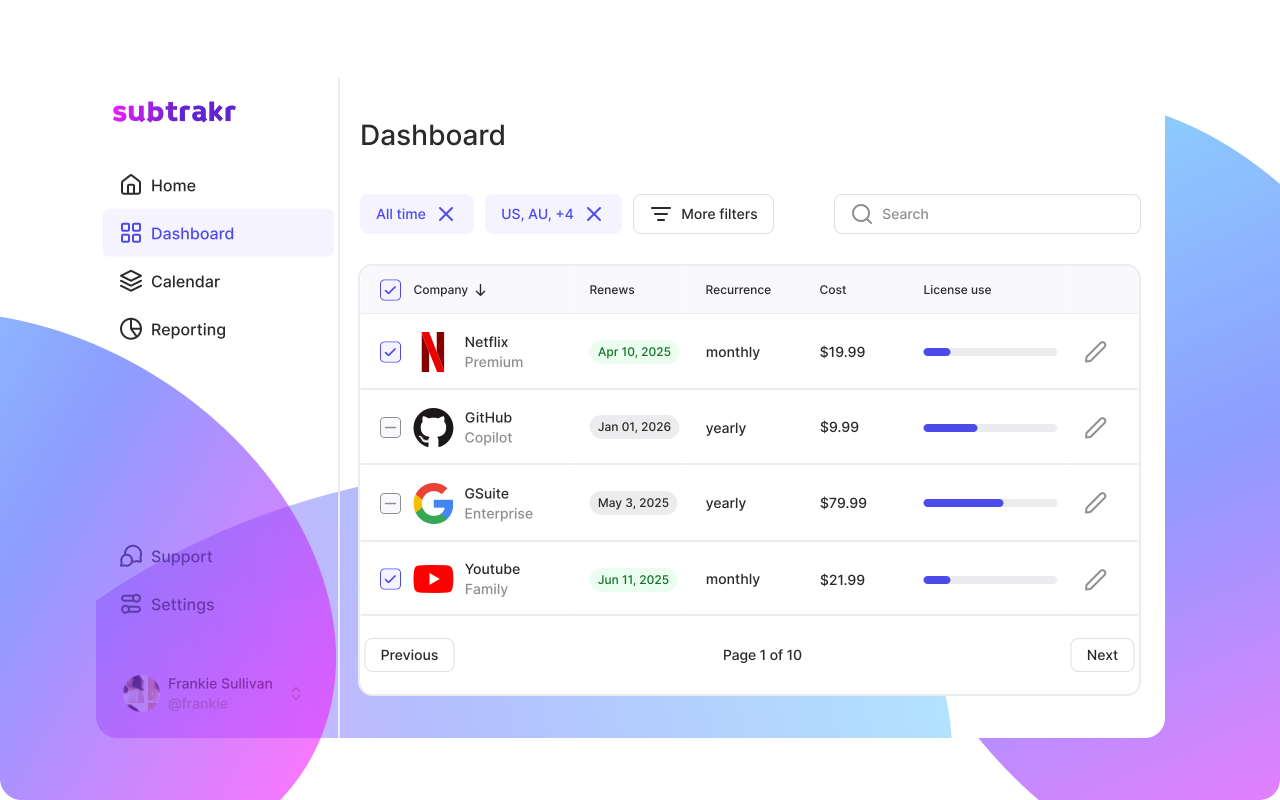
Once AI lines sit next to the rest of your recurring expenses, renewals and usage spikes are visible instead of surprising. Subtrakr can keep that list in one place after the rules are in force.