Quick answer
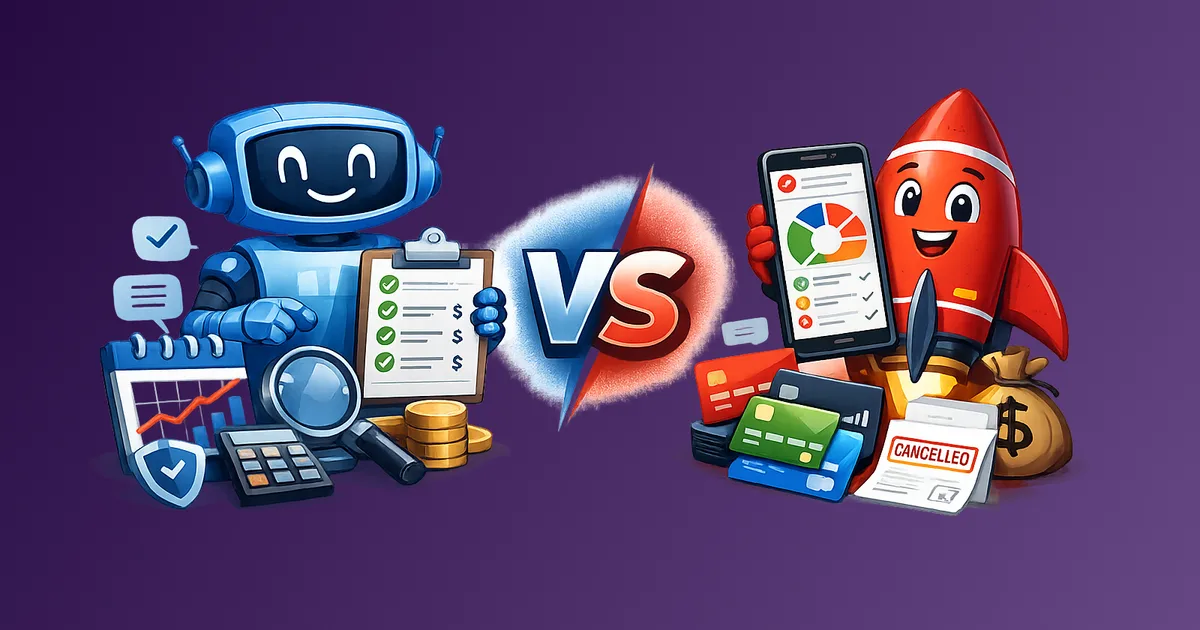
Subtrakr is a manual, clarity-focused recurring expense tracker that gives you full visibility and control over what you spend on subscriptions. Rocket Money is an automated financial app that connects to your accounts, categorizes spending, and offers negotiation and cancellation services. Choose Subtrakr if you want intentional awareness and clean tracking. Choose Rocket Money if you want automation, budgeting integration, and hands-off bill management.
Managing recurring expenses sounds straightforward until you realize how many different tools claim to do it, and how differently they actually work. Subtrakr and Rocket Money are both named in this conversation, but they solve different problems for different people. Picking the wrong one wastes time and money.
Stay Updated with Subtrakr
Sign up to our newsletter to get updates about Subtrakr and valuable insights about subscriptions and recurring expense management.
Who Is Each Tool Built For?
Subtrakr is built for people who want clarity over their recurring stack
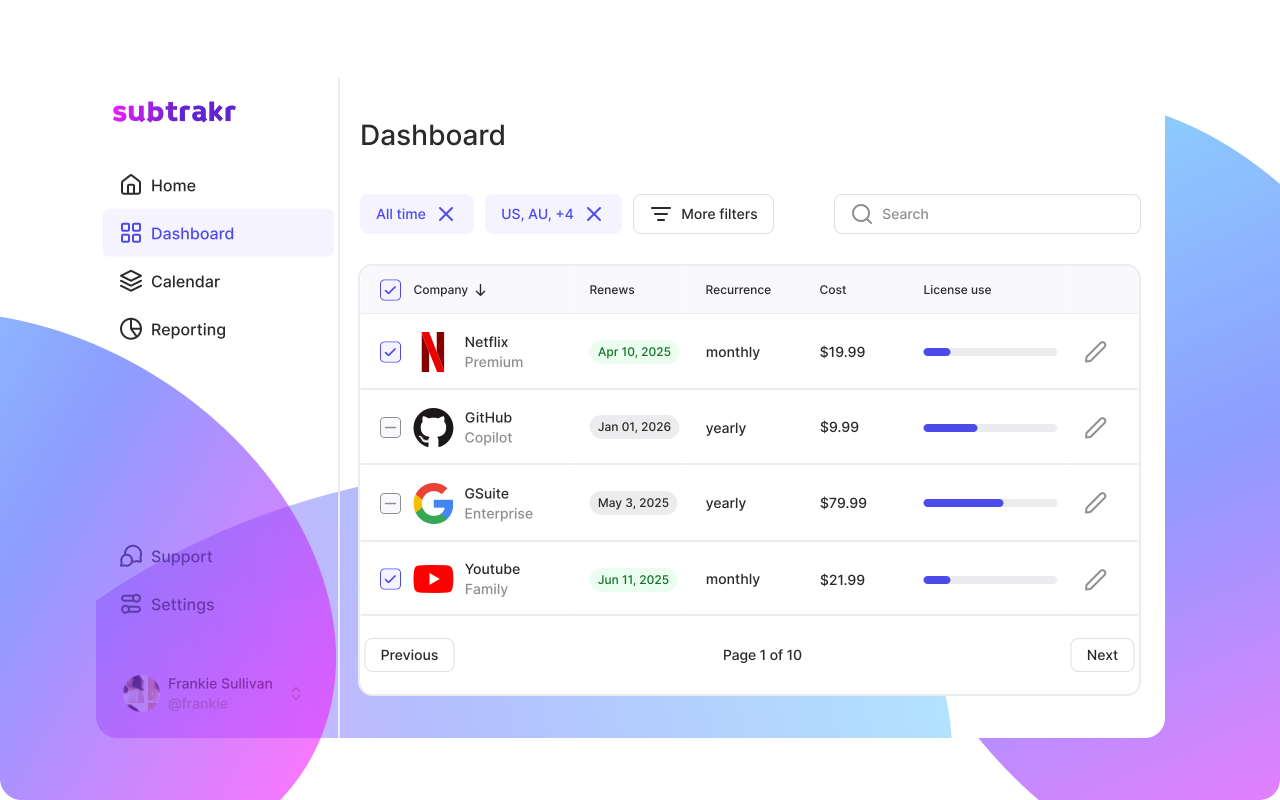
Subtrakr is designed for anyone who has more subscriptions than they can mentally track, and who wants a dedicated place to see the full picture. The core workflow is intentional: you add your recurring expenses manually, the tool calculates your true monthly cost automatically.
That manual step is not a limitation. It is the mechanism. When you type in a subscription, you are making a conscious decision about what is in your financial life. Subtrakr users tend to be:
- Individuals with 10 or more recurring expenses across different billing cycles
- Families who want one organized view of shared subscriptions and household bills
- Freelancers who need to separate personal and professional recurring costs
- Anyone who has been surprised by a renewal they forgot about
The tool is not trying to replace your bank. It is a structural layer on top of your finances: a clean, organized tracker for everything that recurs.
Rocket Money is built for people who want automation and financial consolidation
Rocket Money (formerly Truebill) connects to your bank accounts and cards, automatically detects recurring charges, and surfaces subscriptions you may not know you have. It also includes budgeting tools, a credit score tracker, and a paid tier that offers bill negotiation and cancellation concierge services.
Rocket Money users tend to be:
- People who want a single financial dashboard rather than a dedicated tracker
- Users who prefer automation over manual input
- Anyone interested in negotiating bills or having someone handle cancellations on their behalf
- Individuals managing broader personal finance goals alongside subscriptions
Rocket Money plays in a bigger space: it is a personal finance aggregator that includes subscription tracking as one feature among many.
Feature Comparison: Tracking Scope, Workflow, and Focus
| Feature | Subtrakr | Rocket Money |
|---|---|---|
| Subscription detection | Manual input | Automatic (bank/card sync) |
| Monthly equivalent calculation | Yes, automatic | Yes |
| Custom categories and labels | Yes | Partial |
| Budgeting tools | Focused on recurring expense budgets | Full budgeting suite |
| Bill negotiation | No | Yes (paid tier) |
| Cancellation service | No | Yes (paid tier) |
| Credit score tracking | No | Yes |
| Price | Free tier available | Free + paid plans ($4–$12/month) |
| Privacy (no account linking) | Yes | No (requires bank/card access) |
| Platform | Web, mobile-responsive | iOS, Android, Web |
| Focus | Recurring expense clarity | Personal finance dashboard |
How tracking actually works in each tool
In Subtrakr, you enter each recurring expense: name, amount, billing cycle, category. The system converts everything to a monthly equivalent so you can see your true recurring baseline at a glance. You own the data you put in. Nothing is connected to your bank.
In Rocket Money, you connect your financial accounts. The system scans for recurring charges and surfaces them. This is faster to set up, but the accuracy depends on how cleanly your bank data is structured. Some subscriptions get missed. Others get miscategorized. You spend time reviewing and correcting rather than intentionally building your list.
Neither approach is objectively better. They reflect different philosophies about how financial awareness should work.
What Does Rocket Money Do That Subtrakr Does Not?
Rocket Money has a broader feature set in certain areas. It is worth being honest about what those features are and who they serve.
Bill negotiation. Rocket Money's negotiation service (paid tier) will contact your service providers and try to lower your bills. They take a cut of any savings. If you have cable, insurance, or phone bills that you have never negotiated, this can result in real savings with minimal effort on your part.
Cancellation concierge. Rocket Money will handle the cancellation process for subscriptions on your behalf. For people who find cancellation friction stressful or time-consuming, this is a genuinely useful service.
Broader financial dashboard. If you want one app for budgeting, net worth tracking, credit score monitoring, and subscription management, Rocket Money covers more ground. Subtrakr is purpose-built for recurring expenses and does not try to be a full personal finance platform.
Automated detection. If you genuinely have no idea what subscriptions are active across all your accounts, Rocket Money's automatic scan is a faster starting point than building a list from scratch.
What Does Subtrakr Do That Rocket Money Does Not?
Intentional awareness. The act of manually entering your subscriptions forces you to confront your recurring stack. You cannot add something to Subtrakr accidentally. Every line item is a decision. This is the foundation of what makes Subtrakr different.
No account linking required. Subtrakr does not connect to your bank or payment accounts. Your financial data stays private. For users concerned about granting third-party access to their accounts, Subtrakr eliminates that concern entirely.
Clean, dedicated recurring expense view. Subtrakr is not trying to do everything. It is a focused tool for one specific job: tracking what recurs, calculating what it costs, and giving you clarity. Users who want a simple, organized tracker without a financial dashboard around it will find Subtrakr easier to use.
Billing cycle awareness and monthly equivalent math. Subtrakr handles mixed billing cycles cleanly. Annual subscriptions, quarterly bills, weekly charges, one-off recurring fees. Everything gets converted to a monthly equivalent so you always know your actual recurring baseline.
No upsell model. Subtrakr does not make money from bill negotiation commissions. There is no financial incentive for the product to steer you toward or away from specific services.
Pros and Cons Side by Side
Subtrakr
Pros:
- Clean, focused experience built specifically for recurring expenses
- No bank account linking required
- Manual input creates intentional financial awareness
- Automatic monthly equivalent calculation across billing cycles
- No data sharing with third parties
- Free tier available
Cons:
- No automatic subscription detection
- No bill negotiation or cancellation services
- Does not cover broader personal finance (credit score, net worth)
- Requires time investment to build your initial expense list
Rocket Money
Pros:
- Automatic subscription detection via bank sync
- Bill negotiation and cancellation services (paid tier)
- Full personal finance dashboard
- Fast initial setup
Cons:
- Requires connecting bank and card accounts
- Paid features are required for the most useful capabilities
- Broader scope means less focus on pure recurring expense clarity
- Negotiation service takes a percentage of savings
- Automatic detection can miss or miscategorize subscriptions
Decision Checklist
Before choosing, answer these questions honestly:
Choose Subtrakr if:
- You want full visibility into your recurring expenses without connecting your bank
- You prefer intentional manual input over automated scanning
- You want clean monthly equivalent calculations without a full financial app
- Privacy and data control are important to you
- You are building a recurring expense budget or audit process
- You want a focused tool, not a personal finance platform
Choose Rocket Money if:
- You want to automatically detect subscriptions you may have forgotten
- You want someone to negotiate your bills or handle cancellations for you
- You want one app for budgeting, subscriptions, credit score, and net worth
- You are comfortable linking your bank accounts to a third-party app
- You prefer speed of setup over intentional input
Consider using both if:
- You want Rocket Money's automated scan to discover unknown subscriptions, then build your clean, ongoing tracking view in Subtrakr
"Choose This If..." Summary
Choose Subtrakr if you want a clear, organized view of what you spend on recurring expenses, you value privacy, and you want the act of tracking to be intentional rather than automated. Subtrakr is a tool for people who already understand the value of tracking subscriptions and want a dedicated system to do it properly.
Choose Rocket Money if you want an automated personal finance app that handles subscriptions alongside budgeting, bill negotiation, and account management. Rocket Money is a broader financial tool where subscription tracking is one feature among many.
Use Subtrakr as your ongoing tracker even if you start with Rocket Money. Many users run an initial automated scan in Rocket Money to surface forgotten subscriptions, then migrate that list into Subtrakr for clean, ongoing management. The two tools are not mutually exclusive in the discovery phase.
What About the Subscription Tracking Apps Comparison Landscape?
Subtrakr and Rocket Money are not the only tools worth knowing. If you are evaluating the full landscape before deciding, the 5 Best Apps to Track and Save on Recurring Expenses covers several options with different strengths. That article is a useful reference if you are still deciding whether a dedicated tracker or a full financial app is the right direction.
For the underlying logic of how to approach subscription management regardless of tool, How to Stay on Top of Your Subscriptions (Step-by-Step Guide) explains the workflow that makes any tracker effective.
FAQ
Is Subtrakr free?
Yes, Subtrakr has a free tier available. You can track your recurring expenses without a paid subscription.
Does Rocket Money require a paid plan to be useful?
The free tier includes basic subscription detection and budgeting. Bill negotiation, cancellation services, and premium features require a paid plan, which ranges from $4 to $12 per month.
Is it safe to connect my bank to Rocket Money?
Rocket Money uses standard bank connection protocols (similar to Plaid). The security level is comparable to other personal finance apps that require account access. The key trade-off is data sharing with a third party in exchange for automation.
Can I import my Rocket Money subscriptions into Subtrakr?
There is no direct integration. You can use your Rocket Money subscription list as a reference and manually enter your recurring expenses into Subtrakr. This takes 15 to 30 minutes for a typical subscription stack.
Does Subtrakr track one-time expenses?
Subtrakr is designed specifically for recurring expenses. One-time purchases are outside its intended scope.
Which app is better for families?
Both tools have use cases for families. Subtrakr is particularly useful for organizing shared household subscriptions into categories and seeing the total monthly recurring cost. Rocket Money is stronger if you also want to manage a shared budget across categories and accounts.
Next Action
If you are reading this to make a decision, take one step today: list every recurring expense you can name from memory. That list is the foundation of any tracking system. If you can name them all without automation, Subtrakr will fit naturally. If gaps appear and you are not sure what else is running, starting with an automated scan makes sense.
Either way, the goal is the same: a complete, accurate picture of your recurring financial commitments. The tool you use to get there is secondary.