Quick answer
Junk fees and subscription traps turn small monthly charges into long-term drains. Spot them, document them, cancel cleanly, and reduce future risk.
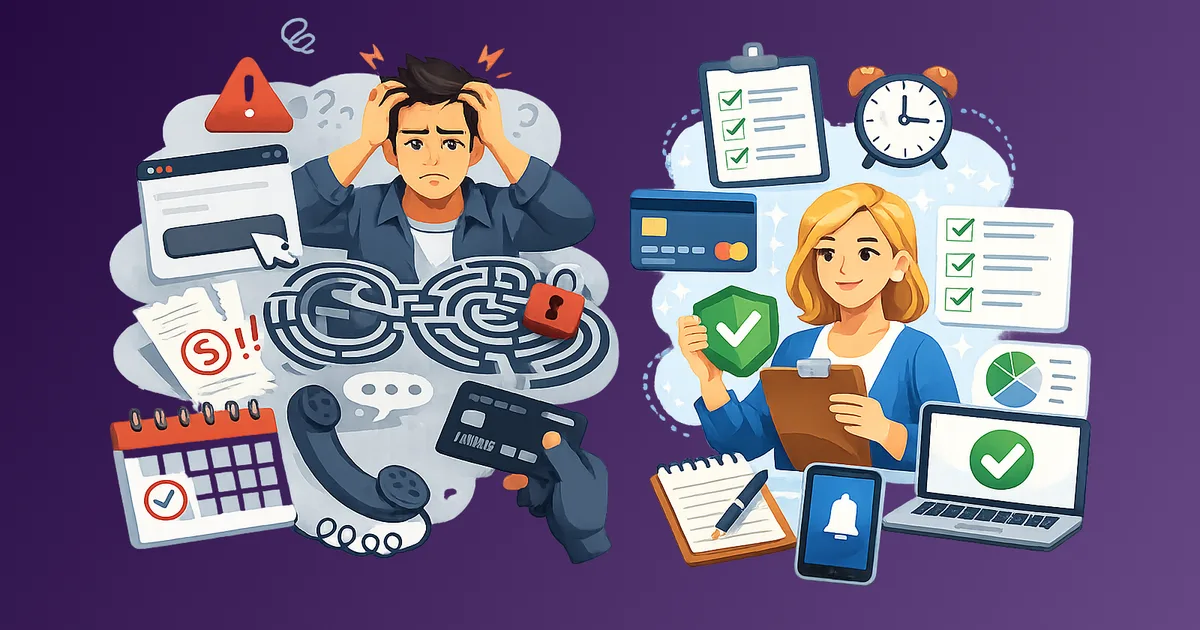
Most subscription problems do not start with a single expensive decision. They accumulate quietly. A $4.99 processing fee here. A $12.99 plan you forgot to downgrade. A cancellation flow that sends you in circles until you give up. Over time, these small friction points add up to real money leaving your account every month without your conscious approval.
Stay Updated with Subtrakr
Sign up to our newsletter to get updates about Subtrakr and valuable insights about subscriptions and recurring expense management.
This playbook gives you a structured exit: how to identify the traps, document what you have, cancel cleanly, and set up rules that prevent the cycle from repeating.
Junk fees and subscription traps work by making costs invisible and exits difficult. The fix is documentation first, then a deliberate exit strategy using downgrade, cancel, rotate, or replace logic. Prevention comes down to two rules: calendar everything, and audit every quarter.
What Is a Subscription Trap, Exactly?
A subscription trap is any pricing or product design that makes it harder to stop paying than it was to start. The goal is retention by friction, not retention by value.
Junk fees are a subset of this: charges that appear after commitment, often buried in a confirmation email or invoice line item, that were not clearly disclosed at signup.
These are not the same thing, but they frequently appear together. A service might charge a reasonable subscription fee and then layer on processing fees, service fees, or "convenience charges" that inflate the real cost.
What Are the Main Trap Types to Watch For?
Understanding the trap taxonomy helps you spot patterns across different services, not just the ones you already know are problematic.
Hidden fees
These are charges that do not appear in the advertised price. Common examples include:
- Platform or processing fees added at checkout or on the first invoice
- "Service fees" billed separately from the subscription itself
- Annual membership fees inside a monthly-billed account
- Currency conversion markups on international services
- Taxes and local levies excluded from the headline price
The mechanism is consistent: the low number gets the signup, and the real number appears later.
Forced bundles
You want one thing. You are sold three. Forced bundling traps appear when:
- The tier you need includes features you do not want and cannot remove
- A cheaper tier exists but is not offered at signup, only at cancellation
- Services are bundled together with separate billing cycles, making total cost hard to calculate
- Hardware and software are sold as a package where the hardware requires the subscription to function
Forced bundles also obscure per-unit value. When you cannot isolate what each component costs, you cannot make a clean decision about what to cut.
Cancellation friction
This is the most deliberate trap category because it requires active product design to execute. Friction patterns include:
- No self-service cancellation option (requires phone call or chat)
- Cancellation flows that require navigating multiple confirmation screens
- "Pause" options presented as the only alternative to full cancellation
- Retention offers that reset the billing cycle or extend the commitment period
- Cancellation windows that expire before you remember to act (annual plan renewals, for example)
- Dead links, error pages, or "temporarily unavailable" cancellation portals
The FTC's ongoing enforcement actions against dark patterns in subscription cancellation have pushed some operators to clean up their flows, but many remain deliberately complex.
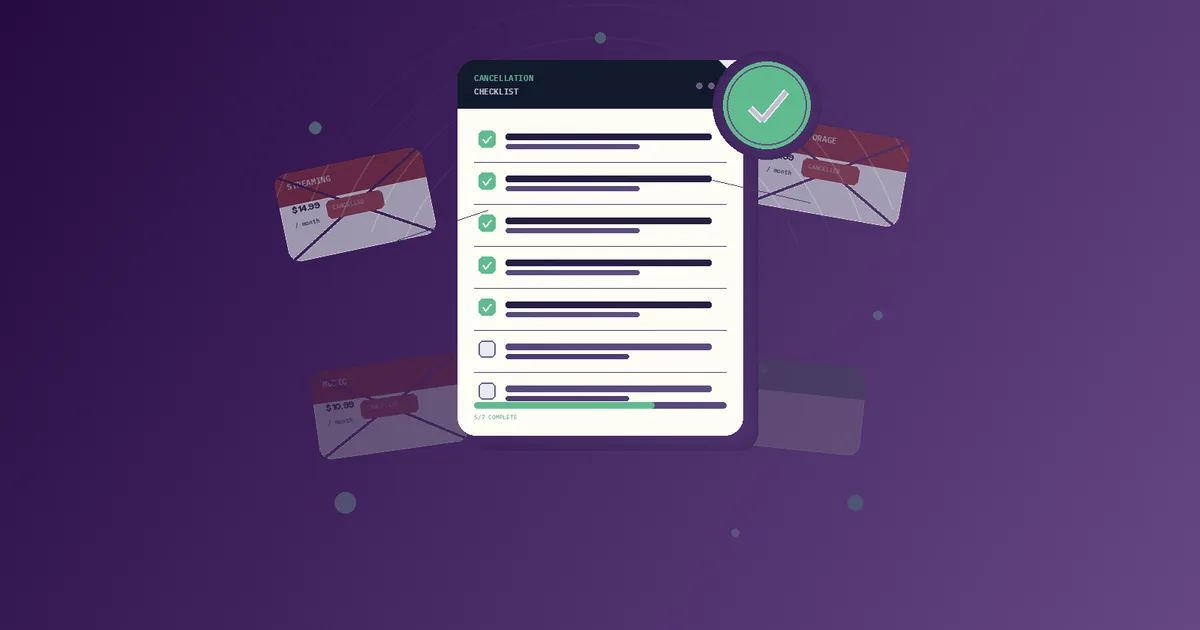
Documentation Checklist: What to Collect Before You Cancel
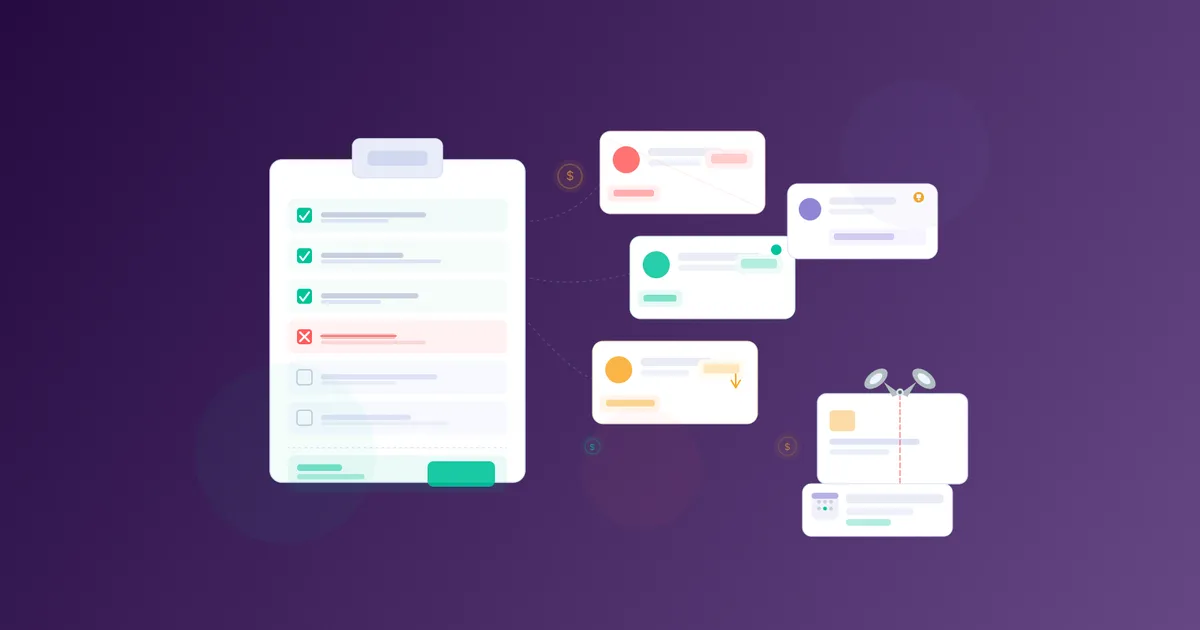
Documentation serves two purposes: it protects you if a charge appears after cancellation, and it gives you leverage if you need to dispute a charge with your bank or a consumer protection body.
Run through this checklist before initiating any cancellation.
Account and billing records
[ ] Log into the account and screenshot the current plan name and price
[ ] Find and download or screenshot the most recent invoice or billing statement
[ ] Note the exact billing cycle (monthly, annual) and next renewal date
[ ] Record any promotional pricing and when it expires or expired
[ ] Check for add-ons or separately billed features attached to the account
Cancellation evidence
[ ] Screenshot the cancellation confirmation page (with date/time visible if possible)
[ ] Save the cancellation confirmation email to a dedicated folder
[ ] Note the name or ID of any support agent involved in the cancellation
[ ] Copy or screenshot any reference number provided
Post-cancellation monitoring
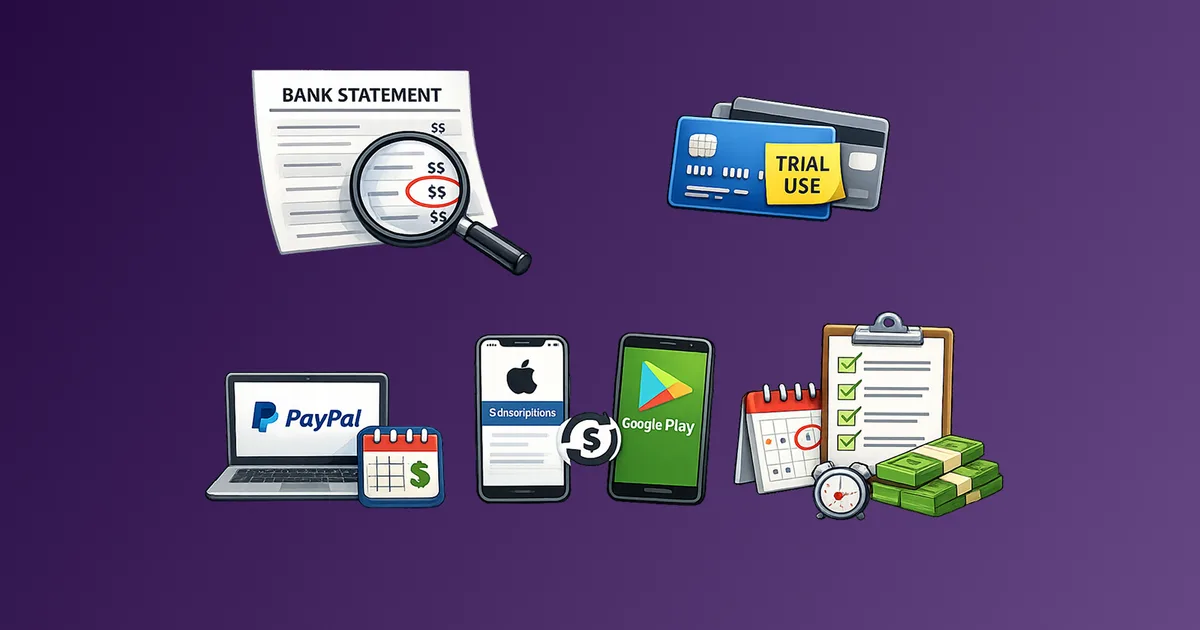
[ ] Check the payment method used (card, PayPal, Apple, Google Play) 30 days after cancellation
[ ] Set a calendar reminder for the next expected renewal date to confirm no charge appears
[ ] If a charge appears anyway, have the above documentation ready for a dispute
The full cancellation checklist is in How to Cancel Subscriptions Without the Stress, which goes deeper on dispute processes and proof of cancellation.
Exit Strategy: Downgrade, Cancel, Rotate, or Replace
Not every subscription exit looks the same. The right approach depends on whether you still want the service at some level, whether you can reduce cost before cutting entirely, and whether the category itself is worth keeping.
Use this framework to decide which exit applies.
Downgrade
Use when: you still use the service but are on a tier with features you do not need.
How to do it: log into the account, navigate to plan settings, and look for a lower tier. If no downgrade option is visible in the UI, contact support directly. Some services only show downgrade options at the point of cancellation, so initiating that flow can surface retention offers including lower-tier access.
Watch for: downgrading sometimes resets your billing cycle, meaning you lose partial-month value. Confirm the timing before confirming the change.
Cancel
Use when: you are not using the service, the value does not justify the cost, or the service has engaged in deceptive billing practices.
How to do it: follow the platform's stated cancellation method. If it requires a phone call, prepare your account details and documentation in advance. If the cancellation flow is buried or broken, check the service's help center for direct cancellation links, or look up the process on a consumer help site.
Cancellation friction is real. Allow more time than you expect. Do not start a cancellation flow the day before renewal.
Rotate
Use when: you use the service but not continuously, and you could get the same value in concentrated bursts.
How to do it: cancel at the end of your current period, consume what you need in the remaining time, then resubscribe when the need returns. This works well for streaming services, software tools with seasonal use, and news subscriptions tied to specific topics or events.
The Subscription Rotation Strategy explains how to set this up without losing access at critical moments.
Replace
Use when: you need the category but the current provider is overpriced, poorly structured, or using predatory billing practices.
How to do it: identify alternative providers before canceling. Test the alternative on a free trial (with a documented calendar entry for the trial end date). Cancel the current service only after confirming the replacement works for you.
Replacing is also appropriate when a bundled service includes features you never wanted. Replacing the bundle with a single-purpose tool at a lower price point removes both the cost and the complexity.
Prevention: Calendar Rules and Quarterly Reviews
The best time to deal with a subscription trap is before it becomes one. Two habits handle most of the prevention work.
The calendar rule
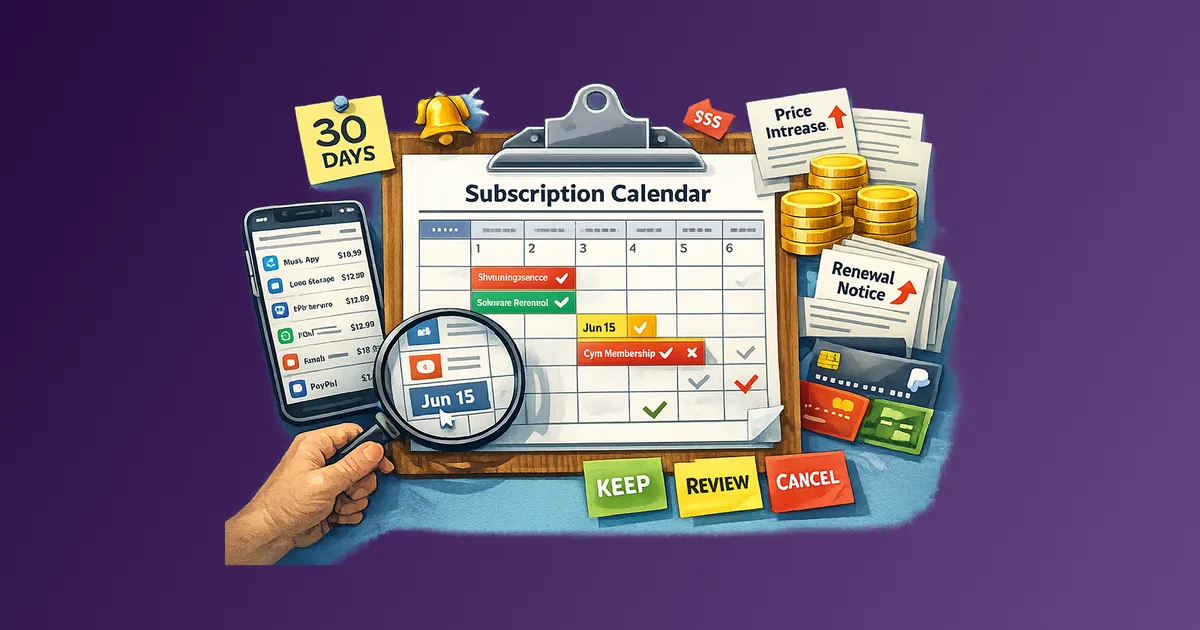
Every new subscription gets a calendar event on the day it starts and on the renewal date. This applies to free trials, paid plans, and annual commitments.
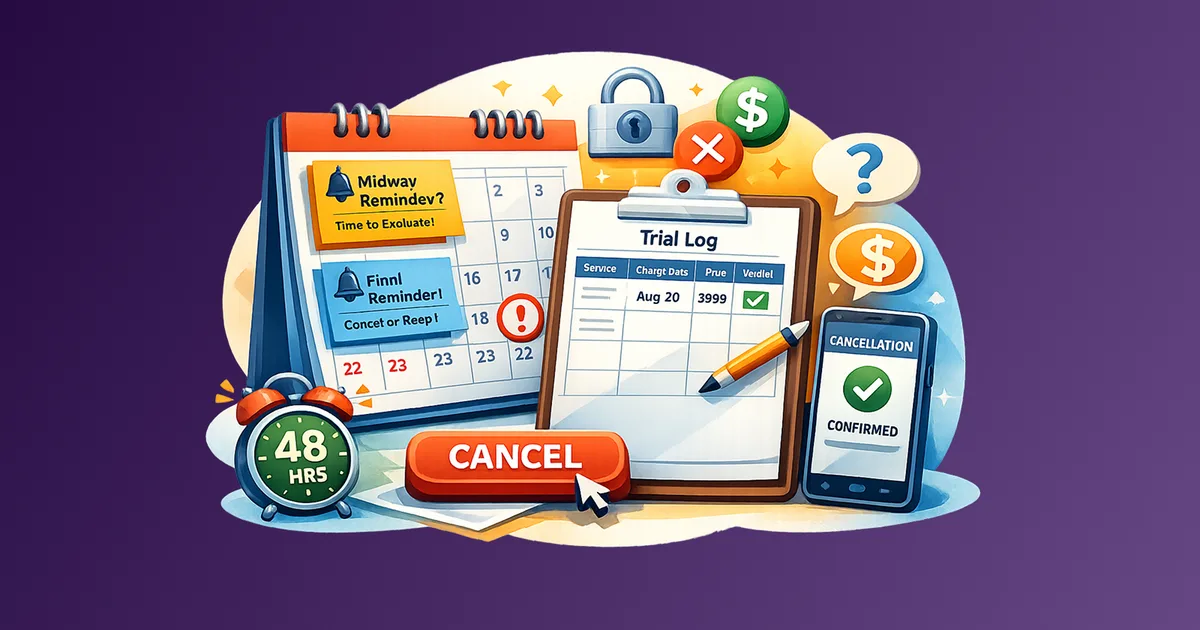
For annual plans, set two reminders: one 30 days before renewal and one 7 days before renewal. The 30-day mark is when you have time to evaluate and decide. The 7-day mark is when you act.
For free trials specifically, set the cancellation reminder 2 days before the trial ends. This accounts for processing time and time zone differences. The guide on How to Avoid Free Trial Traps covers the two-reminder system in detail.
The quarterly review
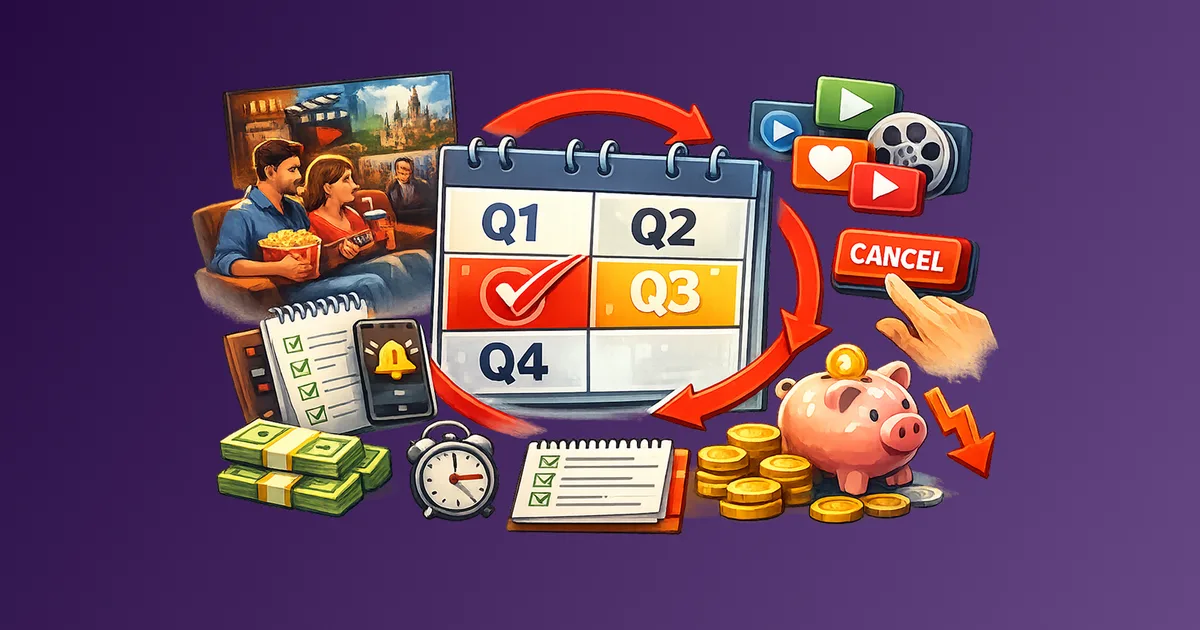
Four times a year, run through your full recurring expense list and apply one question to each item: is this worth what I am paying right now?
Not "was it worth it when I signed up." Not "will I probably use it more in the future." Right now.
The Recurring Expense Audit Checklist has a structured monthly and quarterly review process. The quarterly version is where most unnecessary subscriptions get caught, because monthly reviews often feel too recent to act on.
During each quarterly review, also check for:
- Fee increases you may have missed (look at actual billing statements, not just the subscription summary)
- Services that changed their terms or pricing since you last reviewed
- Bundles that have added or removed features
- Plans that have a cheaper equivalent now available
The goal is not to cancel everything. The goal is to make sure every active subscription is an active decision.
Common Mistakes That Keep the Trap Active
Relying on email notifications from the service itself
Services are not required to make their renewal emails prominent. Annual renewal reminders often arrive as a single email that looks like routine marketing. The calendar rule exists precisely because you cannot rely on the service to remind you in time to act.
Confusing "cancel" with "unsubscribe"
Unsubscribing from marketing emails does not cancel a subscription. The two actions happen in separate systems. Always confirm cancellation through the billing or account settings, not through an email link.
Accepting a pause as a cancellation
A pause keeps you in the billing relationship. Some services will resume billing automatically after the pause period without additional notice. If you want to stop paying, cancel. If the pause is genuinely useful, confirm the exact date billing resumes and add it to your calendar.
Forgetting about payment method changes
When you get a new card or update a payment method, active subscriptions on the old card may fail or may automatically migrate to the new card depending on how the service handles billing. This is a useful moment to run an audit: do you actually want all of these subscriptions to continue?
Missing the free-to-paid transition in bundled services
Some services include a trial period as part of a bundle or device purchase. These are easy to forget because they were not a standalone signup. Apple subscriptions from device purchases, Amazon Prime bundled with a purchase, or software trials included in a hardware package are common examples.
FAQ
Are junk fees on subscriptions illegal?
It depends on the jurisdiction and the disclosure. In many markets, fees that were not clearly disclosed at the point of signup are legally problematic, and regulators have taken action against specific operators. But "problematic" does not always mean you automatically get a refund. Documentation and a formal dispute process are usually required.
What is the fastest way to cancel a subscription that has no online cancellation option?
Request cancellation via the company's support chat first (it creates a written record). If that fails, send a cancellation request by email and save the sent copy. If neither works, dispute future charges with your card issuer and reference your documented cancellation attempts.
Can I cancel a subscription and still keep access until the paid period ends?
In most cases, yes. Canceling typically stops the next renewal, not your current access. Confirm this in the cancellation confirmation to avoid surprises.
How do I catch fees I did not know I was being charged?
Pull your bank and card statements for the last three months and look for recurring charges in any amount. The Invisible Inflation article explains the stealth pricing tactics that make these fees easy to miss.
What should I do if a charge appears after I canceled?
Contact the service first with your cancellation confirmation as evidence. If they do not refund within a reasonable window (typically 5 to 10 business days), initiate a chargeback with your card issuer. Most issuers will side with documented evidence of cancellation.
How often should I audit my subscriptions?
Monthly for a quick scan of new charges. Quarterly for a full review including value assessment, fee checks, and tier optimization.
Next Step
Run the documentation checklist this week for any subscription you have been meaning to cancel but have not. That alone closes most open loops.
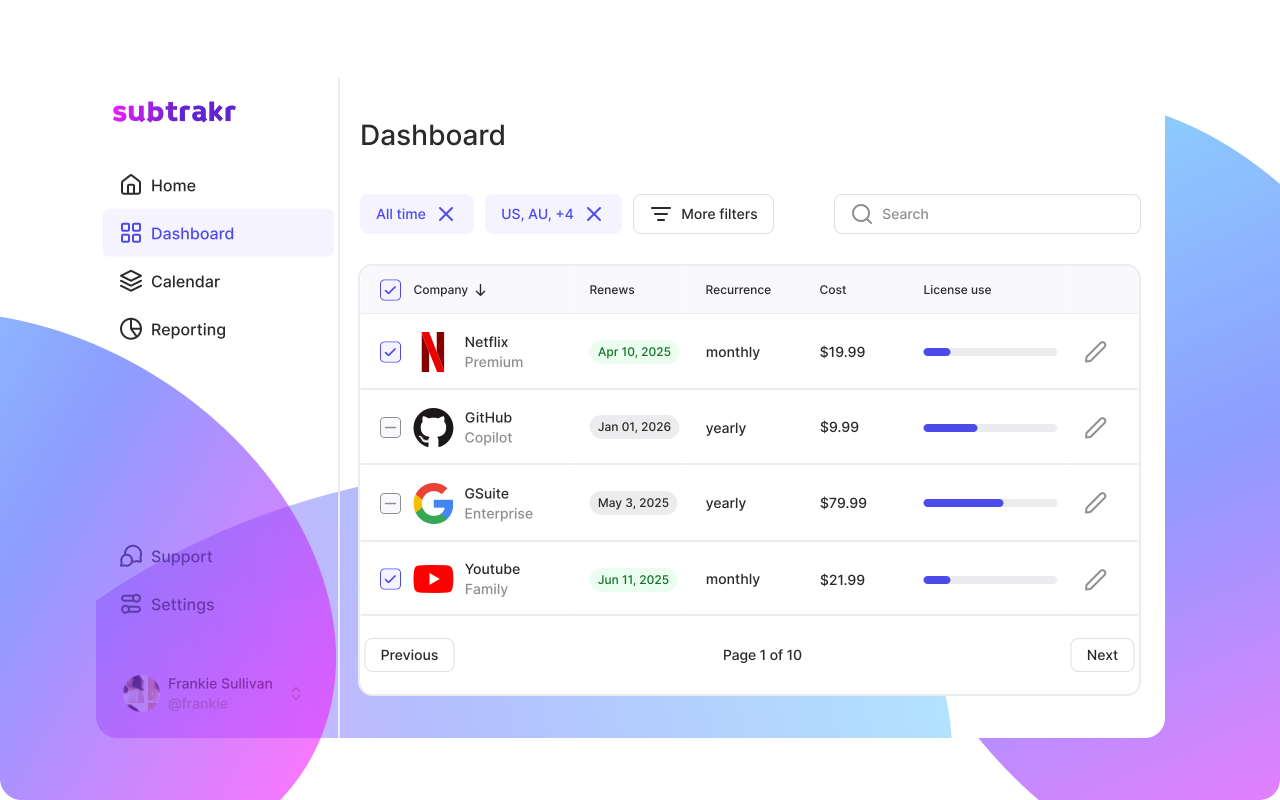
If you want to track all of your recurring expenses in one place and see your true monthly total, Subtrakr is built for exactly that. Manual input, automatic calculation, full clarity.